

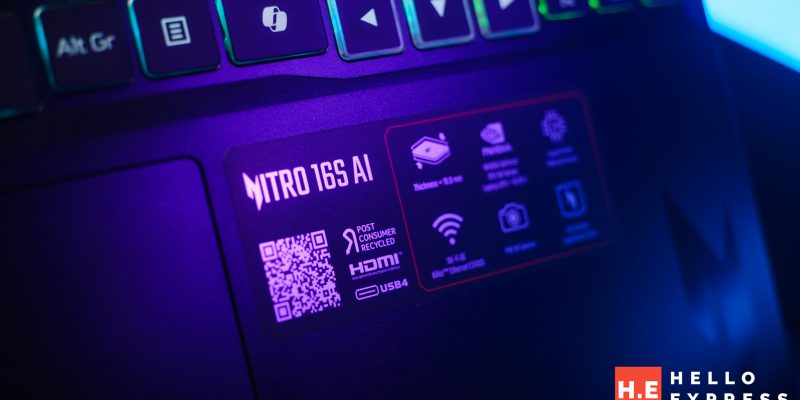
The Academic & Office Ally: Why the Acer Nitro 16S AI is the New Practical Standard for Daily Intelligence

Table of Contents
We recently stirred the pot by discussing why hosting your own chatbot offline is the single most important move you can make for your digital privacy.

But for the average university student or the modern office employee, the question isn’t about running world-class server farms—it’s about having a reliable, private assistant that helps with research, summarizing lecture notes, or drafting emails, or preparing that proposal without relying on an internet connection.
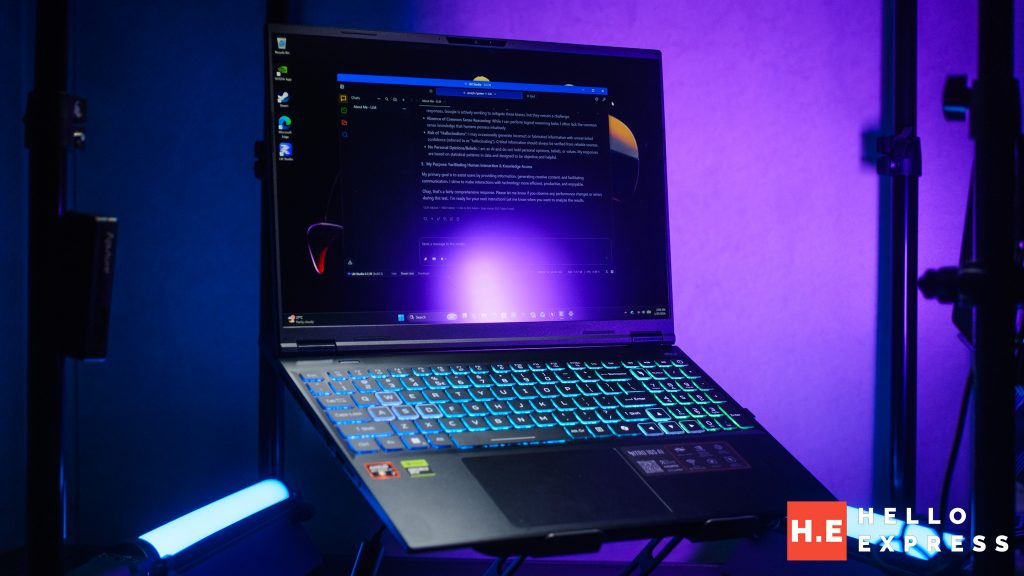
The hardware landscape has shifted rapidly, and the arrival of the Acer Nitro 16S AI suggests that carrying a “private brain” in your backpack is no longer a niche luxury for tech elites, but a high-functioning norm for anyone navigating a modern workload.
The Visual Alchemist: 4K OLED Meets Liquid Metal Cooling
Powered by AMD Ryzen™ AI 7 350 and parried with GEFORCE RTX 5060 8GB, flagged with 32GB DDR5 RAM. What intrigue me most about the Acer Nitro 16S AI wasn’t just the raw numbers, but the sheer visual clarity of its 4K Mini LED OLED display. For a student spending hours cross-referencing PDFs or an employee staring at complex spreadsheets, this screen is a literal eye-saver. The deep blacks and crisp resolution make reading effortless, even in the harsh lighting of a campus library or a bright open-plan office.
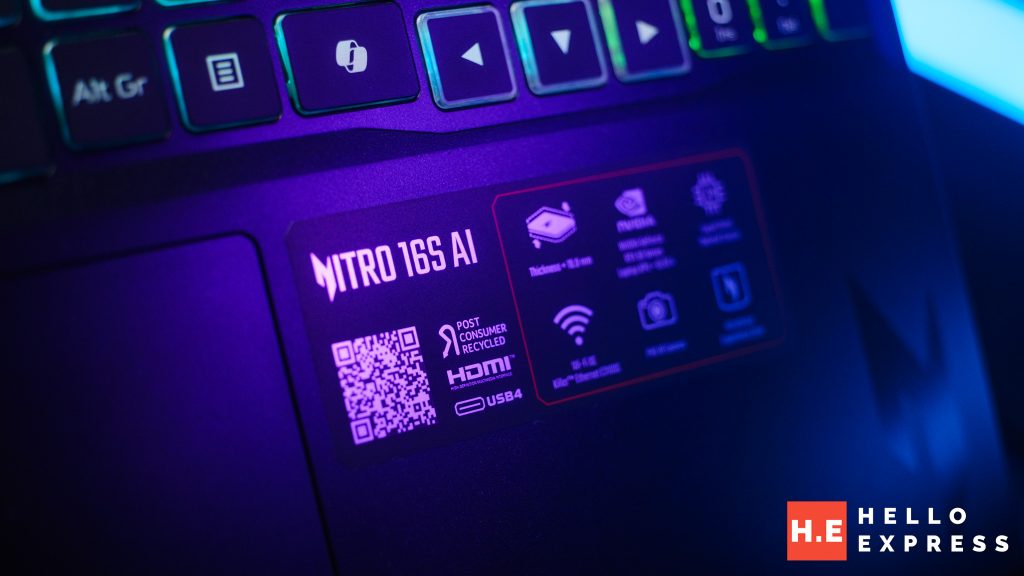
However, running AI tools in our sweltering humidity weather usually makes a laptop feel like a space heater. This is where Acer’s “no compromises” thermal approach changes the daily experience; by utilizing Liquid Metal thermal grease and the NitroSense interface, the machine stays remarkably cool and composed.
It’s a masterclass in efficiency, providing enough power for AI-assisted research without the infuriating fan whine that would usually distract your classmates or colleagues, ensuring the hardware survives the tropical grind of a full day on campus.
The Hello Benchmark
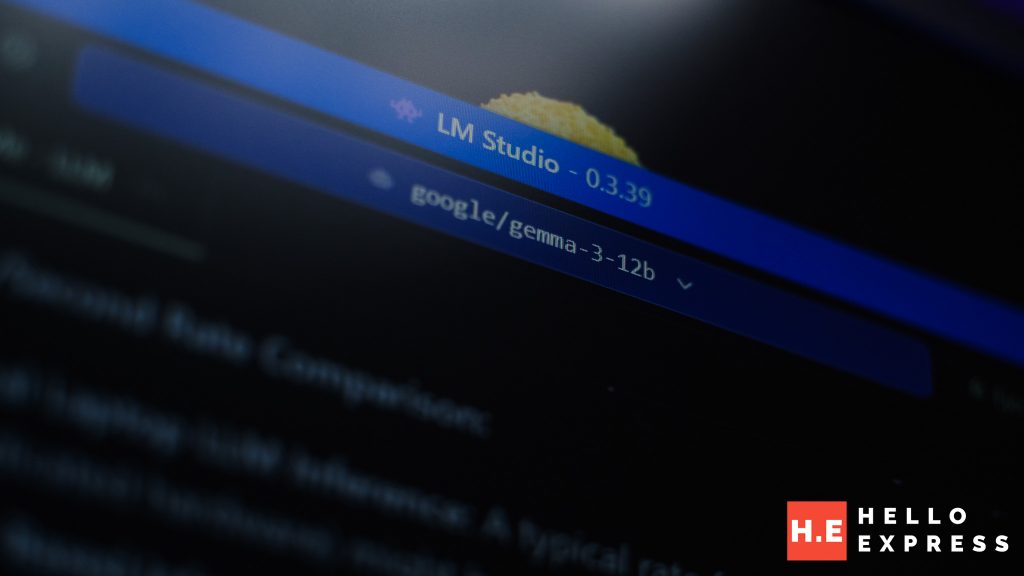
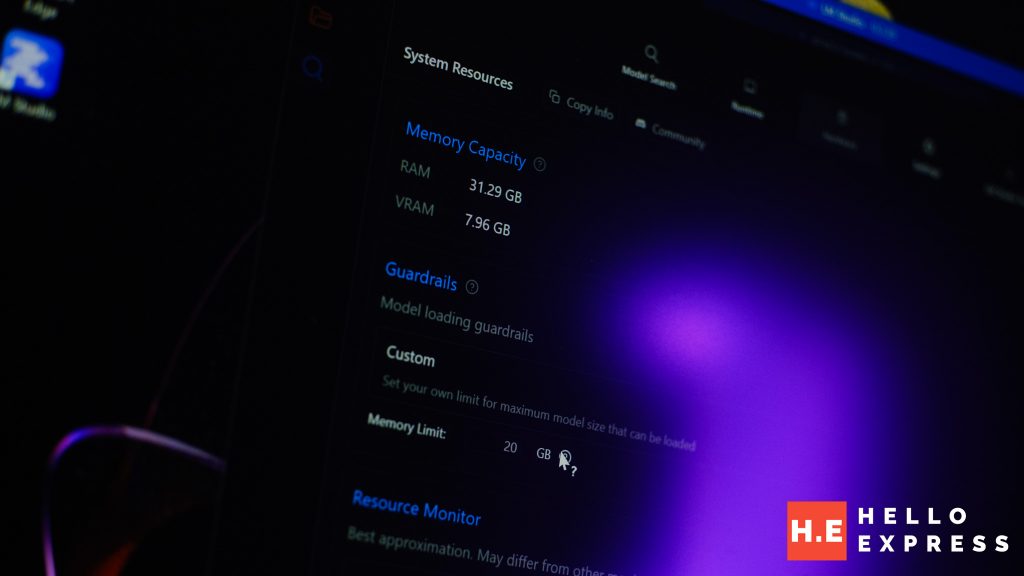
When we fired up LM Studio to put this machine through its paces, we looked at it through the lens of a typical daily user. We loaded the Gemma 3-12b model and dedicated a massive 20GB of memory to the task. Seeing the text stream at a steady 13 tokens per second was a revelation for anyone who has ever waited for a cloud-based AI to “think” during peak office hours.
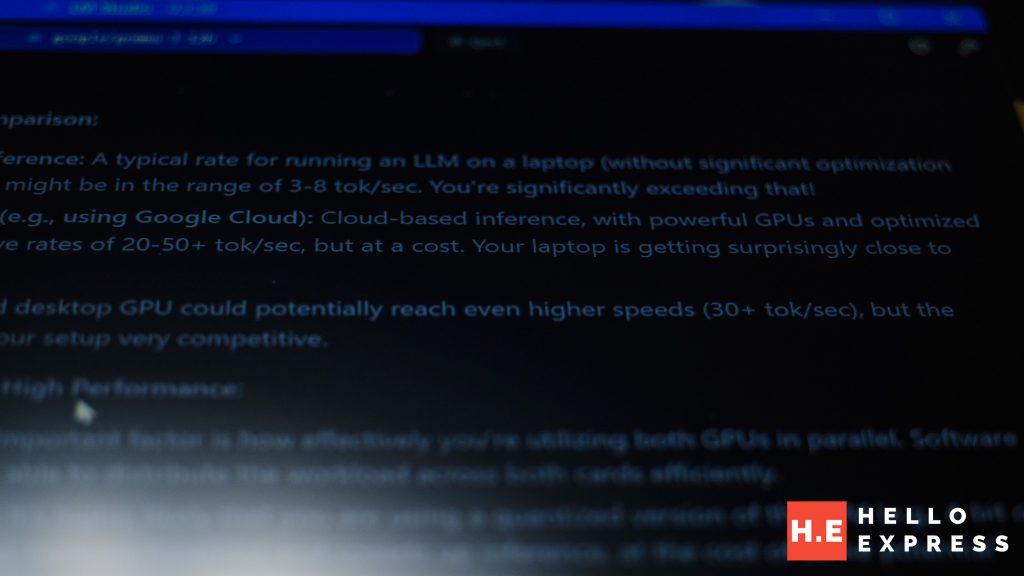
While heavy users might chase higher speeds, 13 t/s is remain reasonable. It’s faster than the human eye can comfortably scan, meaning your AI study partner stays ahead of you while you’re brainstorming a thesis or drafting a report.
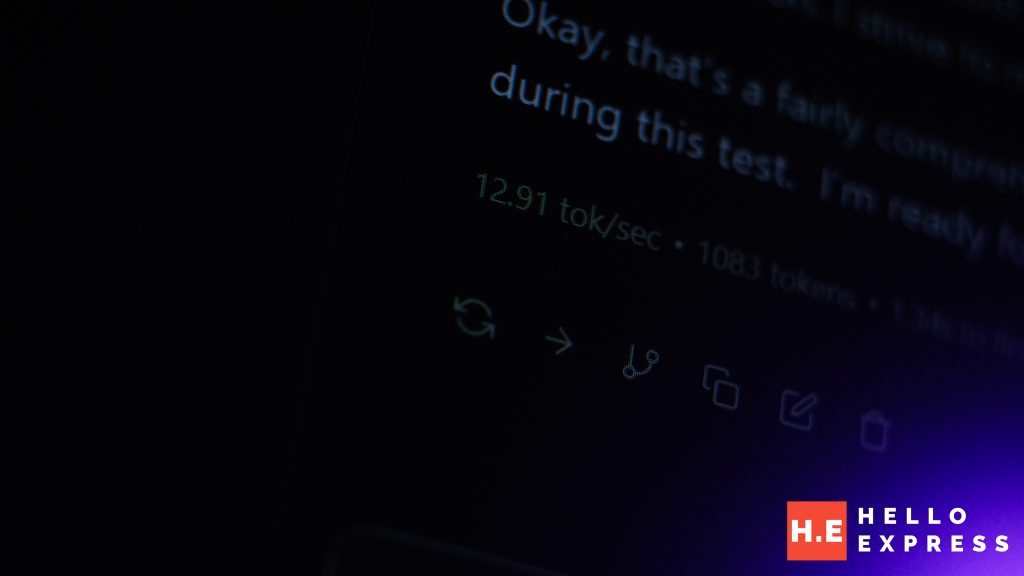
It is important to note that this hardware has significantly more headroom than our standard benchmark suggests. While we hit 13 t/s using a heavy-hitter like Gemma 3 on default settings, a little bit of tinkering with quantization or offloading would easily push this machine past the 20 tokens/s mark.
If you opt for lighter, highly-efficient LLMs, the Nitro 16S AI can potentially deliver near-instantaneous responses that make it feel more like a dedicated silicon partner that respects your time.
The Subscription-Free Freedom
Ultimately, the Acer Nitro 16S AI represents a shift away from the “rent-everything” economy that drains a student’s budget or an worker’s wages. Instead of sending your data and your RM (Yay RM going strong now!) to a server farm overseas, this machine allows you to own your intelligence outright.
Whether you are navigating the patchy 5G spots in a new campus building or working from a commute with zero connectivity, your 12-billion parameter assistant remains fully functional.
This is the real-world benefit of the 13 tokens per second benchmark—it’s not much, but its remain practical and maintain digital independence. It proves that with 32GB of RAM and Liquid Metal cooling, the most powerful AI in the lecture hall is the one sitting right on your lap.



[…] Baca: Acer […]