
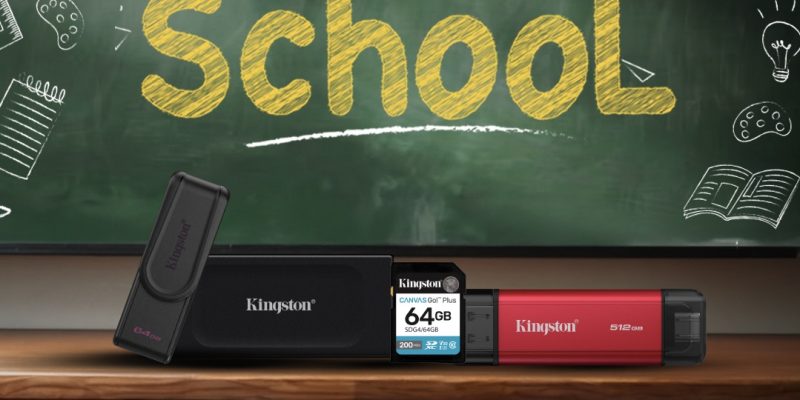
Kingston Backs The Back-To-School Push With NV3, KC3000, XS1000 And FURY Renegade G5 For Malaysian Students

TLDR
- Kingston Technology has rolled out its 2026 back-to-school storage and memory lineup targeting students heading into the new academic year
- Internal upgrades span three NVMe SSDs: the NV3 for everyday coursework, the KC3000 for heavier creative workloads, and the FURY Renegade G5 with PCIe 5.0 speeds for gaming-tier performance
- Portable storage covers the Dual Portable SSD (dual USB-A and USB-C connectors) and the XS1000 external SSD (USB 3.2 Gen 2, pocket-sized form factor)
- The DataTraveler Exodia S USB flash drive rounds out the lineup as a simple, rotating-cap option for everyday file transfers up to 512 GB
- Pairing with any of the SSDs, the FURY Beast DDR5 RGB memory kit adds on-die ECC, dual subchannels, and dynamic lighting for a full system refresh
Kingston’s Back-to-School Push For Malaysian Students
Kingston Technology is using the back-to-school season as a reason for Malaysian students to look seriously at storage and memory upgrades. The company has bundled a seven-product lineup covering internal SSDs, portable drives, USB sticks, and DDR5 RAM, pitched at three use cases: getting coursework done faster, carrying large project files between locations, and handling gaming and content creation on the same machine.
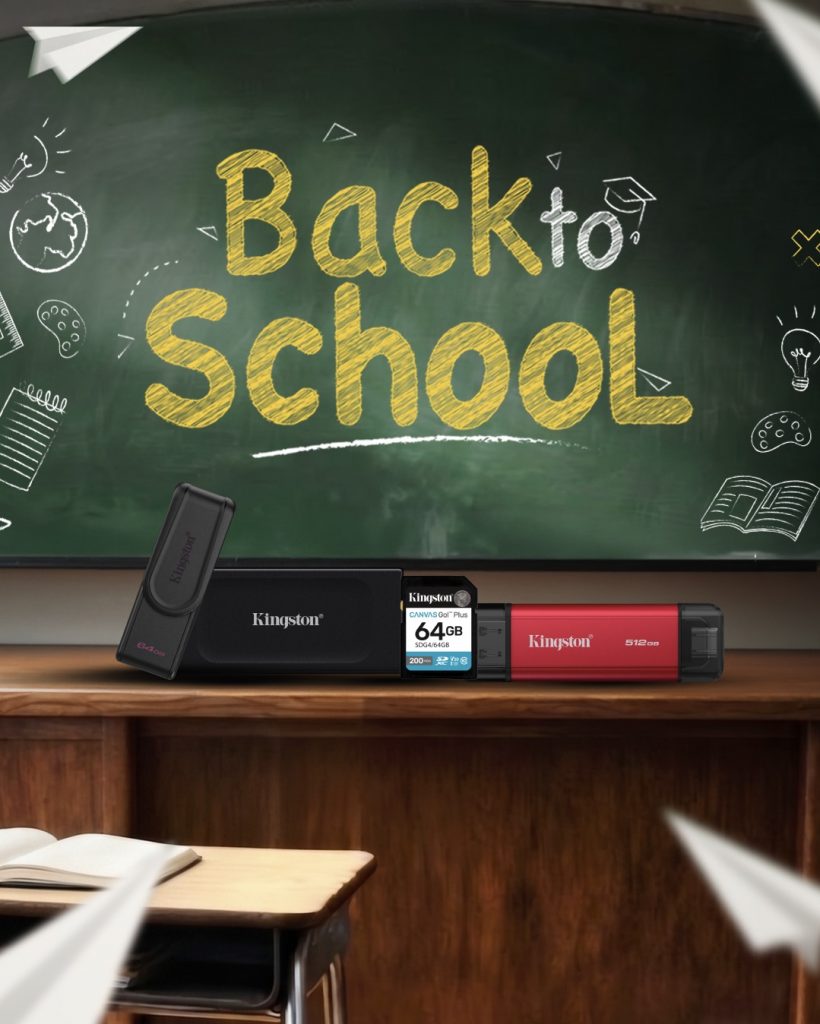
The framing is pragmatic rather than aspirational. For most students, the bottleneck is not the CPU or the screen; it is the time spent waiting for files to load, applications to open, or game levels to stream from a slow drive. Kingston’s pitch is that a targeted storage and memory upgrade delivers a more responsive everyday experience without forcing a full laptop replacement.
Internal SSDs: NV3, KC3000, and FURY Renegade G5
For students who can open their laptop, Kingston is offering three internal NVMe SSDs at different price and performance tiers.

The Kingston NV3 is the everyday option. Built on a PCIe 4.0 x4 NVMe controller in the M.2 2280 form factor, it delivers sequential read speeds up to 6,000 MB/s and write speeds up to 5,000 MB/s, with capacities up to 4 TB. It is a sensible drop-in upgrade for a laptop or desktop that still ships with a slower SATA or early-generation NVMe drive.
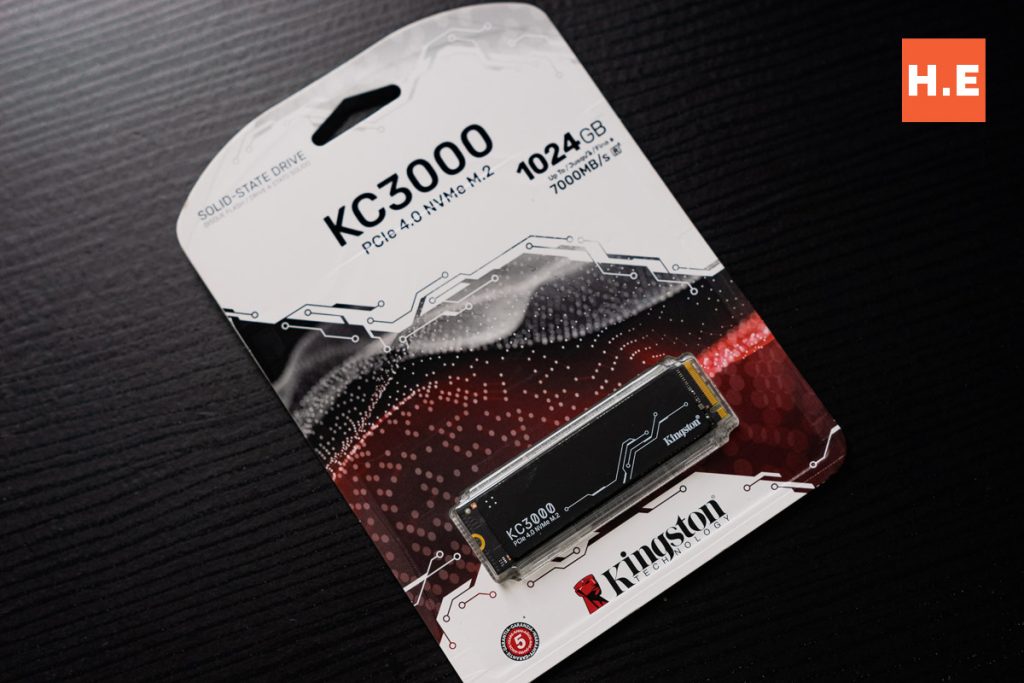
Step up to the Kingston KC3000 if the workload involves 4K video editing, 3D modelling, or large data projects. The KC3000 uses the same Gen 4×4 NVMe controller but pairs it with 3D TLC NAND and a graphene aluminium heat spreader. Sequential throughput reaches 7,000 MB/s on both read and write, which is comfortably fast enough for sustained creative workloads.
At the top sits the Kingston FURY Renegade G5, a PCIe 5.0 NVMe M.2 SSD with a Gen 5 x4 controller and 3D TLC NAND. Sequential read speeds hit 14,800 MB/s and write speeds reach 14,000 MB/s, with throughput exceeding 2 million IOPS. Capacities scale up to 8 TB, which is enough to hold a serious game library alongside coursework files. It is overkill for essays but exactly the right fit for students juggling AAA gaming and video editing on the same machine.
Portable Storage: Dual Portable SSD and XS1000
Students rarely stay in one place, which is where portable storage earns its keep. Kingston is offering two external SSDs that cover different points on the size-versus-speed-versus-compatibility spectrum.
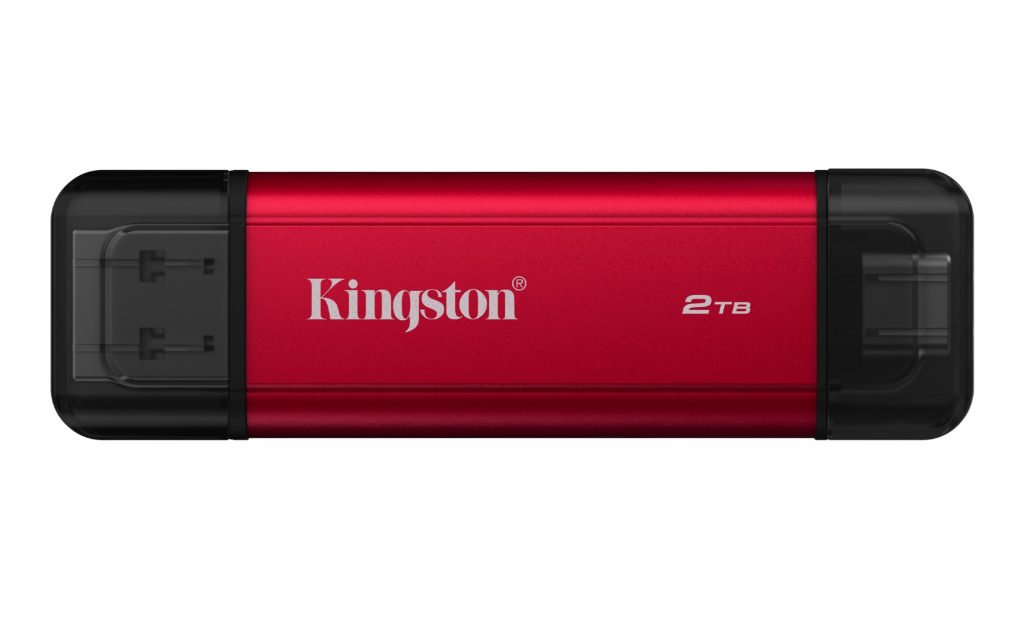
The Kingston Dual Portable SSD targets users who regularly move between laptops, desktops, and smartphones. It carries both USB Type-A and Type-C connectors on a single body, so transferring a 50 GB project folder from a friend’s older laptop to a newer USB-C machine is a matter of flipping the drive over, not hunting for a cable. Sequential speeds reach 1,050 MB/s, and capacities go up to 2 TB.
The Kingston XS1000 is the lighter, smaller sibling. It is a true pocket-sized drive that weighs almost nothing and slips into a backpack sleeve without adding bulk. Speeds match the Dual Portable at 1,050 MB/s over USB 3.2 Gen 2, and the box includes a USB-C to USB-A cable plus a USB-A to USB-C adapter, which means it works out of the box with PCs, Macs, tablets, game consoles, smart TVs, iPhones, and Android phones.
USB Flash: DataTraveler Exodia S
Not every file needs to live on a fast SSD. For class notes, slide decks, and the occasional photo dump, the Kingston DataTraveler Exodia S is the practical choice. It runs over USB 3.2 Gen 1, ships in capacities up to 512 GB, and uses a rotating cap design that protects the connector without a separate loose piece to lose. It comes in a range of colours, which matters less for performance than for not confusing three identical sticks in a drawer.
Memory: FURY Beast DDR5 RGB
Pair any of the SSDs above with the Kingston FURY Beast DDR5 RGB memory kit, and the bottleneck moves firmly off the storage and memory subsystem. The kit supports on-die ECC for stability under load, uses dual subchannels for higher effective throughput, integrates power management directly on the DIMM, and ships with dynamic RGB lighting for builds where that matters. It is the kind of upgrade that turns a mid-range laptop or desktop into a machine that handles large browser sessions, video calls, and a game in the background without flinching.
Our Take
Kingston’s back-to-school push is well organised around the three things students actually upgrade: internal storage, portable storage, and memory. The tiering is honest — the NV3 covers the common case, the KC3000 addresses the creative workload, and the FURY Renegade G5 is the spec sheet flex for students who can justify it. The real question for any Malaysian student looking at this lineup is whether to spend the upgrade money on storage and memory first, or on the laptop itself. For most people buying a mid-range notebook, the answer is storage and memory: a 4 TB NV3 plus a DDR5 upgrade costs less than half of a step-up in CPU tier and shows up in everyday responsiveness in a way the CPU bump rarely does.
Versi Bahasa Malaysia: Kingston Menyokong Kempen Kembali Ke Sekolah Dengan NV3, KC3000, XS1000 Dan FURY Renegade G5 Untuk Pelajar Malaysia