ASUS Jelly75 Keyboard Review: Cute, Custom, and Quiet

Table of Contents

We tried the Asus Marshmallow keyboard some time ago. While not exactly a groundbreaking device, it was a solid novelty item. It was cute, functional, and served as a great gift alongside other Asus devices.

But what if you want to take that “cute” aesthetic to the next level? What if you want mechanical switches and high customizability? Enter the Asus Jelly75 Keyboard.
Asus Jelly75 Design and Chassis
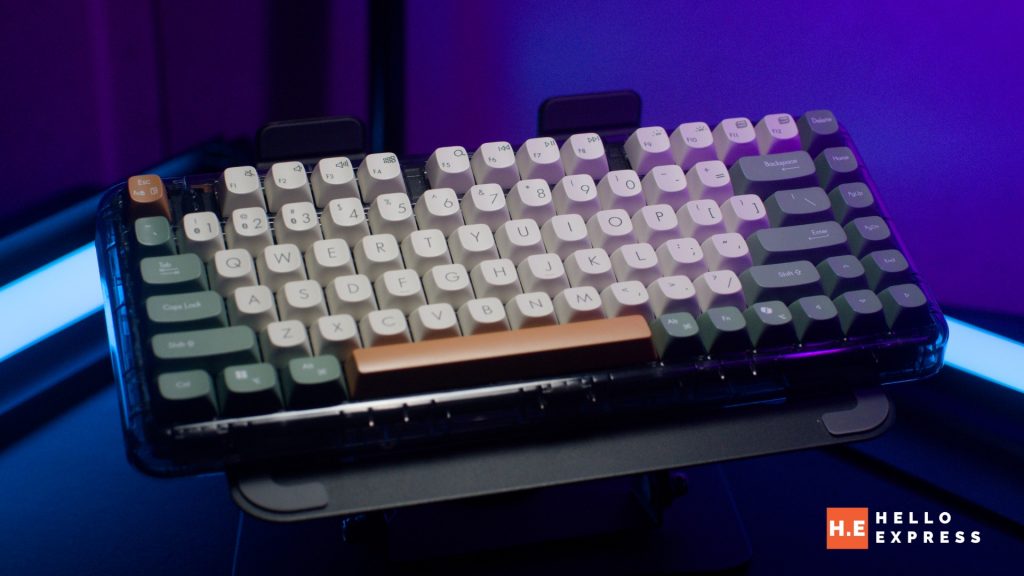
The Asus Jelly75 Keyboard (KD201) features a compact and modern design. It offers a sleek, versatile style that is lifestyle-oriented and seamlessly complements notebooks, PCs, and tablets. It is available in two distinct color options: Orange Meadow and Volt Green. Both versions feature contrasting space bars and Esc keys designed for better visibility.
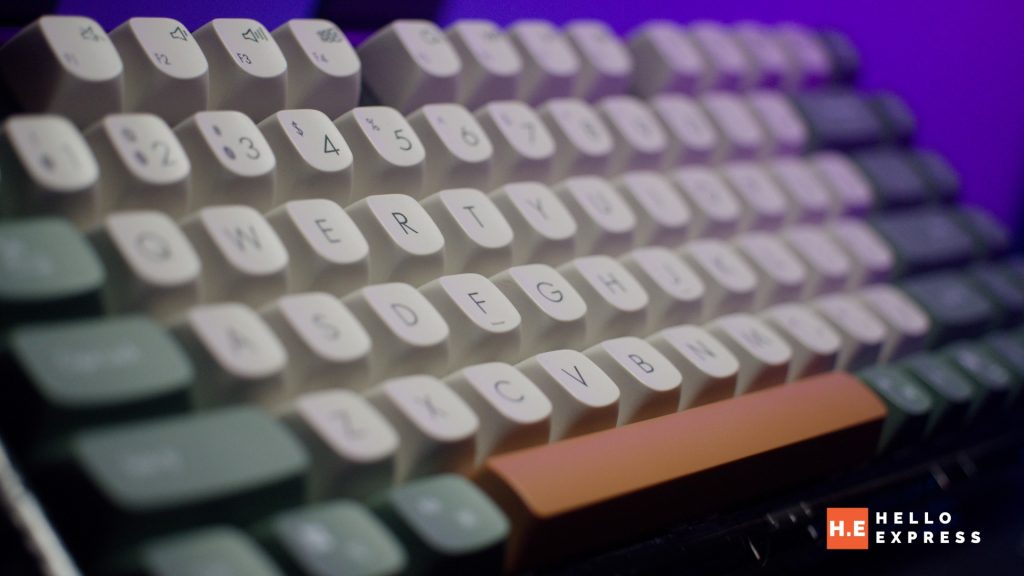
The build quality incorporates anti-slip PC keycaps built for lasting durability. This ensures a stable touch while retaining texture and appearance over time. However, the real highlight of the design is the built-in gasket mount structure.

This structure contributes to a flexible, low-noise typing experience by dampening vibrations and keypress sounds. It is genuinely among the quietest keyboards I have tried so far. The internal dampening adds a bit of weight, giving the Asus Jelly75 Keyboard a solid, premium feel.
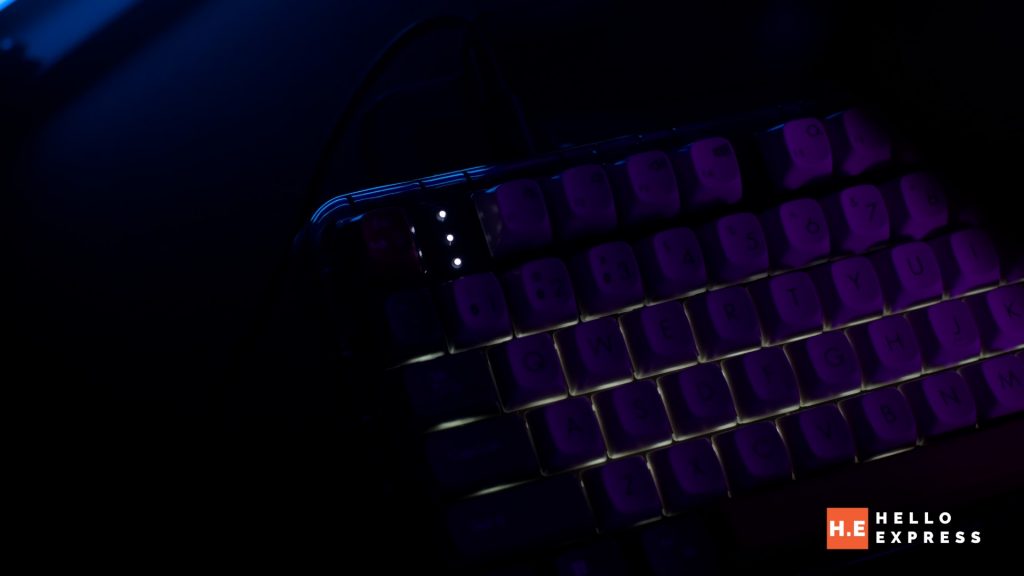
While it does not feature full RGB, the keyboard includes an adjustable soft white backlight with four levels of intensity. This enhances comfort in office settings and helps reduce eye fatigue. Furthermore, ergonomic comfort is adjustable; the keyboard offers multiple levels of lift (flat, one stand, or two stands) to suit your wrist position.

Asus Jelly75 Switches and Typing Experience
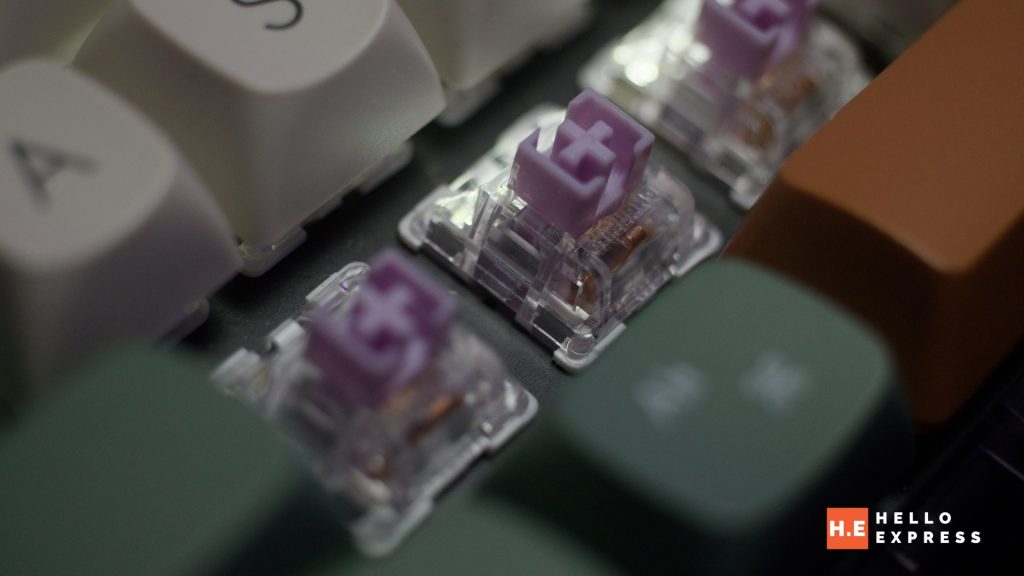
The keyboard uses an unnamed switch rated for a 50-million-click lifespan. Despite the mystery branding, the feel is moderate in terms of actuation force, leaning towards the softer side. Typing on the Asus Jelly75 Keyboard gives me the feeling of a lazy Sunday morning—relaxed and comfortable.
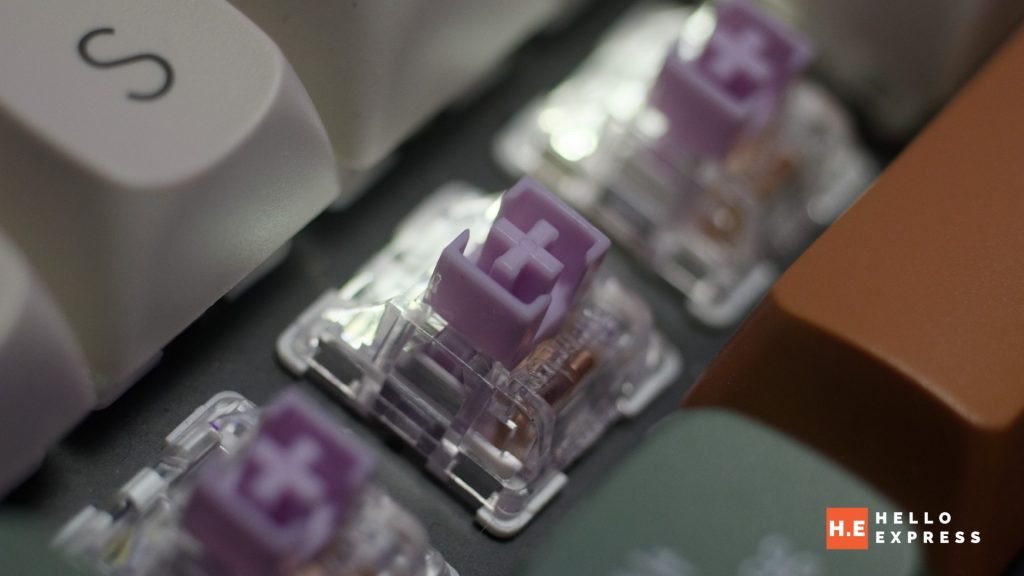
A major highlight is that the switches are hot-swappable. Users who need a specific switch type can easily swap them out to suit their specific typing habits.
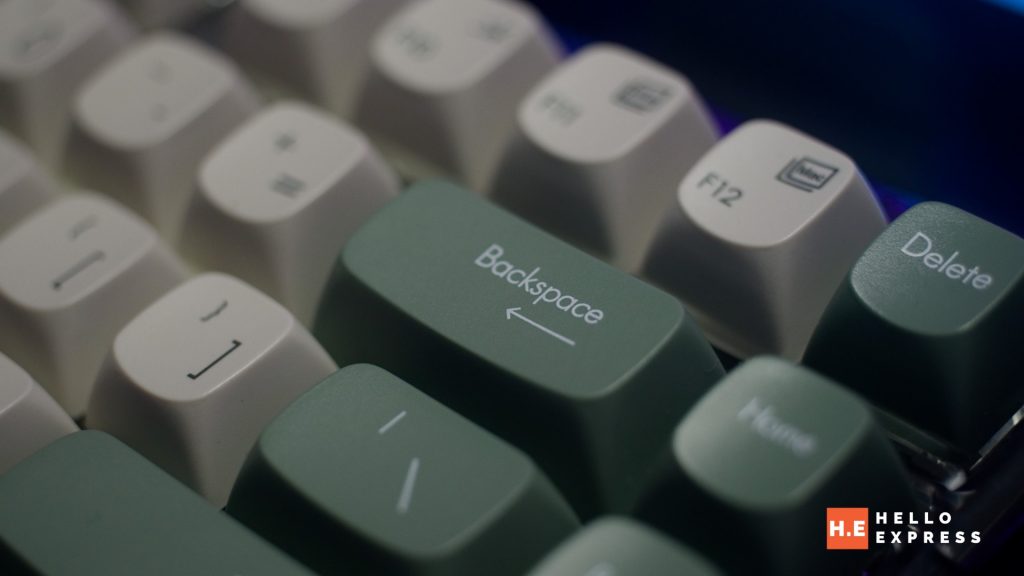
The keycaps themselves are quite unique. They are incredibly curvy, which helps guide your fingers into the center of the cap. Aesthetically, this design choice makes the board look like jiggling jelly, fitting the name perfectly.
Asus Jelly75 Connectivity and Performance
The Asus Jelly75 Keyboard offers seamless multi-device connectivity through three distinct modes: 2.4 GHz wireless, USB, and Bluetooth. This functionality allows the keyboard to connect to and switch effortlessly between up to five devices concurrently, such as a laptop, PC, and tablet.
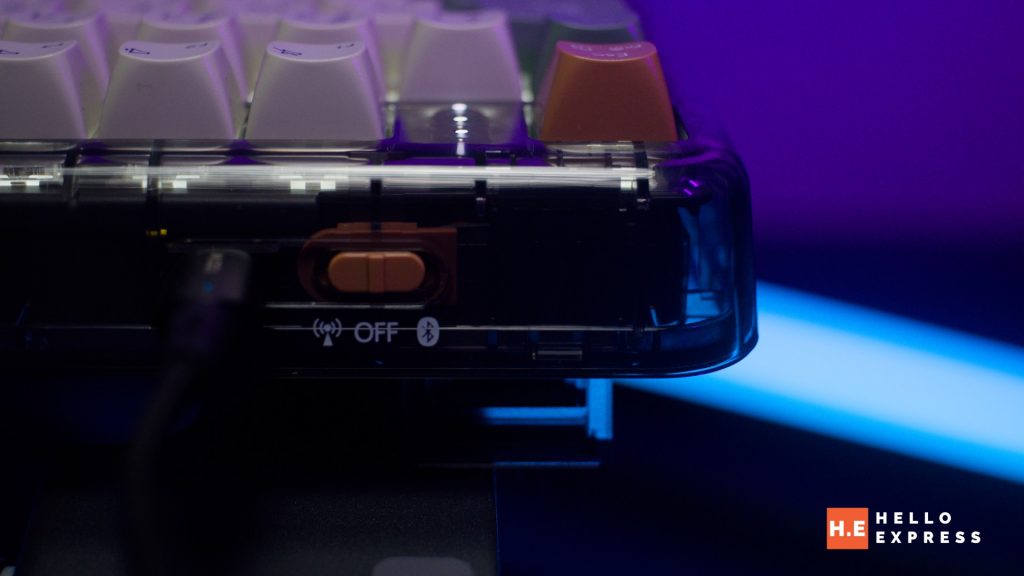
For those who need speed, you have the option to boost performance. Users can increase the wired (USB) polling rate up to 1000 Hz and the 2.4 GHz wireless polling rate up to 500 Hz simply by pressing Fn + T.
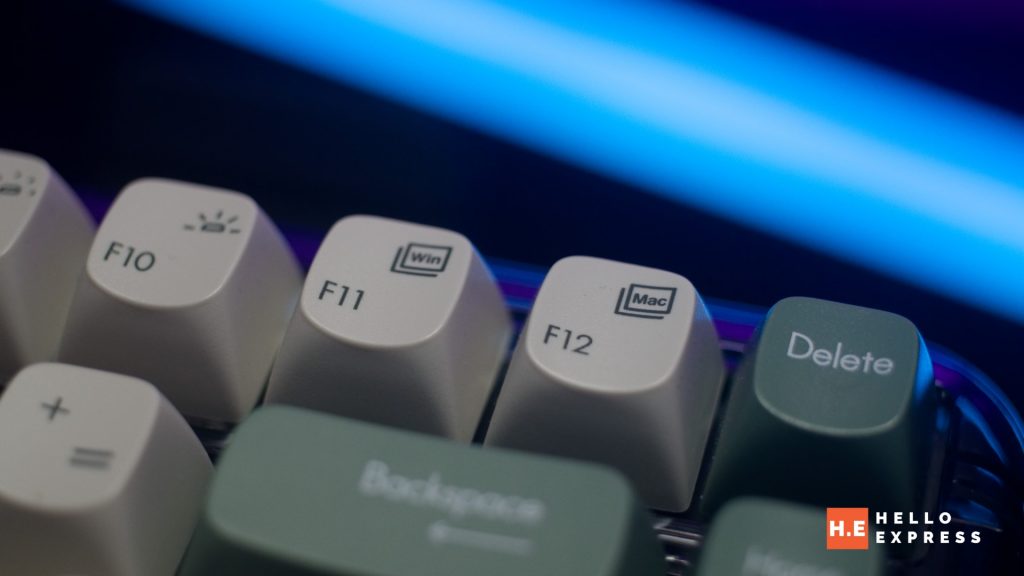
Additionally, the keyboard includes dedicated system switch keys. This makes it easy to toggle between Windows and macOS modes for a smooth, uninterrupted experience across different operating systems.
Battery Life
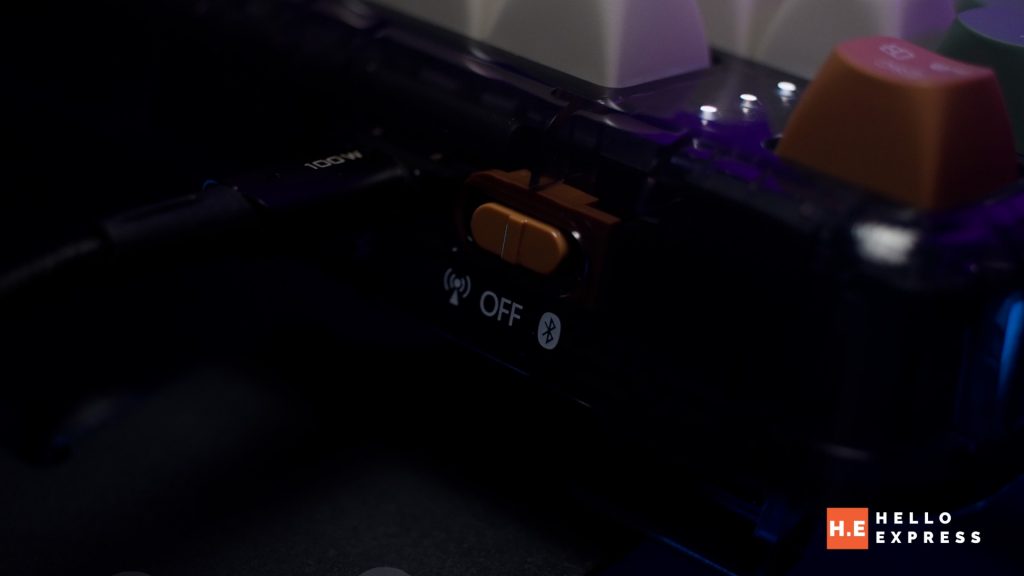
The device is equipped with a rechargeable battery via a USB Type-C connection. While there is no official mention of the specific battery size (mAh), I spent a full day using the keyboard in 2.4GHz mode, and it held up just fine without needing a charge.
Asus Jelly75 Conclusion
Priced at RM399, the Asus Jelly75 Keyboard is still considered a novelty item, but a very high-quality one. It is cute, functional, and truly looks like jiggling jelly.

The Asus Jelly75 excels with its extremely quiet gasket-mount structure, offering a typing experience that is soft and pleasant. Its unique, “jelly-like” aesthetic and comfortable keycaps give it a distinct personality that stands out from standard office peripherals. Ideally suited for modern workflows, it features versatile connectivity options including Bluetooth, 2.4GHz, and wired modes. Furthermore, the inclusion of hot-swappable switches allows for easy future customization.
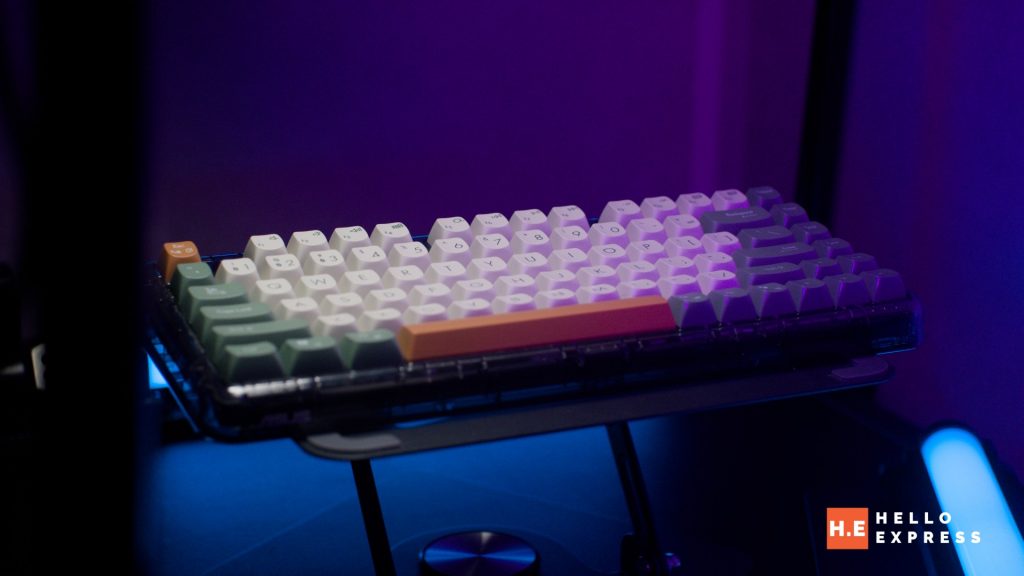
However, there are a few compromises. The lack of full RGB lighting means you are limited to a white backlight, which might not suit every setup. Additionally, the specific battery capacity is unlisted, which is a slight oversight in the spec sheet. Lastly, the stock switches are unbranded, although they do perform well in daily use.
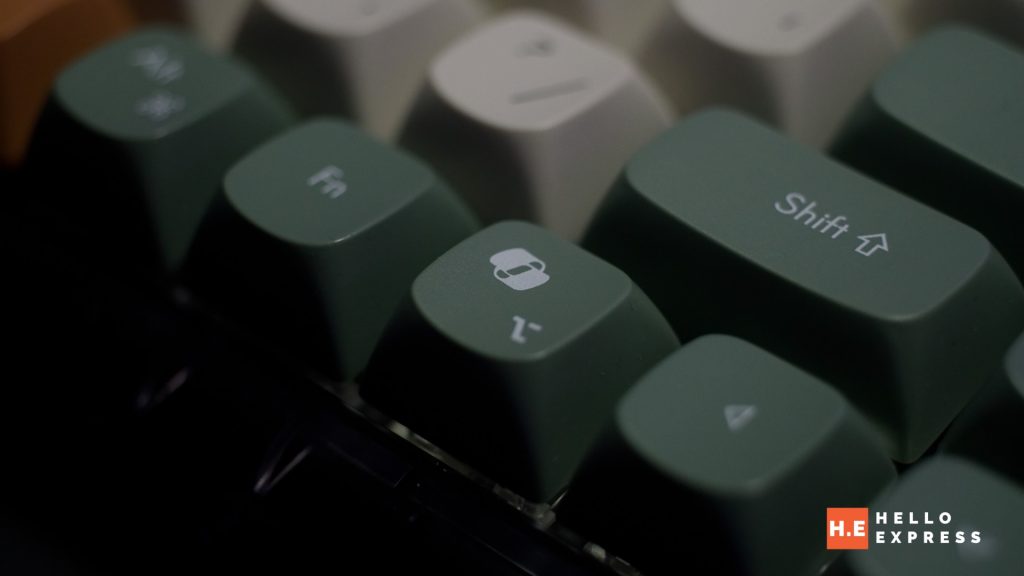
I really like this keyboard. At this price range, many other mechanical keyboards take themselves very seriously. However, the Jelly75 holds up on its own merits while keeping things fun.

I recommend the Asus Jelly75 Keyboard for those who seek a stable, high-performance input device that manages to look cute at the same time. We are happy to award it the Hello Express Gold Award.
Help support us!
If you are interested in the Asus Jelly75 Keyboard, we would really appreciate if you purchase them via the link below. The affiliate links won’t cost you any extra, but it will be a great help to keep our lights on here at HelloExpress.
Shopee: https://s.shopee.com.my/3VdEj65plw
Asus Jelly75
Forget the noise and clutter. Level up to a workspace that radiates calm, precision, and undeniable style every single day.
Positives
- Exceptionally quiet typing experience due to the gasket-mount structure and internal dampening.
- Unique "jelly-like" aesthetic with curvy, anti-slip PC keycaps that offer a comfortable feel.
- Versatile connectivity options including Bluetooth, 2.4GHz wireless, and wired USB modes.
- Hot-swappable switches allow for easy customization and longevity.
- Seamless switching between Windows and macOS with dedicated toggle keys.
Negatives
- Lack of full RGB lighting; limited to a white backlight which may not suit all gamers.
- The stock switches are unbranded, which might concern enthusiasts looking for specific specs.
- Specific battery capacity (mAh) is not explicitly listed in the official marketing materials mentioned in the review.