MSI PRO MAX Series Display: The Best Mate for Mac at Computex 2026

TLDR:

- PRO MAX 271UPXW12G: QD-OLED panel with DarkArmor, Pantone Validated, 98W/15W dual USB-C PD
- AI Care Sensor + 3-Device KVM built in for multi-Mac workflows
- M-Mate app (M-Sync + M-Color) for seamless Mac color profile management
- PRO MAX 271QPHW E14: Circular Polarized panel, EyesErgo+, 144Hz, 65W single-cable hub
- Designed to match Apple aesthetics — pure white minimalist chassis
The Missing Piece of Your Mac Ecosystem
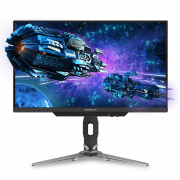
MSI just dropped a monitor lineup at Computex 2026 that’s been missing from Mac users’ desks for years. The PRO MAX Series — specifically the PRO MAX 271UPXW12G — is built as the definitive companion to MacBook, Mac Studio, and even iPad setups. The pitch is straightforward: no compromises, just a screen that gets out of your way and lets you work.
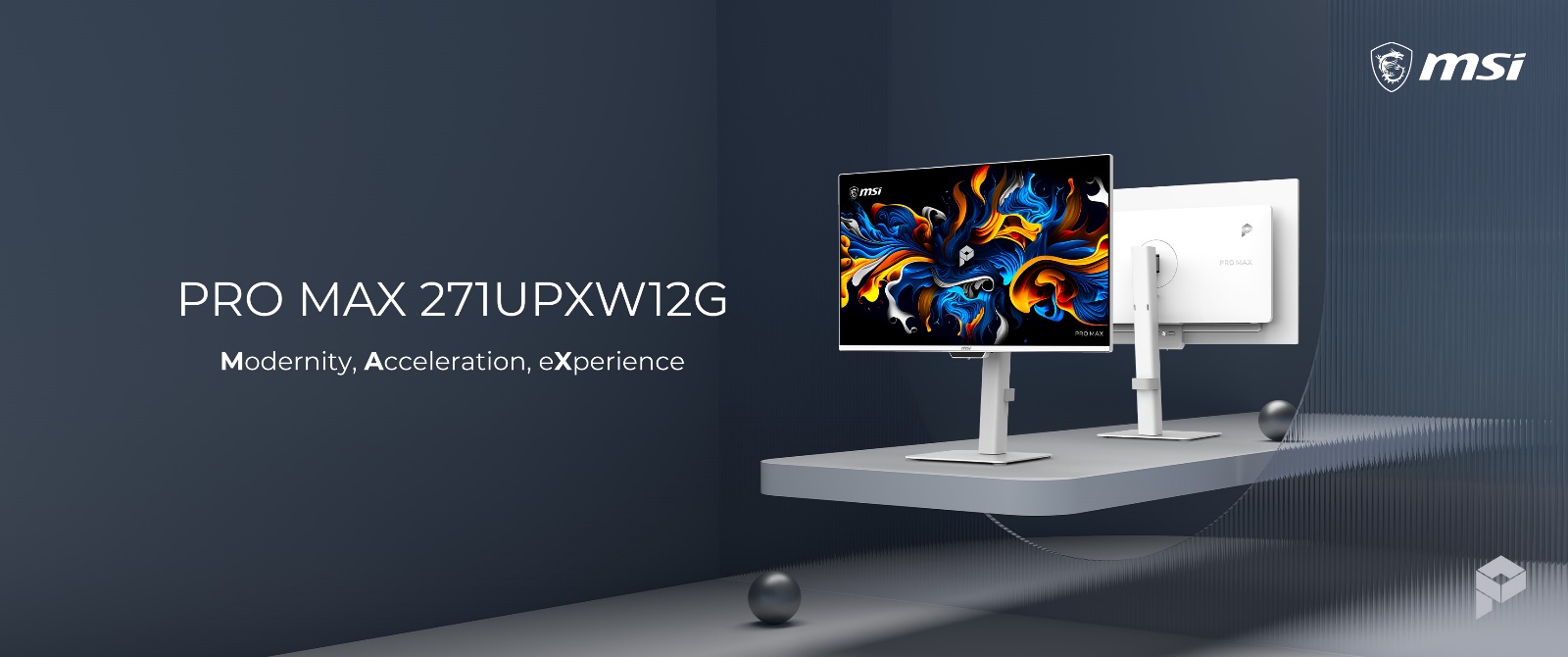
“MSI PRO MAX Series monitor is more than an addition to your desk — it is the missing piece of your Mac ecosystem,” MSI says. And looking at the spec sheet, they’re not overselling it.
PRO MAX 271UPXW12G — QD-OLED That Actually Matches Your Mac
The flagship PRO MAX 271UPXW12G pairs a 4K QD-OLED panel with MSI’s DarkArmor film, delivering 40% deeper blacks and the kind of contrast that makes creative work actually shine. At 166 PPI pixel density, every line of code and every curve in your design stays razor sharp — the same clarity you’d expect from a Liquid Retina display.
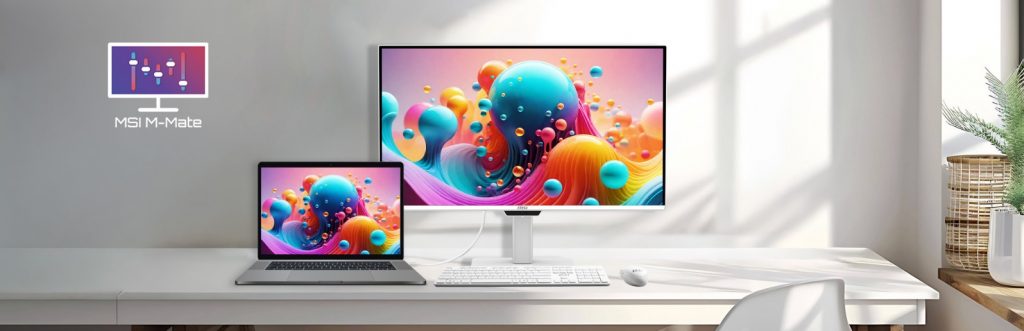
The real workflow unlock is the MSI M-Mate app. Two key features:
- M-Color: Keeps your color profiles consistent across every screen in your setup. No more manually adjusting color settings when you move between laptop and desktop.
- M-Sync: Fine-tune monitor settings with a few clicks instead of fumbling with physical buttons. For Mac users who’ve gotten used to software-first workflows, this feels native.
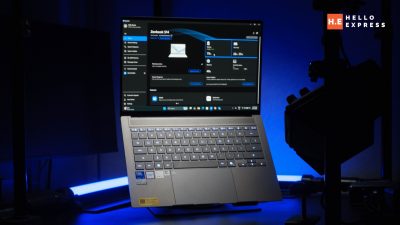
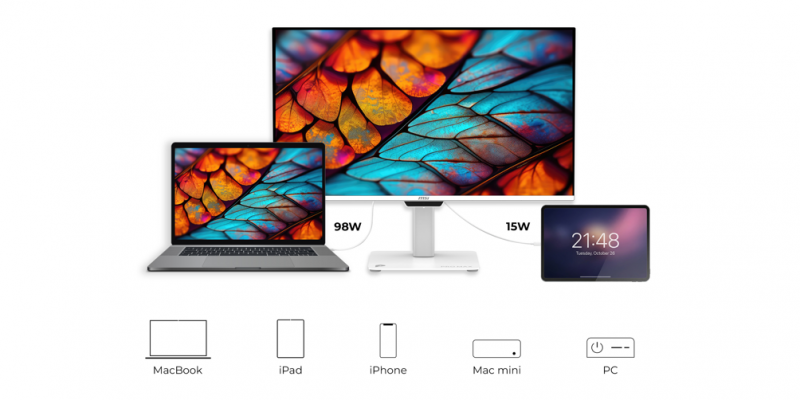
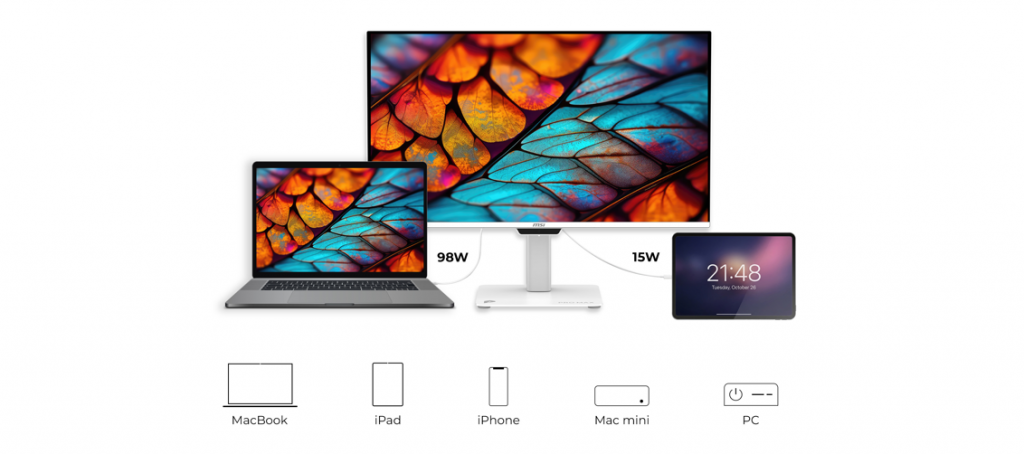
Dual USB Type-C architecture handles data transfer, 4K video, and power delivery through a single cable — 98W to your MacBook, 15W to your secondary device. That’s a proper single-cable docking experience.
Professional Grade Color — Pantone Validated
For designers, video editors, and anyone color-critical, the PRO MAX 271UPXW12G delivers:
- Pantone Validated and Pantone SkinTone Validated — Delta-E ≤ 2 rating
- Uniform Luminance technology — consistent brightness across the entire panel (no hot spots or dim corners)
- Dual Gamut Mode — switch between sRGB and DCI-P3 depending on your output target
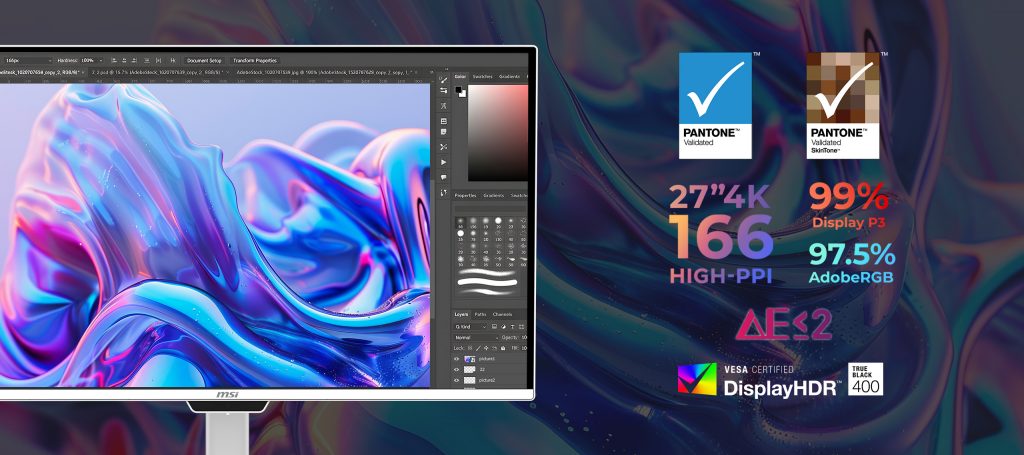
For context, Delta-E ≤ 2 is considered imperceptible to the human eye. Your finished work will look exactly as intended on screen, from edit to final output.
The 3-Device KVM is the real multitasker enabler. Control a MacBook, Mac Studio, and iPad simultaneously. Pair it with PIP/PBP to manage multiple streams at once — useful for content creators monitoring reference while editing.
AI Care Sensor auto-adjusts brightness based on your environment, reducing eye strain during long sessions. For creative professionals who spend 8+ hours in front of a screen, this actually matters.
PRO MAX 271QPHW E14 — EyesErgo+ for All-Day Wellness
The second model in the lineup, PRO MAX 271QPHW E14, debuts MSI’s EyesErgo+ ecosystem:
- Circular Polarized panel — mimics natural light to reduce eye strain (hardware-level, not just software filtering)
- Built-in blue-light reduction at the hardware level
- Fully adjustable ergonomic stand
It’s positioned as a high-efficiency hub: 65W USB Type-C single-cable solution, built-in KVM switch for multi-system control, and M-Mate software integration for MacBook workflows. The 144Hz refresh rate and Delta-E ≤ 2 color precision means you don’t trade visual wellness for professional-grade performance.
Our Take
Mac users have always been underserved by third-party monitors. The ecosystem lock-in is real — most displays feel like afterthoughts next to Apple hardware. MSI’s PRO MAX Series changes that equation.
The combination of Pantone validation, M-Mate color management, and single-cable USB-C docking solves three separate pain points that creatives have been managing with workarounds for years. The fact that it looks like it belongs next to a MacBook Air is the finishing touch.
For Malaysian creative professionals — photographers, designers, video editors — this is worth watching. Pricing will be the deciding factor against established players like BenQ and LG, but on specs alone, MSI is playing in the right league.
Source: