5 Things you should know about Predator Triton 14 Ai

The Ultimate Portable Studio for Creators
TLDR
- The laptop features a Calman Verified 14.5-inch OLED display for superior color accuracy suitable for professional work.
- A haptic Corning Gorilla Glass touchpad supports MPP 2.0 active styluses with 4096 pressure levels for digital art.
- It is the first laptop to utilize Graphene TIM cooling, providing a 14.5% increase in thermal capacity.
- Dual USB-C ports both support 140W DC-in charging, offering maximum flexibility in tight workspaces.
The modern digital landscape demands that creative professionals remain mobile without sacrificing performance. The Predator Triton 14 Ai emerges as a comprehensive solution to this challenge. It functions like a high-end artist’s studio contained within a single briefcase.
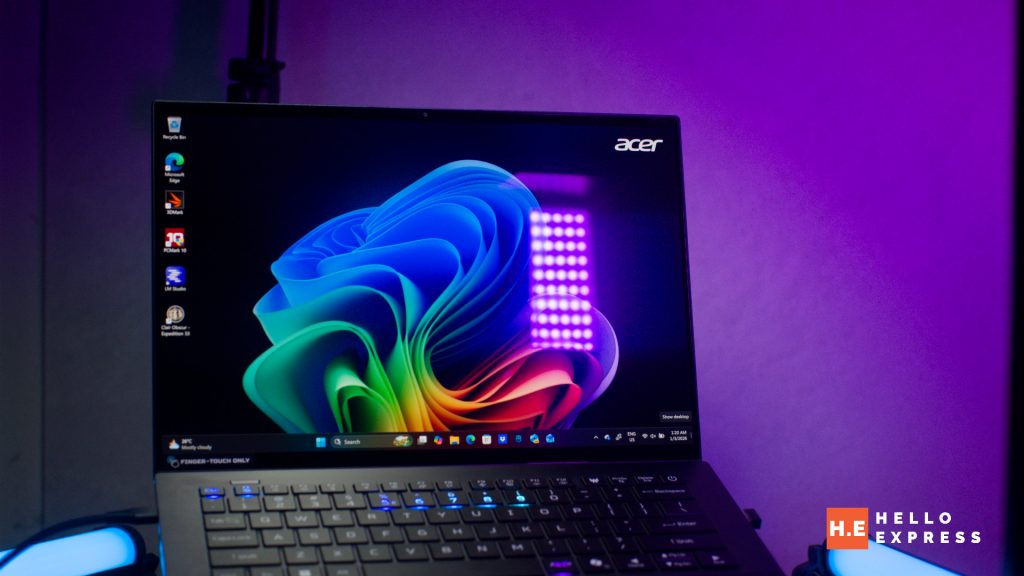
This device provides the canvas, the precision tools, and the necessary climate control to create masterpieces anywhere. You no longer need a truckload of extra gear to achieve professional results. This guide explores the five essential features that make this machine a top choice for content creators and designers who require power on the go.

1. Unmatched Visual Fidelity with Calman Verified Display
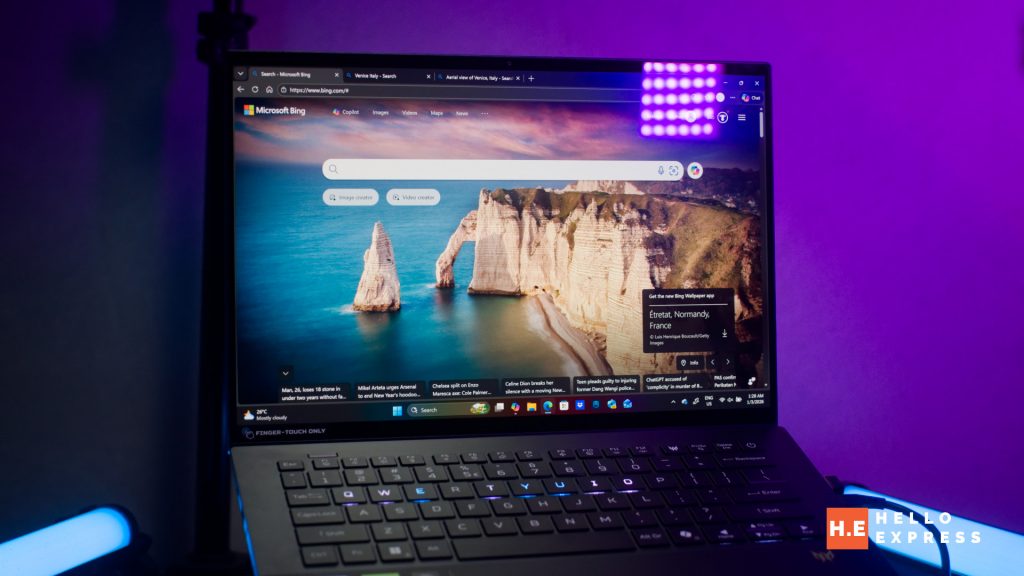
Visual accuracy is the cornerstone of content creation. The Predator Triton 14 Ai addresses this need with its Calman Verified 14.5-inch OLED display. This certification is not merely a label but a guarantee of quality. It ensures that the screen delivers precision color, deep contrast, and razor-sharp visuals immediately out of the box.
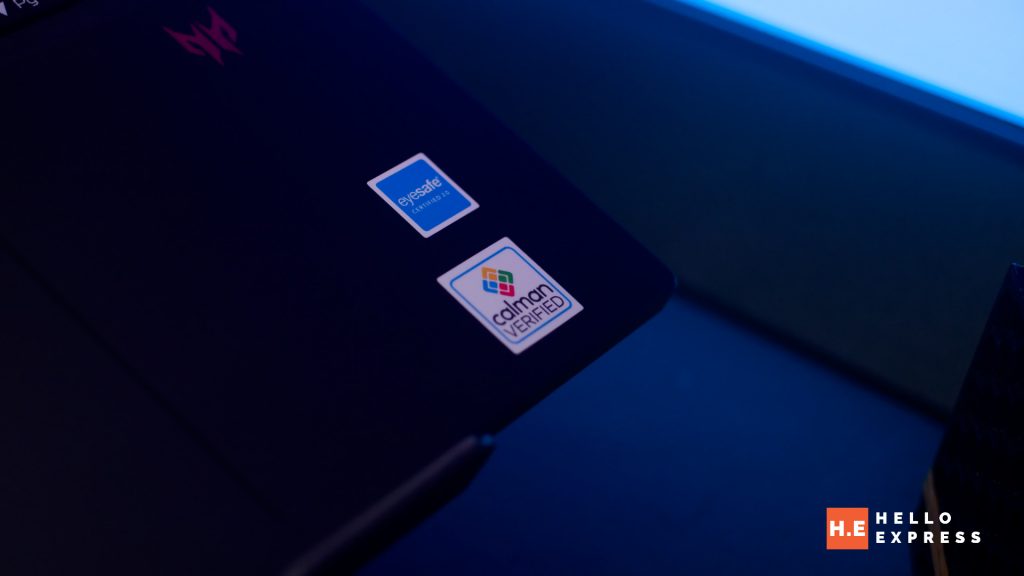
For video editors, graphic designers, and colorists, this feature is essential. It allows creators to trust that the colors they view during the editing process are true to life. Consequently, you can finalize projects with confidence, knowing the visual fidelity remains consistent across different viewing platforms. The OLED technology further enhances this experience by providing deep blacks and vibrant hues that standard screens often fail to reproduce.
2. Transforming the Touchpad into a Canvas
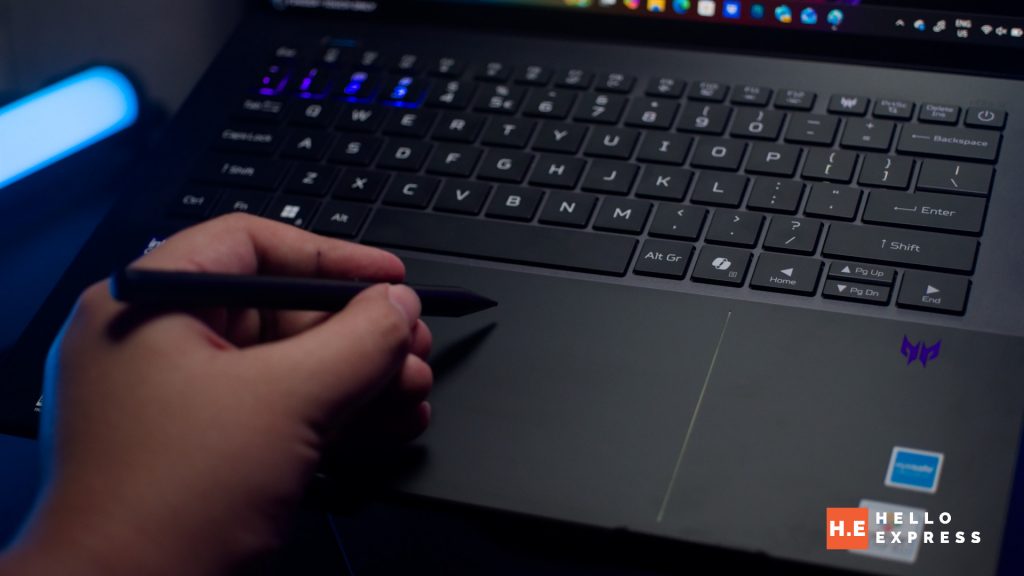
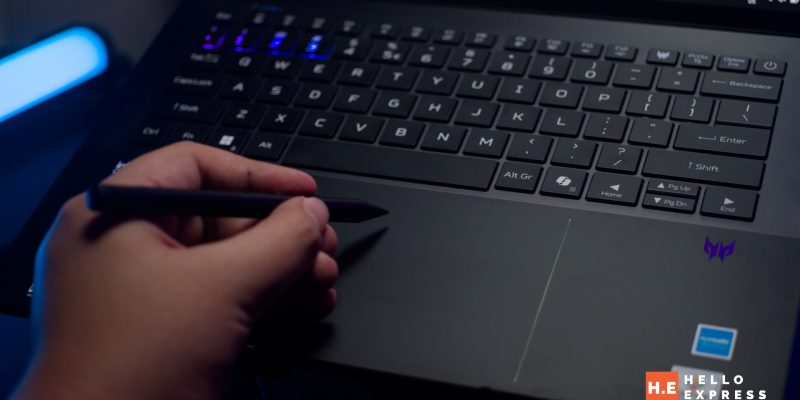
Input methods on laptops rarely evolve, yet this device introduces a significant innovation. A standout feature is the haptic Corning Gorilla Glass touchpad, which distinguishes itself by supporting MPP 2.0 active styluses. This compatibility includes 4096 pressure levels and tilt recognition.
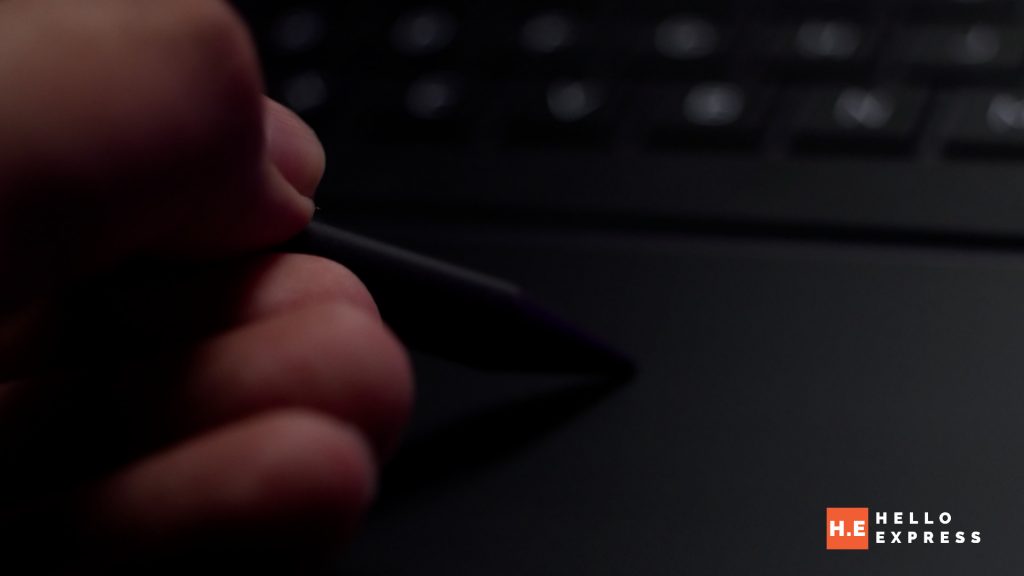
This functionality effectively transforms the standard touchpad into a digital drawing pad. Therefore, designers can save on the cost and bulk of carrying a separate tablet while working remotely. The touchpad offers precise, tactile feedback and fluid input control. It serves as an ideal tool for sketching concepts or navigating complex creative software with a level of nuance that a mouse or standard trackpad cannot match.
3. Workflow Efficiency via Per-Key RGB Customization
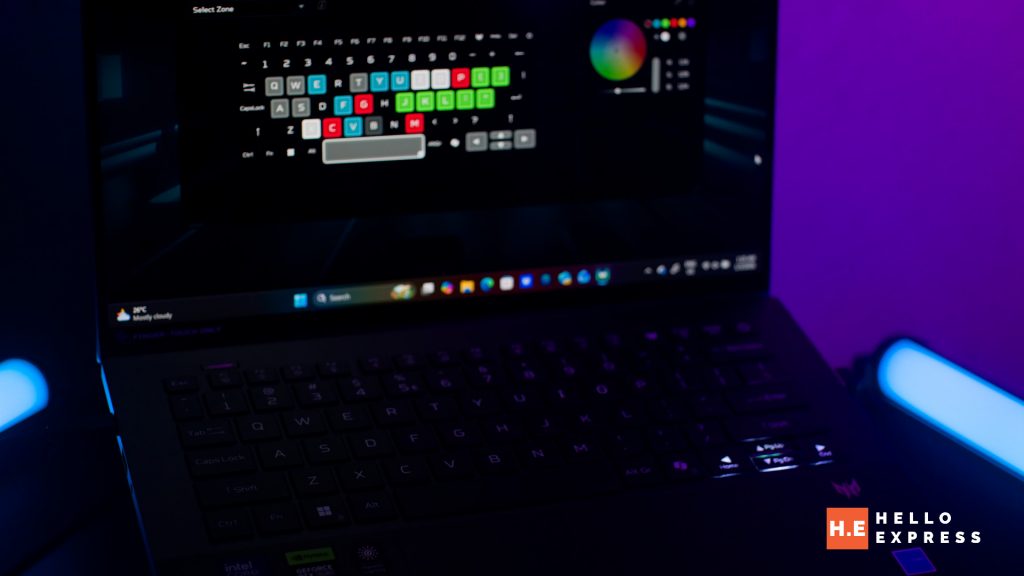
Lighting on laptops often serves a purely aesthetic purpose, but here it serves a functional one. The laptop comes equipped with per-key Mini LED RGB lighting. Users can customize individual key colors through the dedicated PredatorSense software.
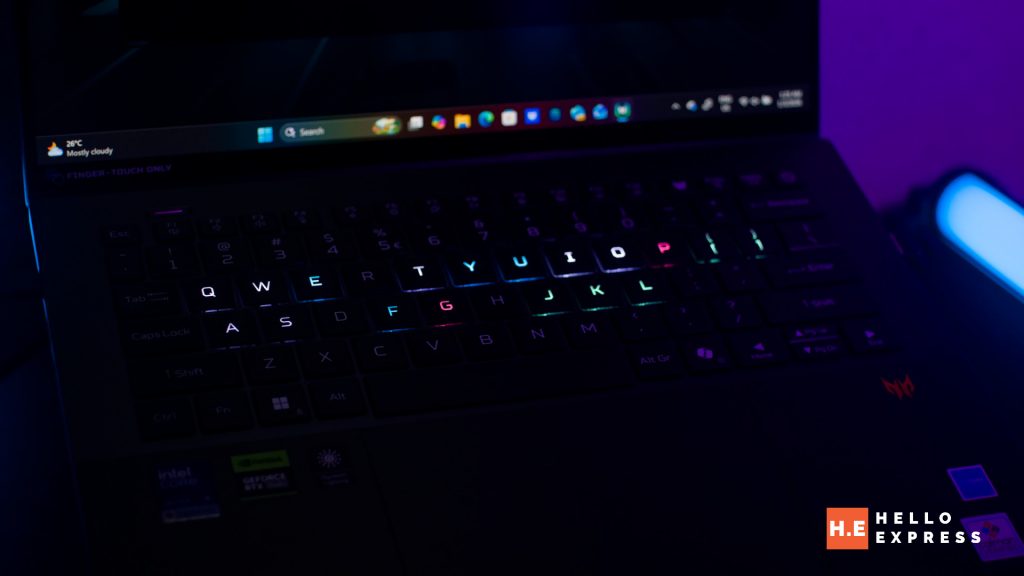
While this feature is visually striking, it acts as a significant efficiency booster for professionals. For example, video editors and 3D animators can assign specialized colors to standardized keyboard shortcuts. This visual mapping allows for faster recognition of commands and an improved overall workflow. By color-coding specific zones, you streamline your interaction with complex applications, turning the keyboard into a customized control surface.
4. Revolutionary Graphene TIM Cooling Technology
High-performance components generate significant heat, which typically leads to thermal throttling. The Predator Triton 14 Ai addresses this as the world’s first laptop to integrate Graphene TIM (Thermal Interface Material) as a cooling solution.
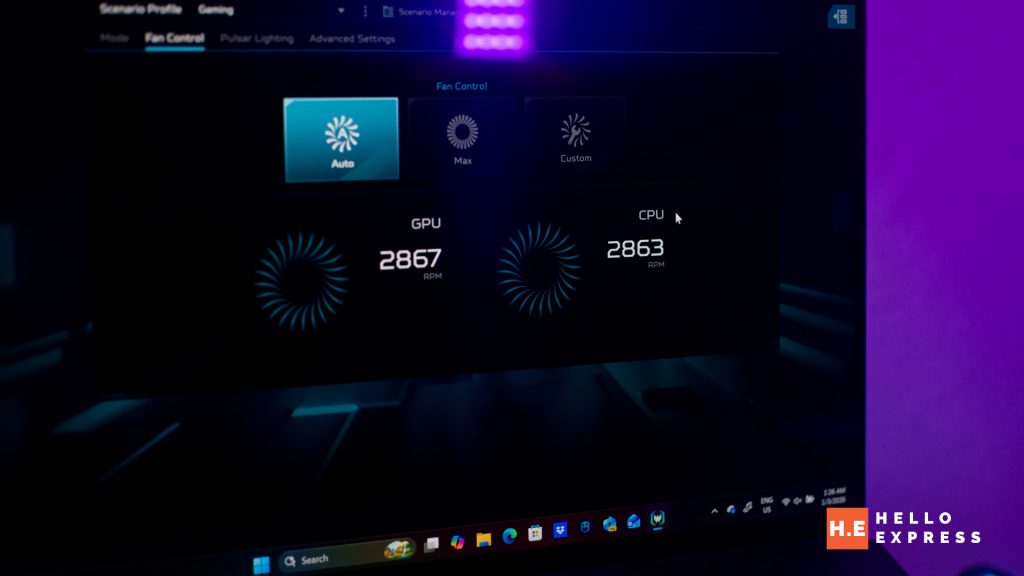
Graphene TIM proves superior to traditional cooling methods found in other devices. It offers a 14.5% increase in thermal capacity compared to standard thermal grease. This allows the system to efficiently reduce heat buildup and maintain consistent stability.
5. Versatile Charging and Connectivity
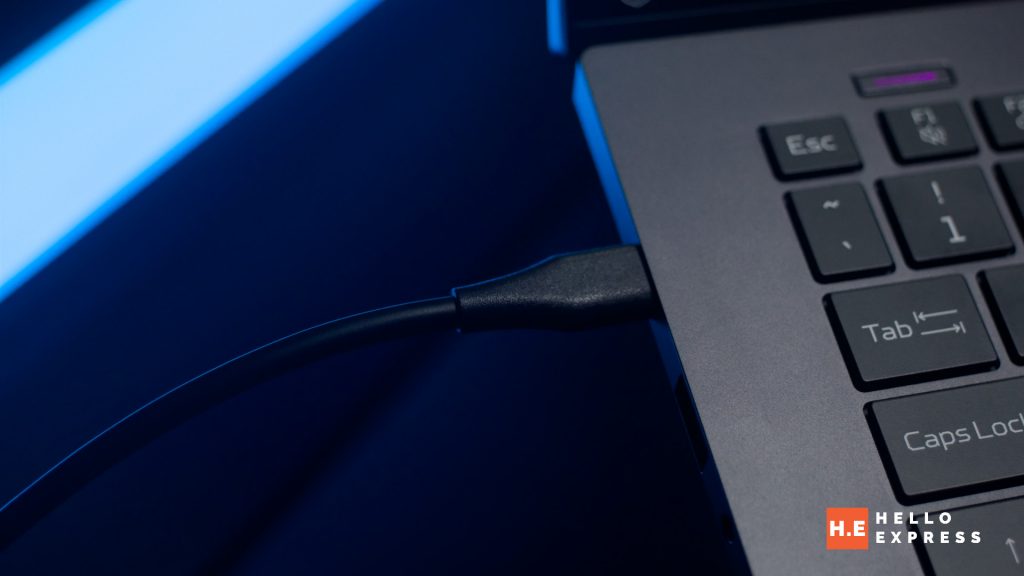
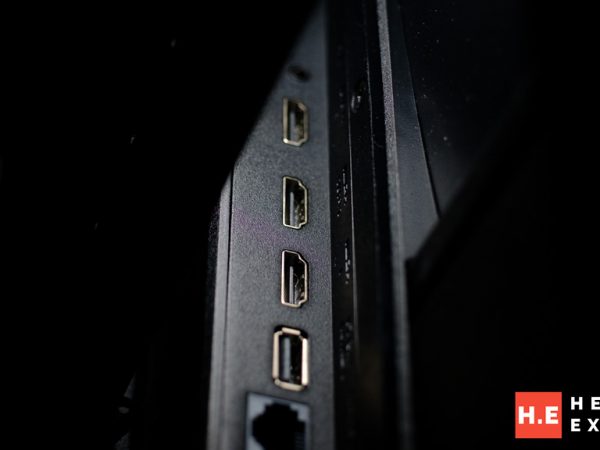
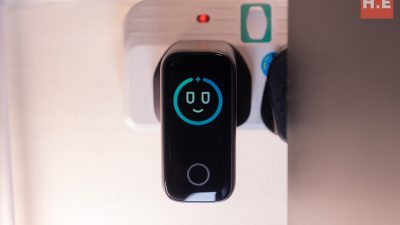
Workspace flexibility is vital when working in coffee shops, studios, or transit hubs. To maximize this flexibility, both USB Type-C ports on this device support 140W DC-in charging. This dual-charging capability solves a common frustration for laptop users.
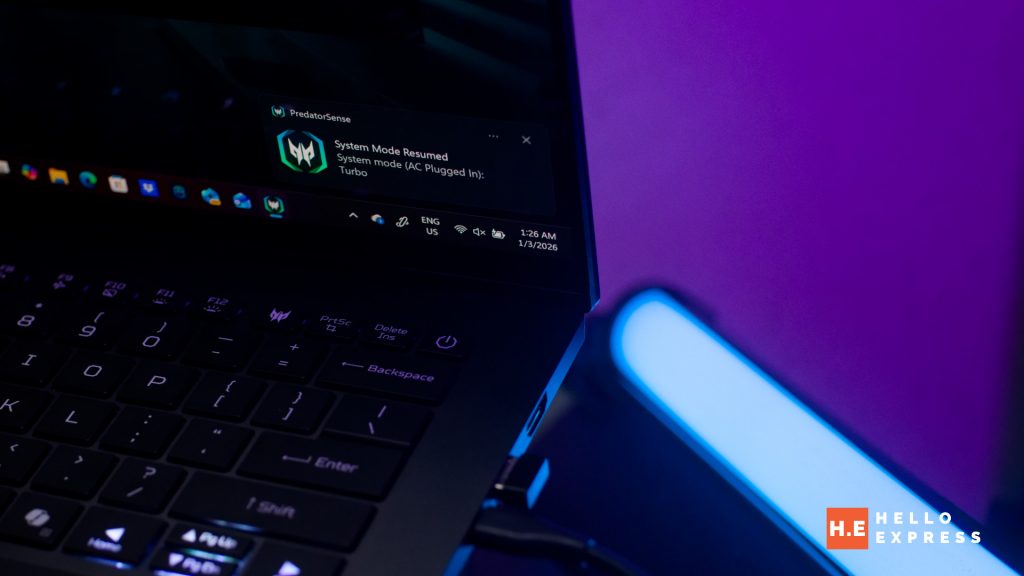
You can power the device from either the left or right side, depending on where your power outlet is located. This prevents the charger cable from blocking off a specific side of the laptop or interfering with other peripherals, such as external drives or a mouse. This thoughtful design element ensures that you can set up your workspace comfortably in tight environments without compromising on connectivity.
Predator Triton 14 Ai: Jack of all trade
The Predator Triton 14 Ai successfully combines high-end performance with unique features tailored specifically for the creative workflow. From its Calman Verified OLED display to its innovative Graphene cooling and versatile charging options, every aspect aims to support professional content creation. It stands as a reliable partner for those who need a portable studio that delivers consistent, high-quality results.
For the full review of the Predator Triton 14 Ai, check out our review article here:
If you want to run Ai chatbot locally on the Predator Triton 14 Ai, check out our guide here: