GIGABYTE C103 GLASS Review: A Practical Mid-Tower Choice

Table of Contents
I was recently in the market for a simple and functional chassis for my new workhorse PC. To be honest, I am not a big fan of the recent “aquarium” chassis trend—I wanted something that is more practical rather than just a delicate showpiece.

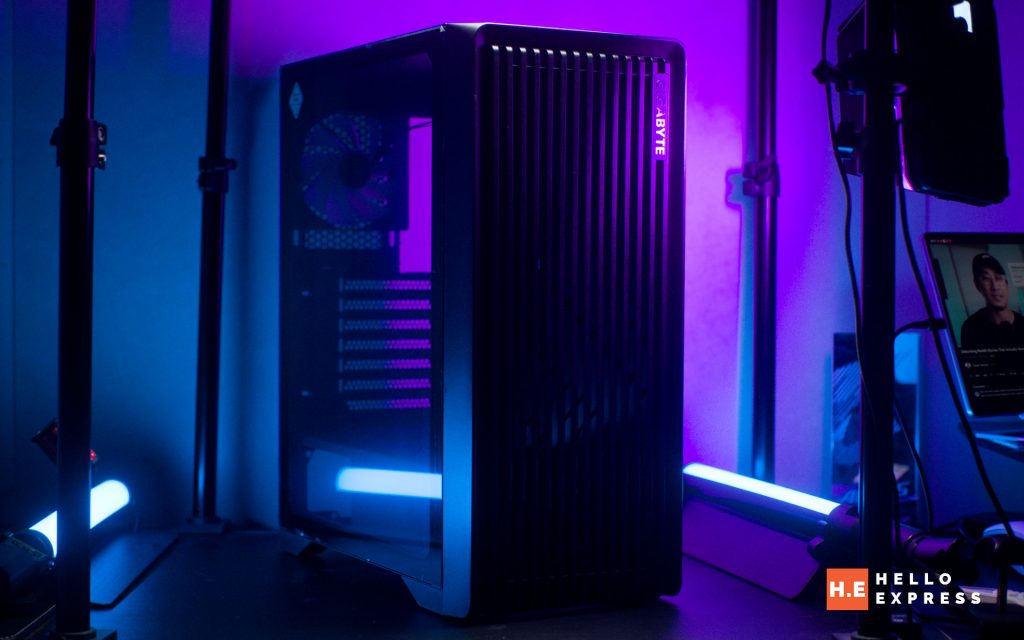
In comes the GIGABYTE C103 GLASS. This casing looks like something straight out of a brutalist designer’s dream, favoring bold utility over flash. Check out our review on why this is our top choice for a practical PC chassis.
GIGABYTE C103 Overview: Build & Aesthetics
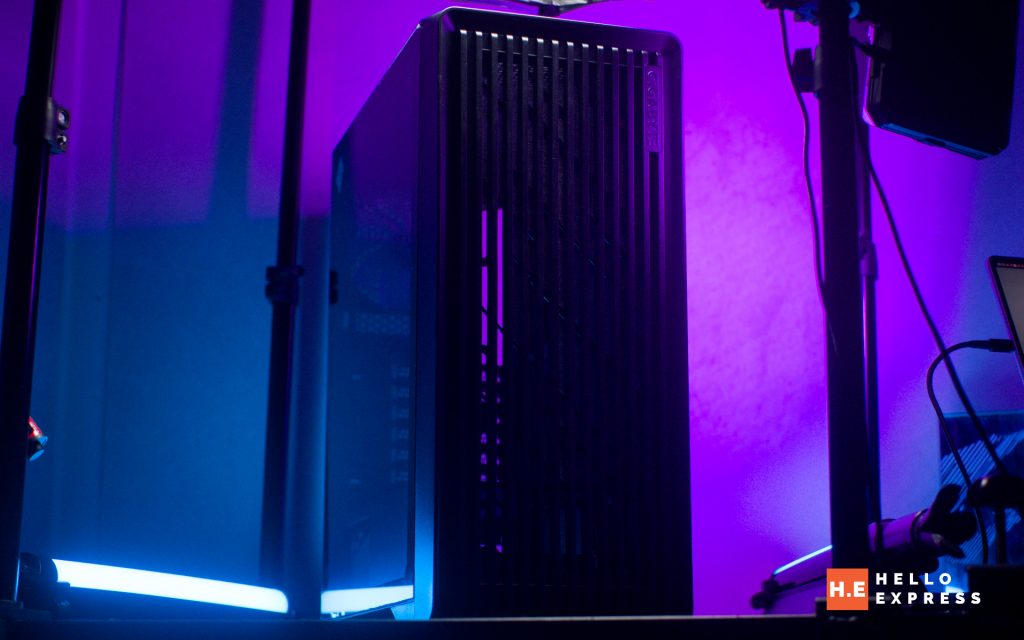
The GIGABYTE C103 GLASS immediately stands out as a solid mid-tower chassis. It features a sleek, matte finish black exterior that looks professional on any desk.
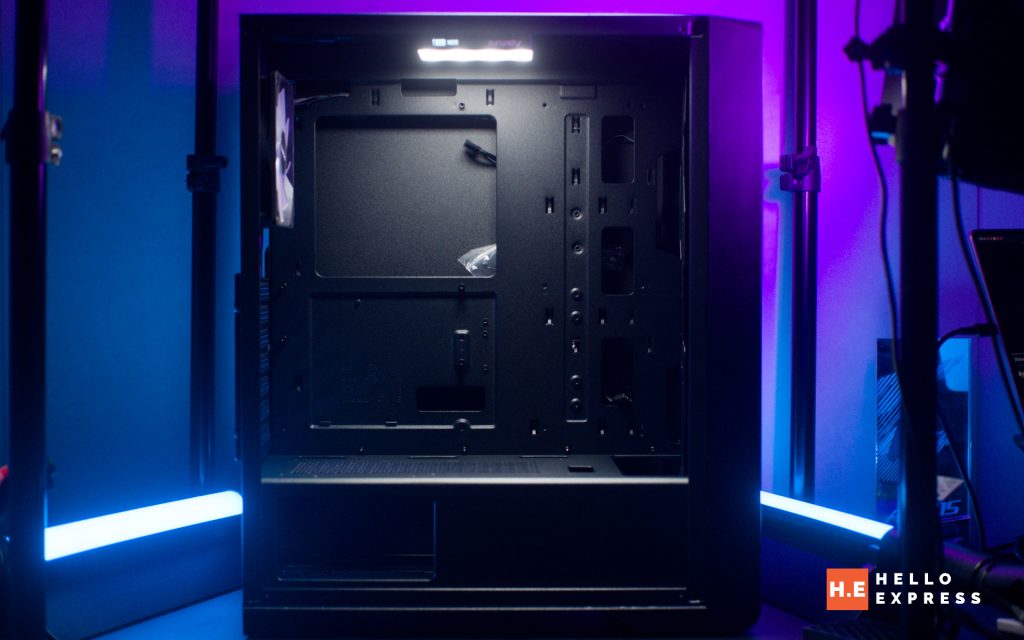
The main body is constructed from thicker steel, giving it a reassuring rigidity, while the front panel utilizes durable plastic. In terms of size, the case measures H478 x W210 x D402 mm with a net weight of 5.65 kg. It feels substantial without being overly heavy.
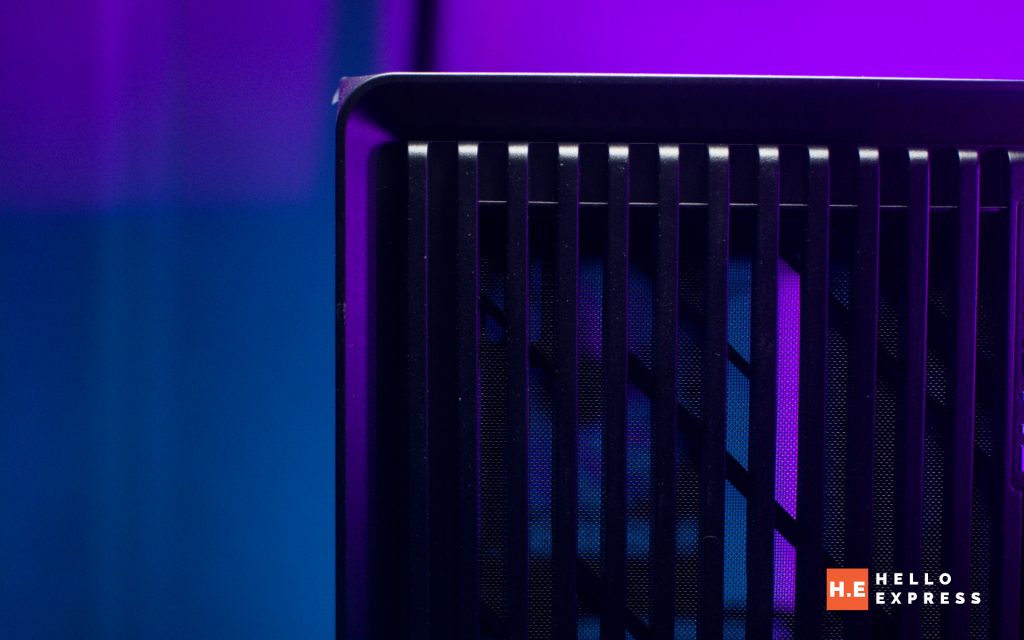
The design is characterized by its grilled front panel. This mimics an open front look, paired with a top vented panel to optimize airflow.
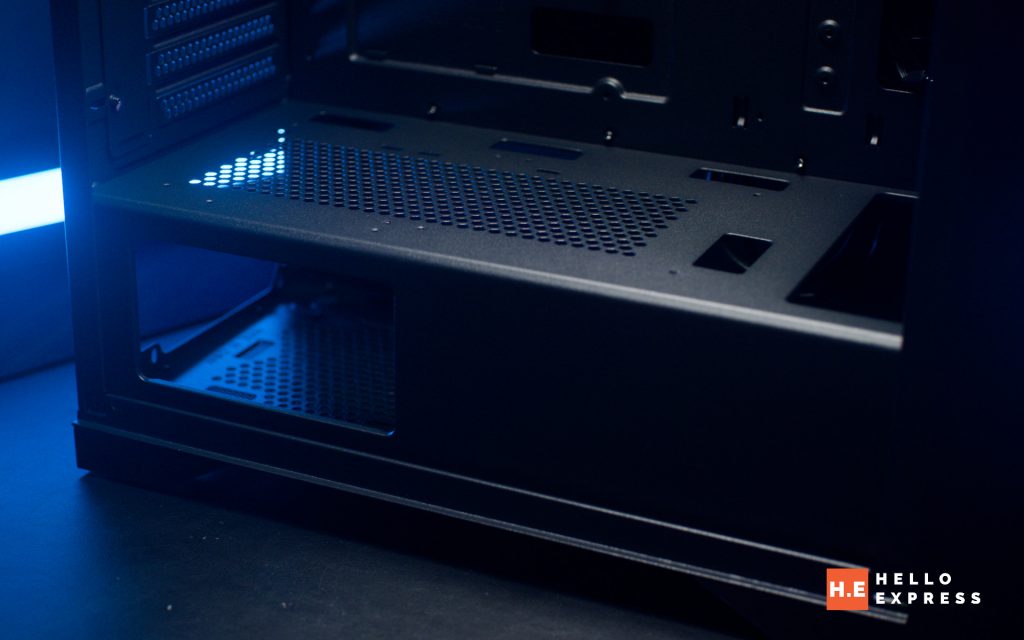
Aesthetically, the highlight is the 4mm non-drilled black tempered glass side panel. I really appreciate this design choice because it significantly reduces the risk of breakage compared to drilled glass. Inside, there is a PSU shroud with a side window. This lets you show off your power supply unit while providing plenty of space to conceal cables and isolate heat.
GIGABYTE C103 Internal Layout
Motherboard & PCIe Support
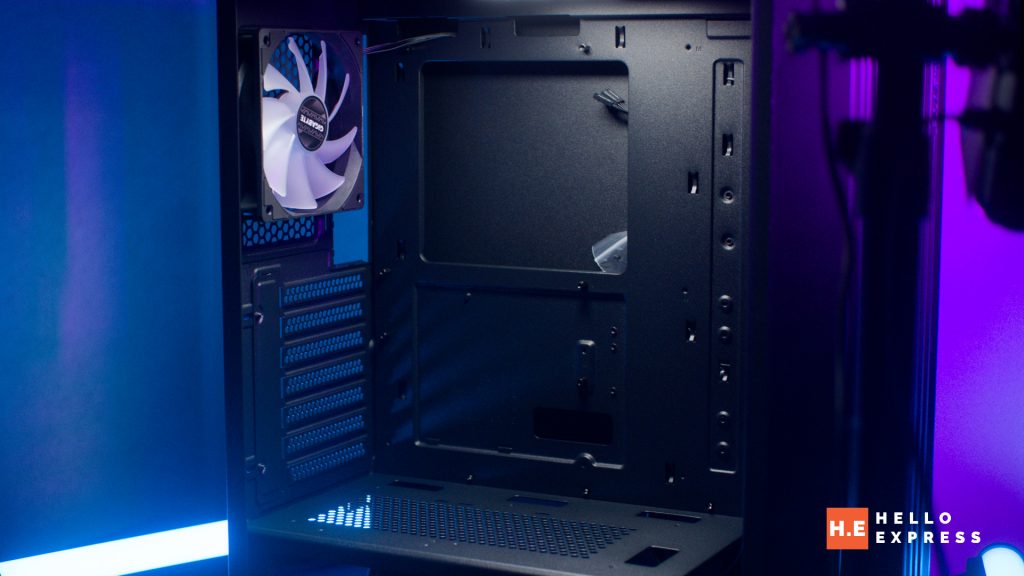
Building inside the GIGABYTE C103 GLASS is a flexible experience regarding hardware compatibility. The chassis supports ATX, Micro-ATX, and Mini-ITX motherboard form factors. I specifically got this chassis to house my standard ATX motherboard, and it fits perfectly.
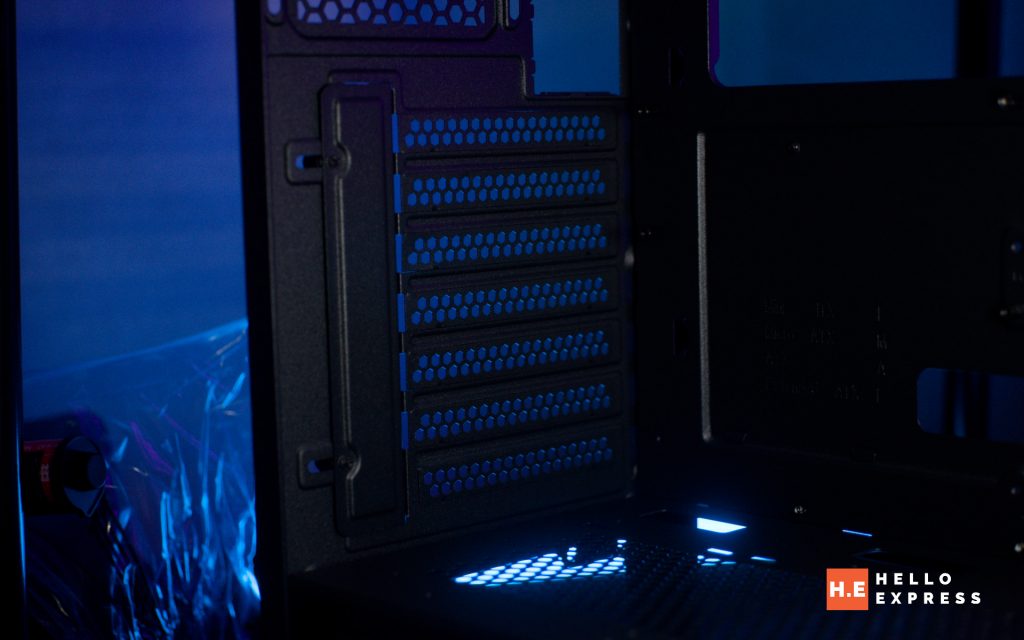
For expansion, the case provides 7 PCIe slots. Gamers will be pleased with the GPU clearance. Builders have a maximum GPU length clearance of 355mm. This is enough space to accommodate most of the standard large graphics cards currently on the market.
Thermal & Cooling
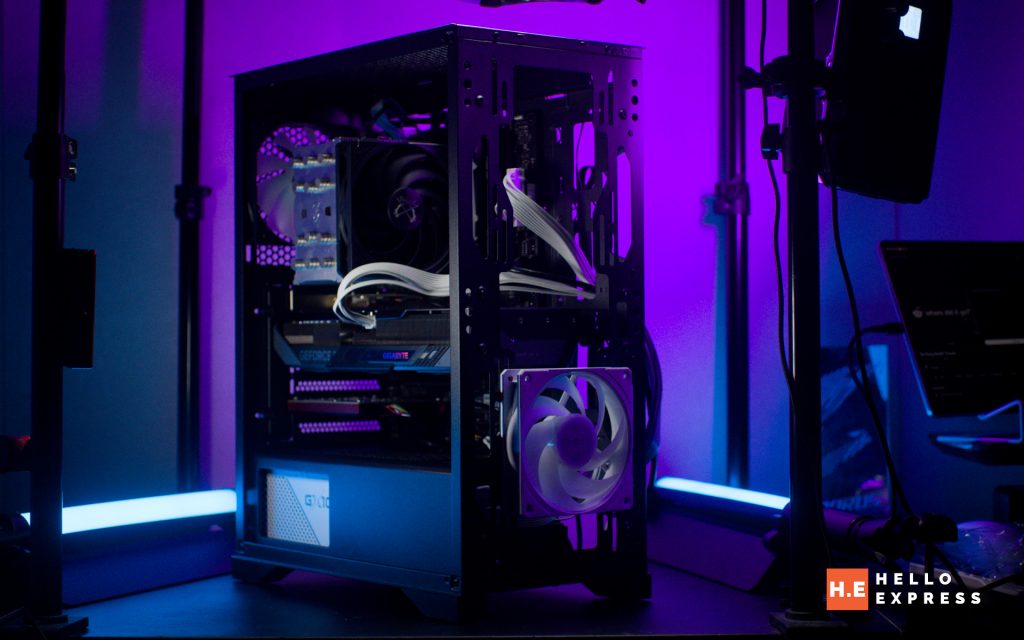
The air cooling accommodation in the GIGABYTE C103 GLASS is highly flexible. It supports three 120mm or 140mm fans at the front, two 120mm or 140mm fans at the top, and even two 120mm fans directly on the PSU shroud. There is also space for one 120mm fan at the rear.
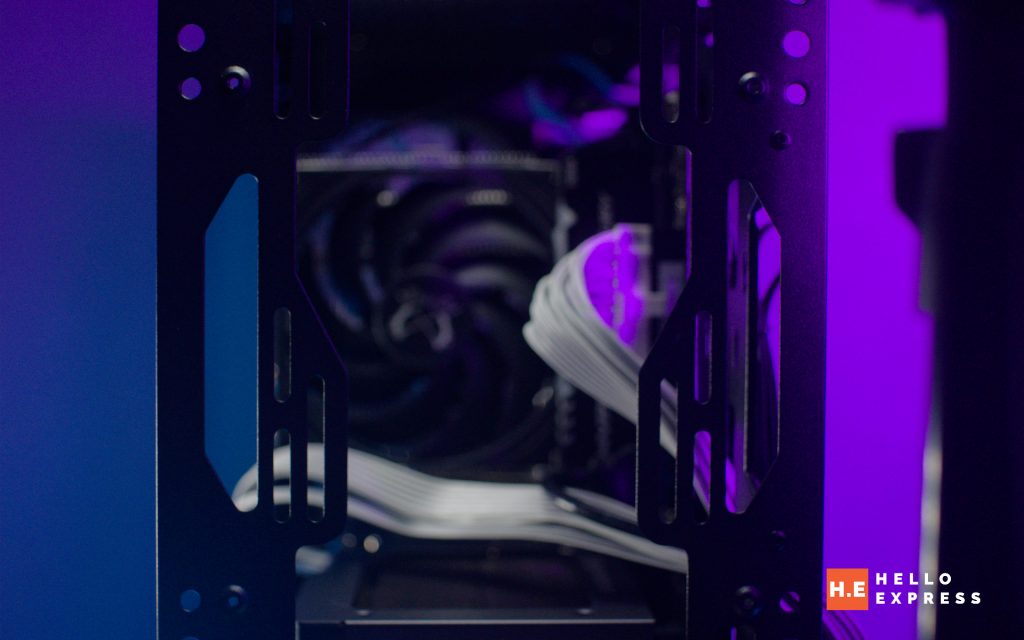
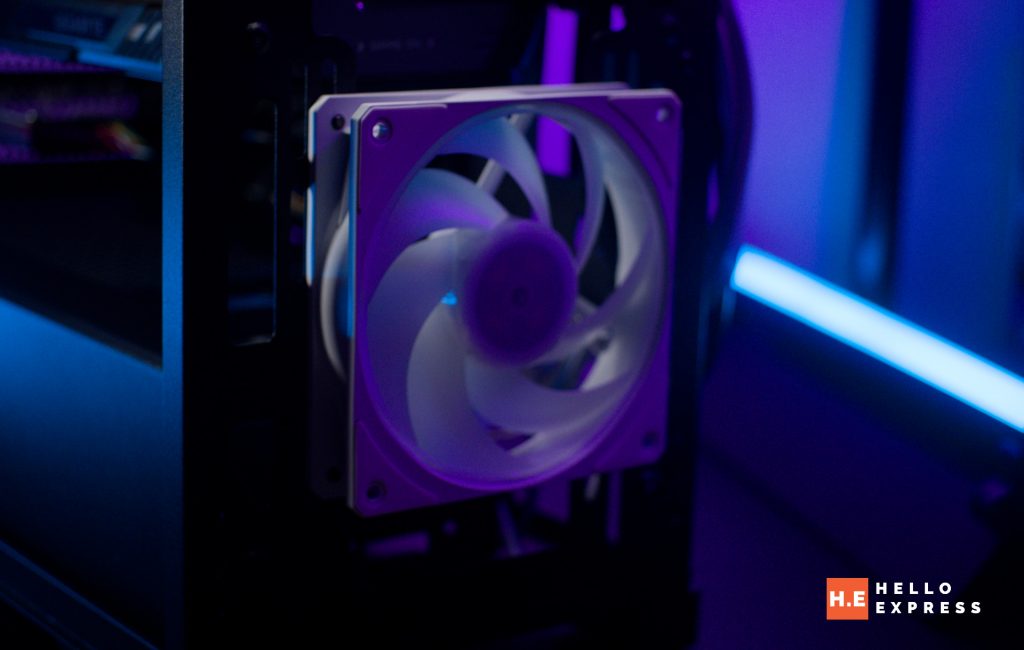
Out of the box, the chassis includes a pre-installed ARGB fan, which is a nice bonus. If you prefer air cooling for your processor, it can accommodate CPU coolers with a height of up to 165mm.
Dust management is handled well. Gigabyte includes two detachable dust filters. The top one features a convenient magnetic filter, and there is another filter below the bottom. However, do note that the front panel uses a fixed filter instead.
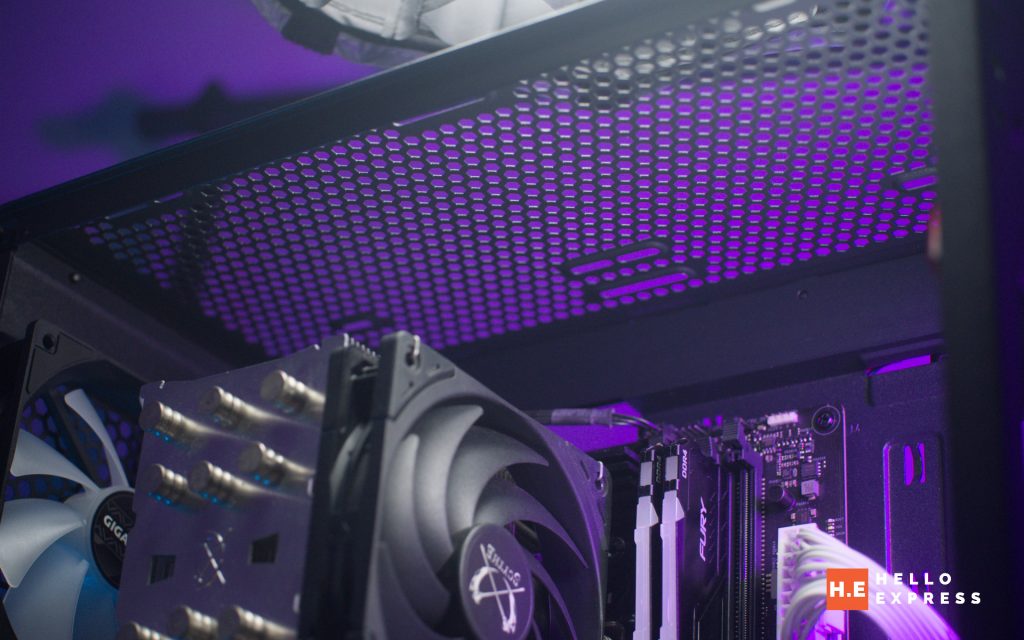
For AIO users, the case offers radiator support in several key locations. You can fit a maximum of 360mm at the front, 120mm or 240mm at the top, and a maximum of 120mm at the rear.
Storage & Drive Bays
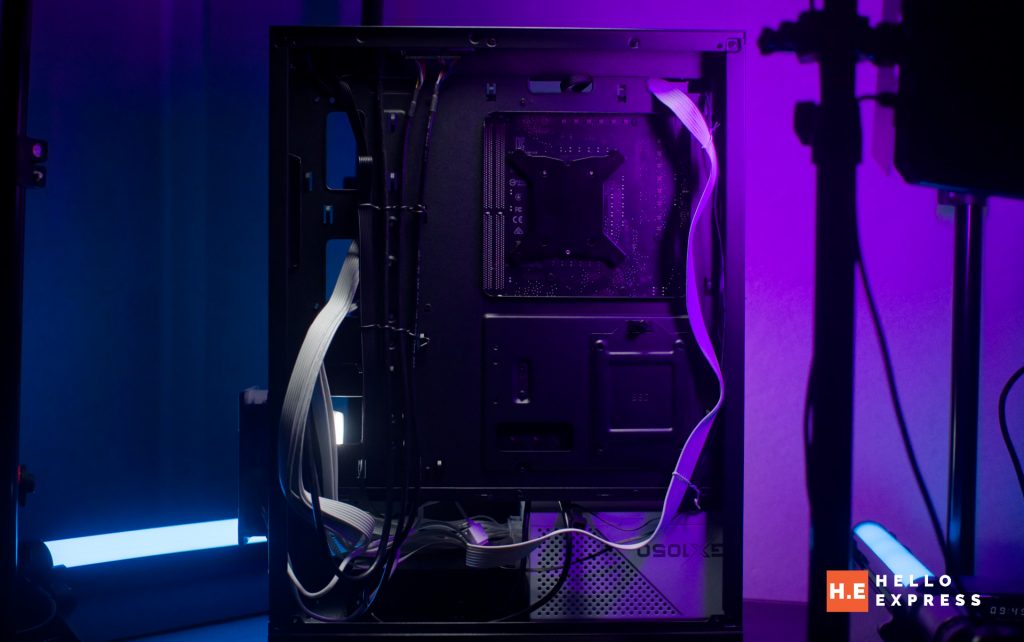
Storage options are a major reason why I chose the GIGABYTE C103 GLASS. Unlike many modern cases that ignore legacy storage, this chassis includes a mechanical drive bay.
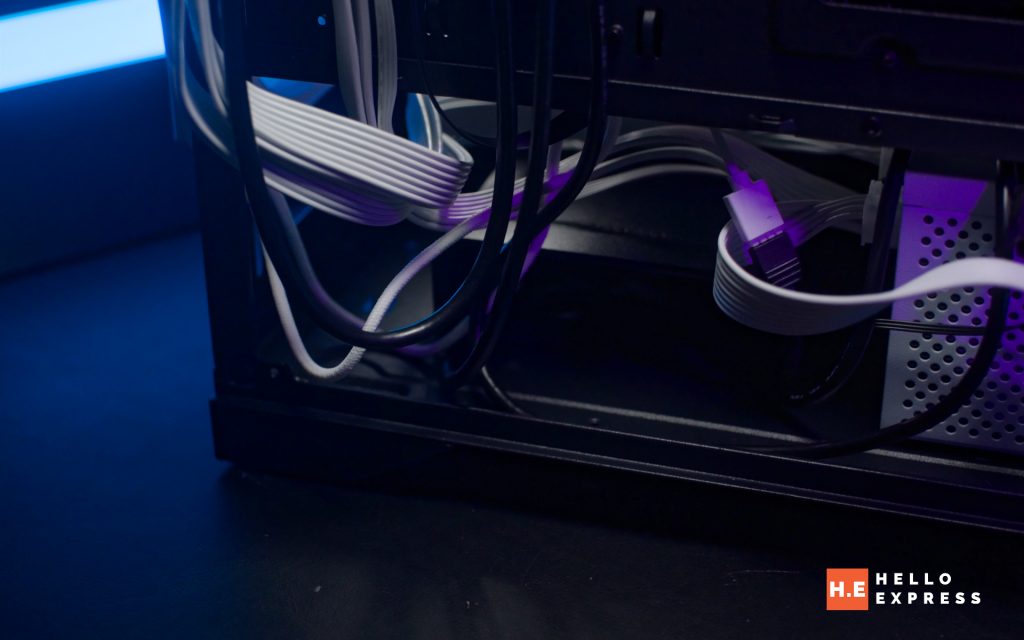
The bay supports two 3.5” or 2.5” drives. This is essential for users who still rely on HDDs for mass storage. Additionally, there is a dedicated 2.5″ drive slot located at the back panel for an SSD.
GIGABYTE C103 Front I/O & Connectivity
The front I/O panel on the GIGABYTE C103 GLASS provides all the standard connectivity you need. It features one USB 3.0 port and two USB 2.0 ports.
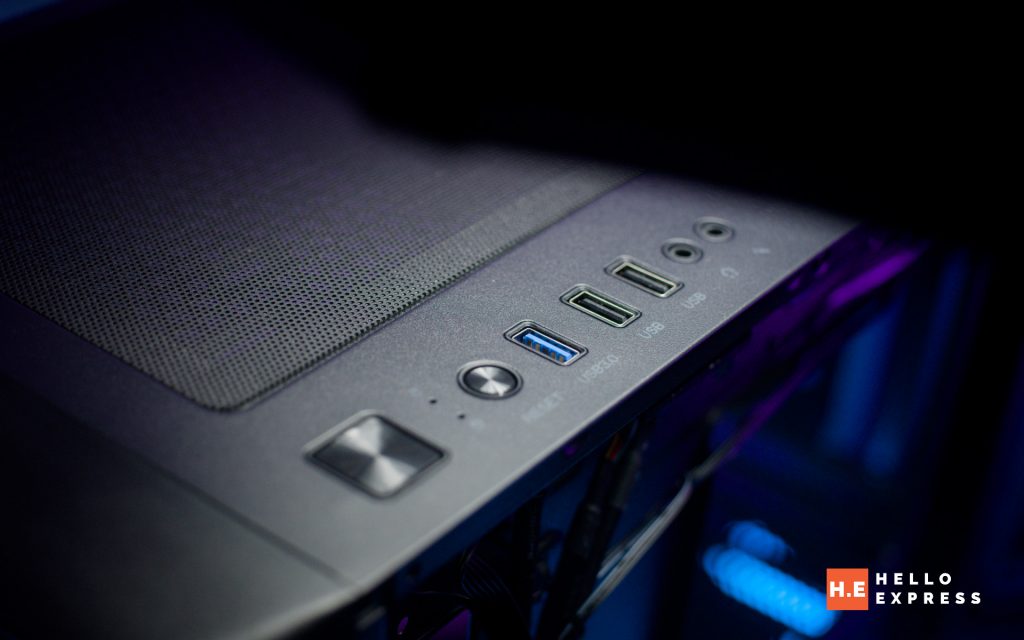
You also get dedicated audio in and audio out jacks for your headset. Standard controls are easily accessible, including a dedicated power button and a reset button.
GIGABYTE C103 Power Supply (PSU) Support
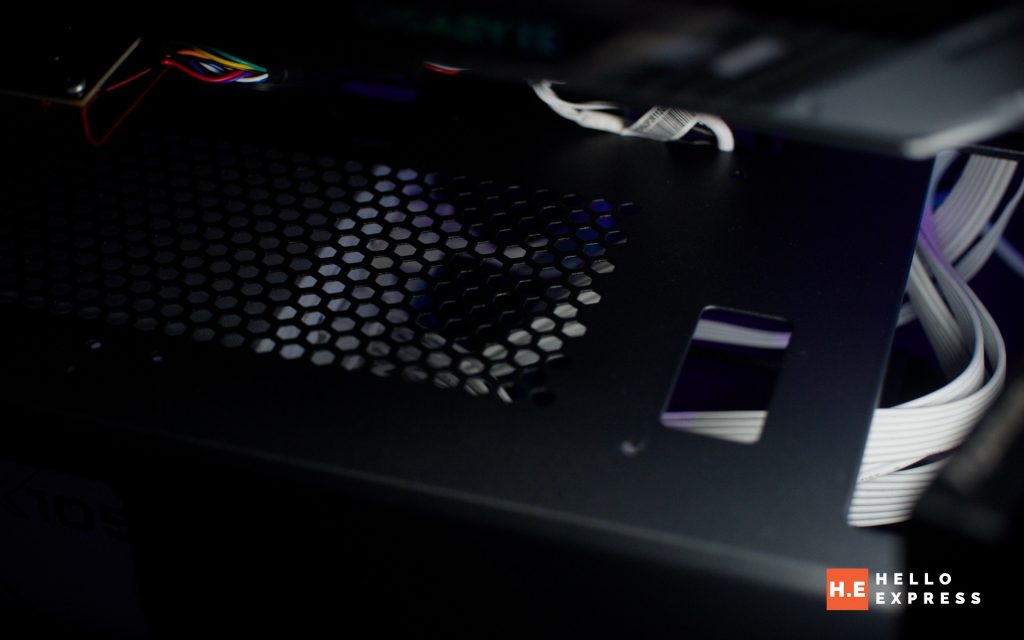
Regarding power supply support, the shroud includes a side window that allows the user to showcase the PSU’s design while keeping its heat isolated from the rest of the internal components.
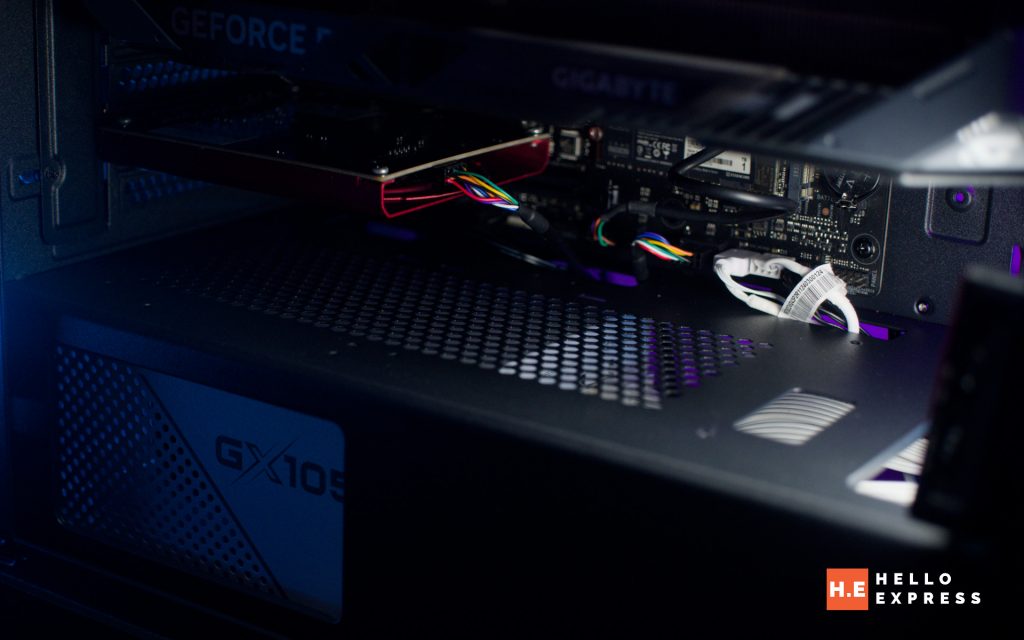
The case is compatible with standard ATX power supplies and can accommodate a maximum PSU length of 210mm.
GIGABYTE C103 Conclusion
Priced at just RM208, the GIGABYTE C103 GLASS is a steal for anyone looking for a non-flashy design backed by good build quality and high functionality. I would say it is absolutely worth it.
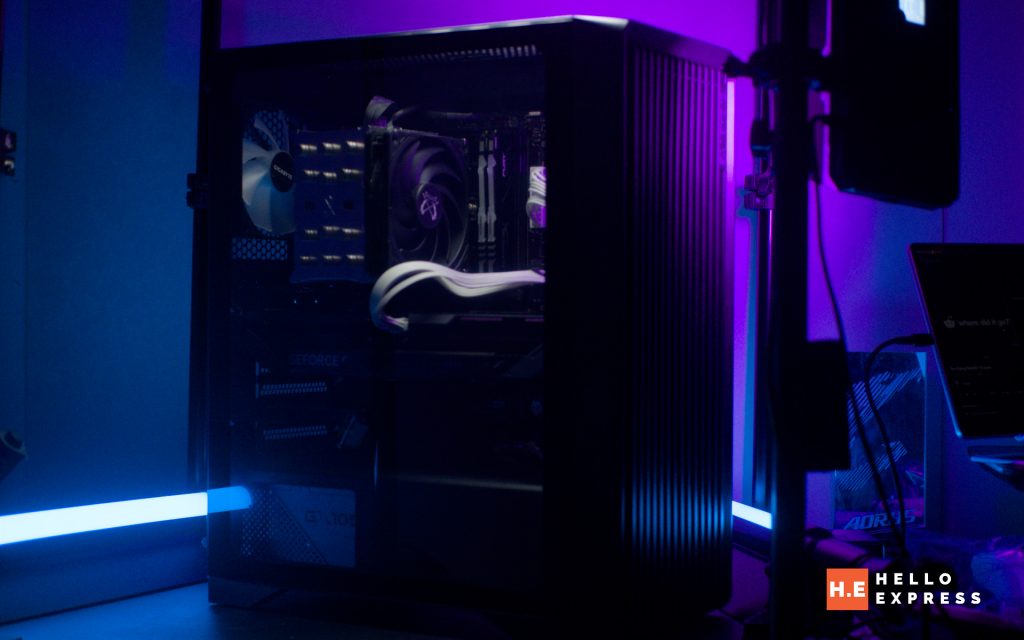
The pros heavily outweigh the cons here. You get excellent airflow with the grilled front panel, robust support for legacy mechanical drives, and a durable glass panel implementation. The spacious interior for large GPUs and radiators is a big plus at this price point. However, the cons are minor but present; specifically, the fixed dust filter on the front panel can be a bit harder to clean compared to magnetic ones, and the utilitarian look might not appeal to RGB enthusiasts looking for a “showcase” style build.
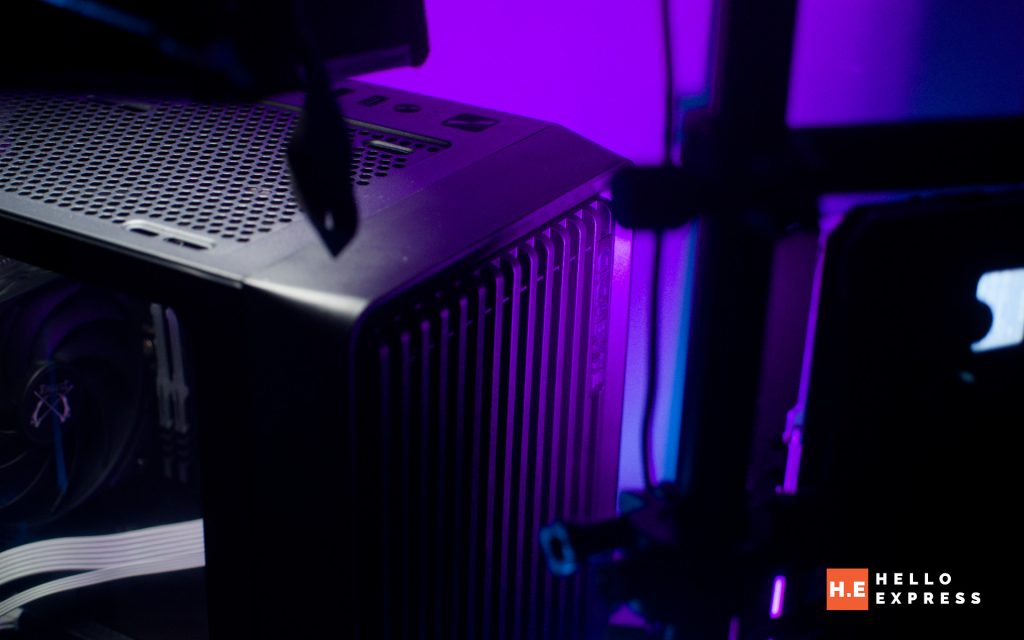
I highly recommend this chassis for those who seek a function-first build. Because of its practicality and value, we are awarding it our Gold Award.
Help support us!
If you are interested in the GIGABYTE C103 GLASS, we would really appreciate if you purchase them via the link below. The affiliate links won’t cost you any extra, but it will be a great help to keep our lights on here at HelloExpress.
Lazada: https://s.lazada.com.my/s.u7z7I
Shopee: https://s.shopee.com.my/3B10NHQ8Gd
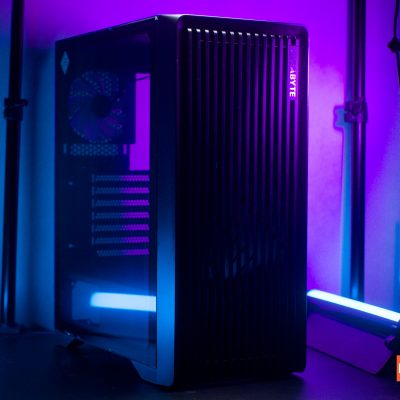
GIGABYTE C103
You are no longer fighting heat and cables. With the C103, you become the owner of a flawlessly cool, professional-grade workstation.
Positives
- Excellent Airflow: Grilled front and top vented panels ensure optimal cooling.
- Legacy Support: Rare inclusion of a mechanical drive bay for older HDDs.
- Durable Design: Non-drilled tempered glass reduces breakage risk.
- Spacious: Supports large GPUs (up to 355mm) and multiple radiators.
- Value: Extremely competitive pricing for the feature set.
Negatives
- Maintenance: The front dust filter is fixed, making it slightly harder to clean than magnetic ones.
- Aesthetics: The utilitarian, "brutalist" look may not appeal to users wanting a flashy "showcase" or "aquarium" style build.