ASUS ExpertCenter P500 Mini Tower (P500MV) Review

ASUS ExpertCenter P500 Mini Tower
At RM3999, the P500MV is a good buy as office solution. Its flexibility, power, and ASUS Business Support make it highly recommended for any office.
Positives
- Tool-free chassis for easy upgrades and maintenance.
- Comprehensive front and rear I/O ports for versatile connectivity.
- Powerful Intel Core i7-13620H mobile CPU yet have great power efficient
- Unique and effective hybrid cooling system.
- 2 Nvme slot for storage expansion
- Full access to comprehensive ASUS Business Support, minimizing IT downtime.
Negative
- Integrated Intel UHD Graphics are basic; dedicated GPU upgrade is necessary for demanding graphical tasks.
- PSU may limit support for higher-power discrete graphics cards.
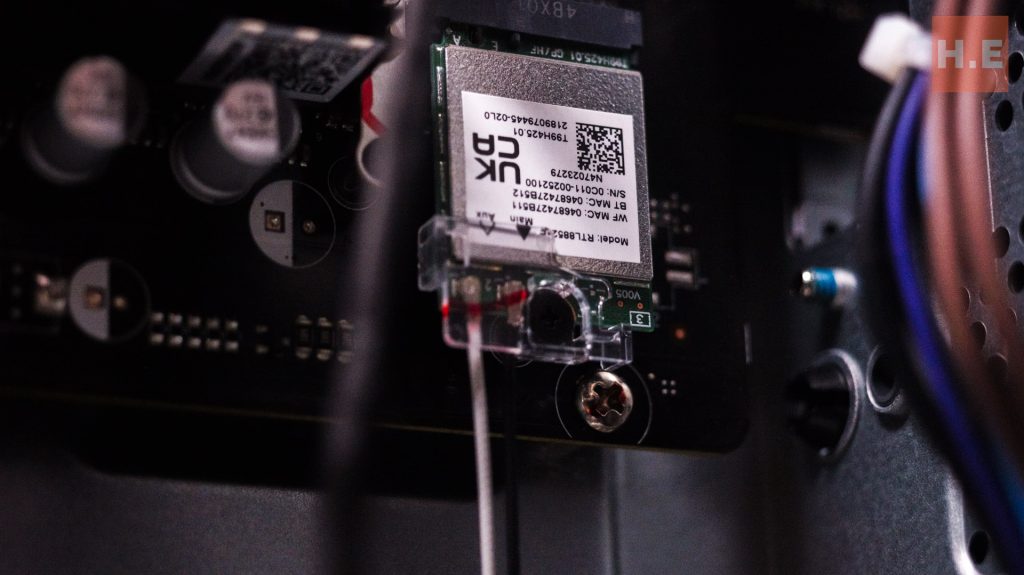
- WiFi chip is Realtek, which some IT admins might find less compatible than Intel.
Table of Contents
Planning desktop deployment for an office differs significantly from purchasing a personal PC. Beyond the usual specification considerations, IT administrators must also evaluate technical support, expansion flexibility, and compatibility with existing systems.

In this review, we examine the ASUS ExpertCenter P500 Mini Tower (P500MV). So far, it presents a compelling solution for businesses seeking a powerful yet space-efficient desktop PC. Designed with enterprise needs in mind, this mini tower combines a professional aesthetic with robust performance and comprehensive support. The question then becomes: should this be on your company’s next requisition list?
ExpertCenter P500 Overview
Build
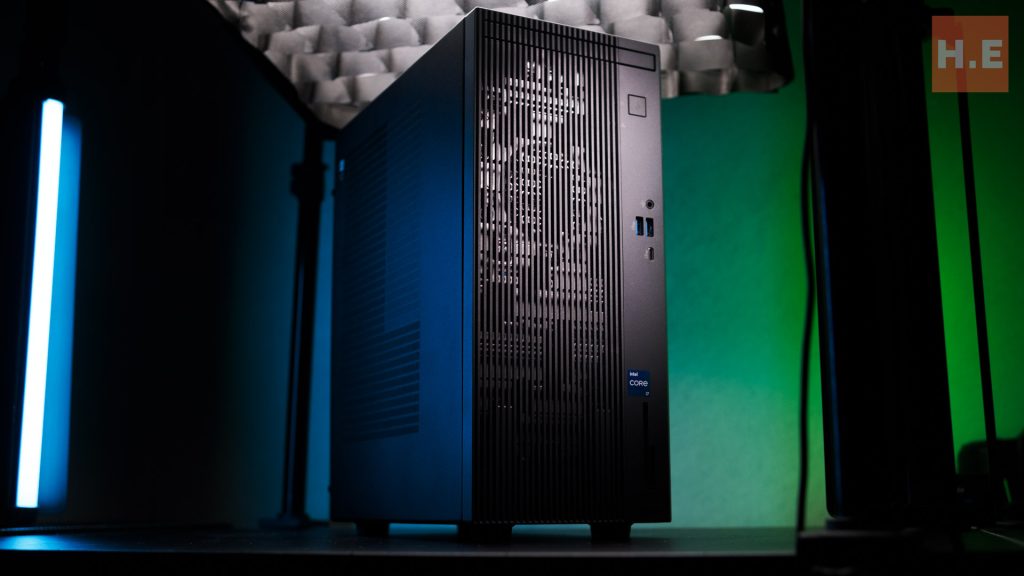
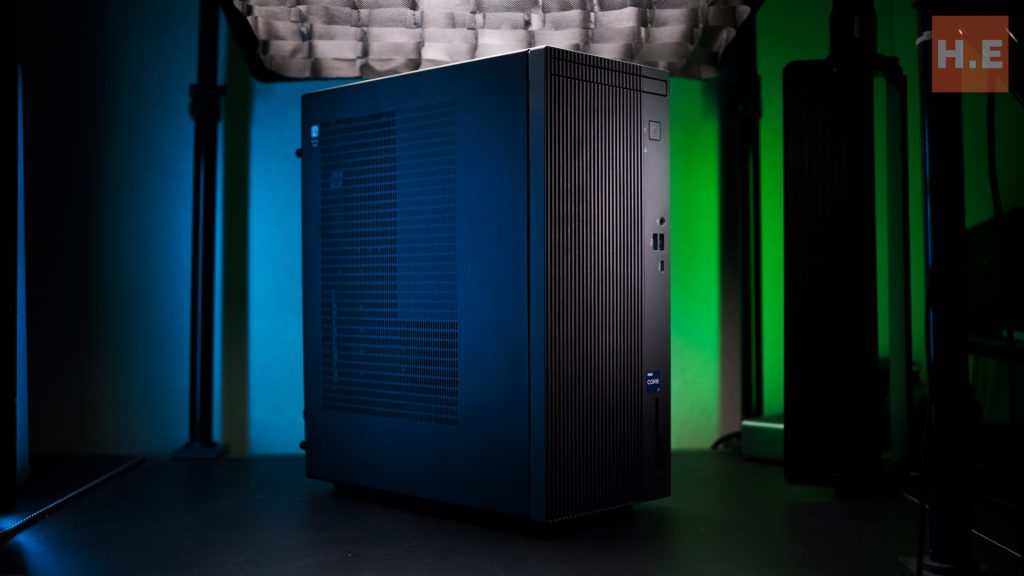
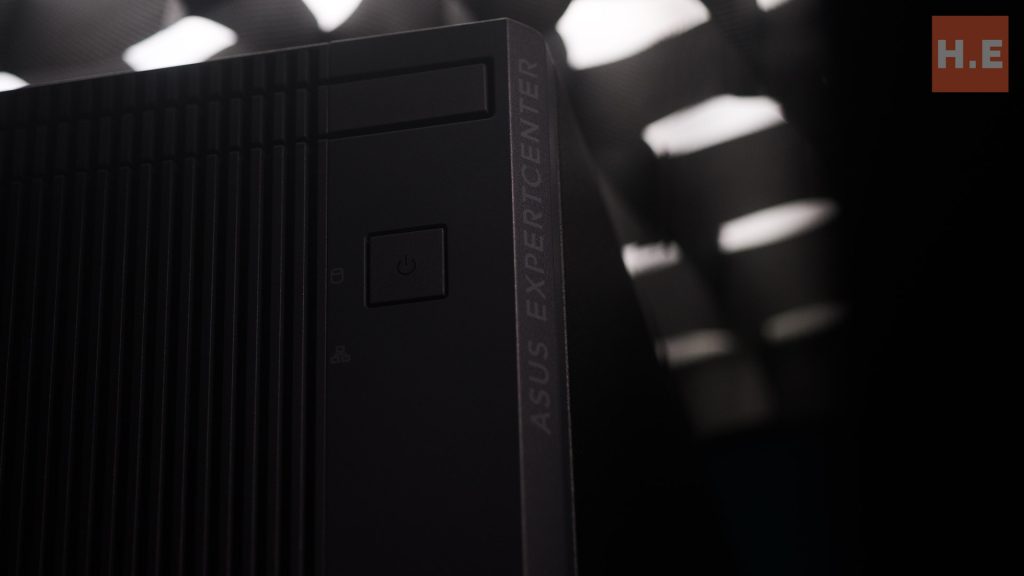
The ASUS ExpertCenter P500 Mini Tower (P500MV) boasts a professional and understated design, making it an ideal fit for any modern office environment. Its compact form factor is a significant selling point, officially stated to be 42% smaller than traditional tower PCs.
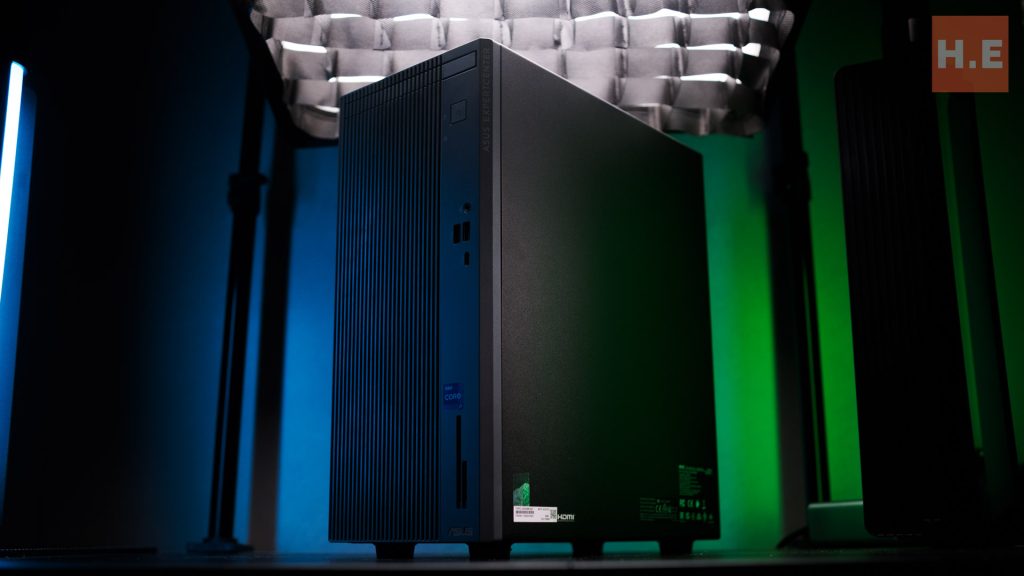
Visually, the P500MV looks like it could have stepped right out of an architectural rendering, blending seamlessly into a sophisticated workspace.
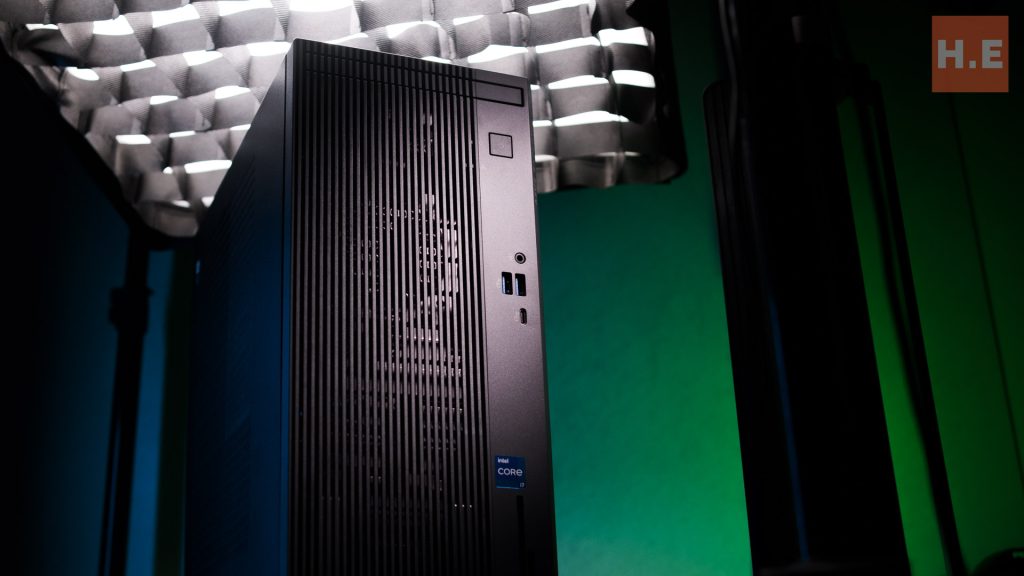
With dimensions of 15.50 x 29.60 x 34.70 cm and a weight of 6.00 kg, it’s designed to occupy minimal desk space without compromising on capability.
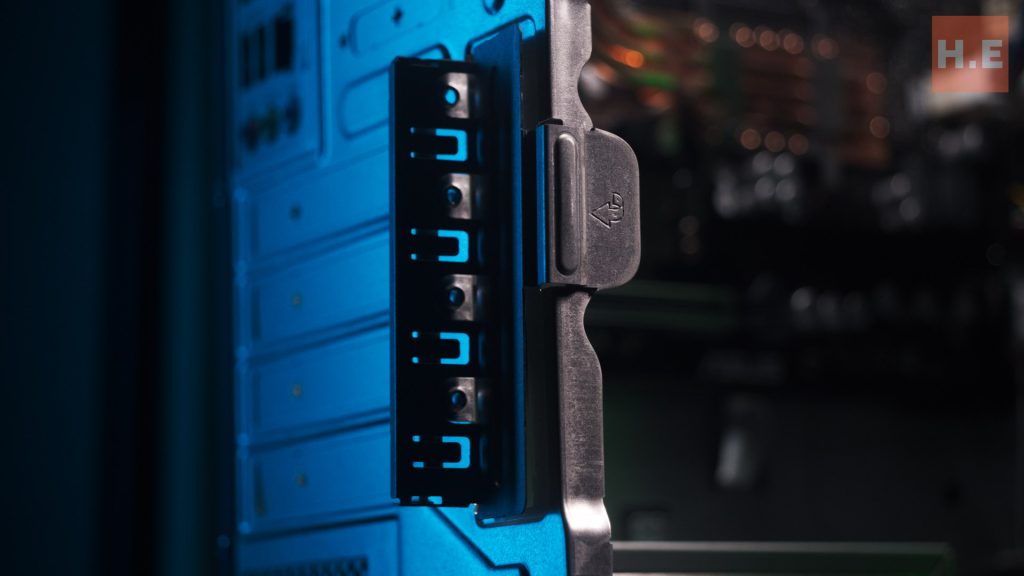
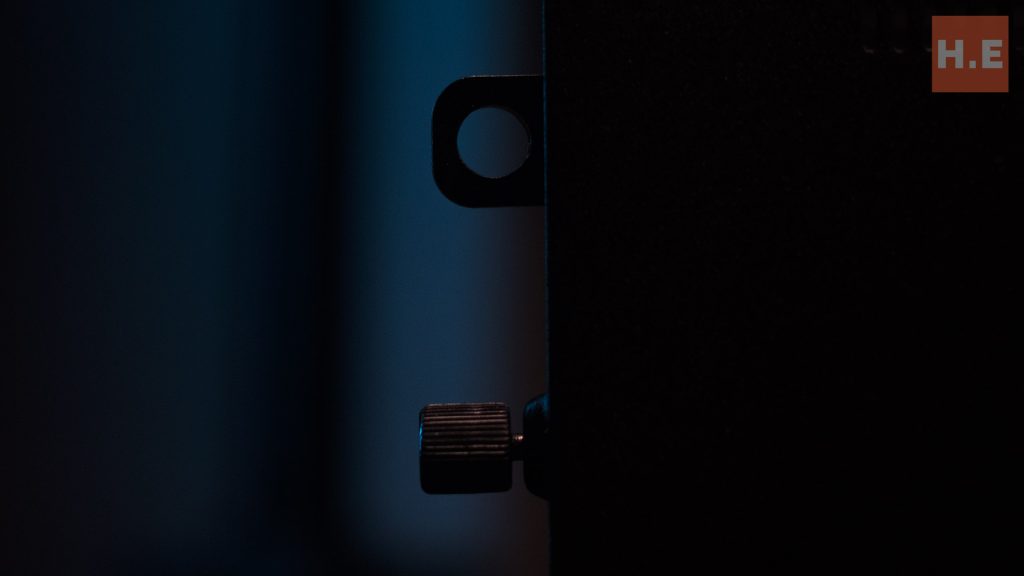
Beyond its compact size, the P500MV emphasizes ease of maintenance and durability. The chassis features a tool-free design, allowing IT administrators and users alike to quickly access internal components for upgrades or routine servicing.
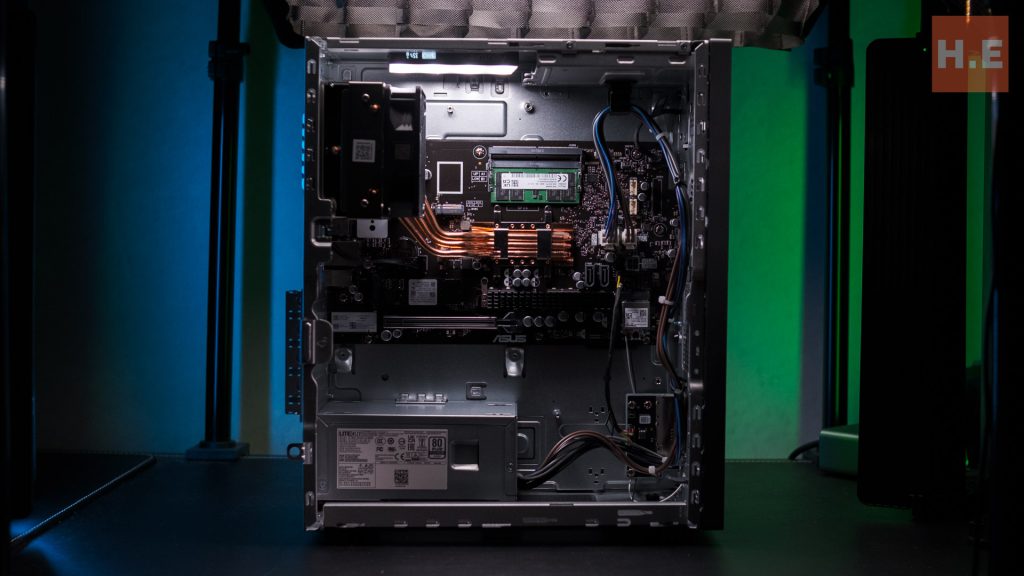
Internally, the PC offers an available PCI-E slot, meaning certain variants of the P500 Mini Tower can be configured with a dedicated GPU, providing flexibility for specialized professional fields requiring graphics acceleration.
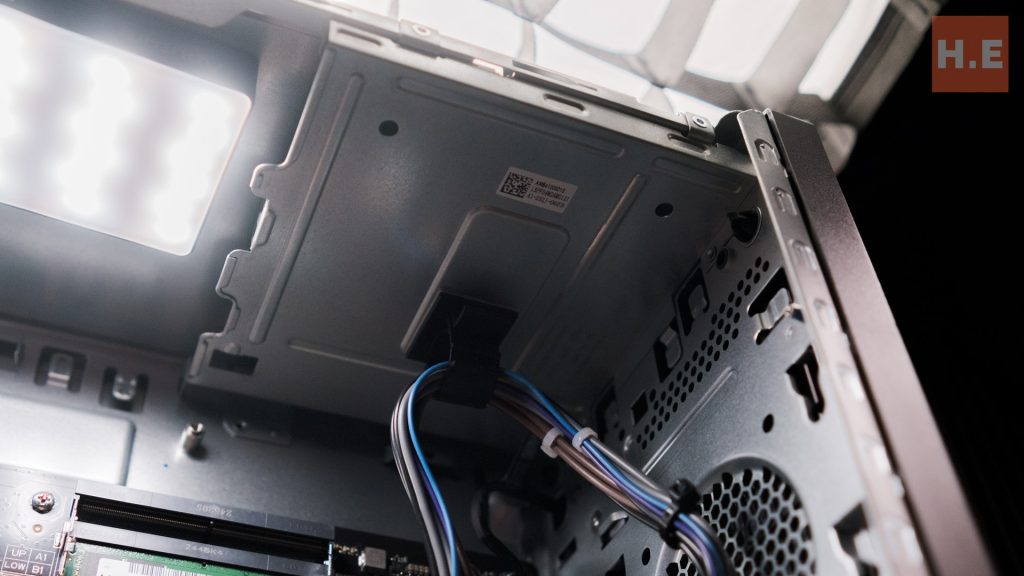
This includes convenient, finger-removable HDD and ODD bays, a welcome feature for those unexpected requests for optical drive functionality.
Furthermore, the P500MV is built to meet MIL-STD-810H US military standards, ensuring it can withstand a significant level of punishment—a comforting thought even in the most intense “office rage” scenarios.
I/O
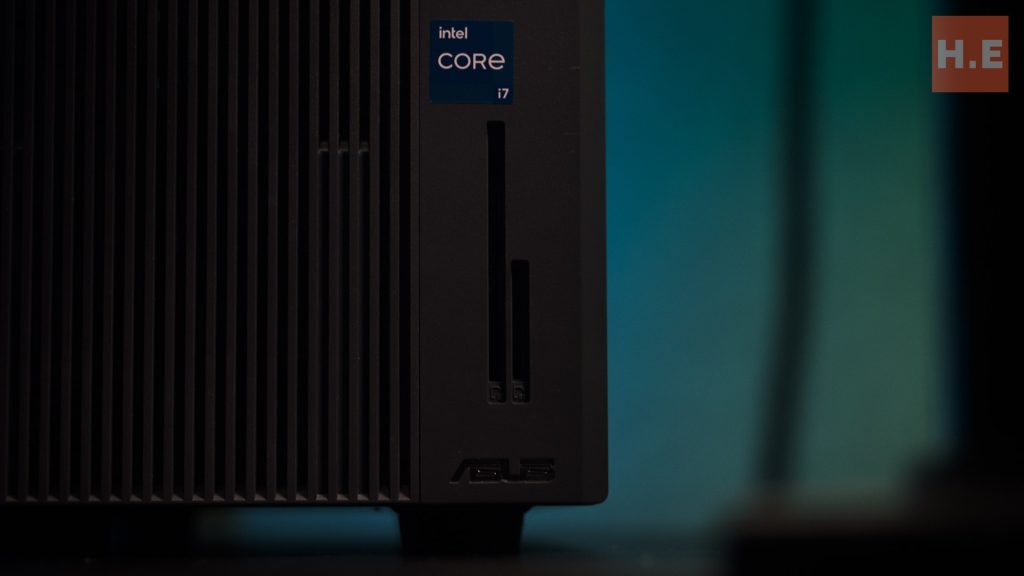
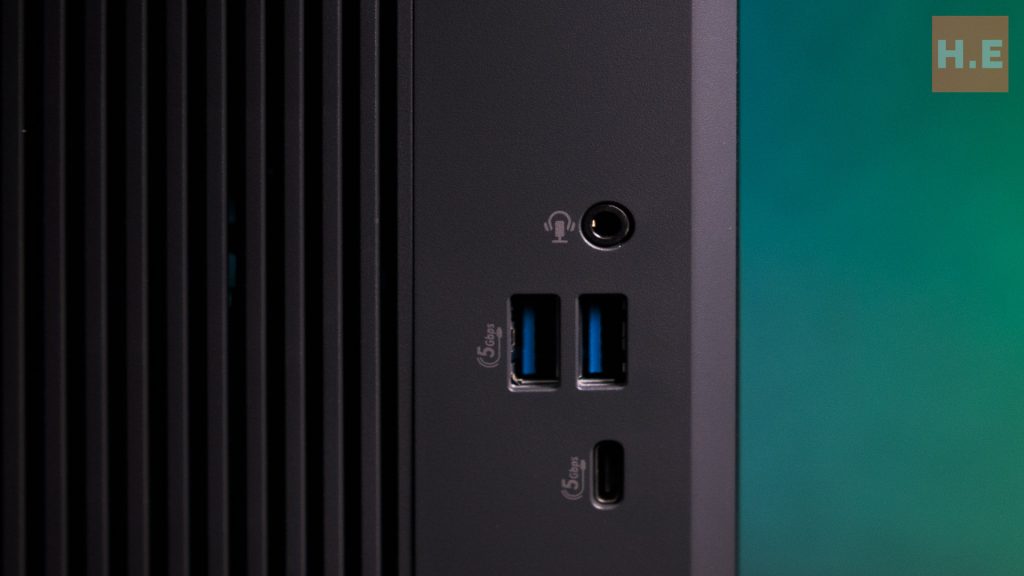
Connectivity is a strong suit of the ASUS ExpertCenter P500 Mini Tower (P500MV), offering a comprehensive array of input/output ports to support diverse peripherals and networking needs. The front panel provides convenient access to essential ports, including a versatile 2-in-1 card reader (supporting SD and MMC cards), a Smart card reader, a 3.5mm combo audio jack, two USB 3.2 Gen 1 Type-A ports, and a modern USB 3.2 Gen 1 Type-C port.
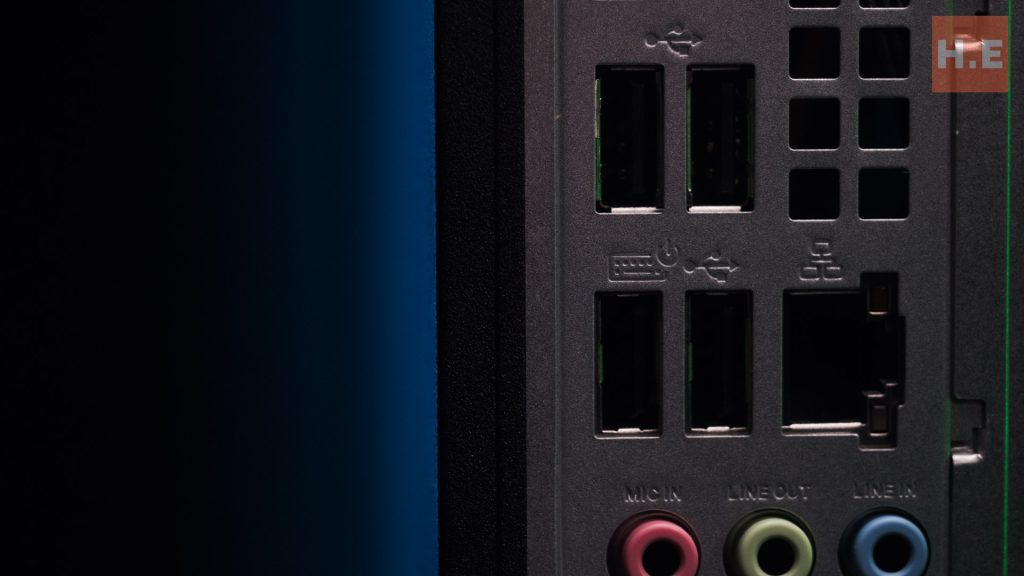
The rear of the system expands on this connectivity, featuring an 1 Gigabit Ethernet port for reliable wired networking, along with one HDMI 1.4 port and one DisplayPort 1.4 for multi-monitor setups.
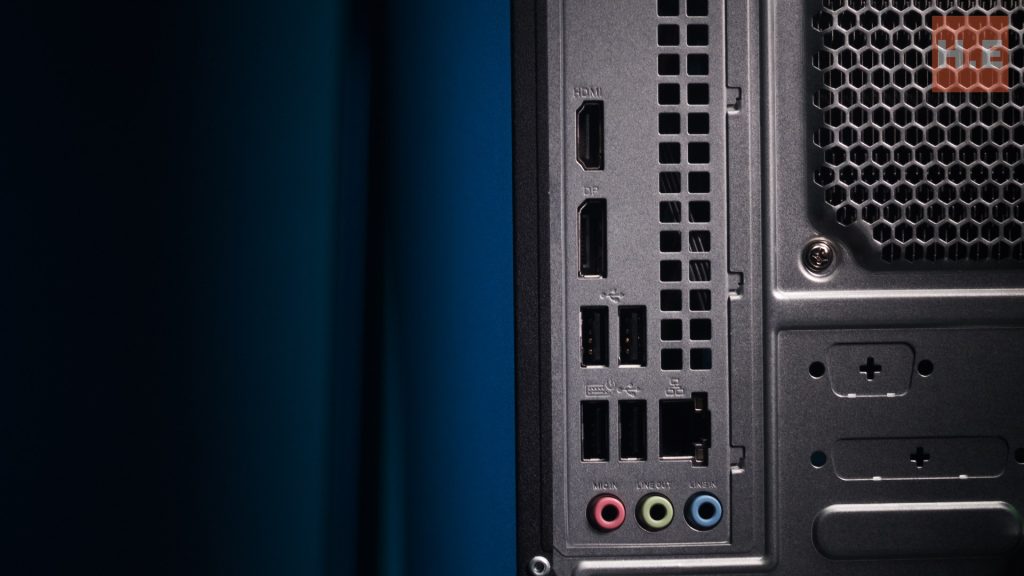
Audio needs are covered by a 7.1 channel audio port with dedicated microphone, line-out, and line-in functionalities (Why this is needed in an office setting is beyond me).
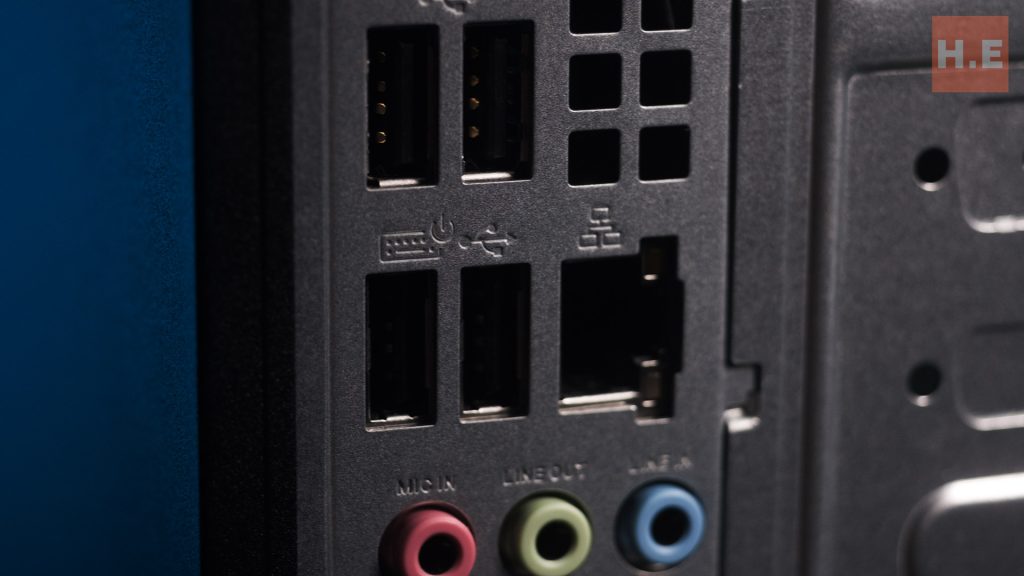
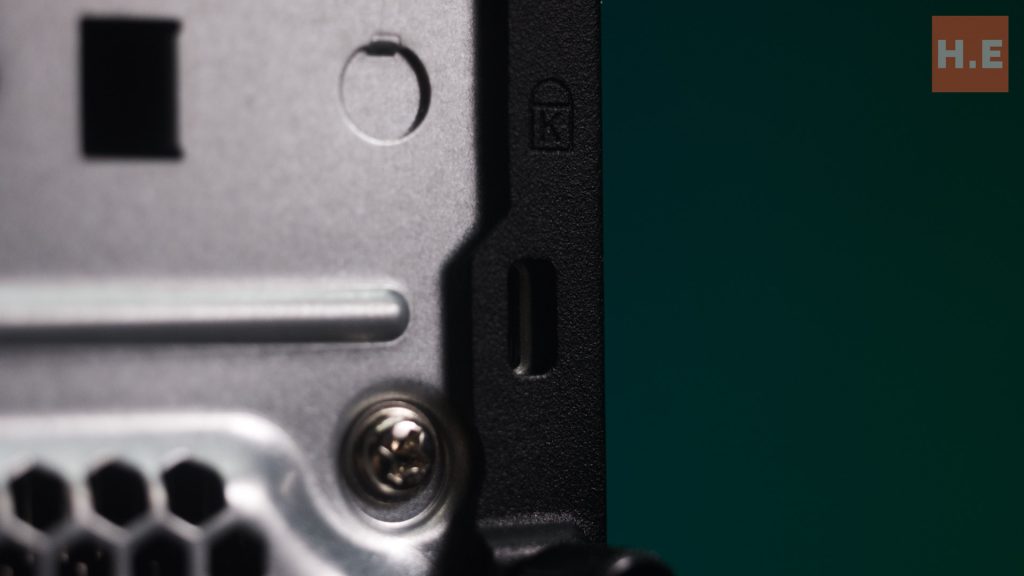
For security, a Kensington lock slot is included, and four USB 2.0 Type-A ports are available for additional peripheral connections.
ExpertCenter P500 Internal
CPU
An interesting design choice for the P500 Mini Tower is the inclusion of a mobile CPU. However, this is far from a limitation, as it features a powerful Intel Core i7-13620H Processor.
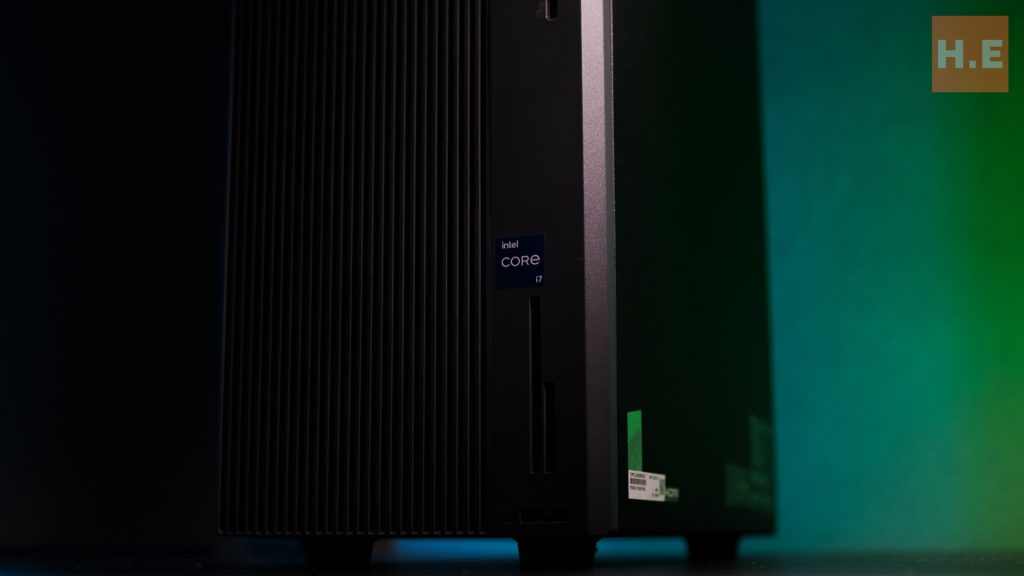
This formidable mobile chip operates at a base speed of 2.4 GHz and can boost up to an impressive 4.9 GHz. With 10 cores and 16 threads, complemented by a substantial 24MB Cache, this CPU is more than capable of handling any form of demanding productivity work.
Its performance is comparable to desktop-grade processors such as the Intel Core i5-13500, positioning it as one of the beefier mobile processors available.
One good thing about using mobile CPU in a desktop is its power efficiency, with the base power being 45W, with turbo power being 115W. This makes the platform perfect for green conscious company, especially those that aim for green tax relief. ASUS also pushed the CPU to take full advantage of the cooling system, with a 95W sustained TDP for better performance in longer workloads.
GPU
While the P500MV reviewed here does not come with a discrete graphics card, the integrated Intel UHD Graphics, part of the Intel Core i7-13620H, provides a solid foundation for daily tasks.
Operating at 1.50 GHz with 64 shader units, this basic graphics unit is sufficient for general office applications, web browsing, and video playback.
For users requiring more demanding graphical capabilities, such as CAD, video editing, or light content creation, an upgrade to a dedicated graphics card via the available PCI-E slot would be a necessary enhancement.
ASUS did indicate the P500 can be ship with up to a GeForce RTX 4060, making it great for businesses who might need more GPU horsepower for design or rendering tasks.However, it was point out from our colleague from Nasi Lemak Tech that the PSU are not able to supply substantial amount of power to the graphics card. We do see there is an power input on the motherboard, but even with that we maybe still looking at less demanding card.
RAM
Memory-wise, the system is well-equipped for business operations. The ASUS ExpertCenter P500 Mini Tower supports two DDR5 SO-DIMM slots. The review variant comes with 32GB of DDR5 SO-DIMM, which is ample for most multitasking and productivity workflows.
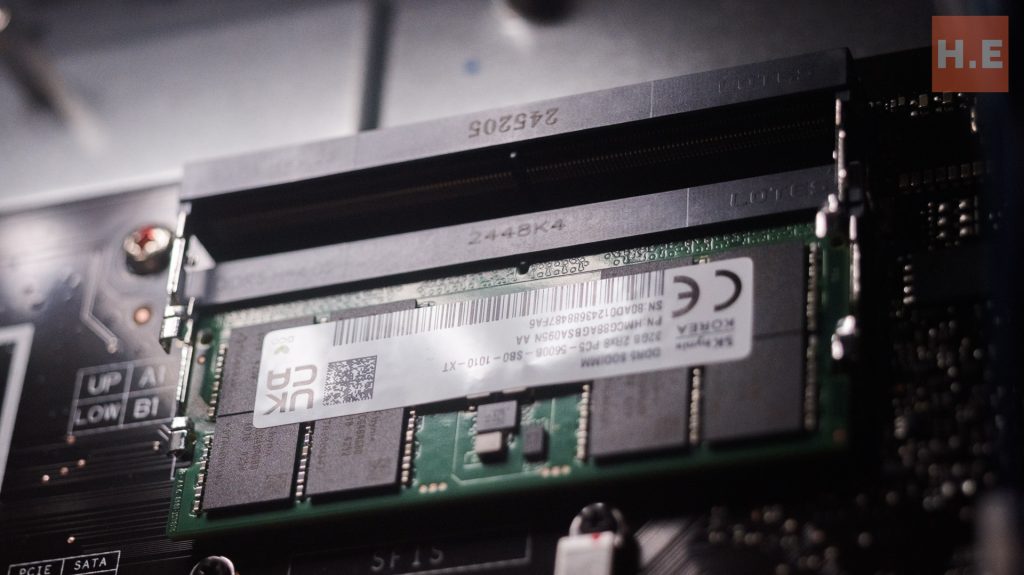
For future scalability or more intensive applications, the memory can be expanded significantly, supporting a maximum of up to 64GB.
Cooling System
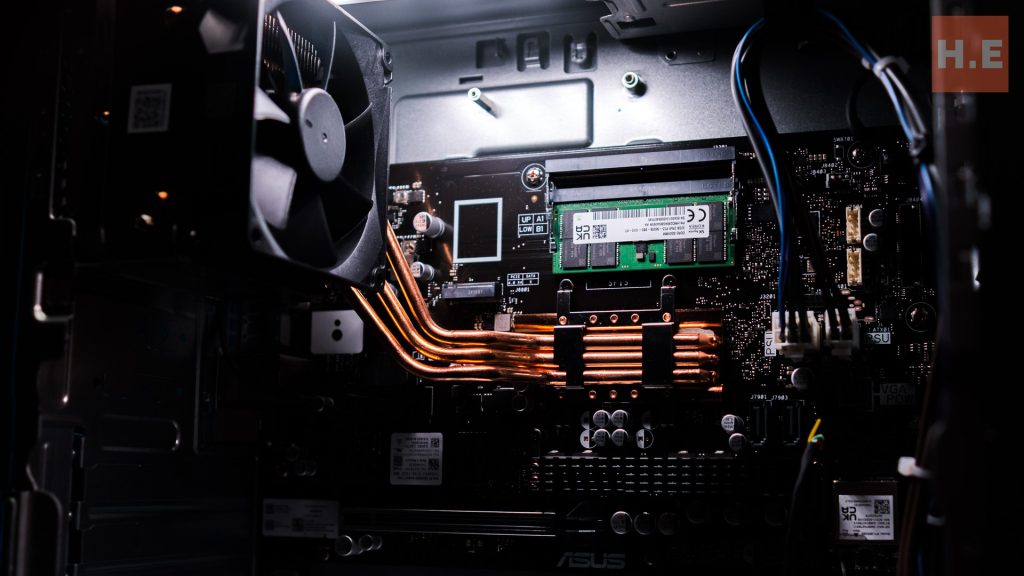
The ASUS ExpertCenter P500 Mini Tower incorporates a highly unique and effective cooling system. It appears to be a clever hybrid design, blending elements of a laptop’s heat pipe transfer system with a traditional desktop tower cooler.
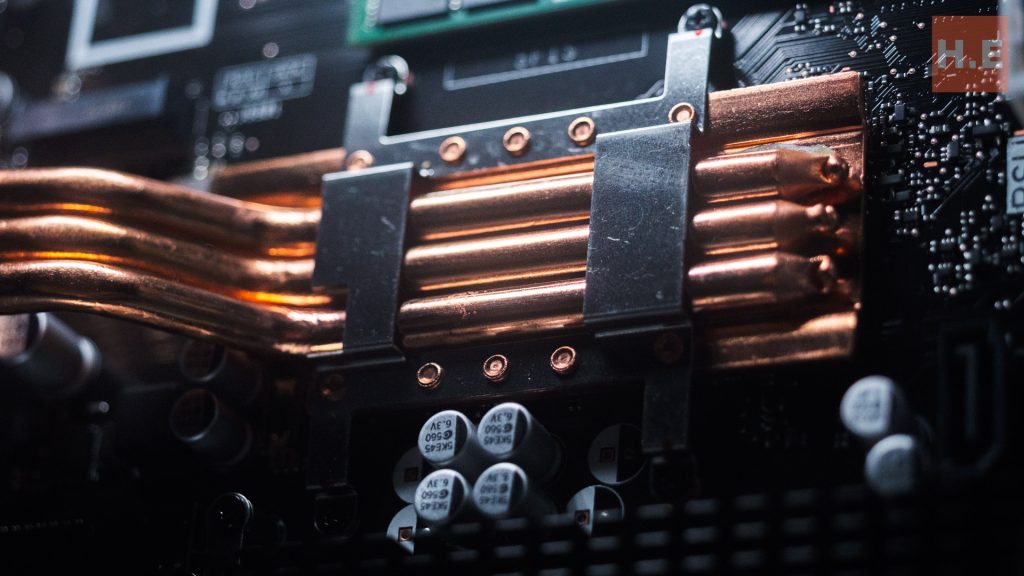
This innovative solution features three partially flattened 6.7mm heat pipes that connect to a high-performance 9cm fan.
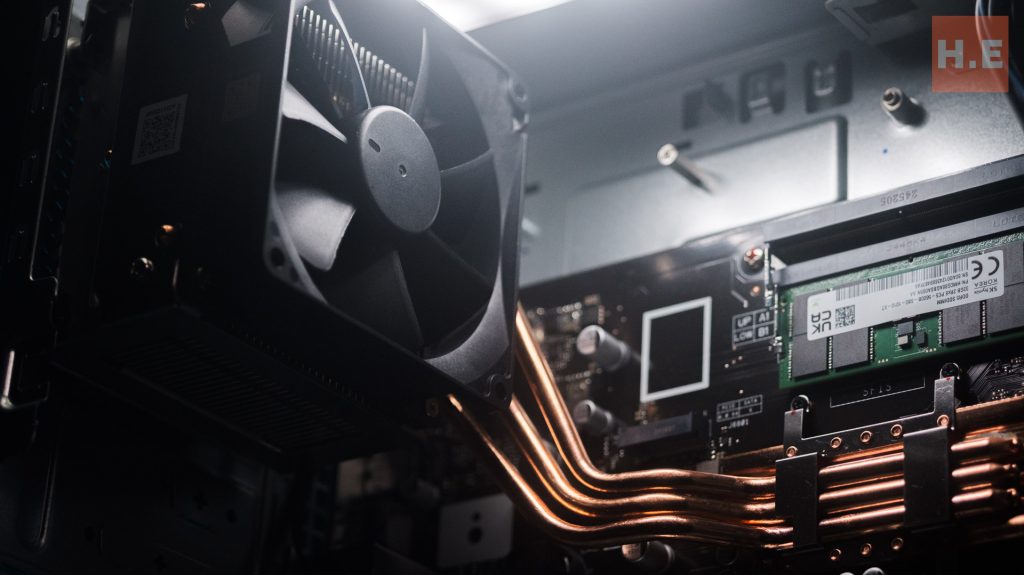
This design efficiently dissipates heat from the CPU, ensuring optimal performance even under sustained loads, while effectively exhausting any hot air from the chassis. This attention to thermal management contributes to the system’s reliability and longevity in a business setting.
Storage and Expansion
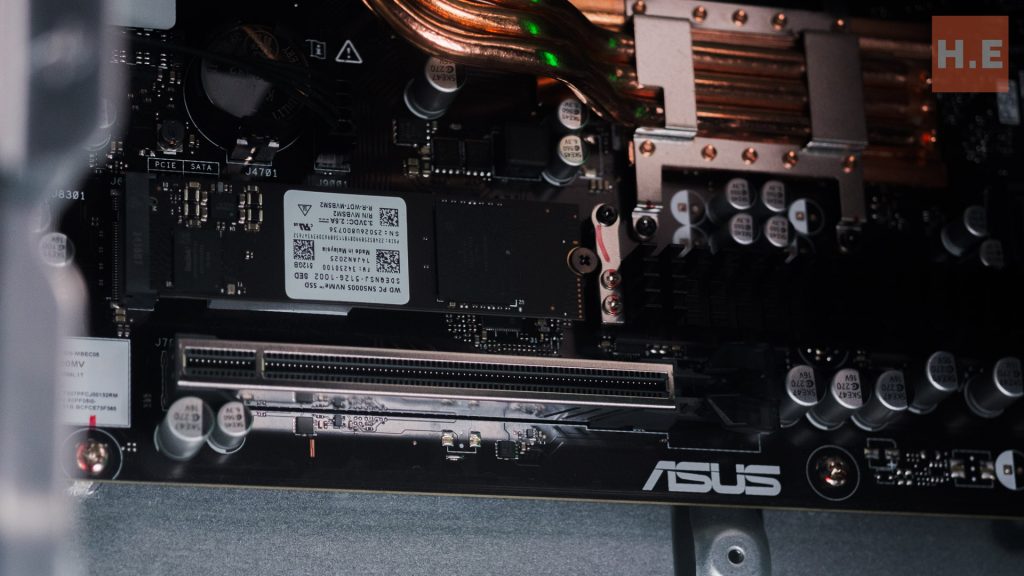
For storage, the P500MV includes a 512GB M.2 2280 NVMe™ PCIe® 4.0 SSD. In an era where cloud-based workflows are prevalent, this amount of fast storage is generally sufficient for everyday business use, providing quick boot times and rapid application loading.
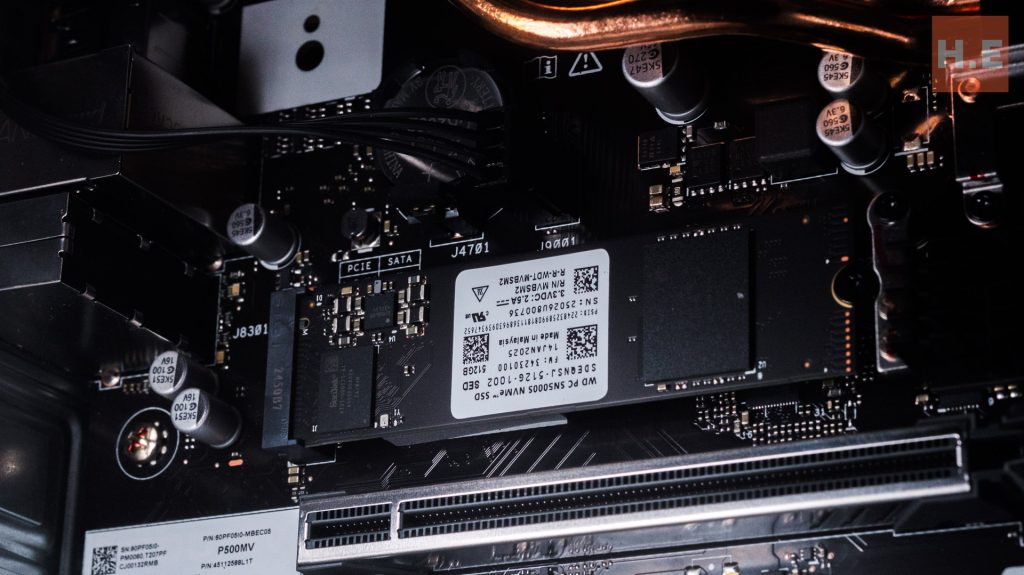
However, a notable observation is that the motherboard features 2 NVMe port, which allow further storage expansion.
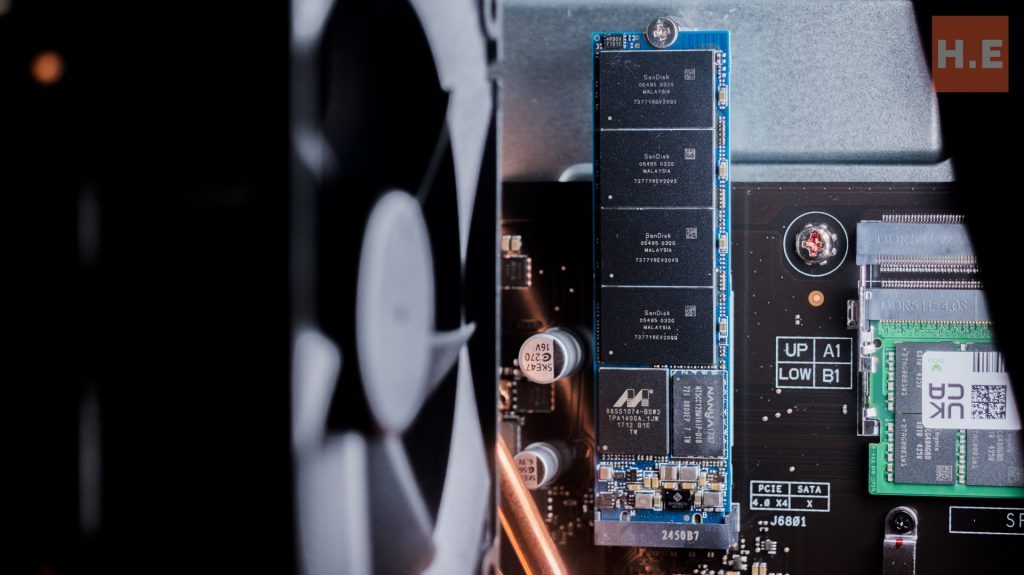
An interesting peculiarity discovered about the NVMe port is that it appears to be designed to accommodate 2230 NVMe drives, as longer cards tend to protrude slightly from the motherboard. While this doesn’t affect functionality, it suggests ASUS may have adapted a board originally intended for a smaller form factor for the P500.
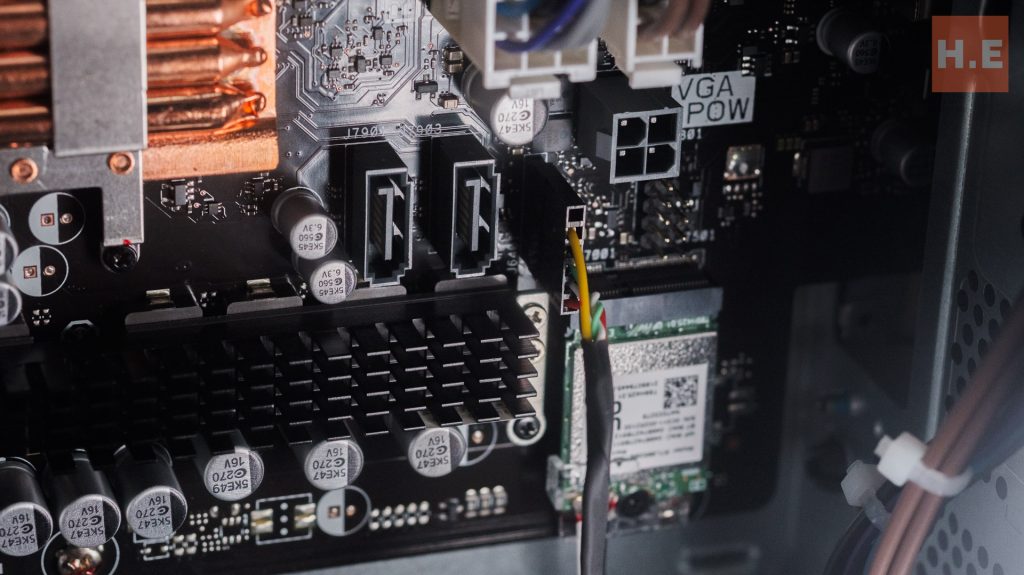
For additional more storage, users will need to rely on the two available SATA ports, which offer slower but still practical options for larger data archives.
Network
IT administrators will appreciate the robust networking capabilities of the ASUS ExpertCenter P500 Mini Tower. It’s not just equipped with a high-speed 1 GB Ethernet port for reliable wired connections, but also features dual-band WiFi AX (Wi-Fi 6) with Bluetooth connectivity.
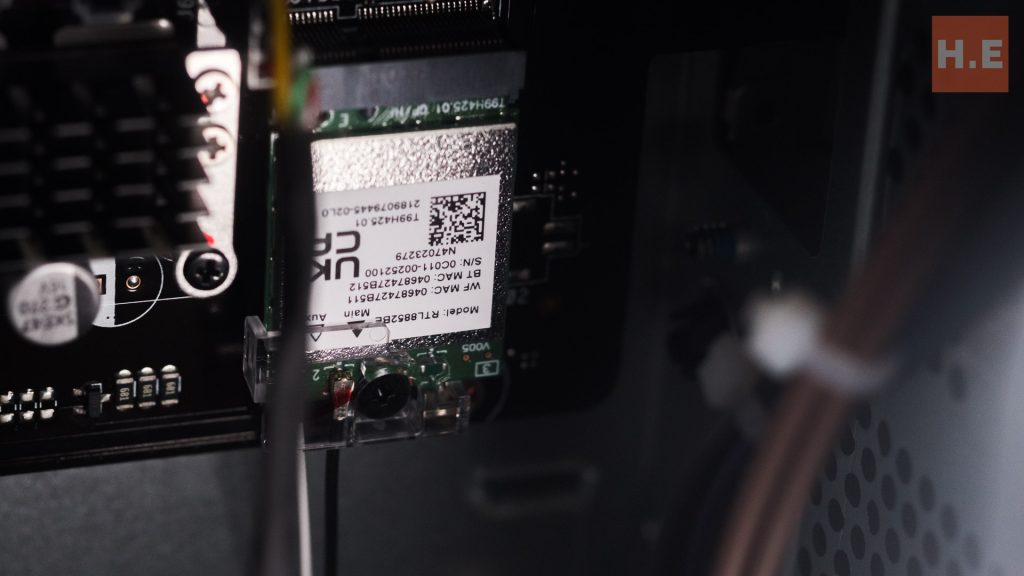
The 1 GB Ethernet port is powered by an Intel 1219-V, which is a low power ethernet gigabit port. This is perfectly fine for daily office use.
However, the WiFi chip is powered by a Realtek. so IT admin may want to keep this in mind if you need something with better compatibility.
ExpertCenter P500 AI Features
The ASUS ExpertCenter P500 Mini Tower (P500MV) is thoughtfully enhanced with several AI features, aiming to significantly boost productivity and foster better collaboration in the workplace. Central to these innovations are ASUS AI ExpertMeet and Microsoft Copilot.
ASUS AI ExpertMeet functions as an intelligent AI assistant, specifically designed to streamline meeting experiences. Its capabilities include AI meeting minutes, which automatically capture, transcribe, and summarize discussions, accurately identifying multiple speakers and key discussion points. This feature is invaluable for ensuring no critical information is missed and for efficient post-meeting follow-ups.
Additionally, AI Translated Subtitles provide real-time language translation during live calls and recordings, breaking down communication barriers in diverse global teams. For enhanced professionalism and content protection during video calls, the Webcam Watermark feature allows users to personalize their video feed and safeguard presented material.
Further optimizing the communication experience, ASUS has integrated advanced AI Noise Cancellation technology. This feature leverages a deep-learning database to effectively filter out distracting background noise, dramatically improving the clarity of the speaker’s voice during calls and online meetings—a crucial benefit in today’s hybrid work environments.
Complementing these ASUS-specific AI tools, Microsoft Copilot is also accessible via a dedicated Copilot key. This AI companion offers commercial data protection and is designed to further enhance overall productivity across various tasks and applications.
ExpertCenter P500 Warranty & Support
One of the most compelling reasons to consider the ASUS ExpertCenter P500 Mini Tower is the comprehensive ASUS Business support that accompanies it. This goes far beyond a standard warranty, offering a plethora of services essential for maintaining peak productivity, seamlessly integrating ASUS into the support process, and helping IT administrators minimize downtime.
For detailed information on the extensive range of services provided, prospective buyers and IT professionals are encouraged to visit the official ASUS Business Support link: https://www.asus.com/my/business/services/asus-business-support/. This dedicated support infrastructure underscores ASUS’s commitment to its enterprise clients, providing peace of mind and ensuring business continuity.
ExpertCenter P500 Conclusion
Priced at an incredibly competitive RM3999 for our review variant, the ASUS ExpertCenter P500 Mini Tower (P500MV) represents a standard in the enterprise desktop market. This system offers remarkable flexibility, capable of adapting to a wide range of user cases while standing strong on its own, even with just its powerful mobile CPU holding the fort. While there are limitations regarding support for higher-power GPUs, this is a minor consideration for the P500MV’s intended use in typical office environments, where its integrated graphics are perfectly sufficient.

What truly elevates the P500MV’s value proposition at this price point is the inclusion of full access to ASUS Business Support. This extensive support network is a significant boon for IT administrators, promising to streamline operations and minimize downtime, ultimately contributing to a happier and more efficient IT team. Given its blend of performance, compact design, enterprise-grade features, and exceptional value, we recommend the ASUS ExpertCenter P500 Mini Tower (P500MV) as an outstanding choice for businesses looking to upgrade their workstation fleet, and offer it our silver award.