
Mac Mini M6 vs M5 Pro vs M4: Which One Should You Buy in 2026?

TLDR
- Mac mini M6 starts at $899 — a $300 increase over the M4 base, justified by 4x faster AI performance, 2x faster graphics, and 40% faster CPU
- Mac mini M5 Pro starts at $1,699 for users who need pro-level performance — up to 18-core CPU, 20-core GPU, 64GB unified memory
- Mac mini M4 at $599 still has a place in Apple’s lineup for users on tighter budgets or with less demanding workloads
- Buy M6 if you want the best balance of performance, AI capabilities, and value; buy M5 Pro for pro workflows like video editing or 3D; skip both if M4 already meets your needs
- Wait-or-buy decision depends on current machine: Intel and M1 buyers should buy now; M2/M3 buyers should wait for the M6; M4 buyers can skip
Mac mini M6 vs M5 Pro vs M4: the full comparison
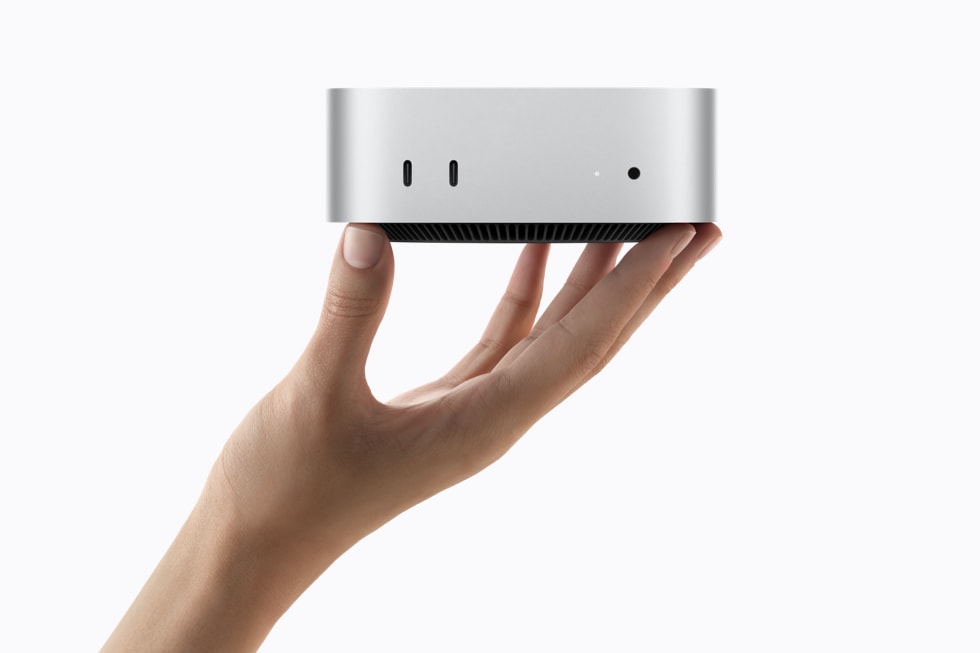
Apple’s Mac mini lineup now spans three distinct generations: the new M6 and M5 Pro (announced August 25, 2026, shipping September 22), and the still-available M4. Each one serves a different buyer, and the right choice depends on what you currently own, what you do with your computer, and whether you need AI acceleration or pro-level performance today or can wait.
This guide helps you decide. We compare all three side-by-side, break down Apple’s performance claims, and give you a decision framework based on your real situation rather than marketing copy. Note that the M6 base model specs are partially sourced from Apple’s official press release and confirmed analyst predictions; we’ll update this article when full M6 technical specs are published.
Full specifications comparison
| Spec | Mac mini M4 | Mac mini M6 | Mac mini M5 Pro |
|---|---|---|---|
| CPU cores | 10-core | 12-core | Up to 18-core |
| GPU cores | 10-core | 12-core with Neural Accelerators in each core | Up to 20-core (3rd-gen ray tracing) |
| Neural Engine | 16-core | Dual 16-core (effectively 32-core) | Dual 16-core |
| Standard unified memory | 16GB | 16GB | 24GB |
| Max unified memory | 32GB | 32GB | 64GB |
| Memory bandwidth | 120 GB/s | 170 GB/s | 307 GB/s |
| Standard storage | 256GB SSD | 256GB SSD (typical Apple base config) | 512GB SSD |
| Wi-Fi | Wi-Fi 6E | Wi-Fi 7 | Wi-Fi 7 |
| Bluetooth | 5.3 | 6 | 6 |
| Ethernet | Gigabit | 2.5Gb (10Gb option) | 2.5Gb (10Gb option) |
| Front ports | 2x USB-C, headphone | 2x USB-C, headphone | 2x USB-C, headphone |
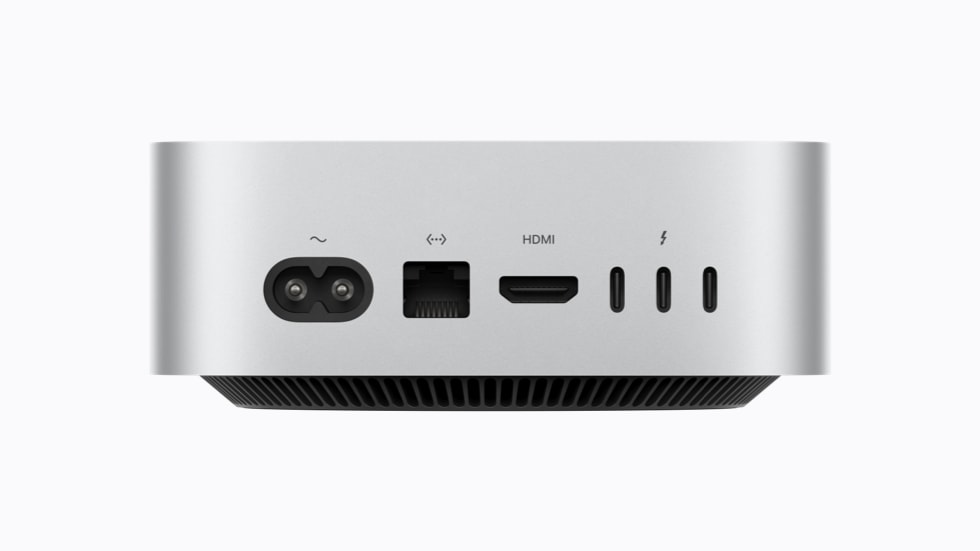
| Rear ports | Thunderbolt 4, HDMI, USB-A, Ethernet | Thunderbolt (4 or 5 TBD), HDMI, USB-C, Ethernet | Thunderbolt 5, HDMI, USB-C, Ethernet |
| Starting price (USD) | $599 | $899 | $1,699 |
| Education price | $499 | $799 | $1,599 |
Apple’s performance claims, decoded
Apple’s press release for the M6 and M5 Pro made several specific performance claims. Here’s what they actually mean in practice, and what you can realistically expect if you buy:
Mac mini M6 claims (vs Mac mini M4):
- Up to 4x faster AI performance — driven by the Neural Accelerators in each GPU core (new for Mac mini) plus the doubled Neural Engine. This matters for users running on-device LLMs (Llama 3, Mistral, etc.), on-device image generation, and macOS 27’s expanded Apple Intelligence features.
- Up to 2x faster graphics — 12-core GPU with two more cores and the Neural Accelerator additions. For gaming this means smoother frame rates in titles like Cyberpunk 2077: Ultimate Edition with ray tracing on.
- 40% faster CPU performance — 12-core CPU vs 10-core, Apple’s “world’s fastest single-threaded performance” claim. Real-world impact: faster app launches, snappier multitasking, slightly faster compile times for code.
- Up to 13.5x faster LLM prompt processing vs M1 — the M6 over M1 generation comparison. If you’re still on an M1 Mac mini, this is the headline upgrade.
- Up to 4.8x faster LLM prompt processing vs M4 — the more relevant upgrade path for most buyers.
Mac mini M5 Pro claims (vs Mac mini M2 Pro):
- Up to 8.5x faster LLM prompt processing vs M2 Pro — pro-level AI workloads scale dramatically with the M5 Pro’s higher memory bandwidth (307 GB/s) and 64GB memory ceiling.
- Up to 4.5x faster rendering with ray tracing in Blender — 20-core GPU with third-gen ray tracing for 3D work.
- Up to 2.1x faster image processing in Affinity — CPU and GPU gains for photo editing work.
All performance numbers come from Apple’s own testing in July 2026 and should be taken as upper bounds under ideal conditions. Real-world gains depend on workload, software optimization, and thermal performance.
Which Mac mini should you buy?
Beyond raw specs, the right Mac mini depends on what you do with it. Here’s a use case breakdown:
Productivity and everyday use: The M6 is the right choice. The 12-core CPU, 16GB of memory, and 4x AI performance improvement over M4 will feel snappy and modern. If you’re coming from an Intel Mac or M1, this is a transformative upgrade. The $899 starting price is reasonable for what you get, and you can save $100 with education pricing if eligible.
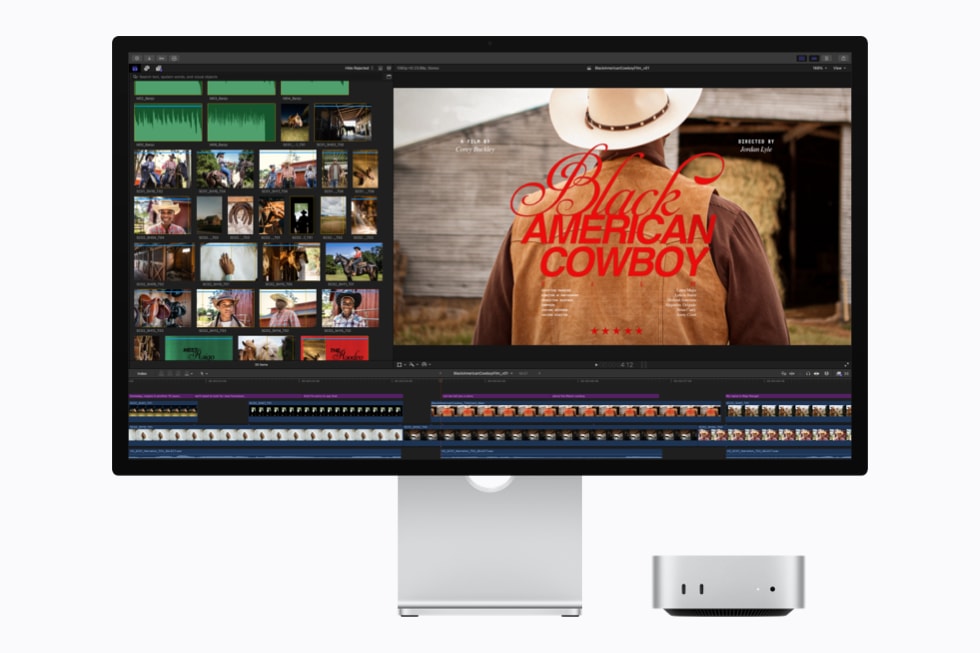
Creative work (video editing, 3D design, music production): The M5 Pro is worth the premium if your workflow actually needs it. Up to 18-core CPU + 20-core GPU + 64GB unified memory is enough for most 4K video editing, complex 3D scenes, and large music production sessions. For users running Final Cut Pro, DaVinci Resolve, Blender, Cinema 4D, or similar tools, the $1,699 starting price pays for itself in time saved. The M5 Pro also has Thunderbolt 5, which matters if you connect high-bandwidth peripherals like external GPU enclosures or multiple 6K displays.
AI and machine learning workloads: The M5 Pro is the clear choice for AI work. The 64GB memory ceiling lets you run larger LLMs locally (Llama 3 70B with significant quantization fits comfortably), and the 307 GB/s memory bandwidth is critical for inference speed. The M6 with 32GB max is great for smaller models (7B-13B at full precision, 30B-50B with quantization) but will hit memory limits on bigger ones.
Business and office use: Both M6 and M5 Pro are overkill for typical office workloads (email, docs, spreadsheets). The M4 at $599 is the right choice here unless you need the Apple Intelligence features specifically, in which case the M6 is the minimum.
Server and always-on workloads: The M5 Pro is recommended for “always-on agentic computing” use cases Apple specifically markets. Its performance per watt is best in class, and 64GB lets you run several services concurrently.
Should you upgrade from an older Mac mini?
Decision framework based on what you currently own:
Intel Mac mini (2018 or older): Buy now. The M6 is a transformative upgrade — you’re going from a thermal-limited Intel chip with 8-16GB RAM to a 12-core M6 with 16GB minimum, 32GB maximum, and full Apple Intelligence support. Every task you do will be faster, cooler, and quieter. Don’t wait.
M1 Mac mini (2020): Buy now. The M6 is 13.5x faster for AI workloads alone. For general productivity the speedup will be less dramatic (maybe 2-3x), but the jump in memory bandwidth, Wi-Fi 7, Bluetooth 6, and 2.5Gb Ethernet will all feel modern.
M2 Mac mini (2023): Wait for M6 or skip. If your M2 still meets your needs, the M6 doesn’t justify the upgrade cost for general use. If you specifically need the AI acceleration or 170 GB/s memory bandwidth for content creation workflows, the M6 is a meaningful step up.
M3 Mac mini: Skip the M6 generation. The M3 is recent enough that the M6 doesn’t offer enough for the cost. Wait for the M7 generation (likely 2028) or evaluate based on what you actually need.
M4 Mac mini: Skip entirely. The M4 is a capable machine and the M6 is an incremental upgrade for most workloads. Apple’s own performance claims focus on AI workloads, where the M4 doesn’t have Neural Accelerators. For traditional productivity you won’t notice the difference.
M5 Pro vs Mac Studio: which is right for you?
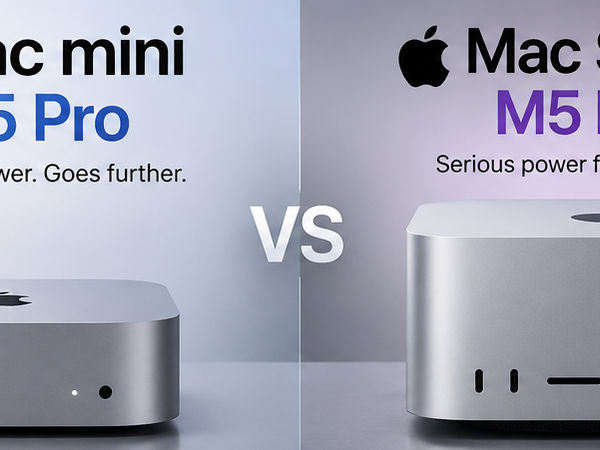
If you’re considering the M5 Pro, you should also look at the Mac Studio with M5 Max ($1,999 starting). The Mac Studio has 14-core CPU + 32-core GPU + 64GB memory standard — which makes it more powerful than the base M5 Pro in some ways. But the M5 Pro has:
- More CPU cores (up to 18 vs Mac Studio’s 14)
- Higher memory bandwidth (307 GB/s vs Mac Studio’s lower figure)
- Newer M5 Pro chip vs Mac Studio’s M5 Max
The M5 Pro is the right choice for most pro workloads. The Mac Studio’s GPU advantage matters if you’re doing heavy 3D rendering or video effects work, but for typical creative workflows the M5 Pro is more than enough. The $300 price difference is also worth noting.
Pricing and where to buy
Mac mini pricing summary:
- Mac mini M4: $599 (education: $499) — still available from Apple, retailers clearing stock likely
- Mac mini M6: $899 (education: $799) — pre-order August 25, ships September 22, 2026
- Mac mini M5 Pro: $1,699 (education: $1,599) — pre-order August 25, ships September 22, 2026
Apple offers configure-to-order options for additional RAM, SSD storage, and the 10Gb Ethernet upgrade on the M6 and M5 Pro. We strongly recommend Apple Card Monthly Installments (ACMI) for buyers in the US who want 0% APR financing on the M5 Pro’s $1,699 price tag. Apple’s trade-in program can offset some cost if you’re replacing an older Mac.
FAQ
Is the Mac mini M6 worth $300 more than the M4?
If you use Apple Intelligence features, run any on-device AI workload, or do creative work like photo or video editing, yes — the 4x AI performance and 40% faster CPU are noticeable upgrades. For basic productivity use (email, web, docs), the M4 at $599 is probably enough.
Should I wait for the Mac mini M7?
If you bought an M4 in 2025, yes — wait at least one more generation. The M6 is a small upgrade over M4 for traditional workloads. If you’re on M2 or older, the M6 is worth it now. The M7 generation isn’t expected until mid-2028 at the earliest, based on Apple’s recent cadence.
Can the Mac mini M5 Pro replace a Mac Studio?
For most pro users, yes. The M5 Pro’s 18-core CPU, 20-core GPU, 64GB memory ceiling, and Thunderbolt 5 connectivity handle typical Final Cut Pro, DaVinci Resolve, and Blender workflows with ease. The Mac Studio’s main advantage is more GPU power, which matters for heavy 3D rendering — if that’s not your workload, the M5 Pro is enough and saves you $300.
Is the M6 Mac mini good for coding?
Excellent for most development workflows. The 12-core CPU and 16GB base memory (upgradable to 32GB) is plenty for typical IDE work, builds, and testing. The dual 16-core Neural Engine is useful for AI-assisted development tools. For massive multi-repo monorepo builds or large ML training, the M5 Pro with 64GB memory is a better fit.
Should I buy M4 now or M6?
If you need a Mac today, the M4 is solid value at $599. If you can wait until September 22 and have specific AI or creative workload needs, the M6 is the right choice. There’s no wrong answer — both will be supported for years.
Is the education pricing worth it?
$100 savings on the M6 ($799 vs $899) and $100 on the M5 Pro ($1,599 vs $1,699) is significant. If you’re a current or newly accepted college student, parent buying for a student, or K-12 teacher, the education pricing is the same Mac with no compromises, just cheaper. Apple’s verification is straightforward.
Our Take
The Mac mini M6 is the right upgrade for most current Intel and M1 Mac mini owners. The $300 price increase over the M4 is steep but the generational gains in AI performance, memory bandwidth, and overall responsiveness make it worthwhile for users who want to run modern AI-accelerated workflows. For most productivity users, the M4 at $599 remains the best value in Apple’s lineup and the M6 doesn’t change that calculus.
The M5 Pro is genuinely impressive for pro users at $1,699. The combination of 18-core CPU, 64GB memory ceiling, Thunderbolt 5, and best-in-class performance per watt makes it the most interesting pro desktop Apple has shipped in years. For users running Final Cut Pro, DaVinci Resolve, Blender, or large local LLMs, the M5 Pro is the new go-to recommendation over the Mac Studio.
The pricing strategy is interesting: Apple has moved the entry-level Mac mini up $300 from M4 to M6, while keeping the M4 at $599 as the budget option. This is a reasonable segmentation, but it does mean the M6 is no longer the budget desktop it once was. If Apple Intelligence and 4x AI performance don’t matter to you, the M4 is still an excellent machine.
Related on HelloExpress
- Running LLMs Locally on Mac Mini M6 (Guide)
- Mac Mini M5 Pro for Video Editors and 3D Designers
- Mac Mini M6 Pricing and Configuration Guide
Versi Bahasa Malaysia: Cubatek.net
Sources
- Apple Newsroom — Mac mini M6 and M5 Pro official press release (August 25, 2026)
- Apple — Mac mini product page
- Apple — Mac Studio product page (for cross-comparison)