
Acer Nitro PG241Y P1 Review: The portable monitor i want

Acer Nitro PG241Y P1
The Acer Nitro PG241Y P1 is priced well below what the spec sheet and the bypass charging capability would suggest. For anyone who wants a portable second screen that is actually bigger than their laptop rather than a laptop-sized afterthought, this earns a clear recommendation — carry solution not included.
Positives
- 24 Inches, FHD — The Right Size and Resolution Combination
- 144Hz Refresh Rate
- Confirmed Bypass Charging Over USB-C — The Standout Finding
- Colour Accuracy That's Rare to See Measured at This Price
- Genuinely Light and Slim Without Feeling Fragile
Negatives
- Genuinely Light and Slim Without Feeling Fragile
- HDMI 1.4, Not a Higher Version
Table of Contents
I went into this expecting to dislike it. The premise of a “portable gaming monitor” read as a contradiction — most portable monitors top out around 15.6 to 16.1 inches, which is to say roughly the size of the laptop screen you already own. Bringing a second display that size along for the ride never felt like it solved a real problem.
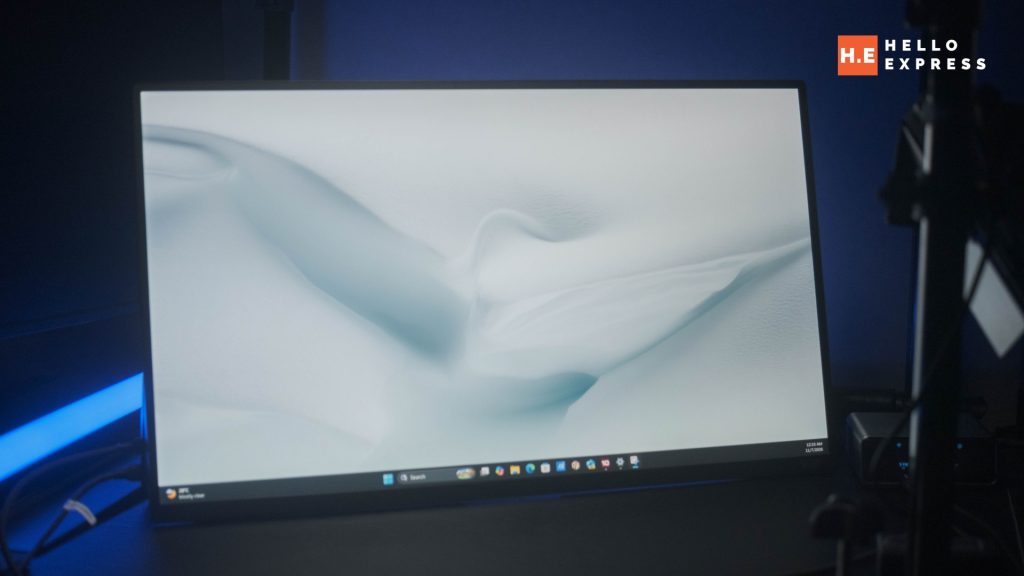
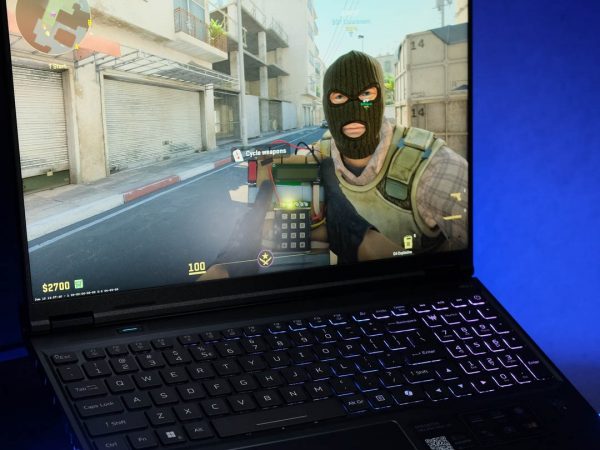
The Acer Nitro PG241Y P1 changed that assessment. At 24 inches, it is unambiguously bigger than a laptop panel, which is the entire point of carrying a secondary screen in the first place. It is FHD rather than higher resolution, which turns out to be the correct decision rather than a cut corner. And in testing, it turned out to do something genuinely useful that has nothing to do with gaming at all: it can charge a connected laptop through the same USB-C cable carrying the display signal.
Here is the honest breakdown of where the PG241Y P1 earns its RM649 asking price, and where it falls short.
What We Like About the Acer Nitro PG241Y P1
24 Inches, FHD — The Right Size and Resolution Combination
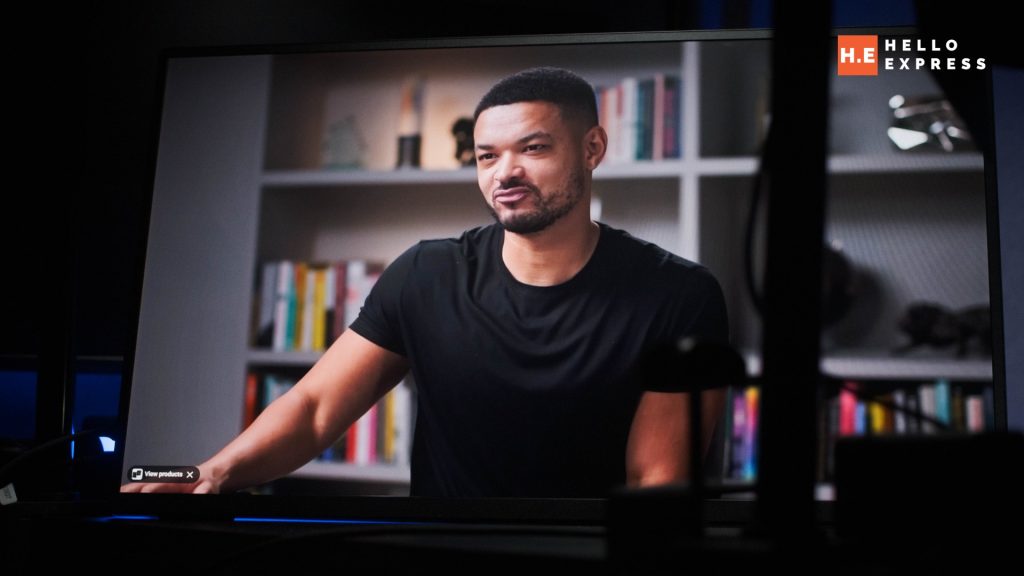
Most portable monitors on the Malaysian market sit at 15.6 to 16.1 inches — close enough to a laptop’s own screen that carrying one along stops making much sense as a secondary display. The PG241Y P1’s 24-inch panel solves that directly: it is a display worth setting up next to a laptop rather than one that merely duplicates it.
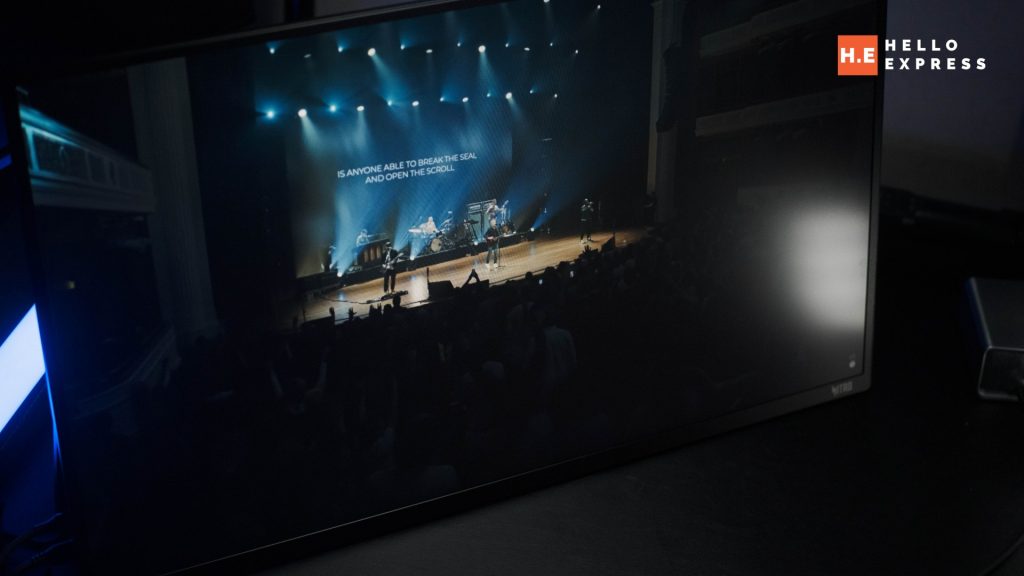
The FHD (1920×1080) resolution is a deliberate trade-off rather than a limitation. A prior 2K 16-inch portable monitor made the case for this the hard way — higher pixel density on a smaller panel looks impressive on a spec sheet, but at typical portable-monitor viewing distances, anything beyond 1440p on a screen this size starts working against comfortable viewing rather than for it. At 24 inches, 1080p keeps text, UI elements, and game HUDs at a size that reads cleanly without scaling workarounds.
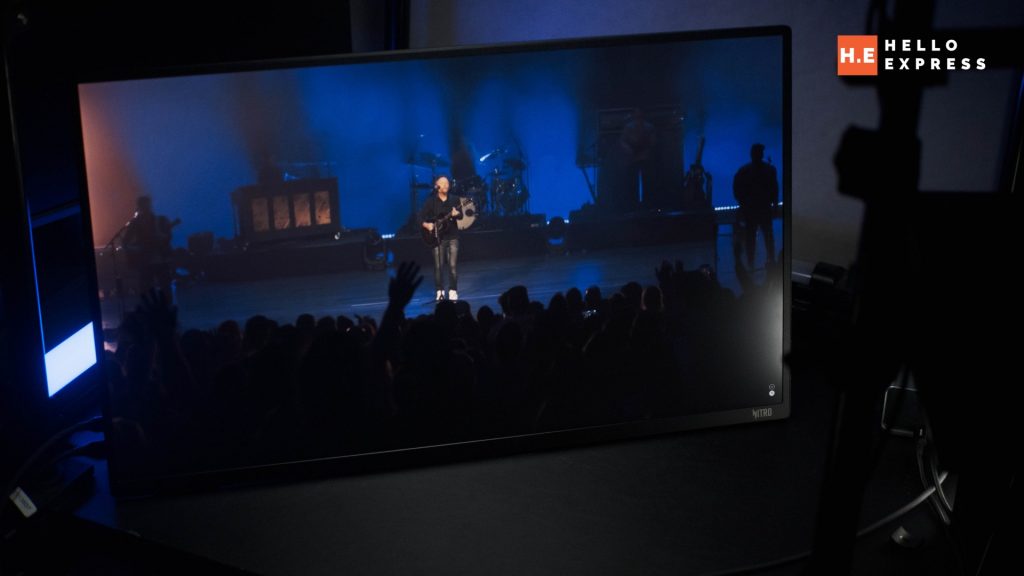
144Hz Refresh Rate
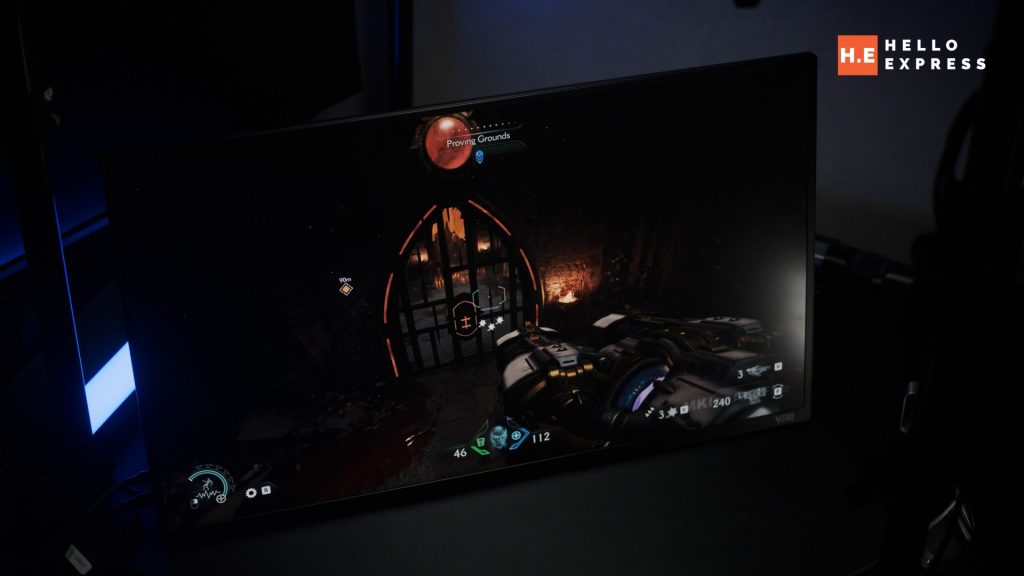
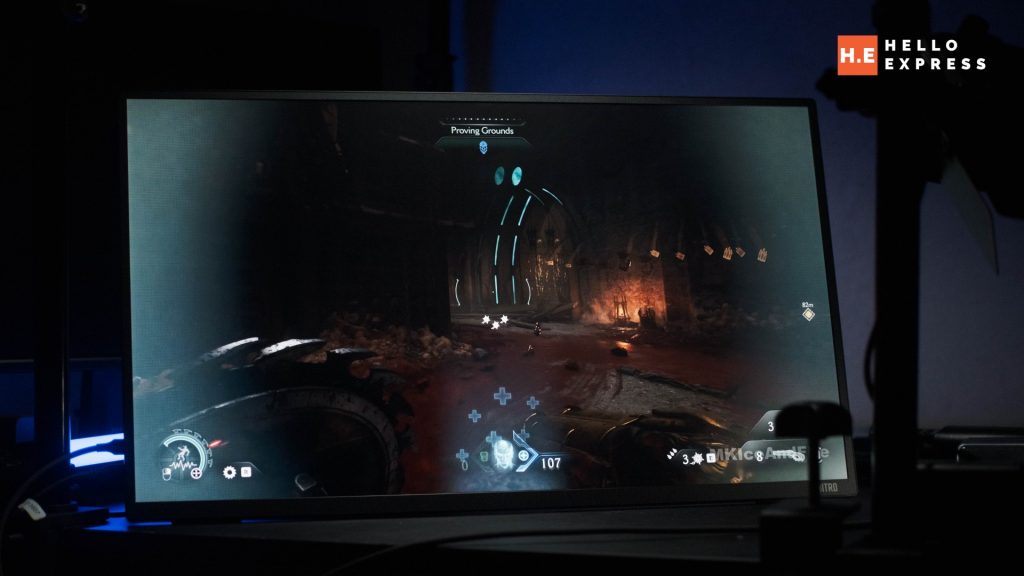
144Hz places the PG241Y P1 in the faster bracket of the portable monitor category — a segment where 60Hz panels are still common. In testing, the panel held up for fast-paced gameplay, and Aiphos found it fast enough to be credible for lightly competitive play, not just casual sessions.
Confirmed Bypass Charging Over USB-C — The Standout Finding
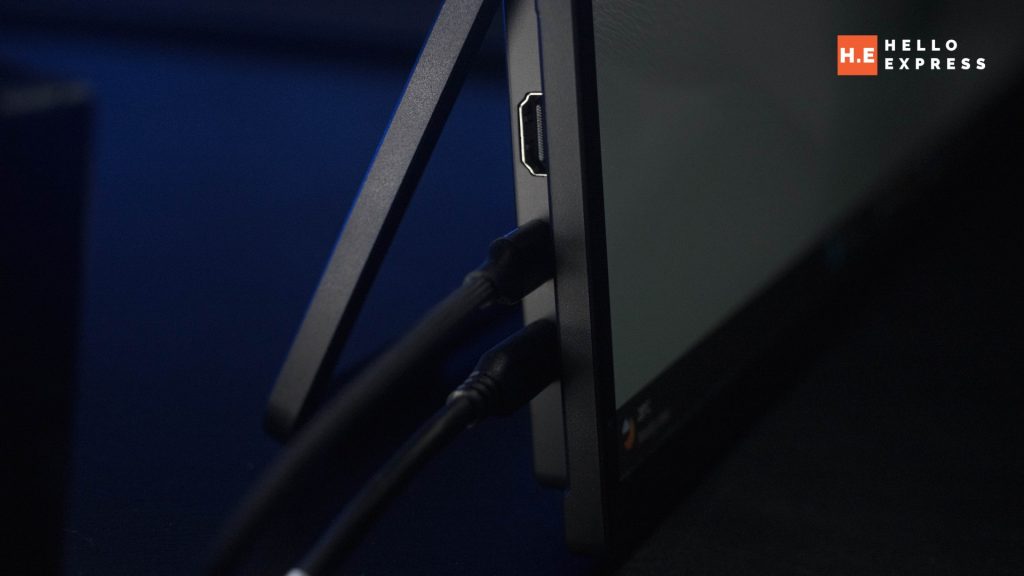
This is the discovery that changed the overall assessment of the monitor. The PG241Y P1 carries two USB-C ports and one HDMI 1.4 port, and all three can act as display inputs. Connecting one USB-C port to a wall charger for power and the second USB-C port to a laptop as the display input produced an unexpected result: the laptop began charging through the same connection carrying the display signal.
Testing this with an Anker 250W Prime Charger and a power meter produced clear, repeatable numbers. With a laptop drawing 24W connected and charging, the monitor pulled approximately 80W total from the wall. Once the laptop reached full charge, total draw dropped to approximately 55W, with roughly 10W sustained specifically to maintain bypass charging to the laptop — power routed through to the laptop’s system rather than cycling through its battery.
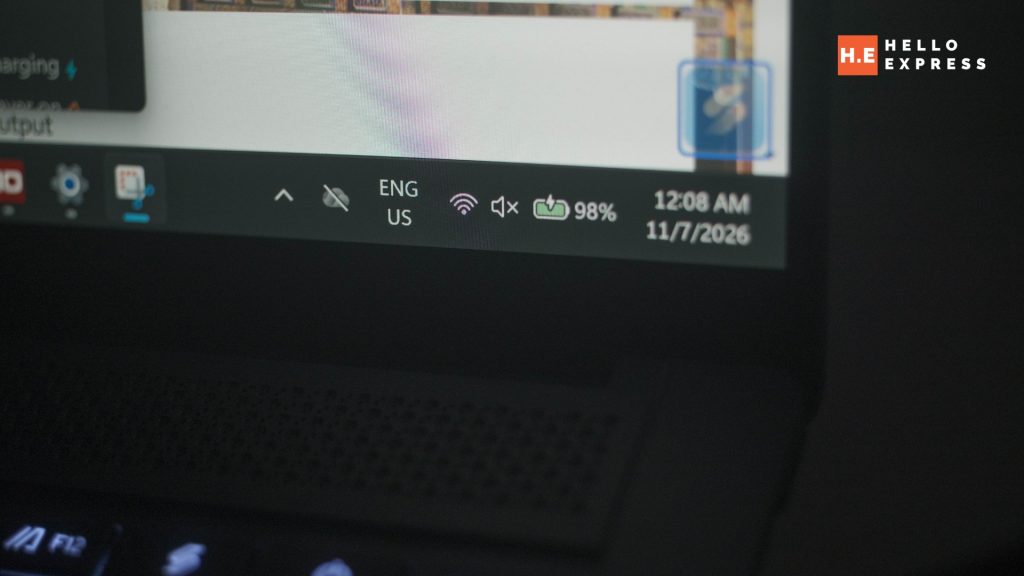
This mirrors a pattern HelloExpress has documented elsewhere in undocumented bypass charging on phones: a feature that isn’t marketed on the box but has real thermal and battery-longevity benefits, confirmed here with meter readings rather than a marketing claim. For a portable monitor, it means one USB-C cable and one charger can power both the display and the laptop feeding it — a genuine reduction in what you need to carry.
Colour Accuracy That’s Rare to See Measured at This Price
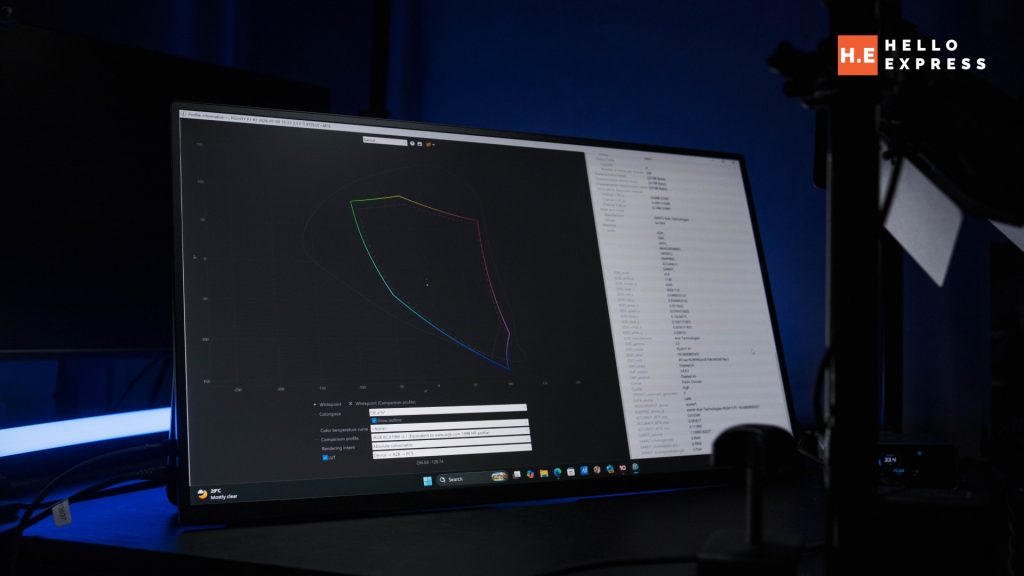
Independently measured gamut coverage: 99.5% sRGB, 73.4% Adobe RGB, and 78.6% DCI-P3. The sRGB figure in particular is a strong result for a portable monitor in this price bracket — most competitors at RM649 and below simply print “Full HD IPS” on the box and leave gamut coverage unstated entirely.
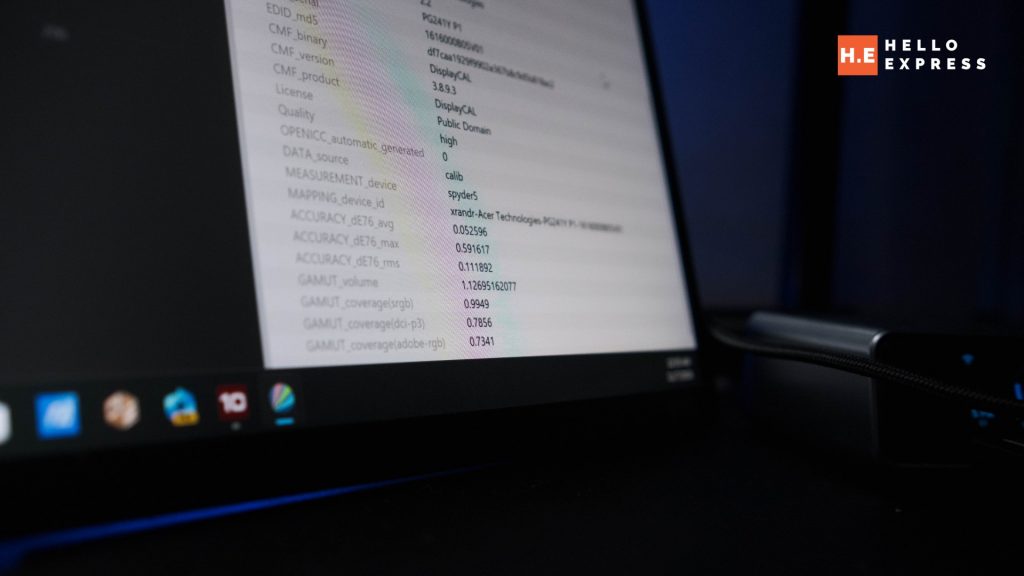
The Adobe RGB and DCI-P3 numbers tell the more accurate story of what this panel is tuned for: sRGB precision for gaming and general use, not wide-gamut accuracy for colour-critical creative work. That is the correct trade-off for a gaming-first product at this price, and it should be read as excellent for its intended use rather than as a shortfall against colour-grading panels it was never built to compete with.
Genuinely Light and Slim Without Feeling Fragile
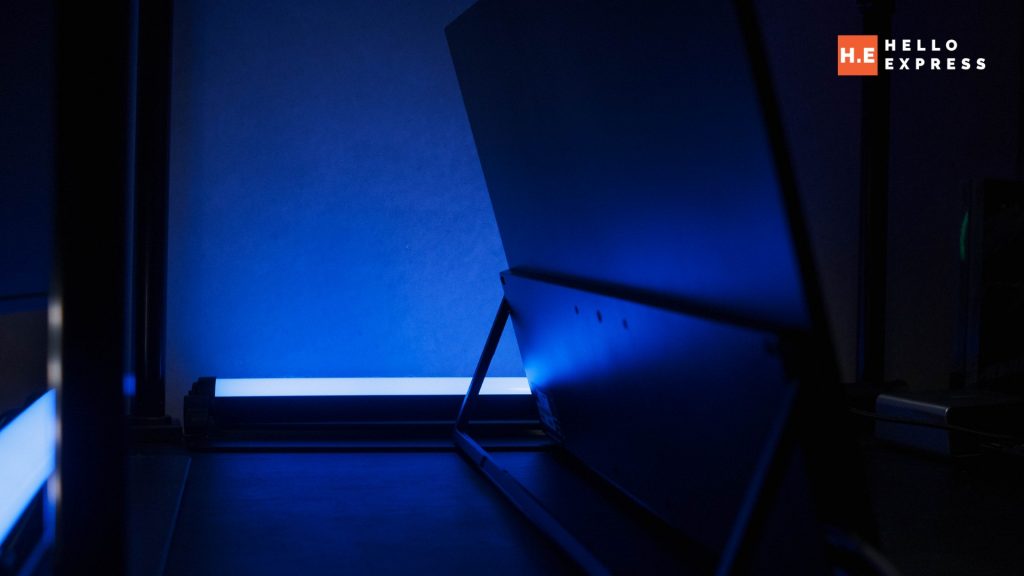
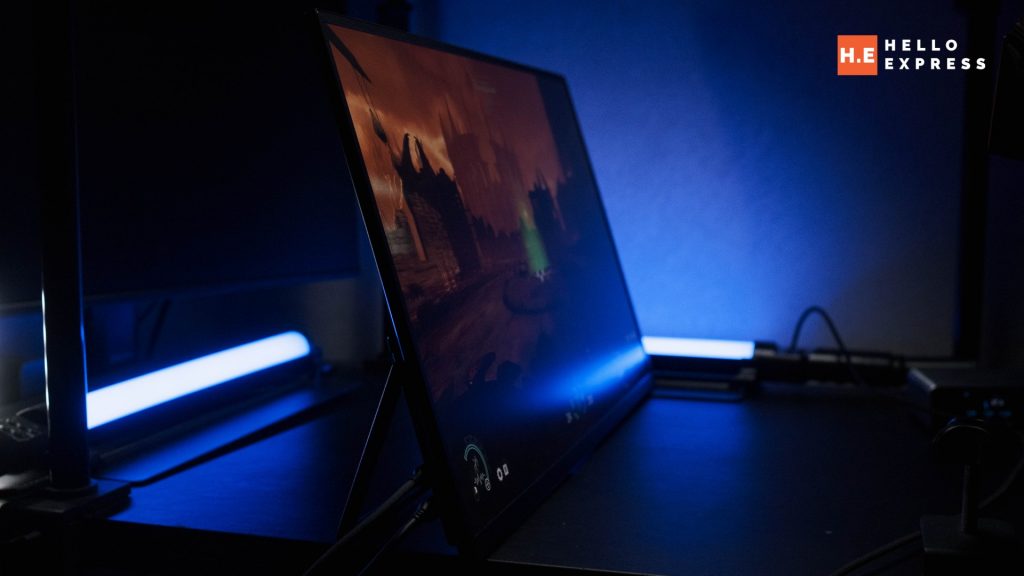
Despite the larger 24-inch footprint, the panel remains light enough and slim enough to travel with — it does not carry the bulk the size increase might suggest. Build quality in the silver metal finish feels solid rather than corner-cut.
What We Don’t Like About the Acer Nitro PG241Y P1
No Handle, No Cover — The One Real Ergonomic Gap
Moving the PG241Y P1 around exposes its single significant design oversight: there is nowhere comfortable to grip it. The side bezels are too narrow to hold securely, there is no space along the bottom edge, and the stand is not designed to double as a carry point.
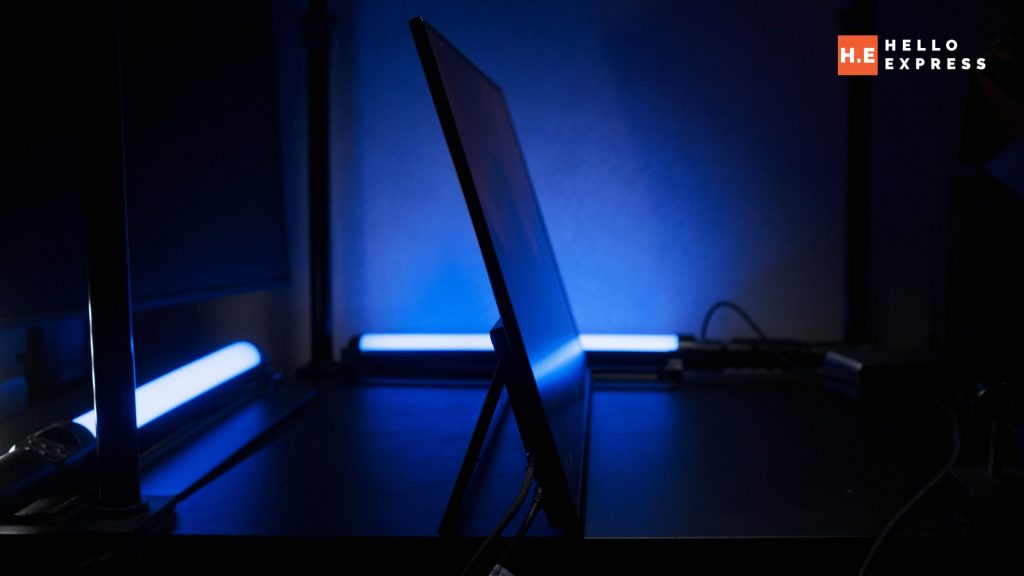
A dedicated handle would resolve the carrying problem outright. Equally absent is any form of included screen protection — something like a hard fabric cover with a corrugated or ribbed surface for rigidity would protect the panel in transit. Right now, both are gaps a buyer needs to solve themselves, whether through a third-party sleeve or aftermarket case.
HDMI 1.4, Not a Higher Version
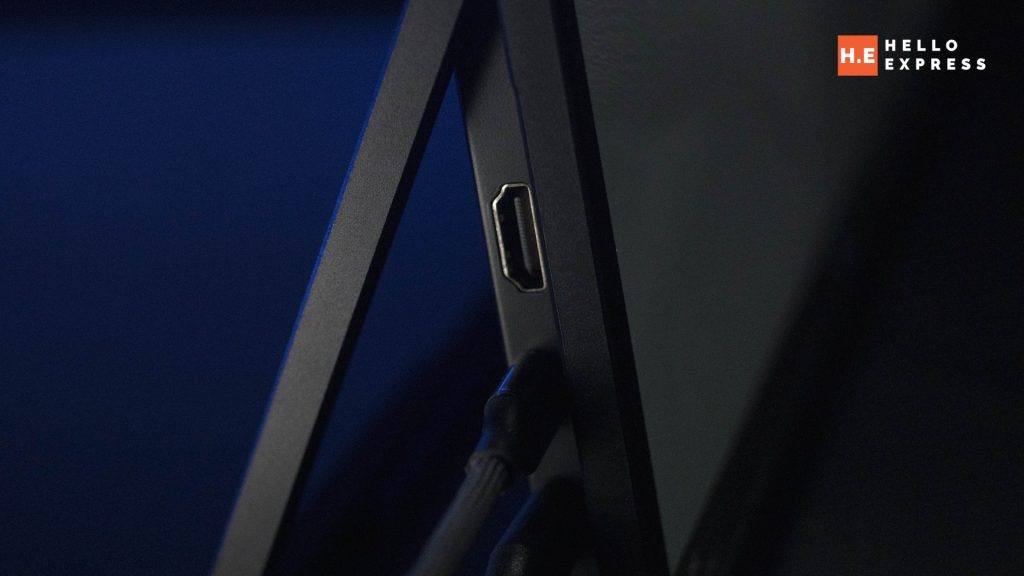
The onboard HDMI port is version 1.4 rather than a newer standard. At this monitor’s native 1080p and 144Hz, HDMI 1.4’s roughly 9.9Gbps ceiling comfortably covers the approximately 7Gbps that signal requires — so it is not a bottleneck for the panel as specified. The caveat is forward-looking rather than a current-use complaint: HDMI 1.4 leaves no headroom for a higher resolution or higher refresh rate on a future panel revision, and buyers who want to use the HDMI input with sources expecting more modern HDMI features should note the limitation upfront.
Specifications at a Glance
| Specification | Detail |
| Display Size | 24-inch |
| Resolution | FHD (1920 × 1080) |
| Refresh Rate | 144Hz |
| Colour Gamut | 99.5% sRGB / 73.4% Adobe RGB / 78.6% DCI-P3 |
| Ports | 2 × USB-C (power + display input capable), 1 × HDMI 1.4 |
| Power Delivery | ~80W draw while charging a laptop; ~55W once laptop is full; ~10W sustained bypass charging |
| Build | Silver metal finish |
| Included Accessories | Charging Cable, USB-C to USB-C cable. |
| Price (Malaysia) | RM649 — official pricing |
Acer Nitro PG241Y P1 Verdict
The Acer Nitro PG241Y P1 is a portable monitor that argues for a completely different sizing philosophy than the category defaults to. Instead of shrinking a monitor down to laptop-adjacent dimensions, it goes bigger — 24 inches, FHD rather than a squeezed-in 1440p, and fast enough at 144Hz to be a legitimate secondary gaming display rather than a compromise screen.
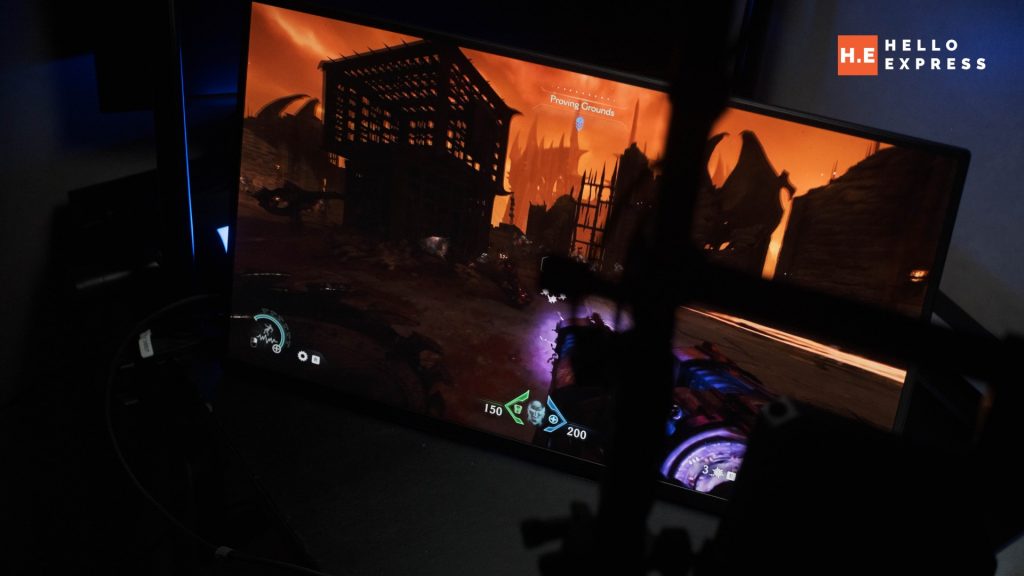
The bypass charging discovery is the review’s most important finding. A portable monitor that can also keep a connected laptop topped up through the same USB-C connection — confirmed with meter readings, not a manufacturer claim — is a genuine reduction in what a traveller needs to pack, and it is not something Acer appears to be marketing prominently.
The measured colour gamut is a pleasant surprise for a monitor at this price point, and the metal build feels considered rather than corner-cut. The gap that keeps this from a Gold Award is straightforward: there is no good way to carry the thing, and no included protection for a 24-inch panel that is, by definition, going to be moved around more than a monitor that stays on a desk.
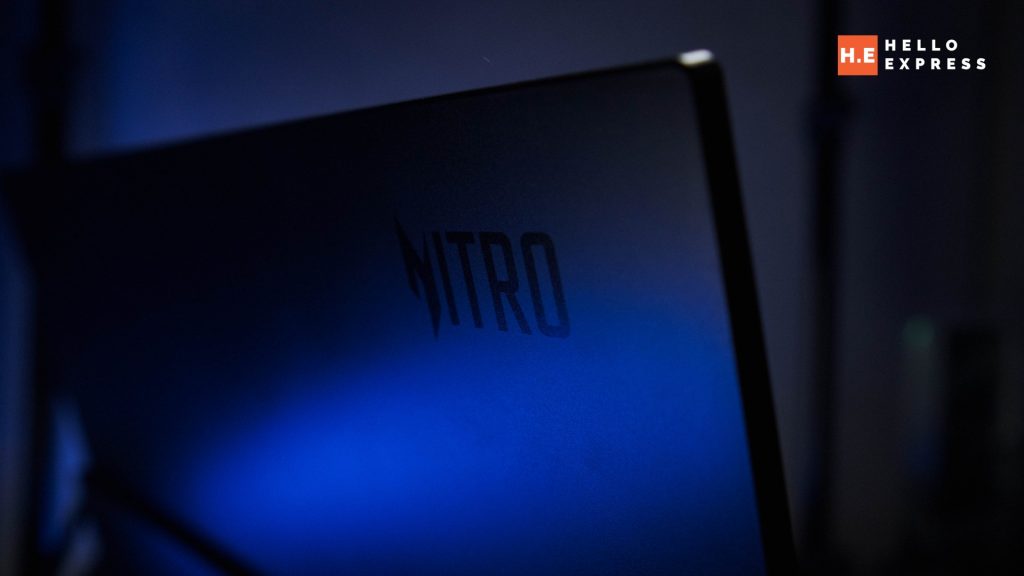
At RM649, the Acer Nitro PG241Y P1 is priced well below what the spec sheet and the bypass charging capability would suggest. For anyone who wants a portable second screen that is actually bigger than their laptop rather than a laptop-sized afterthought, this earns a clear recommendation — carry solution not included.
Help support us!
If you are interested in the Acer Nitro PG241Y P1, we would really appreciate if you purchase it via the links below. The affiliate links won’t cost you any extra, but it will be a great help to keep the lights on here at HelloExpress.
- Acer Nitro PG241Y P1 (Shopee): https://s.shopee.com.my/1BKbSGb2xR
- Acer Nitro PG241Y P1 (Lazada): https://s.lazada.com.my/s.ZXVb5j?c=w&t=p-iGIpayV-s2G6sFQD
Frequently Asked Questions
What is the price of the Acer Nitro PG241Y P1 in Malaysia?
The Acer Nitro PG241Y P1 is officially priced at RM649 in Malaysia.
Can it really charge my laptop through the same cable as the display?
Yes, confirmed through testing with a power meter. Connecting one USB-C port to a wall charger and the other to a laptop as display input results in the monitor bypass-charging the laptop. Measured draw was approximately 80W while actively charging a laptop, dropping to about 55W once the laptop reached full charge, with roughly 10W sustained to maintain bypass charging.
Is 1080p a downgrade for a 24-inch monitor in 2026?
Not for this use case. At 24 inches and typical portable-monitor viewing distances, 1080p keeps UI elements and text at a comfortable size without scaling. A higher resolution on the same panel size would produce a sharper image on paper but a smaller, harder-to-read image in practice at the distances a portable monitor is typically used.
Is 144Hz useful for competitive gaming on this monitor?
Yes. 144Hz is among the faster refresh rates available in the portable monitor category, and in testing it held up for fast-paced and lightly competitive gameplay.
Does it come with a carrying case or handle?
No. This is the monitor’s clearest weak point — there is no comfortable grip point on the chassis itself, and no cover is included. A third-party sleeve or case is recommended, particularly given the larger 24-inch panel.
Is HDMI 1.4 a real limitation?
Not at this monitor’s current specification — 1080p at 144Hz sits comfortably within HDMI 1.4’s bandwidth. It does mean there is no headroom for a higher-resolution or higher-refresh-rate source in the future through that port specifically; the USB-C ports are the more future-flexible connection.
Is this a good monitor for colour-critical creative work?
Not primarily. Measured sRGB coverage at 99.5% is excellent for gaming and general use, but Adobe RGB (73.4%) and DCI-P3 (78.6%) coverage confirm this is a gaming-tuned panel rather than a wide-gamut monitor built for colour grading or professional photo/video editing.