We Turned the X8 Pro Max into a Pocket VS Code Server. Here’s How.

TLDR
- code-server runs on Android via Termux — full VS Code in a laptop browser, served from your phone over local WiFi
- Node.js v26.2.0, Python 3.13.13, Git 2.54.0 — all current stable releases, running on a phone
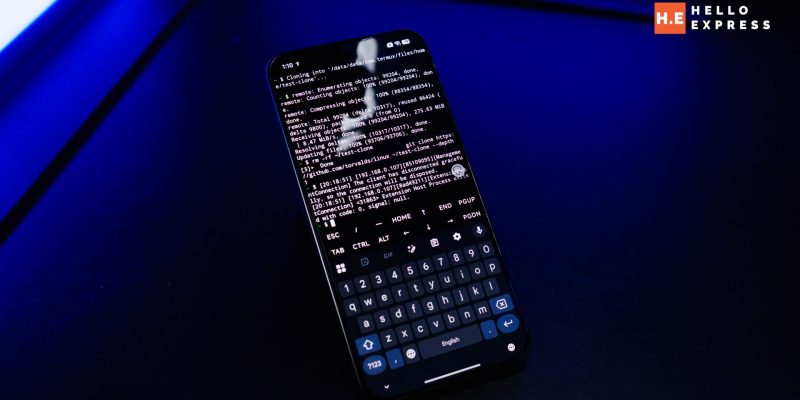
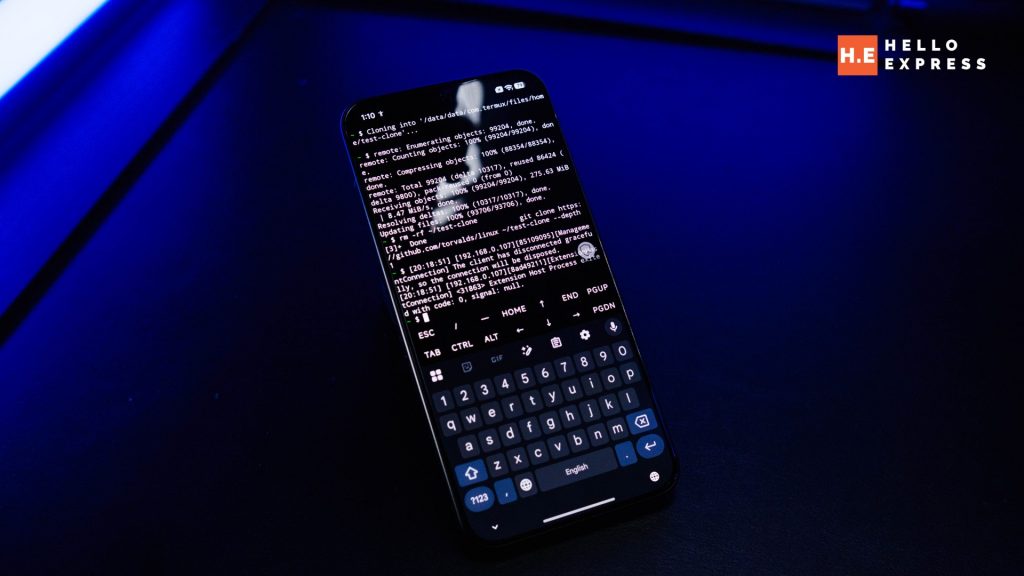
- We cloned the Linux kernel repository from the VS Code terminal. 99,204 objects. On a phone.
- HyperOS background process management does not kill the server — screen locked for two minutes, connection held
- Four sandbox boundaries to know upfront — all documented, all have simple workarounds
- Setup: four commands, one session, done
The Question Nobody Is Asking
The POCO X8 Pro Max review conversation always ends up in the same place. Gaming benchmarks. Frame rates. Thermal throttling. These are legitimate questions for a phone positioned at gamers — and the Dimensity 9500S with 12GB LPDDR5X RAM answers them well.

But 12GB of RAM and a current-generation ARM chip also describe something else: a capable compute node that happens to have a cellular radio and a touchscreen attached to it. The question we wanted to answer was whether that hardware could do something genuinely useful for developers that has nothing to do with gaming.
The answer is yes. Here is exactly what we did, what worked, what hit a wall, and how to replicate it.
What code-server Actually Is
code-server is the official open-source build of Visual Studio Code repackaged to run as a web server. You install it on a device, it hosts VS Code at a local network address, and you open that address in any browser on any device on the same network. The phone is the machine. The laptop browser is the screen.
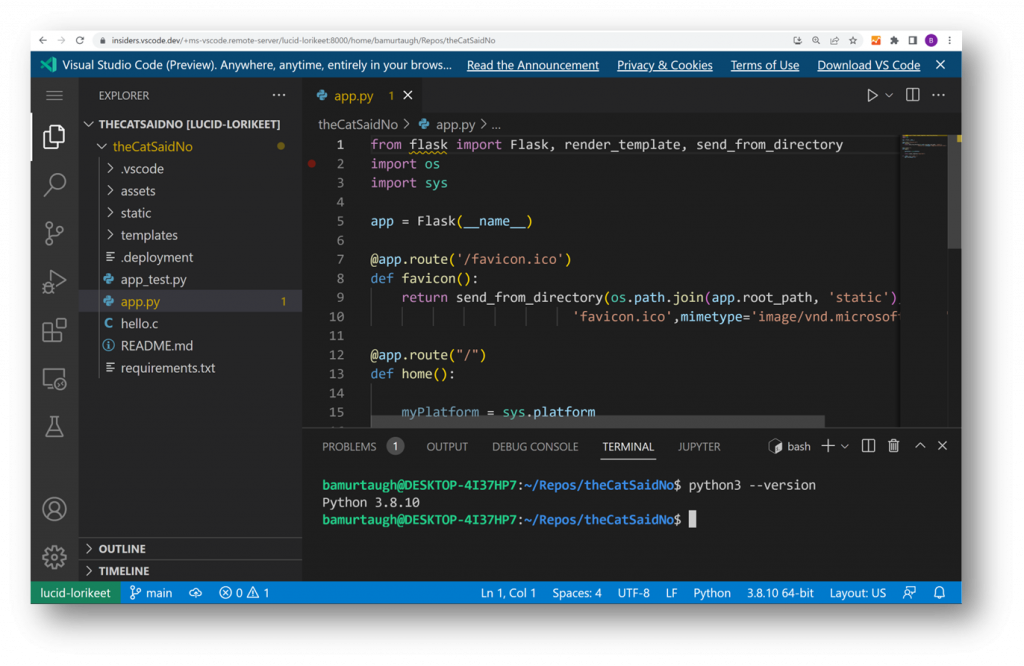
This is not a VS Code imitation or a stripped-down mobile editor. It is VS Code — the same interface, the same extension marketplace, the same keyboard shortcuts, the same terminal. The only meaningful difference from running VS Code natively on a laptop is that the compute happens on the phone and the display happens in a browser tab.
On a phone with 12GB RAM and a Snapdragon-class ARM chip, that distinction matters less than you might expect.
The Complete Setup: Four Commands
Install Termux from F-Droid, not the Google Play Store. The Play Store version is outdated with broken repositories. This is the single most important prerequisite — get it wrong and nothing downstream works correctly.
Once Termux is open, run these four commands in order:
| pkg update && pkg upgrade pkg install tur-repo pkg install code-server pkg install git |
The code-server install takes 5 to 15 minutes depending on your connection. Everything else is fast. Node.js, Python, and npm install as code-server dependencies automatically — you do not need to install them separately.
Next, configure code-server to accept connections from other devices on the network. By default it only listens on localhost, which means only the phone itself can reach it. One config file change fixes this:
| mkdir -p ~/.config/code-server nano ~/.config/code-server/config.yaml |
Set the file contents to exactly this:
| bind-addr: 0.0.0.0:8080 auth: password password: your-password-here cert: false |
Save with Ctrl+O, exit with Ctrl+X.
Starting the Server and Finding Your Address
Start code-server in the background:
| code-server & |
You will see startup output including a line confirming it is listening on 0.0.0.0:8080. Then find your phone’s local IP address. The standard Linux command for this hits a Termux sandbox permission wall, so use Python instead — it is already installed at this point:
| python -c “import socket; s = socket.socket(socket.AF_INET, socket.SOCK_DGRAM); \ s.connect((‘8.8.8.8′, 80)); ip = s.getsockname()[0]; \ print(f’Your Server URL: http://{ip}:8080’); s.close()” |
This returns a clean URL. Open it in any browser on the same WiFi network. Enter your password. VS Code loads.
| Note: the ‘Cannot bind netlink socket: Permission denied’ message that appears alongside the code-server startup output is harmless. It is the ip addr command hitting a Termux sandbox boundary. It does not affect code-server in any way. |
What We Actually Tested
We ran a structured test session on the POCO X8 Pro Max under HyperOS 3.0, accessing VS Code from a laptop browser over local WiFi. Here is the complete result log:
| Test | Result | Article verdict |
| Node.js | v26.2.0 | ✅ Current stable |
| Python | 3.13.13 | ✅ Current stable |
| Extension install | Near-instant | ✅ 12GB RAM doing real work |
| File system access | /storage/downloads/ — readable | ✅ Phone files accessible |
| Background survival | Screen locked 2 min — still connected | ✅ HyperOS doesn’t kill it |
| Git | v2.54.0 — current release | ✅ Confirmed |
| Git clone (Linux kernel) | 99,204 objects pulled cleanly | ✅ Full network I/O works |
| Build tooling (vsce) | Permission denied on binary | ⚠️ Sandbox ceiling — documented |
| /tmp write access | Blocked by Termux sandbox | ⚠️ Use ~/ instead — documented |
The Linux kernel clone deserves a sentence. The git clone command pulled 99,204 objects from github.com/torvalds/linux with a shallow depth flag, completing successfully from inside the VS Code terminal running on the phone. That is not a synthetic benchmark. That is a real network operation against a real repository that developers use daily.
The background survival test was the one most likely to fail on HyperOS, which applies aggressive background process management by default. The server held through two minutes of screen-off without intervention. If your setup does kill it, the fix is one setting: go to Battery — App Battery Management — Termux — set to No Restrictions.
A Complete Development Loop on a Phone
The full test session demonstrated something more significant than individual feature checks. The development loop that developers use every working day — open editor, write code, run it, test output, push changes — is functional on this phone:
- Write code in VS Code running on the phone
- Run it in the integrated terminal — Node.js, Python, both available
- Access your phone’s local files through VS Code’s file browser
- Clone repositories with Git, push changes back
- Install extensions from the VS Code marketplace
- Access everything from any browser on the same network — laptop, tablet, second phone
During testing we also ran a Python HTTP server from the VS Code terminal on port 9000 while code-server occupied 8080. Both ran simultaneously without conflict, and the Python server was accessible from the laptop browser at the phone’s IP on port 9000. Two servers, one phone, zero issues.
GitHub Copilot’s panel loads and prompts for sign-in. Readers who already subscribe to Copilot can bring their AI assistant along.
The Sandbox Boundaries: What You Need to Know Upfront
Every limitation we encountered follows the same pattern: Termux sandbox restrictions, not code-server failures. None of them are dealbreakers. All of them have straightforward fixes. Learn them once and you will never think about them again.
| Limitation | Cause | Fix |
| ip addr permission denied | Netlink socket sandbox | Use Python socket method to get IP |
| /tmp not writable | Termux sandbox boundary | Clone and work in ~/ instead |
| vsce permission denied | npm binary execute bit not set | chmod +x $(which vsce) |
| Git not pre-installed | Termux ships lean by design | pkg install git |
The one genuinely unsolved ceiling: packaging VS Code extensions with vsce requires system-level binary execution that the Termux sandbox does not permit cleanly. This is an edge case that affects extension developers specifically. If you are writing VS Code extensions, this is not the right environment for the packaging step. For everything else, it is not a factor.
Who This Is Actually For
This is not a laptop replacement. The 6.83-inch screen running code-server locally works but is not the point — the point is the phone serving VS Code to a proper screen on the same network.
The use case that makes this genuinely compelling: you travel with a laptop that is not your primary development machine, or you work in environments where you cannot always carry your main setup. The POCO X8 Pro Max, with its 8500mAh battery, fits in a pocket. Plug into any WiFi, open a browser on any available screen, and your complete development environment — your files, your extensions, your terminal, your Git history — is there.
At RM2,299 with 512GB of local storage, it is likely the most affordable 512GB development node available in Malaysia right now. The storage is not incidental — 512GB means your project files, your cloned repositories, and your dependencies all live locally on the device without managing an external drive.
The Verdict
We went in expecting this to work at a basic level and hit a wall somewhere interesting. The wall never came. Node, Python, Git, extensions, background persistence, file access, network I/O — all functional, all current versions, no meaningful gaps for daily development work.
The sandbox boundaries are real and clearly mapped. The Termux-to-VS-Code path has a small number of known quirks that require one-time fixes. Past those fixes, the experience is stable enough to work from.
We cloned the Linux kernel from a VS Code terminal running on a phone. That sentence should not be as straightforward as it turned out to be. It was.