We Tried to Run a Linux Desktop on a RM1,500 TV With Termux. Here’s Exactly How Far We Got.

Table of Contents
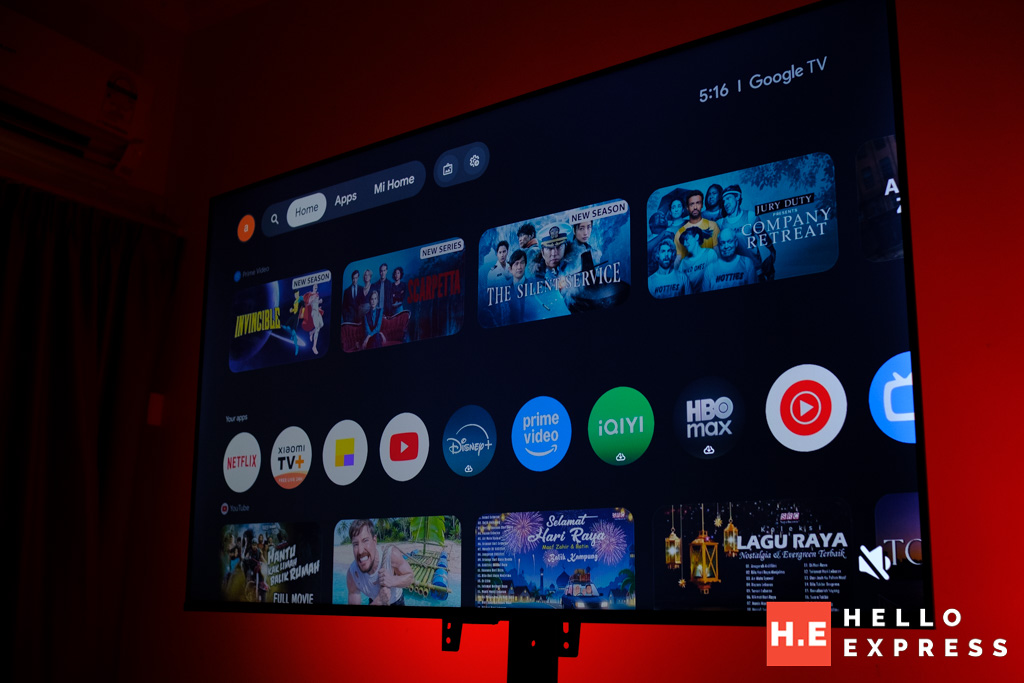
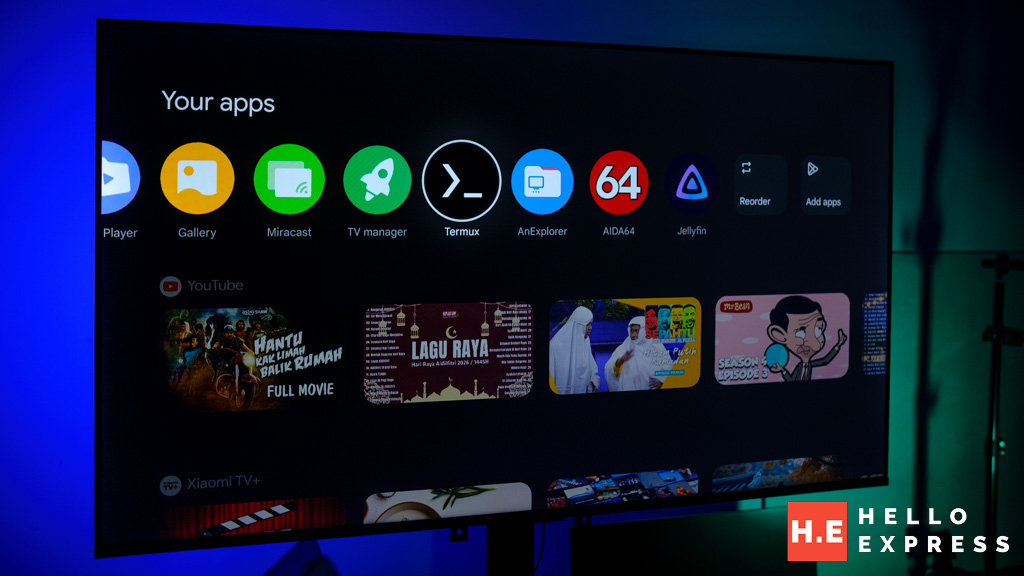
It started with a Play Store search that had nothing to do with Linux. We were looking for Jellyfin — an open-source media server client — to test whether it ran on the Xiaomi TV A Pro 55″’s Google TV installation. It did. It was in the Play Store. It installed in thirty seconds and ran without issue.
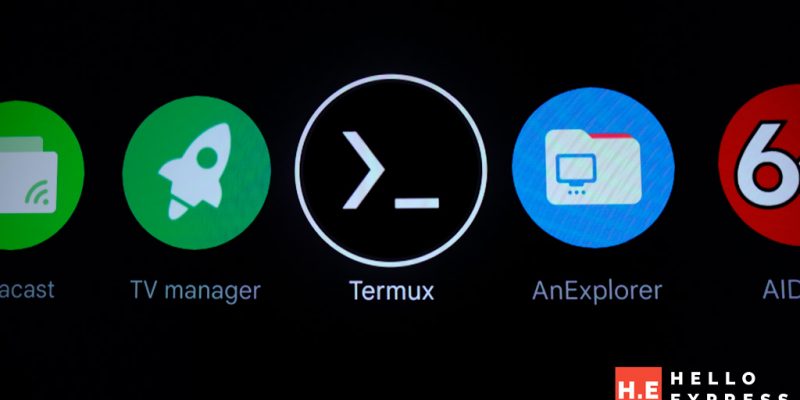
Then we saw Termux.
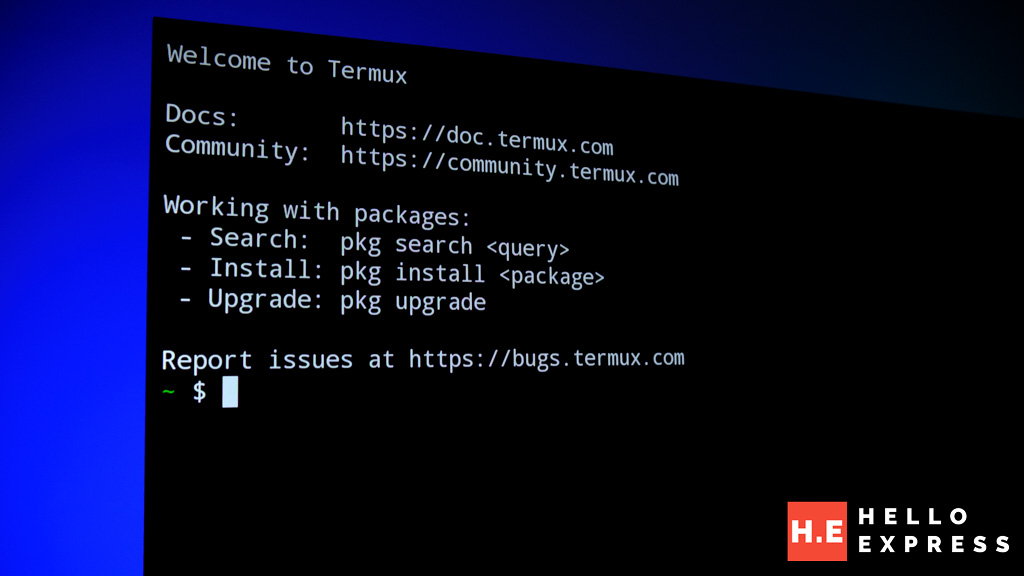
Termux is a terminal emulator and Linux environment for Android. Its presence in the Play Store on a television is not something Xiaomi advertises, documents, or supports. We installed it, opened it, and found a blinking cursor on a 55-inch screen. What followed was a systematic session to find out how far this goes.
First: What the Hardware Actually Is
Before anything interesting, we ran diagnostics. One result was unexpected.
cat /proc/cpuinfo returned: ARMv7 Processor rev 0 (v7l) across all four cores.
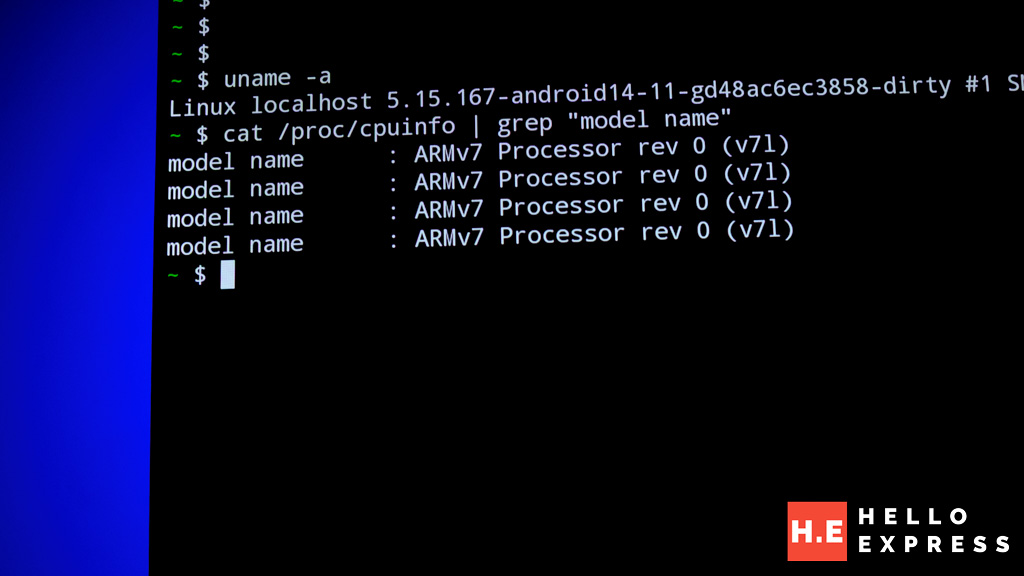
The MediaTek MT5896 in the Xiaomi A Pro 55″ is physically a 64-bit processor. Xiaomi shipped the television’s OS in 32-bit mode. This is deliberate — 32-bit processes carry lower RAM overhead, which matters when only 1.7GB is available and Google TV is already consuming most of it. The consequence for Termux: we are in an ARM32 environment. The software universe is narrower than a 64-bit installation, but not empty.
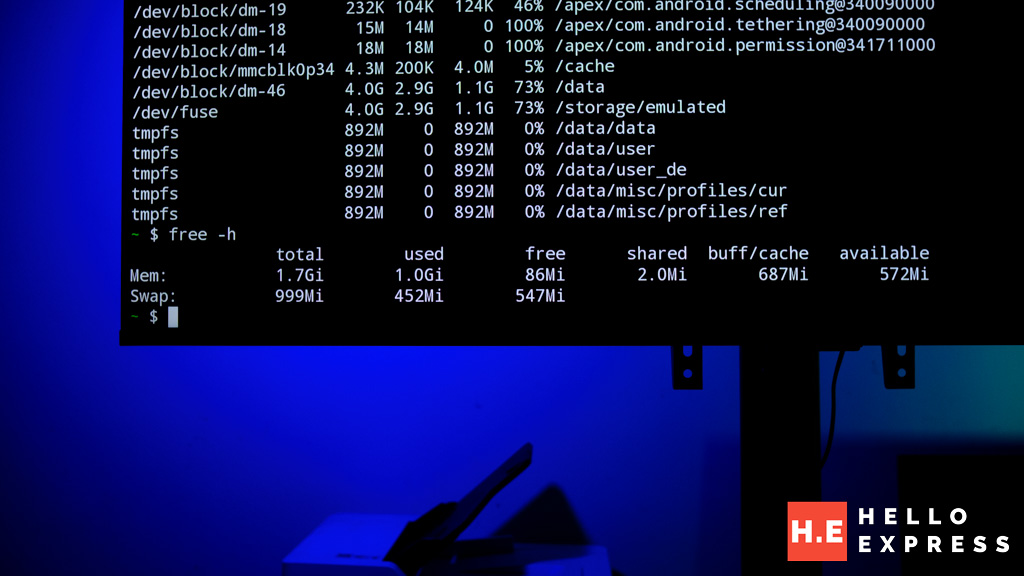
| Total RAM | 1.7GB |
| Free RAM with Google TV running | ~107MB |
| Swap | 999MB total, 425MB used |
| Free storage | ~2.3GB |
| CPU architecture | ARMv7 32-bit mode |
| Internet access from terminal | Confirmed — 0% packet loss |
| Storage access /sdcard | Confirmed — Movies, Music, DCIM visible |
What Worked
Package Manager
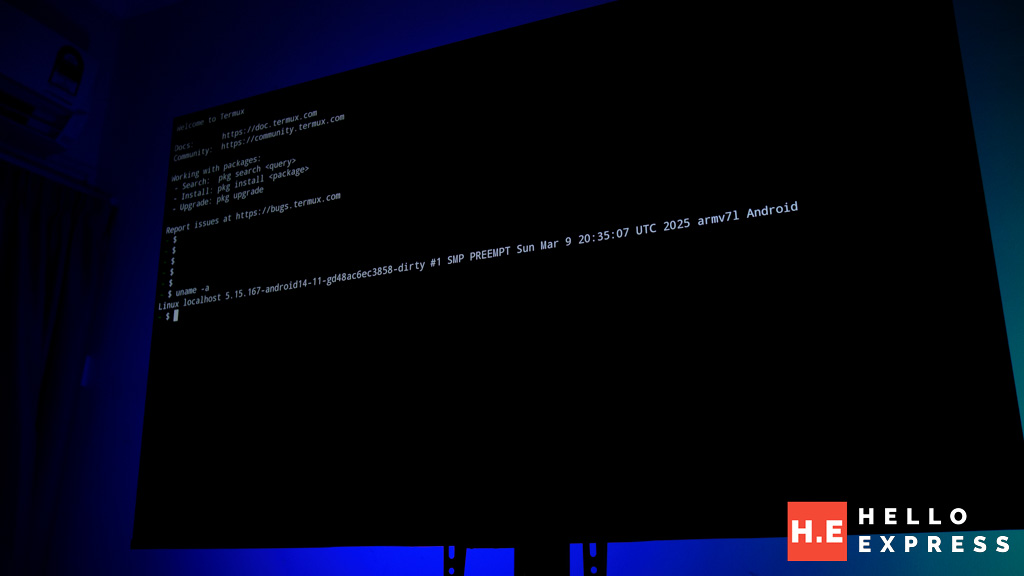
pkg update fetched 244KB of package index in one second at 280KB/s. Fourteen packages available for upgrade. The full Termux repository is accessible. This is not a stripped-down TV terminal — it is the complete Termux package ecosystem available on a 55-inch display.
Python on a Television
pkg install python -y pulled 22 dependencies, 106MB download, 512MB installed footprint. The installation completed without errors. Then:
python3 -c “import this”
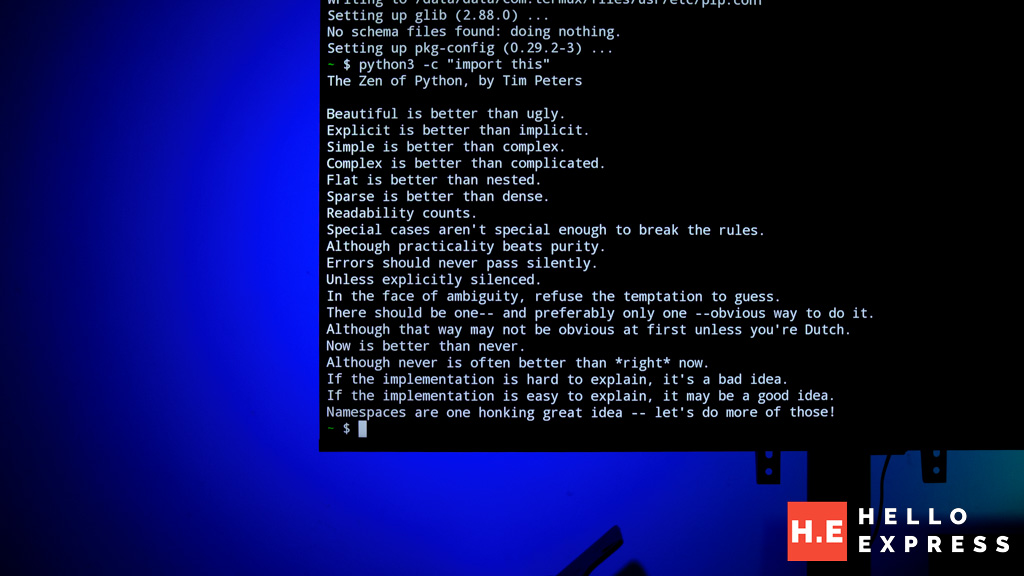
The Zen of Python by Tim Peters filled the full 55-inch screen. ‘Beautiful is better than ugly.’ Nineteen aphorisms about software philosophy rendered in monospace on a television that cost under RM2,000. It is completely useless as a computing task. It is compelling as a demonstration that the underlying Android environment is far more permissive than the Google TV interface suggests.
SSH Key Generation
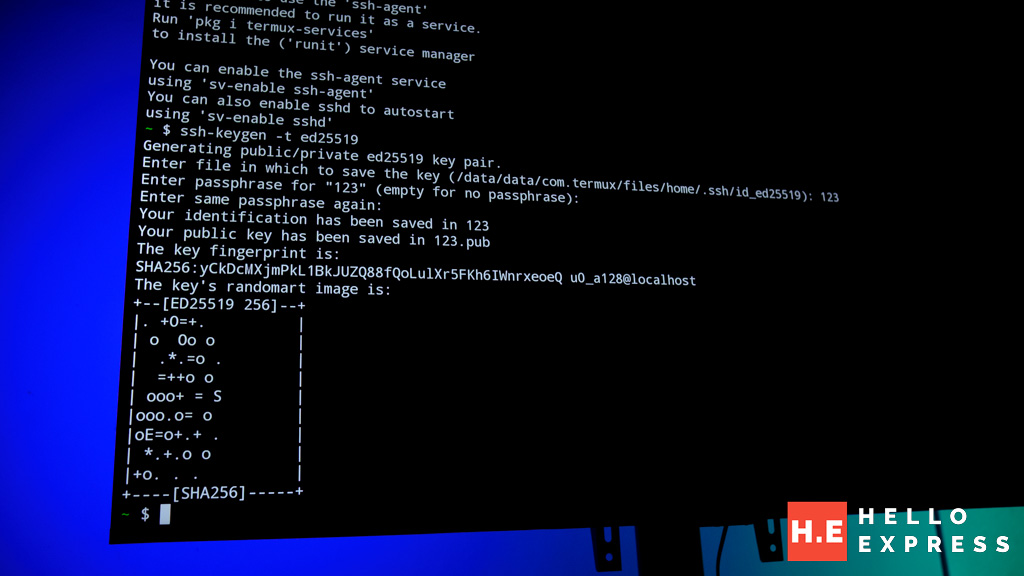
ssh-keygen -t ed25519 generated a public/private key pair stored at /data/data/com.termux/files/home/.ssh/. The television can act as an SSH client. You can SSH from your television into a remote server. That sentence requires a moment to sit with.
Alpine Linux
pkg install proot-distro -y installed the proot distribution manager. Then: proot-distro install alpine. Alpine Linux downloaded and unpacked — approximately 80MB. Then: proot-distro login alpine.
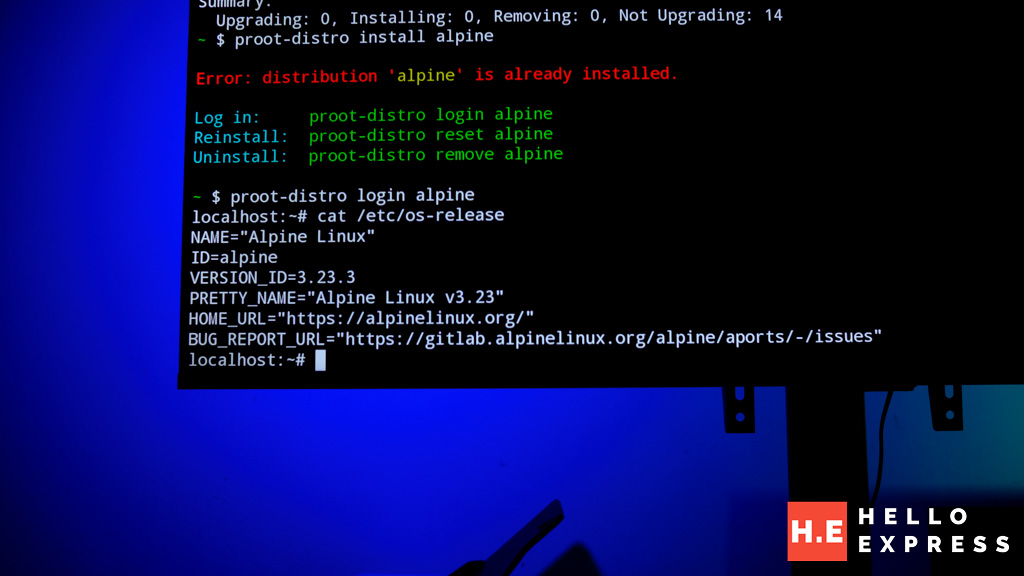
cat /etc/os-release
NAME=”Alpine Linux”. That output, on a 55-inch Xiaomi television in a Malaysian gaming room, is the session’s centrepiece finding. Alpine Linux is running inside Android, inside a Google TV installation, on a television that shipped with a Netflix button on the remote.
Where It Stops: The Ceiling
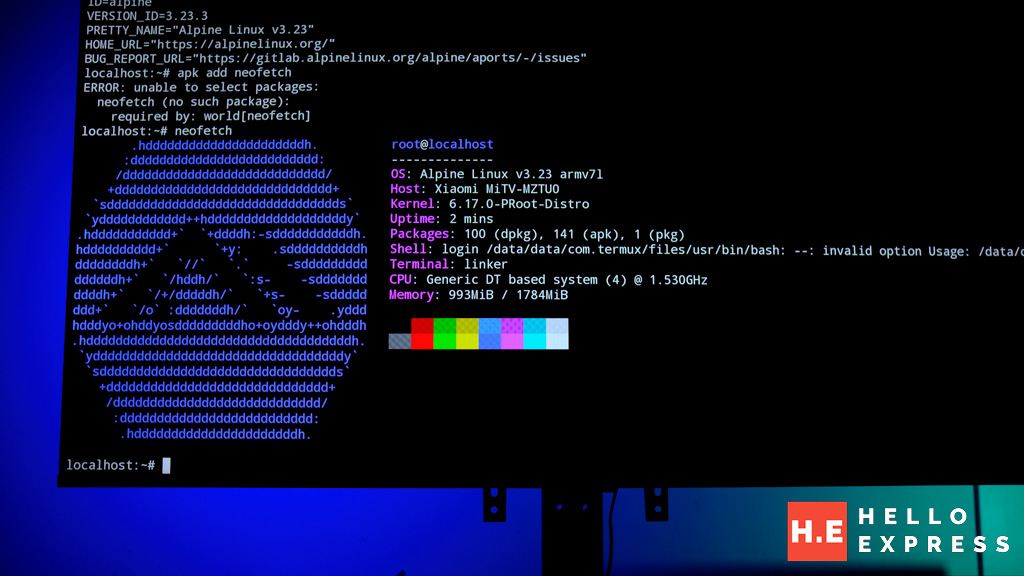
We attempted a graphical desktop through three separate methods.
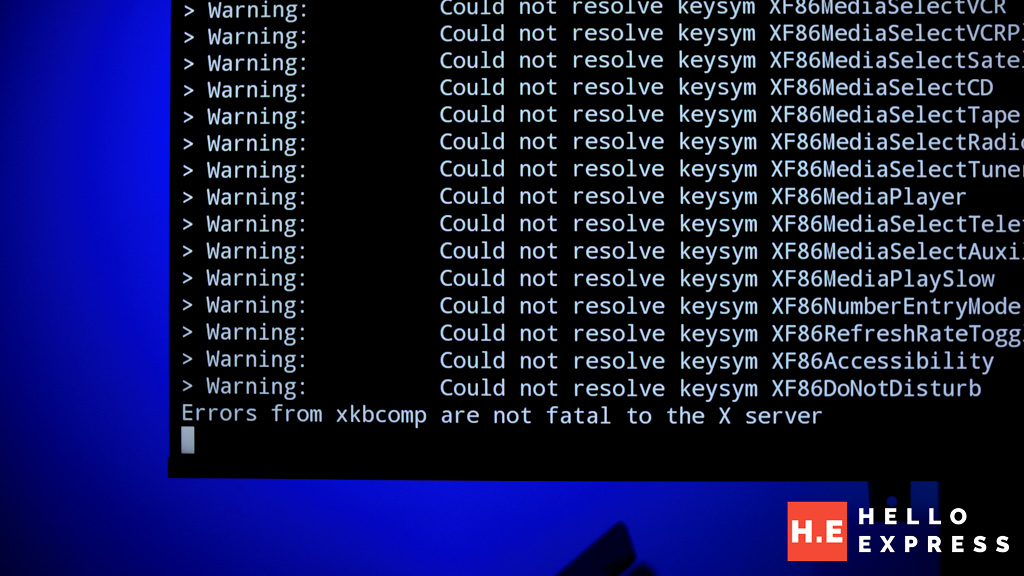
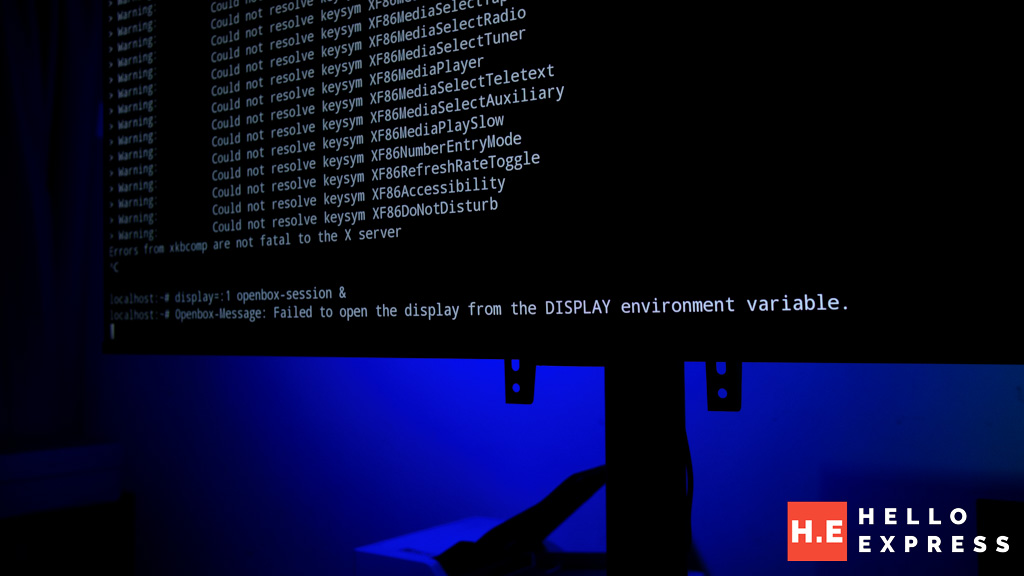
Method 1 — Xvfb virtual display server: Installation succeeded. On launch, ‘xkbcomp errors are not fatal to the X server’ appeared, followed by silent failure. Openbox returned ‘failed to open the display from the display environment variable.’ The proot kernel does not expose the framebuffer syscalls Xvfb requires.
Method 2 — TigerVNC inside Alpine: Installation succeeded. VNC server launch succeeded. No compatible VNC viewer was available via the Google TV Play Store — the repository filters out developer utility apps freely available on the phone Play Store. Without a viewer, the session runs invisibly.
Method 3 — XServer XSDL: This native Android X display server would bypass the proot kernel limitation entirely. Not available on Google TV’s Play Store. The repository distinction between Google TV and phone Android is the blocking factor.
The graphical desktop is one step beyond reach — not because the hardware lacks capability, but because the proot kernel sandbox and the filtered Play Store form a compound restriction that no single workaround resolves cleanly without APK sideloading from an external device.
What This Actually Means
Google TV is more open than it presents itself. A television running it can install a Linux terminal emulator, manage packages, connect to the internet from a shell, run Python, generate SSH keys, and boot Alpine Linux. These are not trivial capabilities.
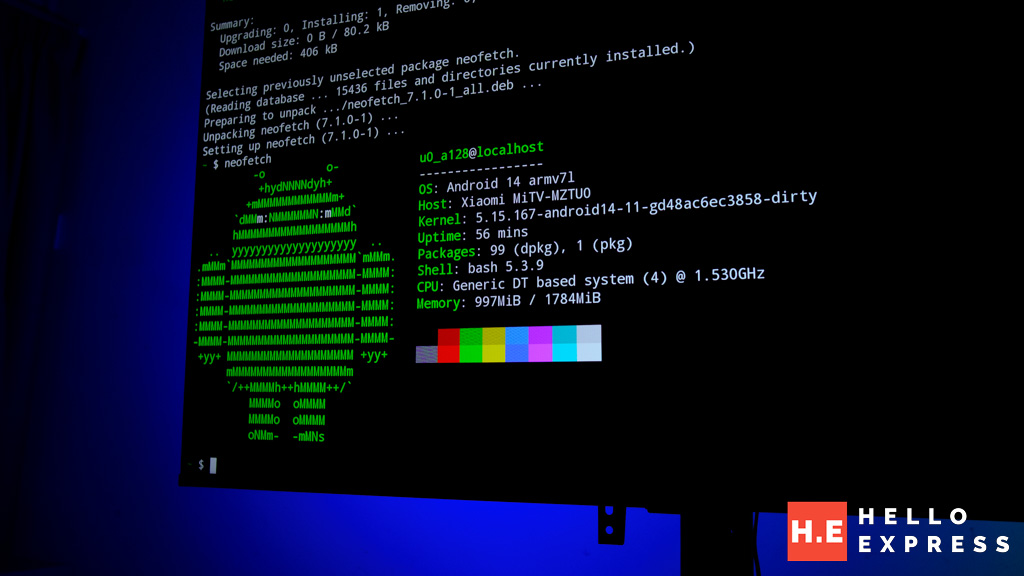
The ceiling is clearly defined. The 32-bit kernel, the proot sandbox, and the filtered Play Store form three overlapping restrictions that prevent a graphical Linux desktop from completing without sideloading. What Xiaomi shipped is a television with a genuinely open Android foundation dressed in a deliberately closed Google TV interface. The gap between those two things is where every interesting discovery in this session lives.
Practical Takeaways
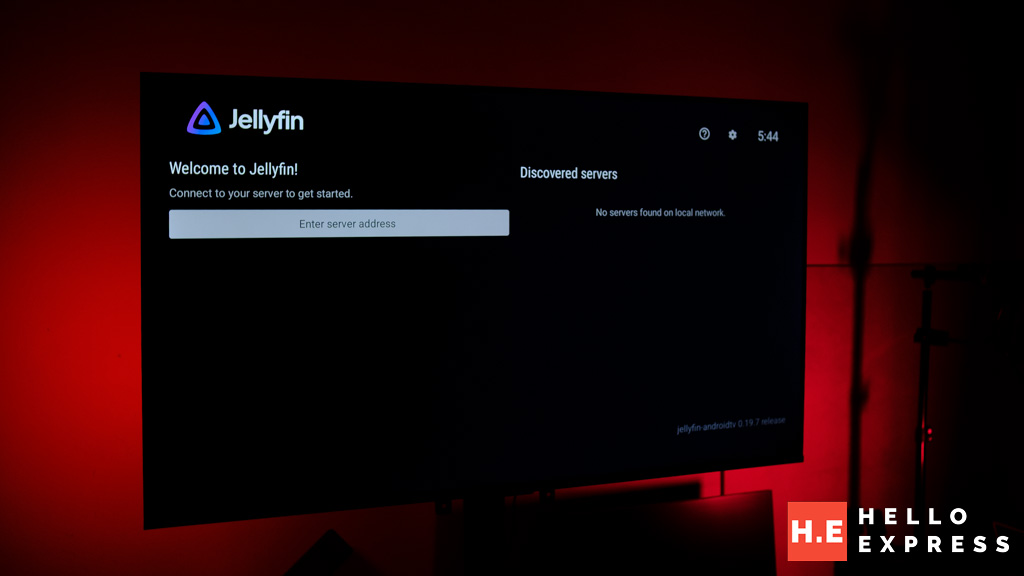
- Jellyfin is on the Google TV Play Store. If you run a Jellyfin media server at home, add the Xiaomi TV immediately — no sideloading required.
- Termux works. Light scripting, SSH client use, and package exploration are viable within storage constraints.
- Alpine Linux via proot-distro works. A full Alpine shell is accessible in under five minutes from Termux.
- Storage is the daily practical limit. Python (512MB) and Alpine (80MB) together consume nearly 600MB of the 2.3GB available. Manage installs actively.
- A graphical desktop requires APK sideloading of Termux-X11 from GitHub, or an external X display device. Neither is available through standard Google TV channels.
Help support us!
If you are interested in the Xiaomi TV A Pro 55, we would really appreciate if you purchase them via the links below. The affiliate links won’t cost you any extra, but it will be a great help to keep the lights on here at HelloExpress.
For the full review of the TV we test on, Xiaomi TV A Pro 55″, check out the link below: