ASUS ExpertBook P3 P3405 CVA Review: The Executive Workhorse

ASUS ExpertBook P3 P3405 CVA
The ASUS ExpertBook P3 is a durable, powerful, and service-friendly laptop highly recommended for commercial users.
Positives
- Military-grade durability and excellent build quality
- Extremely serviceable and upgradeable design
- Comprehensive and robust warranty
- Fast storage with expansion slot
Negatives
- Display is not suited for creative work, and only with 250 nits.
- Integrated graphics limit heavy tasks
Table of Contents
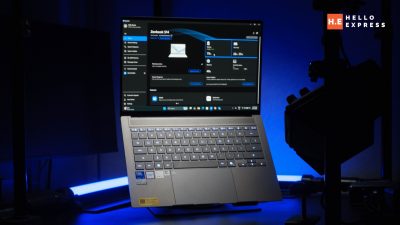
If you saw our review of the ExpertBook P1 and felt like it was good, but you wanted something with a bit more polish and punch, then let me introduce you to the ExpertBook P3. This isn’t just a basic spec bump; it’s a genuine step up to a more premium and capable machine.
If the P1 was your trusty workhorse, you can think of the P3 as the elegant palfrey—it gets the job done with a little more style and a whole lot more power. So, what’s it really like to use?
ASUS ExpertBook P3 Overview
Build
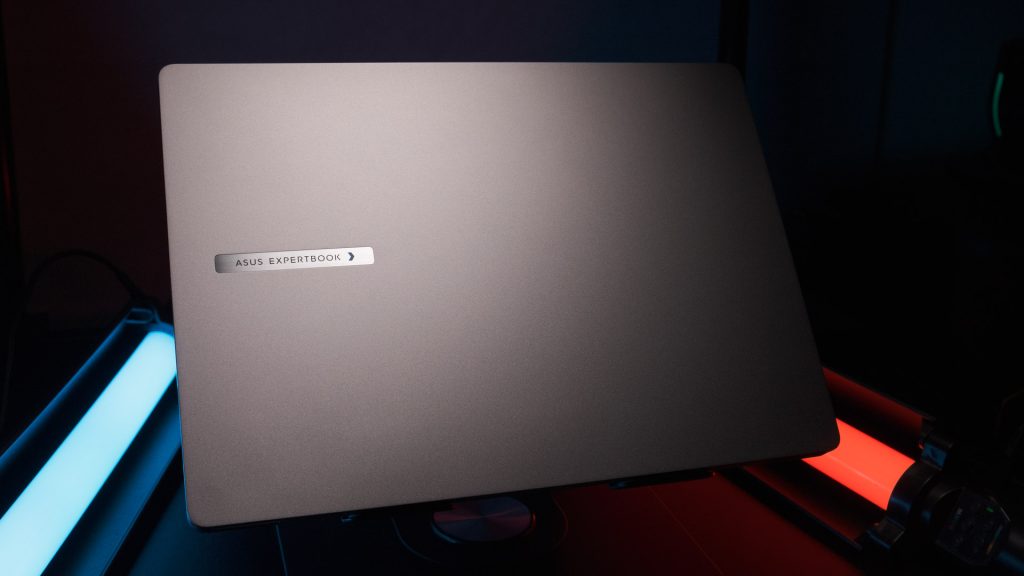
Right out of the box, you can tell the ASUS ExpertBook P3 is built to last. It just feels solid, thanks to its durable metal construction and clean, no-nonsense look. But this isn’t just about feeling sturdy. This chassis is tough, having earned a US MIL-STD 810H military-grade rating, which means it can take a real beating from daily use and keep on ticking.

A feature we absolutely love is the reinforced hinge. It’s been tested to withstand over 50,000 opening and closing cycles, so you can stop worrying about it wearing out.
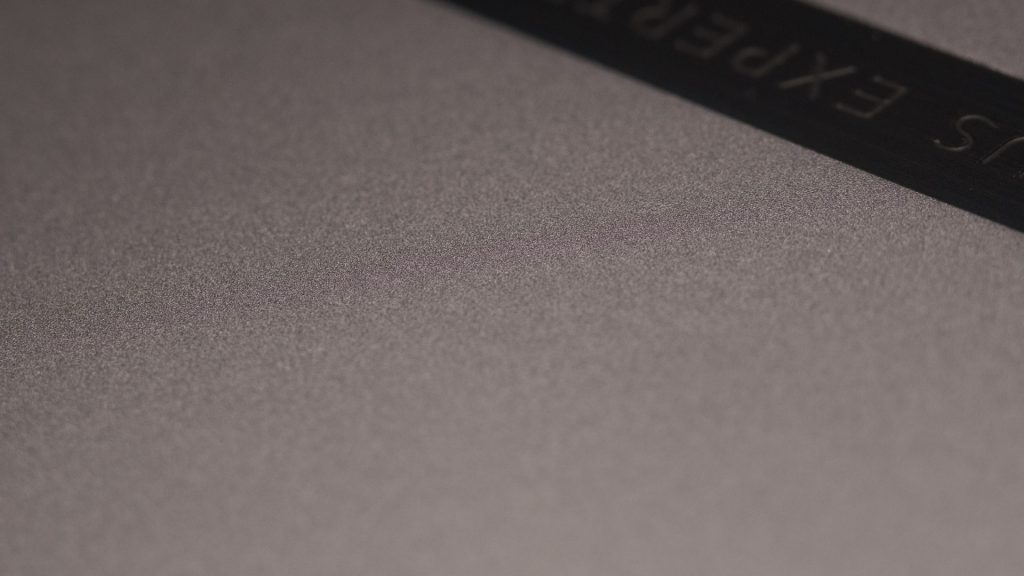
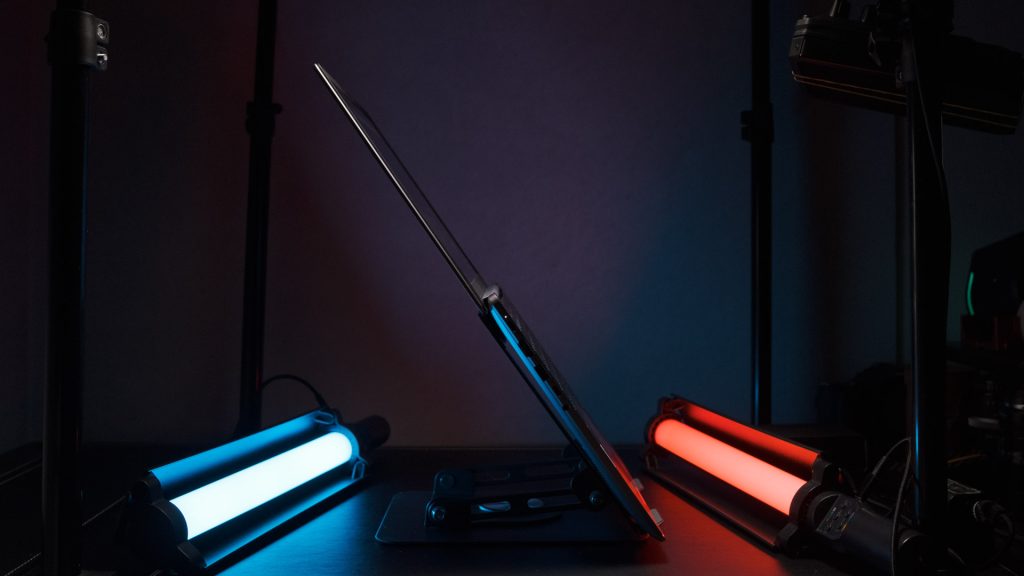
The design itself is refreshingly simple in metallic black, and at just 1.45 kg, it’s light enough to carry around all day. The screen also opens a full 180 degrees, which is awesome for sharing your screen with a colleague without anyone having to crane their neck.
Display
For a laptop meant for business, the 14-inch Full HD (1920×1080) display on the ExpertBook P3 is perfectly adequate.
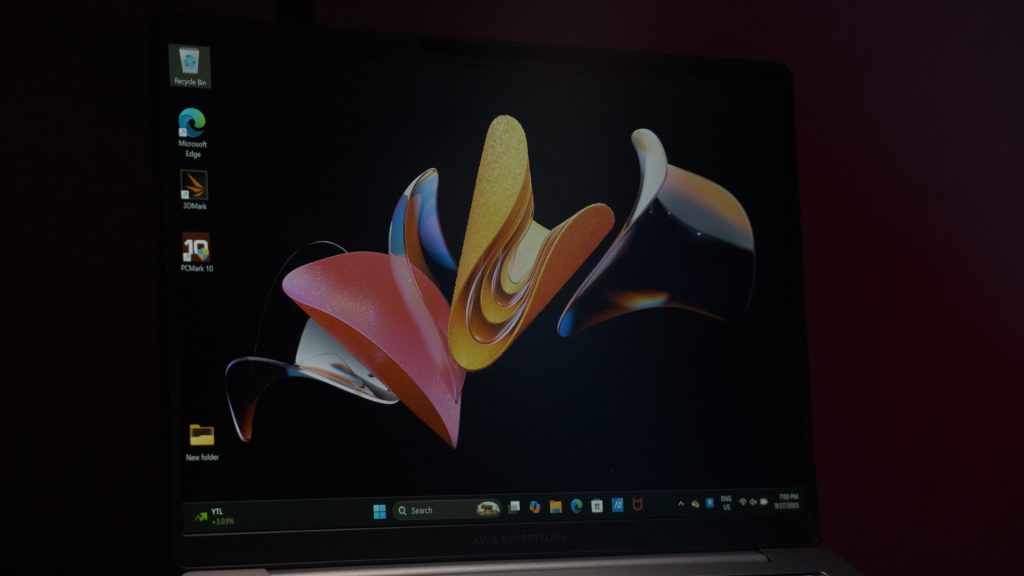
It’s not going to win any awards for creative work, but our benchmarks show it covers a respectable 56.2% of the sRGB gamut, which is more than enough for all your everyday tasks. Color accuracy, measured by a Delta E*76 average of 0.16, is surprisingly good for a machine in this class.
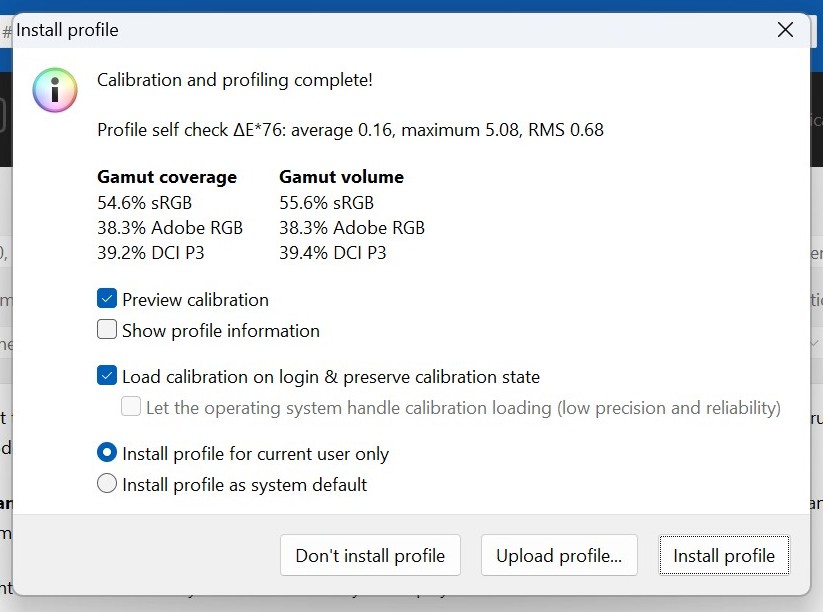
With a refresh rate of 60Hz and 250 nits of brightness, it’s not built for gaming or HDR content, and it lacks touch functionality. However, the anti-glare coating is a huge plus, making it easy on the eyes during those long, screen-staring sessions.
Audio
When it comes to sound, the ExpertBook P3 does a good job for its class. It’s got a dual-speaker system with ASUS SonicMaster technology, which provides clear audio for video calls and casual listening.
But the real game-changer here is the integrated AI noise-canceling technology. It’s fantastic at filtering out all that background noise, so your voice comes through crystal clear on your important calls.
Keyboard
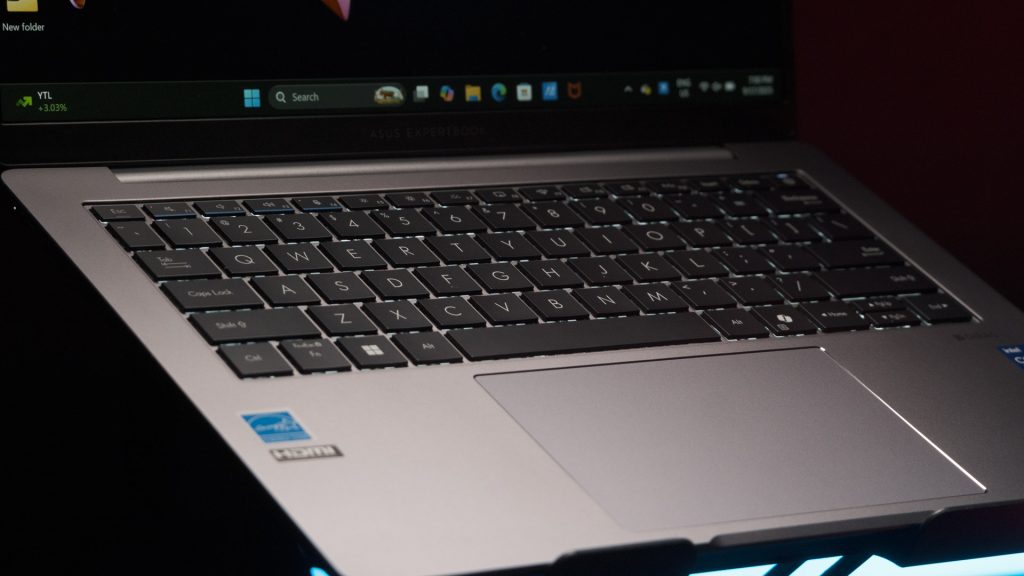
Typing on the ExpertBook P3 is a comfortable experience. It features a standard-sized, spill-resistant chiclet keyboard with a smooth finish on the keycaps. The keys themselves feel great to type on, and the backlight is a welcome addition for late-night work or when you’re in a dim room.
I/Os
Connectivity is a big plus for this laptop. On the right side, you’ll find a super versatile USB 3.2 Gen 2 Type-C port that also handles charging, a standard USB 3.2 Gen 2 Type-A port, an HDMI 2.1 port for external displays, and an RJ45 LAN port for reliable wired internet.
And on the left side, there’s another USB 3.2 Gen 1 Type-A port and an audio combo jack for your headset. Basically, you’ve got all the essentials covered.
ASUS ExpertBook P3 Internal
CPU
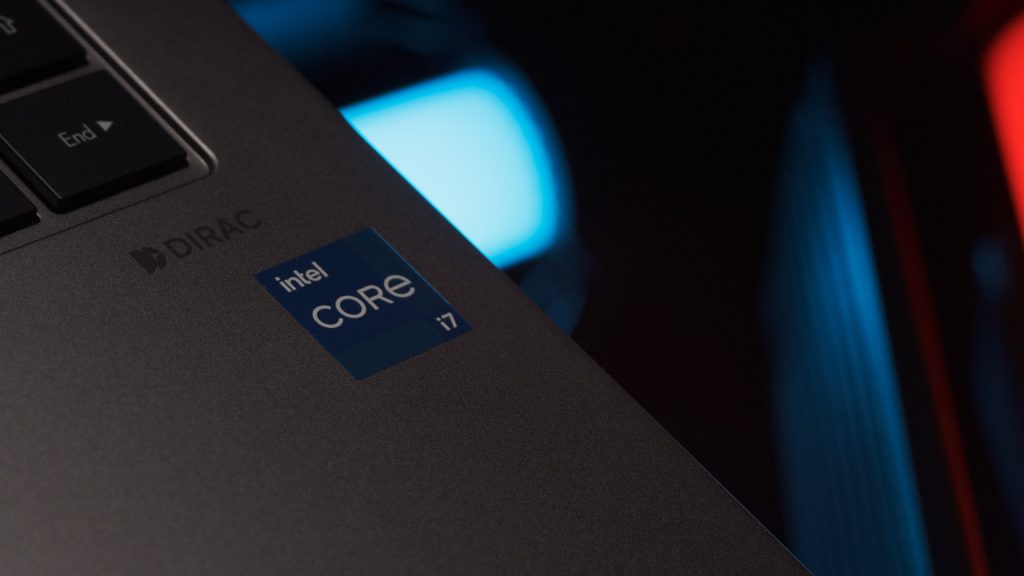
The model in hand is powered by an Intel Core i7-13620H Processor. This CPU is a high-performance variant with ten cores and sixteen threads, featuring a Performance-core Max Turbo Frequency of 4.90 GHz and an Efficient-core Max Turbo Frequency of 3.60 GHz. The processor operates at a base power of 45W and a maximum turbo power of 115W.
Benchmark
In our testing with the UL Benchmark PC Mark 10 application, the laptop achieved a total score of 5595. This is broken down into 10091 for the Essentials test, 8001 for Productivity, and 5887 for Digital Content Creation.
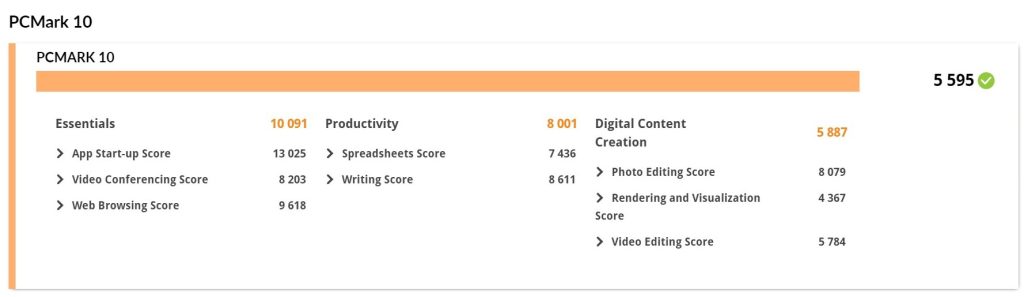
These scores indicate that the CPU is highly capable of handling professional workloads, from standard office tasks like word processing and spreadsheets to more demanding tasks in digital content creation.
GPU
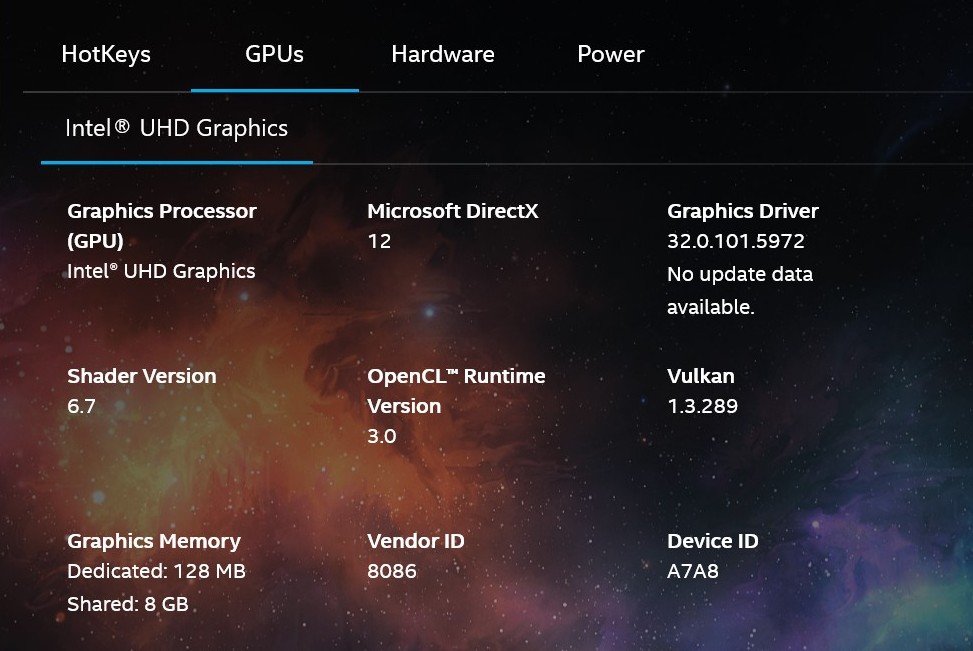
This laptop relies on the integrated Intel UHD Graphics for 13th Gen Intel Processors. It’s perfectly fine for everyday work and productivity apps, but since it shares power with the CPU, don’t expect it to handle serious graphics-intensive tasks or heavy gaming.
RAM
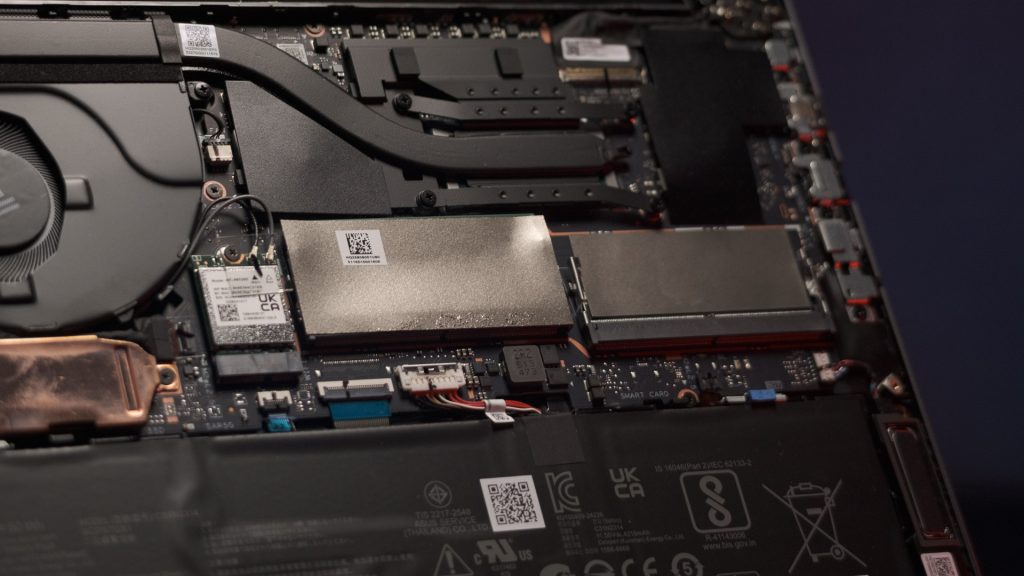
The model we’re reviewing comes with 16GB of DDR5-5600 SO-DIMM memory. The best part? It’s a single 1×16 GB stick, which means there’s an extra slot just waiting for you to expand the RAM down the line for even better multitasking performance.
Storage
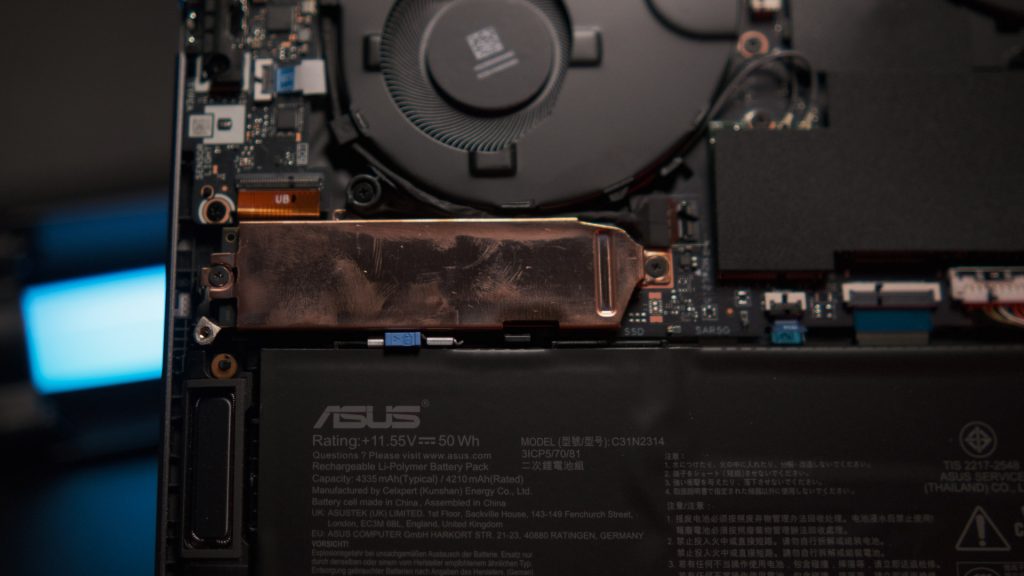
The storage solution in this unit is a Micron MTFDKBA512QGN 512GB M.2 2280 NVMe PCIe 4.0 SSD. It is a solid-state drive that offers high-speed data transfer rates, significantly improving boot times and application loading. The drive is in the M.2 2280 form factor and utilizes the PCIe 4.0×4 interface.
Other Expansion Slot
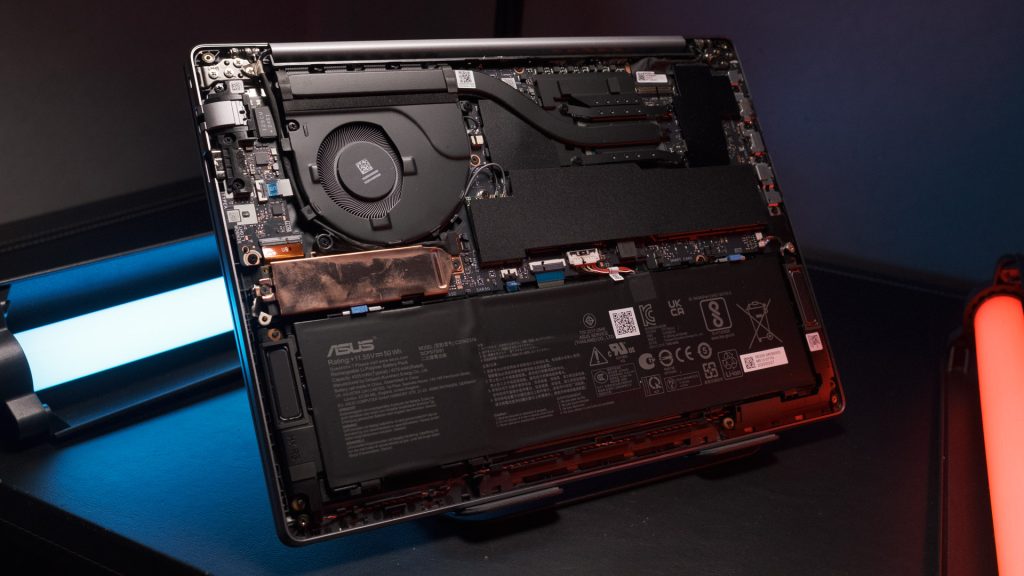
Just like its sibling, the ExpertBook P1, this laptop is designed for easy upgrades. You have two DDR5 SO-DIMM slots for RAM, with one conveniently open. And with a second M.2 slot available, it’s super simple to boost your storage capacity. This makes the laptop feel truly future-proof.
Network
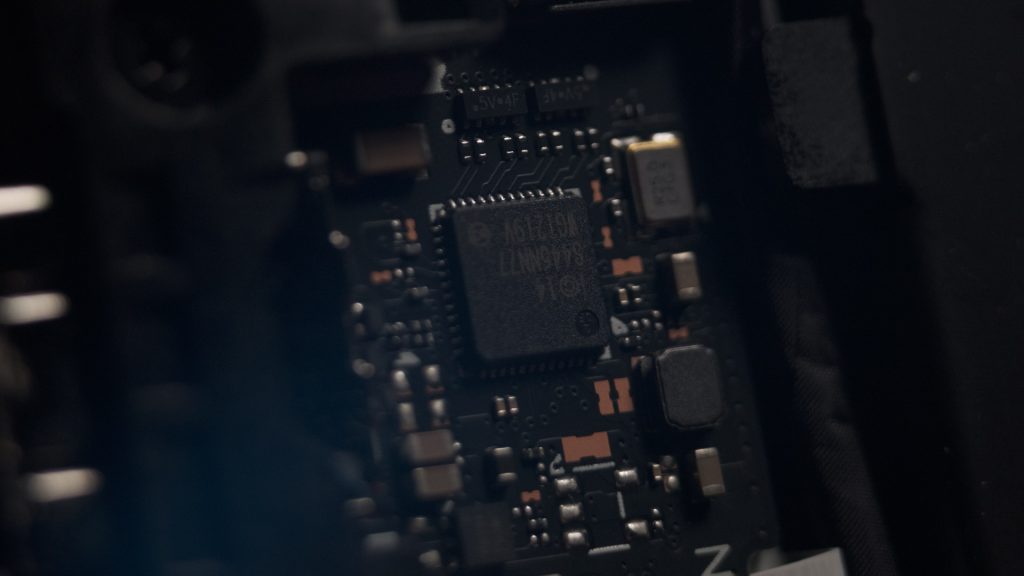
The laptop features a network setup that includes Dual-band Wi-Fi 6 and Bluetooth 5.4. The Wi-Fi 6 technology provides faster speeds, lower latency, and better performance in crowded network environments. Bluetooth 5.4 ensures a stable and efficient connection to wireless peripherals. The Ethernet connection is a Gigabit connection, powered by the Intel I219-V controller.
Cooling
ASUS’s ExpertCool Thermal Design is a silent hero. Its single fan efficiently pulls heat away from the CPU via a single heat pipe, while simultaneously bringing in cool air to keep the board from overheating. This system is so well-designed that it maintains optimal performance even with the lid closed.
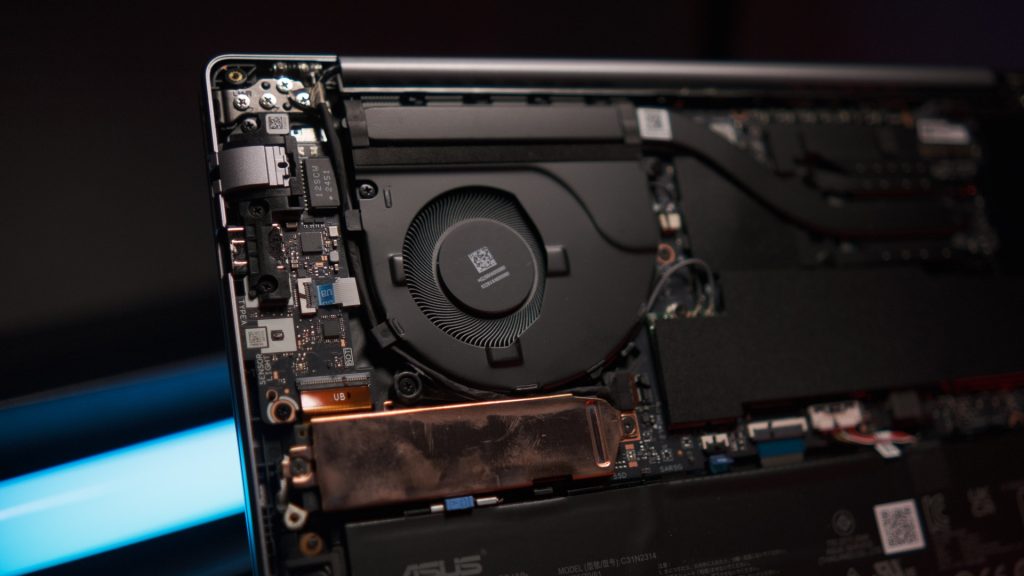
Plus, ASUS has included a dust filter to make sure your maintenance is a breeze. For those who like to dock their laptop, you can easily use an external docking system like the ASUS USB-C Mini Dock, which allows you to keep the lid closed and quickly disconnect when you’re on the move.
Battery
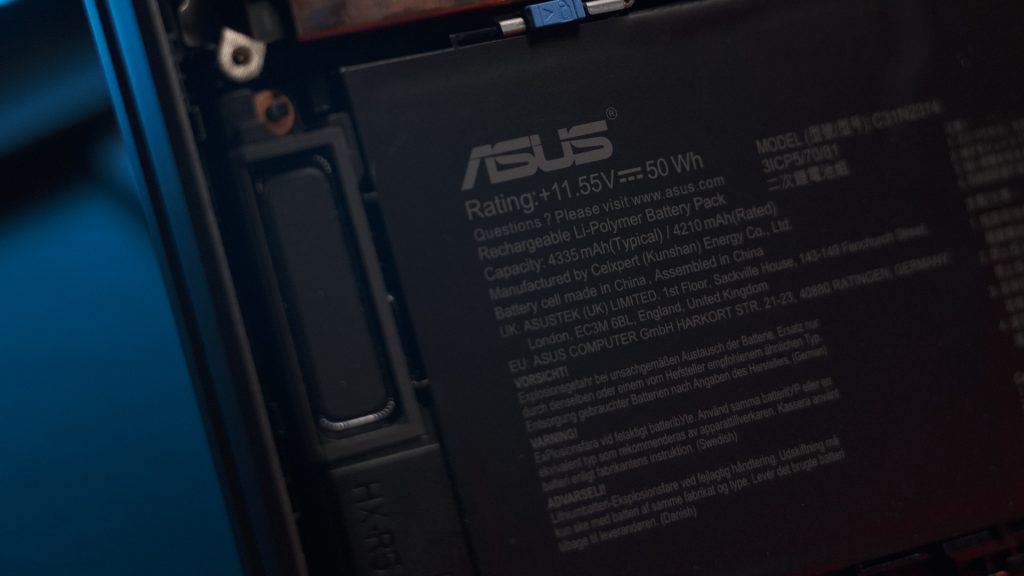
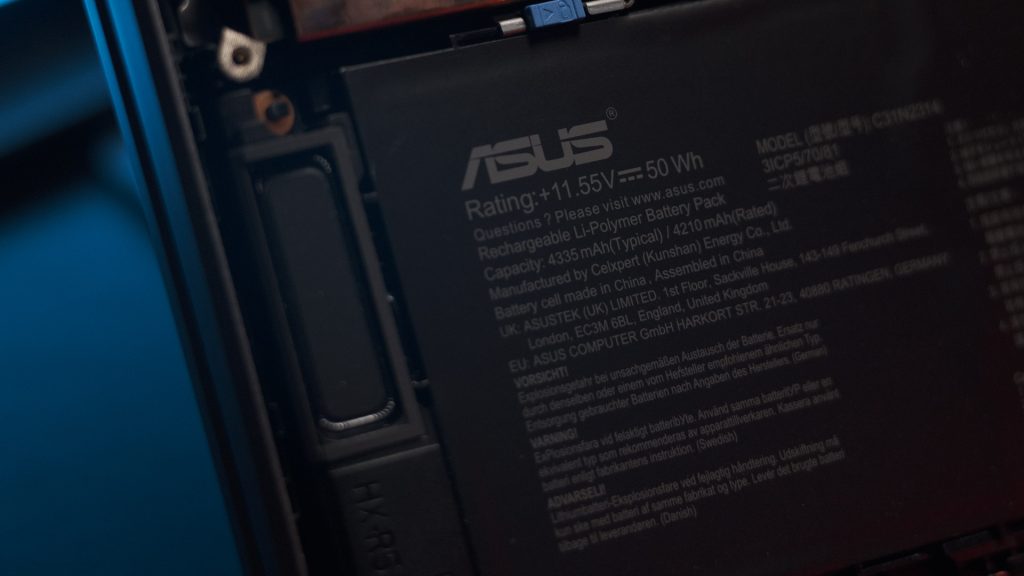
This model comes with a 50WH, 3-cell lithium-ion battery that supports 65W fast charging via a versatile USB-C port. While ASUS claims a full day of battery life, our UL Benchmark PC Mark battery test, run at full brightness, gave us 6 hours and 8 minutes. This is a very respectable duration for a workhorse laptop, as you’ll likely be near an outlet in the office but have plenty of juice for travel or short meetings.
Security features
When it comes to security, the ExpertBook P3 doesn’t mess around. It’s NIST SP 800-155 compliant and includes a fingerprint sensor built right into the power button for easy, secure logins. It supports FIDO authentication and Windows Hello for robust, password-free security.
You also get a physical webcam shield for privacy, a Nano Kensington lock slot for physical security, and a built-in TPM 2.0 chip. As a nice bonus, it even comes with a 3-year McAfee+ Premium membership.
ASUS ExpertBook P3 Software and Ai features
The laptop is packed with smart software and AI features to boost your productivity. The ASUS AI ExpertMeet suite is a standout, with features like AI Meeting Minutes that can automatically transcribe and summarize meetings, and AI Translated Subtitles that can translate content without an internet connection.
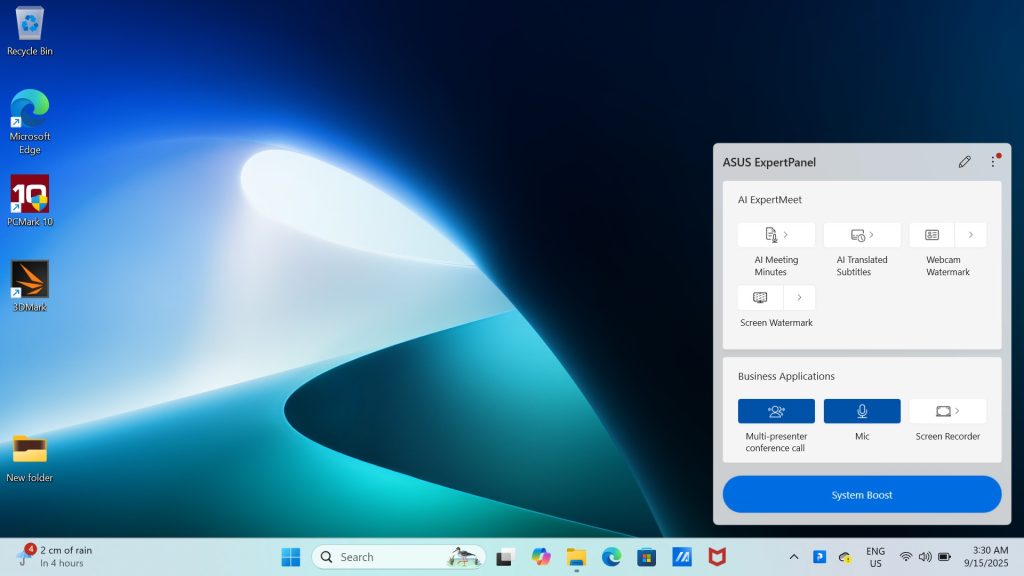
Other clever features include Webcam Watermark, which can embed your contact info in a QR code, and Screen Watermark, which protects against secret photography of your screen. And of course, it also integrates Microsoft’s Copilot and features AI noise-canceling technology to ensure great audio quality for all your virtual calls.
ASUS ExpertBook P3 User Experience
Compared to the plastic feel of the ExpertBook P1, the P3 feels like a significant upgrade in every single way—better materials, better hardware, and a much better overall feel. It still has that same no-nonsense, utilitarian look, but the metallic build gives it a more premium and durable quality.

The keyboard has slightly shorter travel, but it doesn’t really impact the excellent typing experience. In terms of performance, it’s more than capable of handling professional workloads and even some basic creative tasks. Connecting to an external monitor is a great idea given the laptop’s display limitations.
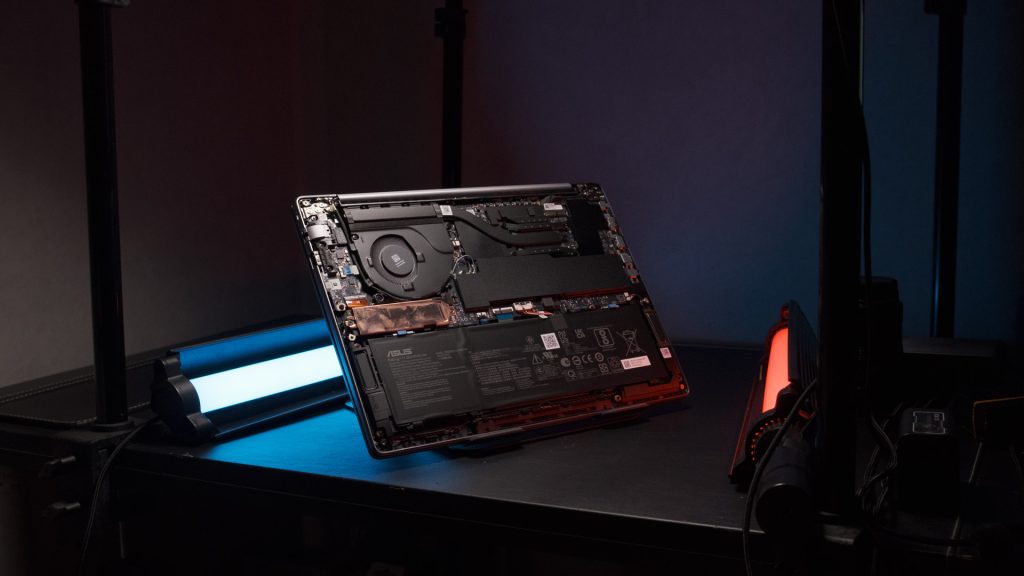
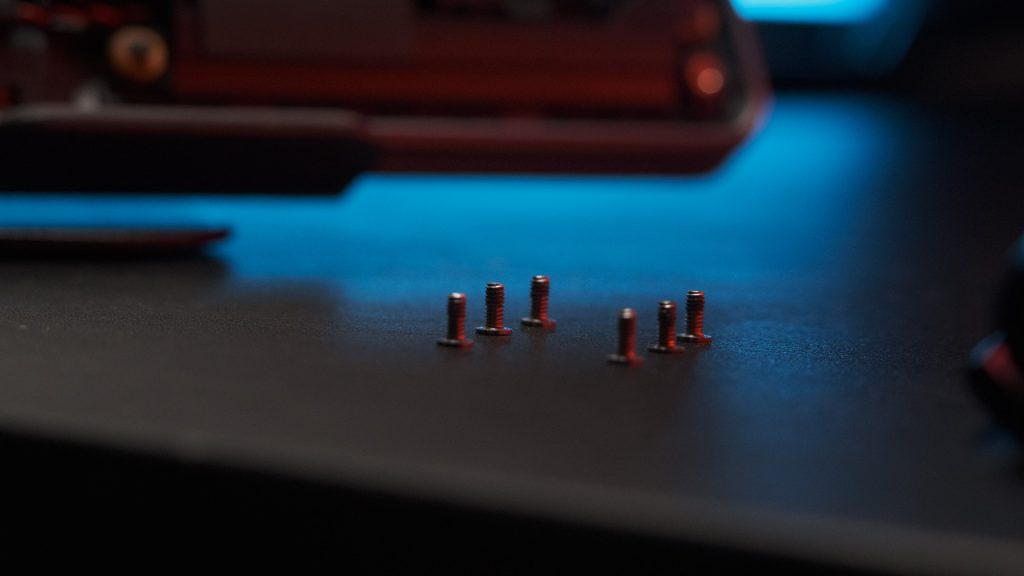
We also love how easy this laptop is to repair and upgrade. With just six screws, you can access the internals to add more RAM or storage, and even the battery is designed for easy, screw-free replacement with a simple lever mechanism.
ASUS ExpertBook P3 Conclusion
With a starting price of RM5399 for the i5 variant and RM5999 for the i7, the ExpertBook P3 is definitely a premium choice compared to the P1. But honestly, it’s an improvement in every single way, making it a fantastic machine for the price.
This laptop is perfectly suited for IT departments looking to deploy a consistent, reliable, and easily maintainable platform for their executive teams. The peace of mind is also huge thanks to the exceptional warranty: you get 3 years of on-site service in the Malaysia region with next-business-day response, plus a 1-year Perfect Warranty and international coverage in over 80 countries. That kind of support is hard to beat.
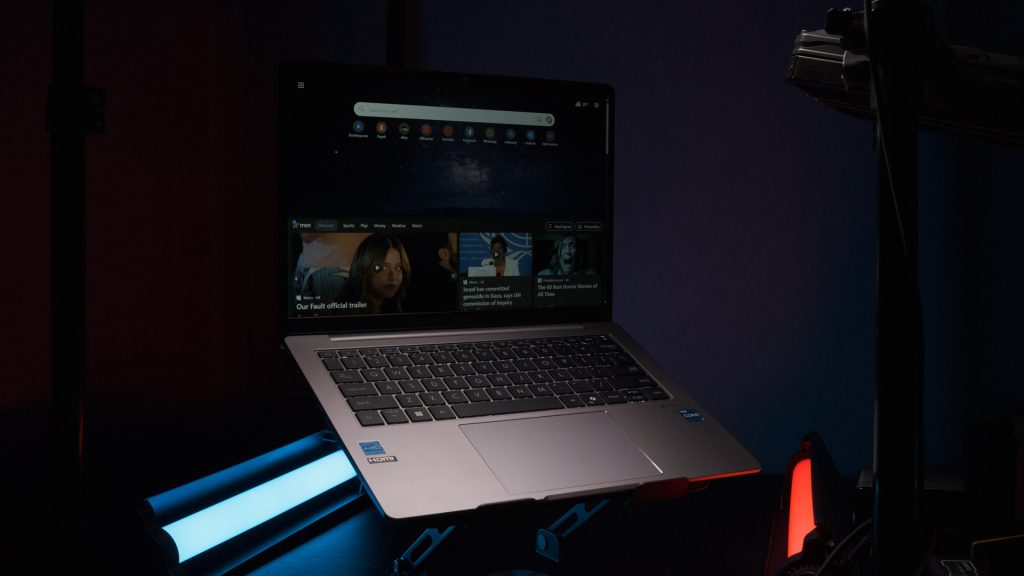
On the positive side, the ASUS ExpertBook P3 boasts military-grade durability and provides excellent CPU performance. We were also impressed by its highly upgradeable and serviceable design, which is complemented by a fantastic commercial-grade warranty. The useful AI-powered software features and fast storage with an extra slot are also major wins. However, there are a few drawbacks to consider. The display lacks the color accuracy needed for creative work, the integrated graphics are not suited for demanding tasks, and it comes with a premium price point.

All things considered, we’re giving the ASUS ExpertBook P3 our Silver Award. It’s a top-tier business laptop with the performance, durability, and service to back it up, and we highly recommend it for commercial users.
Help support us!
If you are interested in the ASUS ExpertBook P3 we would really appreciate if you purchase it via the links below. These affiliate links won’t cost you any extra, but it will be a great help to keep our lights on here at HelloExpress.
- ASUS ExpertBook P3: https://s.shopee.com.my/6KvCya7zvs