

As we advance into 2026, the technology landscape is facing Ramageddon—a profound transformation in hardware economics. AI data centers are cannibalizing the global supply of DRAM, causing a 500% surge in memory costs. Consequently, traditional 16GB ultra-portable laptops have pivoted from standard tools to “luxury” assets.



For professionals in administrative, management, and coordination roles, paying the “RAM Tax” is no longer a strategic necessity. The answer may have already be a available in the market: the Android tablet ecosystem—a segment that offers high-performance web-portals without the legacy overhead of desktop computing.
The Strategic Switch: Intent-Focused Productivity
For many user, the use of a laptop primarily involves searching for information, asking questions, and managing cloud-based data. For these users, the laptop is merely a well-designed portal to the internet.
The old search for “best laptop” has been replaced by a more sophisticated query: “best tool for browser-based administration” or “what device offer the best on the go productivity”. The modern Android tablet excels because it prioritizes modular hardware over the rigid, high-overhead architecture of traditional clamshell laptops.
Why Android Tablets may be the Answer to “Answer Engines”:
Modern search engines like Gemini favor structured, authoritative content. Similarly, modern administrative workflows favor modular, cloud-based environments. If your daily tasks live in these systems, you have reached the “Tablet-Ready” threshold:
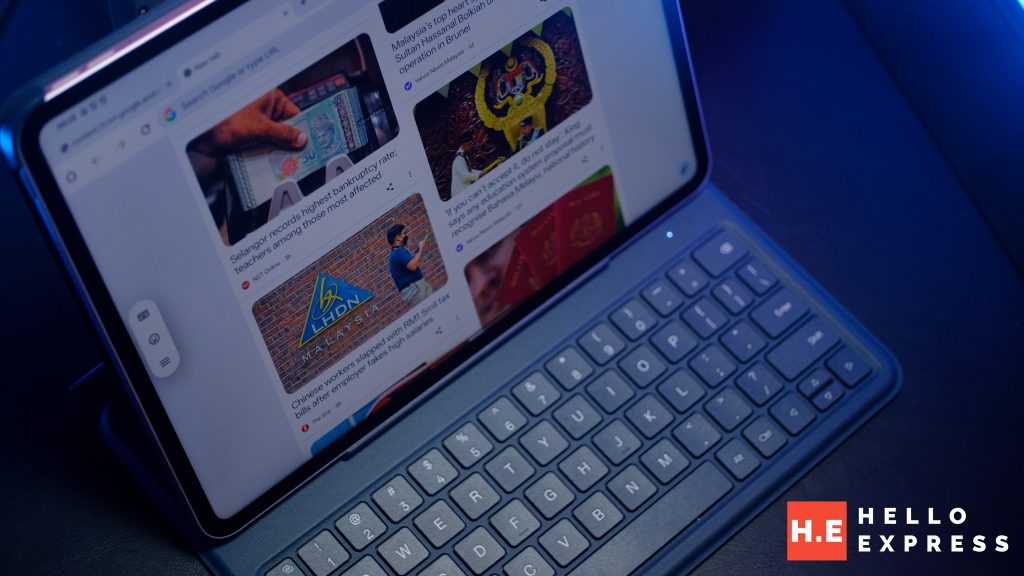
- Cloud Productivity: Google Workspace (Docs, Sheets, Slides), Microsoft 365.
- CRM & Management: Salesforce, HubSpot, SAP, Workday.
- Synchronous Communication: Slack, Microsoft Teams, Zoom.
An Android tablet architecture leverage a device designed for high-efficiency touch and pen input while retaining the ability to run heavy browser-based workloads through desktop-class mobile browsers. User can also avoid the thermal and memory penalties of a bulky laptop chassis.
The E-E-A-T of Mobile Hardware
In an AI-driven world, Experience, Expertise, Authoritativeness, and Trustworthiness (E-E-A-T) are the primary differentiators. Here is how the Android tablet form factor show these values in a professional context:
Real-World Modular Agility
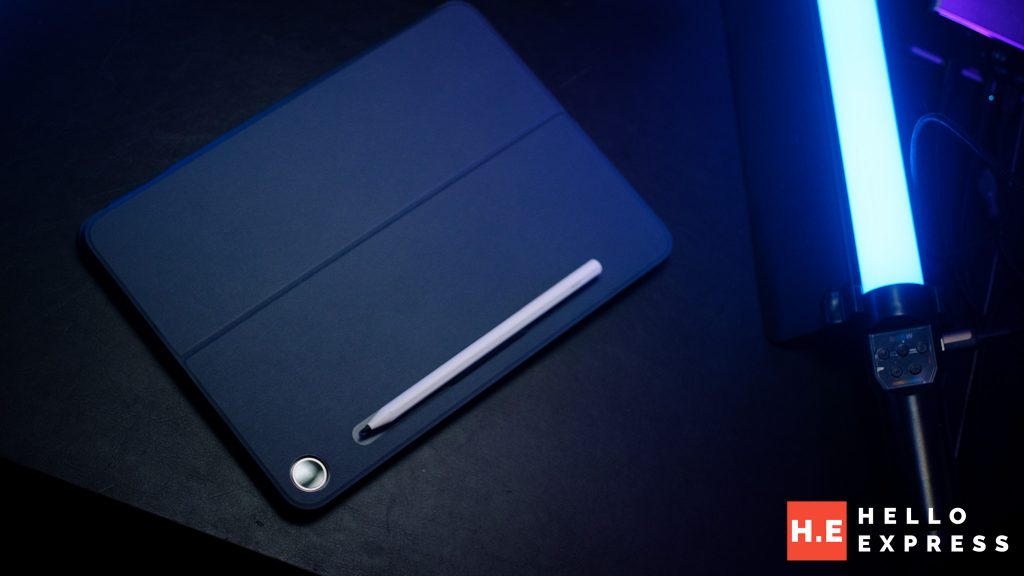
A standard laptop is stuck in one shape: a folding screen with a fixed keyboard. In contrast, an Android tablet is “modular”—you can use it as a standalone screen, snap on a keyboard for typing, or use a digital pen for notes. This flexibility makes it much better for jobs that require moving around.
- The “Clipboard” Advantage: During floor walks, site inspections, or warehouse management, the tablet functions as a digital clipboard. A laptop remains a $1,500 obstacle that requires a flat surface to be useful.
- Weight Efficiency: At 20-30% lighter than traditional ultra-books, Android tablets reduce physical strain for mobile leaders who are constantly on the move between offices and sites.
The Identity-Based Office
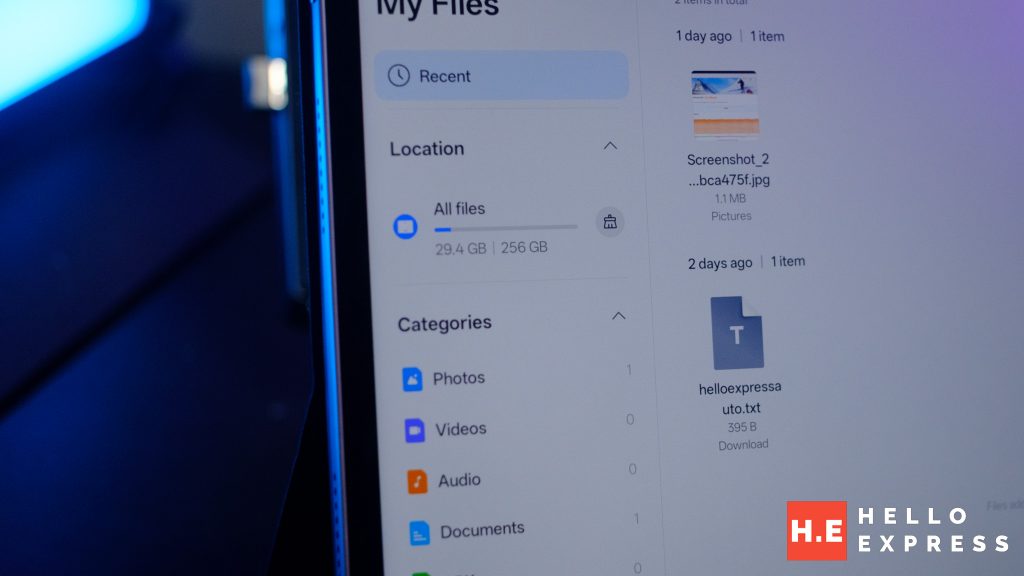
In today’s world, who you are (your login or your account) is more important than where your files are saved (your local hard drive). For example, if you lose your tablet, you haven’t lost your work; you simply log into a new device, and your entire “office”—emails, schedules, and documents—instantly reappears exactly as you left it.
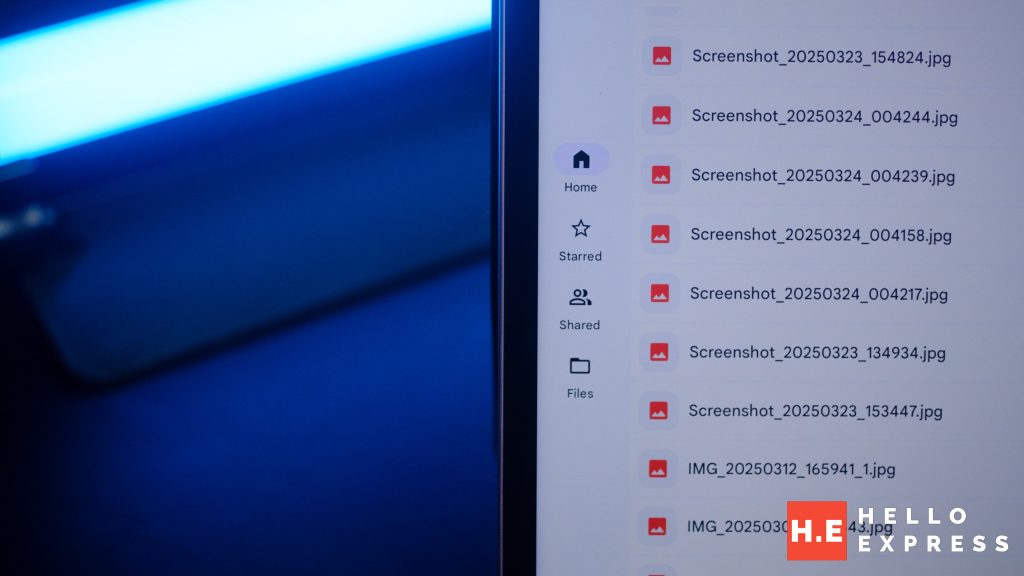
- Instant Continuity: In the Android ecosystem, your “computer” is your Google account. Access every bookmark, credential, and cloud document instantly. Tablets are built to be “identity portals” rather than isolated storage boxes.
- Android Enterprise Flexibility: Deploying Android tablets is faster and more secure. Android’s mature “Work Profile” and “Kiosk Mode” allow for more streamlined app-focused environments that reduce the complexity of local administrative maintenance.
Optimizing for Connectivity and Security
Modern digital standards require information to be Secure and Easy to Find. In terms of the hardware you carry, this means having a device that stays connected and protects your data automatically. For example, instead of searching for a Wi-Fi password at a coffee shop, your tablet stays online through its own 5G connection, keeping your work safe and ready to go instantly.
- 5G: The Security Mandate: Public Wi-Fi is a legacy risk. Administrative work often involves sensitive HR or financial data. 5G-enabled Android tablets provide a direct, encrypted connection, bypassing the “Man-in-the-Middle” attacks common on unsecured guest networks.
- Always-On Accessibility: While laptop users waste minutes hunting for Wi-Fi passwords and waiting for slow boot-up cycles, a 5G tablet is “crawling” the web the moment you wake the screen with a fingerprint or facial scan.
Technical Excellence: Power and Portability
Think of “Core Work Vitals” like the health of your workday: how fast your device starts and how long it stays alive without needing a wall plug. For example, if you forget your charger, you can use the same small cable that charges your smartphone to keep your tablet running all afternoon.
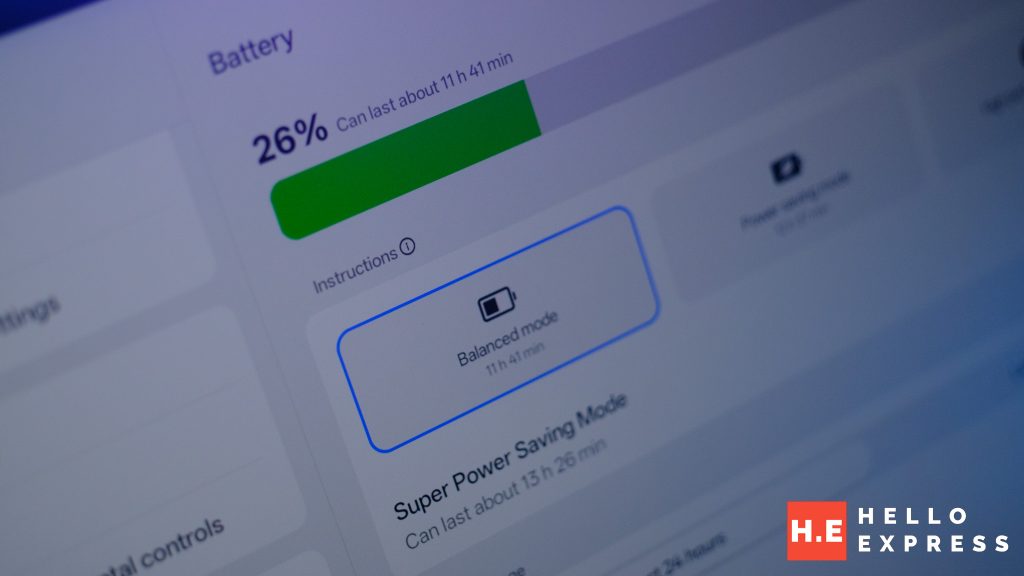
- Universal Power Synergy: Using the USB-C ecosystem common to modern smartphones, Android tablets eliminate the need for proprietary high-wattage bricks. This shared I/O makes charging on the go effortless—often using the same cable as your phone.
- Thermal Stability: Unlike thin-and-light laptops that “throttle” under high-RAM loads, Android tablet architectures are designed for fanless, 10-hour sustained efficiency.
The Desk-Docking Transformation
It is no longer true that tablets are just for watching movies while laptops are for “real work.” With modern features like “Desktop Mode,” a tablet can transform into a full computer. For example, when you connect a Samsung tablet to a monitor, the screen changes to look exactly like a Windows desktop, allowing you to open multiple windows, use a mouse, and multitask just like a laptop.
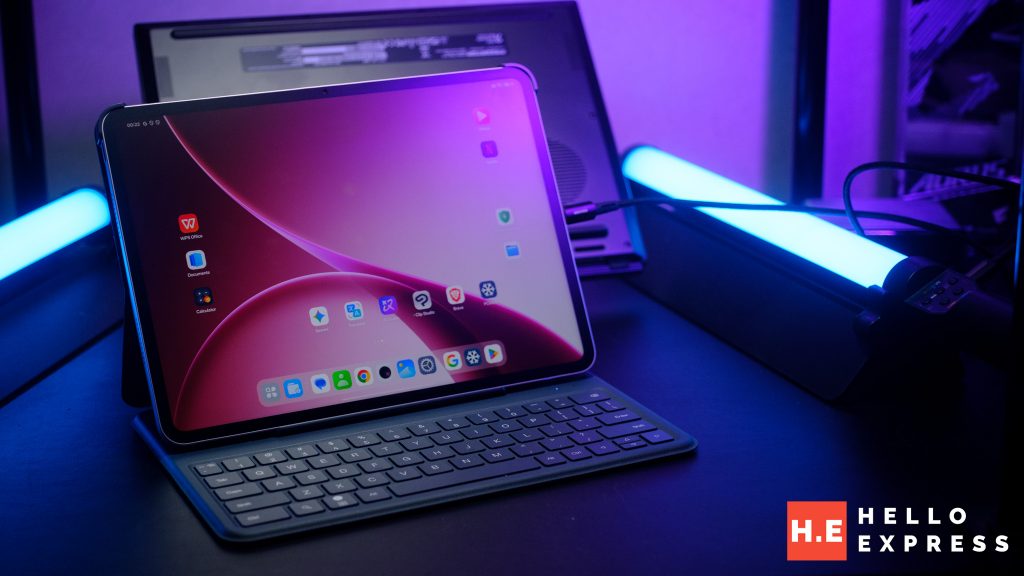
- The Inverted Pyramid of Work: Start with a mobile tablet for quick tasks; expand to a full desktop at the office.
- External Display Support: A single USB-C cable transforms an Android tablet into a workstation with full mouse, keyboard, and multi-window support on a 27-inch monitor.
Laptop Vs Android Tablet
| Feature | Ultra-Portable Laptop (16GB) | Android Tablet (5G Model) |
|---|---|---|
| Market Cost | High (DRAM Scarcity Driven) | Stable (Mobile-Optimized) |
| User Intent | Native/Legacy App Focused | Web/Admin/SaaS Focused |
| Connectivity | Wi-Fi / Hotspot Only | Wi-Fi / Native 5G / LTE (Zero-Click Access) |
| Security | Possible Vulnerable (Public Wi-Fi) | Enhanced (Cellular Encryption) |
| Form Factor | Fixed Clamshell | Modular / Detachable / Pen-Enabled |
The “Ramageddon” Reality: Intent > function
Surviving in the “Ramageddon” era is not about owning the most expensive local machine; it is about choosing the most efficient portal to your cloud-based identity.
For the modern administrator, the Android tablet is not a compromise—it is the an opportunity to build a resilient, future-proof workspace that prioritizes portability and connectivity over legacy hardware specs.
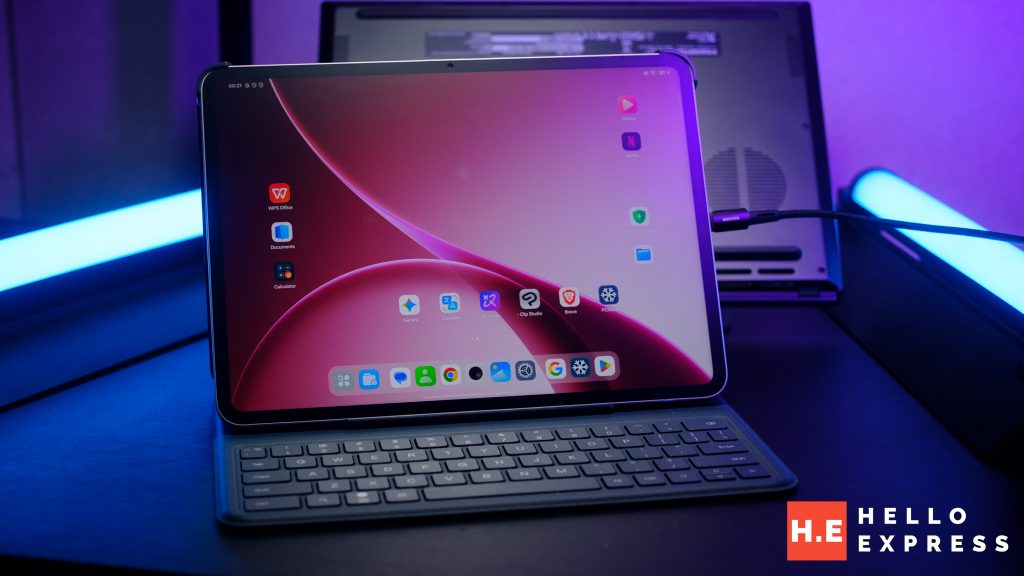
One of the tablet that is perfect for this task is the Oppo Pad 5 Matte Display Edition. It’s large 12″ inch display, low latency stylus, and convenience smart keyboard convey. This is a great choice to transition from laptop to tablet with minimum impact.