

When I first started looking into building a home rig for local AI, I made the same mistake most people do: I treated it like a gaming PC build. But as I dove deeper into the world of Large Language Models (LLMs), I realized the requirements are actually quite different.



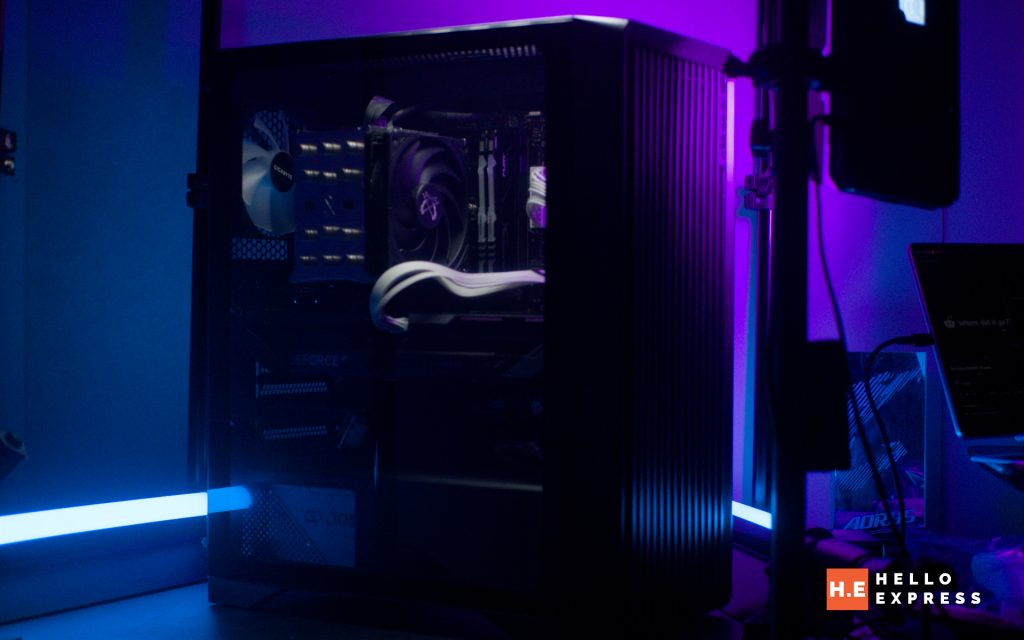
While my gaming PC gets to “rest” between sessions, an AI workstation is a different beast entirely. It’s built for the long haul—sustained, high-intensity workloads that can run for days. This guide is the result of my own journey in figuring out what actually matters when you want to pick parts for a PC to run AI locally.
My Discovery: Building a Dedicated AI Machine

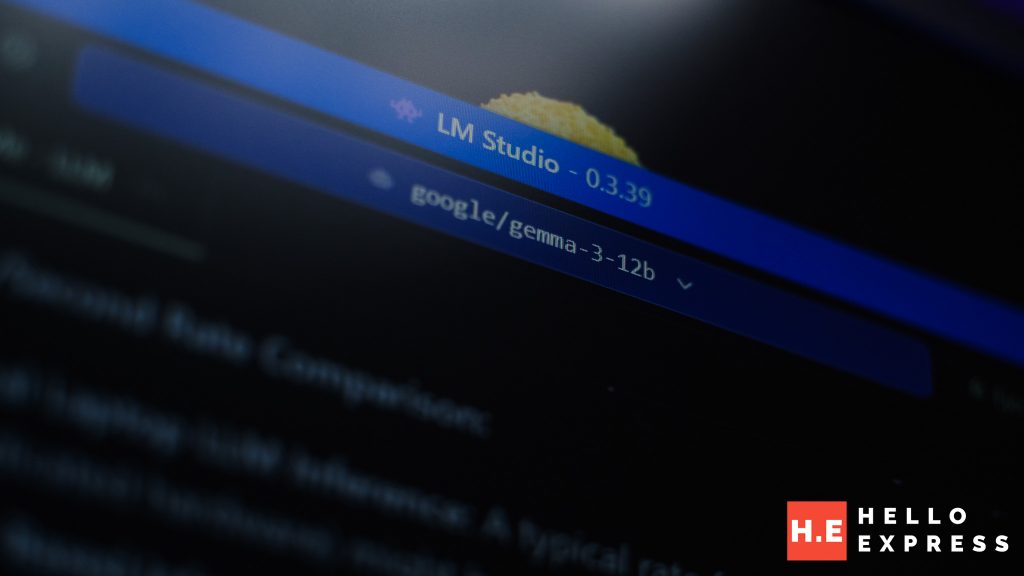
I wanted a machine that wasn’t just “good enough” for AI, but one that was purpose-built for it. Through plenty of research and community deep-dives, I landed on a blueprint that balances cost with raw inference power. This isn’t just a list of parts; it’s a specific synergy of hardware designed for local LLMs.
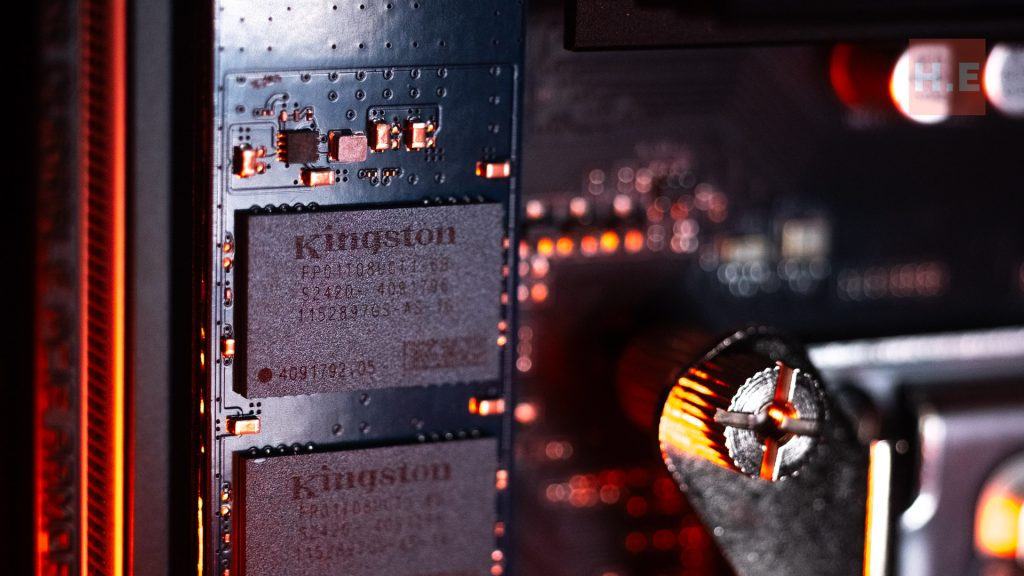
Here is the setup I’ve found to be the absolute “sweet spot” right now (also I have laying around):
- CPU: AMD Ryzen 5 9600X – This was a major discovery for me. Most people focus only on the GPU, but the 512-bit AVX-512 support on this chip is a game-changer for accelerating the parts of the AI workload that inevitably spill over to the CPU.
- Motherboard: Aorus B650E Master – I learned the hard way that cheap boards can’t handle sustained heat. This board’s 16+2+2 phase VRM with 105A Smart Power Stages means I don’t have to worry about power delivery throttling while I’m running a long inference task.
- RAM: 32 GB (2 x 16 GB) Fury DDR5-6000 CL30 – Speed and latency matter here more than you’d think. Feeding data to the GPU quickly is essential, especially when you’re pushing the limits of your context window.
- GPU: Gigabyte RTX 5070 – This is the heart of the rig. With 988 TOPS, it’s the perfect hobbyist card. It lets me run 12B to 14B parameter models with snappy response times right at home.
- Storage: Kingston NV3 2 TB – Between GGUF files, EXL2 weights, and massive datasets, 2TB is the minimum I found comfortable for a serious experimenter.
The biggest “aha!” moment for me, however, was the PSU. While most builders just check the wattage and call it a day, I realized that for an AI machine, the PSU is the foundation of the entire system’s stability and thermal health.
Understanding the “Wall Gap”: Efficiency Standards
In my early gaming builds, I never paid much attention to the 80 Plus or more recently Cybernetics standards. I thought as long as the PSU have it, I was fine. But for this AI rig, I started tracking my actual power draw and realized there’s a significant gap between what my components need and what comes out of the wall.

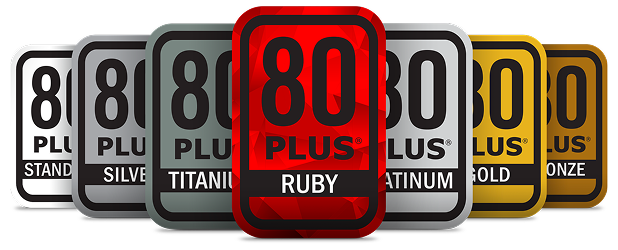
I discovered that the 80 Plus rating is essentially a measure of how much power is “lost” during conversion from AC to DC. If I’m just gaming for two hours, a Bronze rating is fine. But when I’m running a 24/7 inference API or a long-context summarization task, that 10-15% difference in efficiency suddenly turns into a massive heat and cost problem.


Then I stumbled upon Cybenetics. This was a real eye-opener. While 80 Plus tests a few static points, Cybenetics runs thousands of load combinations. Their ETA rating gave me a much clearer picture of how my PSU would actually behave during the fluctuating power draws of an LLM. Plus, their Lambda rating helped me solve a problem I hadn’t even considered: noise. A PSU that stays efficient stays cool, and a cool PSU doesn’t need to spin its fans like a jet engine while I’m trying to work.
Ultimately, I realized that efficiency isn’t just a “green” checkbox. It’s about thermal management. In an AI rig, every watt of wasted power is converted directly into heat. That heat is the enemy of my GPU’s longevity and performance. By prioritizing efficiency, I wasn’t just saving on my bill; I was protecting my investment.
Crunching the Numbers: My Real-World 450W Load
To really understand why I stopped settling for “Standard” PSUs, I had to look at the math. If my rig is pulling a steady 380W while processing a massive dataset 24/7, the efficiency of the PSU determines how much extra I’m paying just to generate unwanted heat. To make it extra safe during spiking, i set a generous mark of extra 20% (ich) of power draw and make 450W as my target max load.

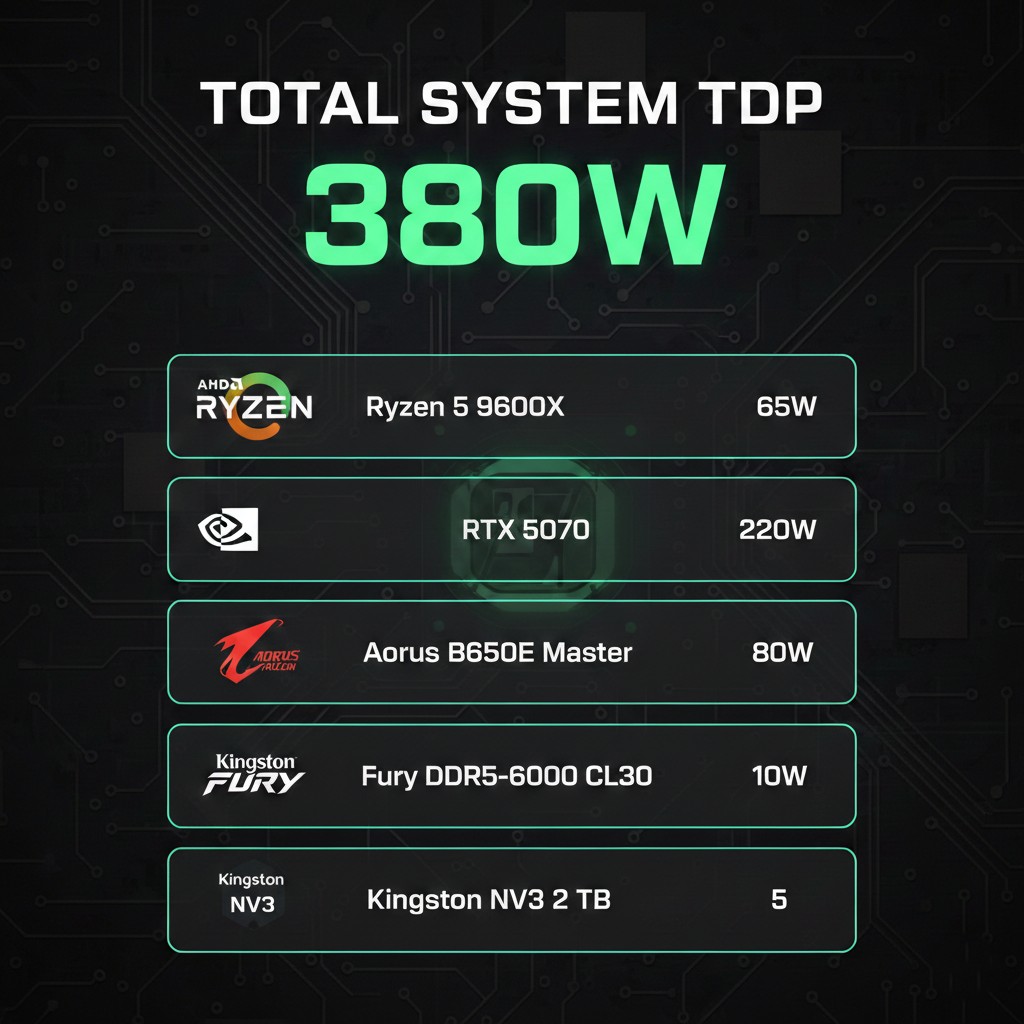
Here is what I found when I compared a 450W load across the different standards (assuming my local rate of ~RM 0.50 per kWh).
80Plus ETA Efficiency Comparison (450W Load)
| 80 Plus Rating | Efficiency (Full Load) | Wall Draw (Watts) | kWh Per Day | kWh Per Month | kWh Per Year | Cost Per Month (RM) | Cost Per Year (RM) |
| Non-80 Plus | ~70% | 643W | 15.43 | 462.9 | 5,632 | RM 231.45 | RM 2,816 |
| 80+ White | 80% | 563W | 13.51 | 405.3 | 4,931 | RM 202.65 | RM 2,465 |
| 80+ Bronze | 82% | 549W | 13.18 | 395.4 | 4,811 | RM 197.70 | RM 2,405 |
| 80+ Silver | 85% | 529W | 12.70 | 381.0 | 4,635 | RM 190.50 | RM 2,317 |
| 80+ Gold | 87% | 517W | 12.41 | 372.3 | 4,530 | RM 186.15 | RM 2,265 |
| 80+ Platinum | 89% | 506W | 12.14 | 364.2 | 4,431 | RM 182.10 | RM 2,215 |
| 80+ Titanium | 90% | 500W | 12.00 | 360.0 | 4,380 | RM 180.00 | RM 2,190 |
Cybenetics ETA Efficiency Comparison (450W Load)
| Cybenetics ETA | Efficiency (Overall) | Wall Draw (Watts) | kWh Per Day | kWh Per Month | kWh Per Year | Cost Per Month (RM) | Cost Per Year (RM) |
| Bronze | 82% – 85% | 549W | 13.18 | 395.4 | 4,811 | RM 197.70 | RM 2,405 |
| Silver | 85% – 87% | 529W | 12.70 | 381.0 | 4,635 | RM 190.50 | RM 2,317 |
| Gold | 87% – 89% | 517W | 12.41 | 372.3 | 4,530 | RM 186.15 | RM 2,265 |
| Platinum | 89% – 91% | 506W | 12.14 | 364.2 | 4,431 | RM 182.10 | RM 2,215 |
| Titanium | 91% – 93% | 495W | 11.88 | 356.4 | 4,336 | RM 178.20 | RM 2,168 |
My Takeaway


When I looked at these numbers, the “cheaper” PSU didn’t look so cheap anymore. Moving from a basic Non-80 Plus unit to a Cybenetics Titanium or 80+ Platinum saves me over RM 50 every month. In just a year or two, the electricity savings alone pay for the entire cost of a premium PSU.


But more importantly for my AI work, look at the “wasted” watts. In a low-efficiency unit, I’m dumping nearly 200W of pure heat into my case 24/7. That’s like having a space heater running inside my PC! This heat causes my RTX 5070 to throttle its clock speeds, which literally slows down my tokens-per-second. For a serious 24/7 build, I’ve learned that Gold or Platinum isn’t a luxury—it’s a necessity for keeping the hardware cool and the performance peak.
Finding the “Sweet Spot”: Why Over-Specting Saves Money
One of the most counter-intuitive things I discovered was that buying a PSU with more capacity than you need isn’t just about safety—it’s actually about your electricity bill. PSUs are most efficient at 50% load. By using an 850W PSU for a 450W load, I am keeping the unit right in that peak 90%+ efficiency zone.
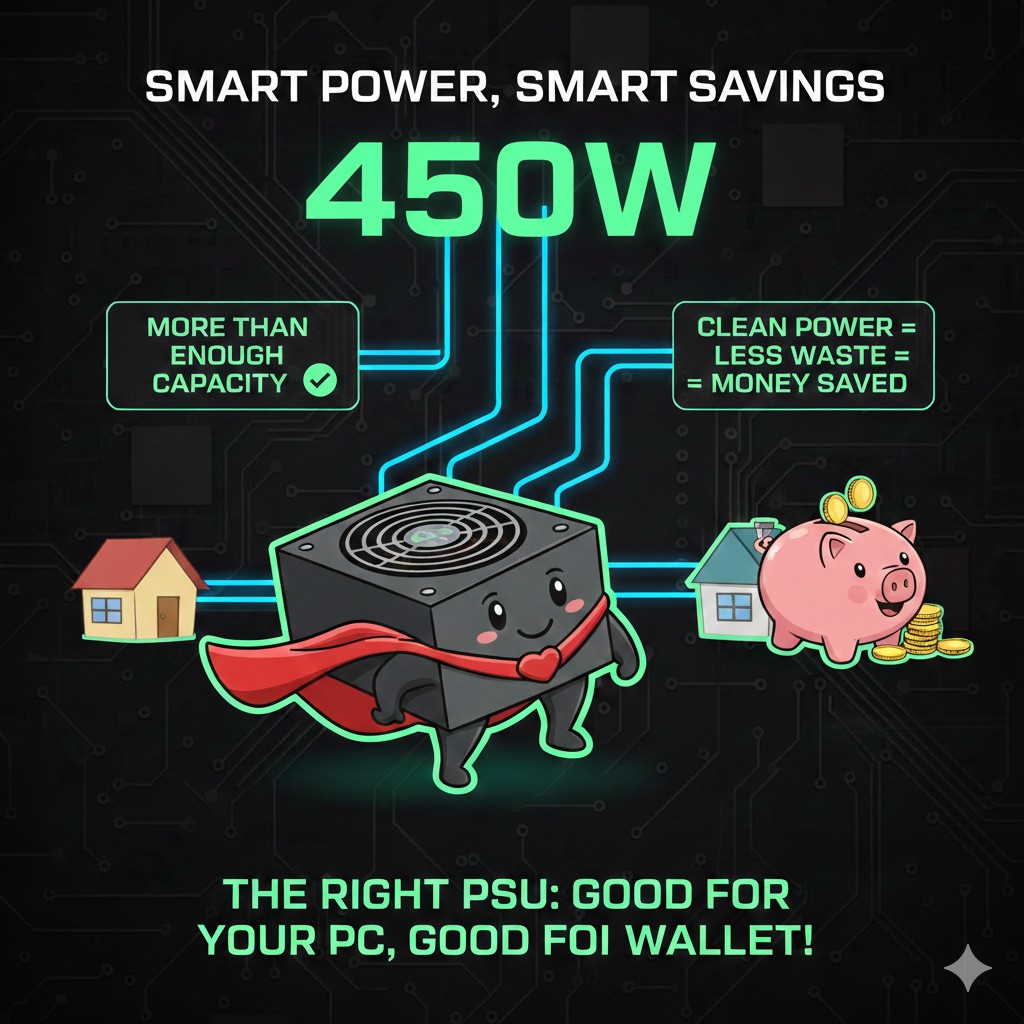
I used to worry that if I bought a 1000W PSU for a 450W rig, I’d be wasting 550W. But I learned that’s not how it works. A PSU only pulls what your components actually need from the wall. If my hardware is peaking at 450W, a 1000W PSU will only draw that 450W (plus whatever is lost to inefficiency). 10-year commitment turns a brand I once associated with budget builds into a premium contender. It’s a massive insurance policy for a long-term AI discovery journey.
450W Static Load on 80+ Gold PSUs (Sweet Spot Analysis)
| PSU Capacity | Load % | Est. Efficiency | Wall Draw (W) | Power Wasted | Cost/Month (RM) | Cost/Year (RM) |
|---|---|---|---|---|---|---|
| 550W Gold | 82% | 87.5% | 514W | 64W | RM 185.15 | RM 2,252 |
| 650W Gold | 69% | 88.5% | 508W | 58W | RM 183.05 | RM 2,227 |
| 750W Gold | 60% | 89.5% | 503W | 53W | RM 181.00 | RM 2,201 |
| 850W Gold | 53% | 90.0% | 500W | 50W | RM 180.00 | RM 2,190 |
| 1000W Gold | 45% | 90.0% | 500W | 50W | RM 180.00 | RM 2,190 |
By choosing an 850W Gold unit over a 550W Gold unit, I save nearly RM 62 per year and reduce the heat waste by 14W. Over the 10-year lifespan of a good PSU, the 850W unit pays for the price difference itself just through better efficiency management.
Warranty: The Survival Insurance for 24/7 AI
One of the scariest parts of my journey was realizing just how vulnerable an AI PC is. When you’re running inference 24/7, the PSU is under constant stress. I quickly learned that the warranty isn’t just a piece of paper; it’s an indicator of quality.
GameMax GX Rampage: The 10-Year Safety Net

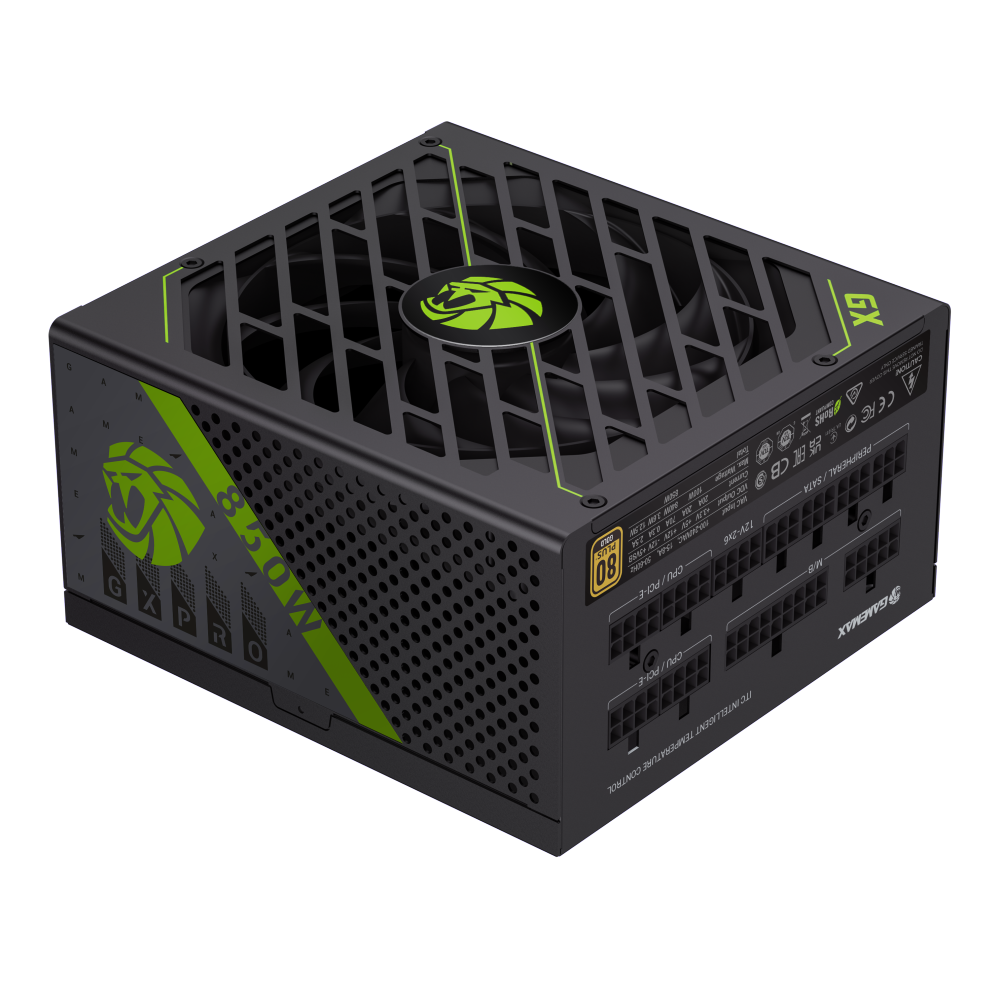
As I was looking for the ultimate balance between performance and long-term security, I stumbled upon the GameMax GX Rampage (RPG) series. The GX-850Pro was the standout for me. It’s built for modern AI hardware, supporting ATX 3.1 and PCIe 5.1 with its native 12V-2×6 connector.
But the real “mic drop” moment was the 10-year warranty. For someone like me, who plans to let my AI rig run night and day for years, that 10-year commitment turns a brand I once associated with budget builds into a premium contender. Priced around RM505 in Malaysia, it’s a massive insurance policy for a long-term AI discovery journey.
My Final Verdict: The GameMax RPG GX-850Pro
The GameMax RPG GX-850Pro became my definitive pick because it hits the “Gold” Sweet Spot:
- Efficiency: 80 Plus Gold keeps my bills low without the Titanium price premium.
- Safety: A 10-year warranty protects my expensive RTX 5070 and Ryzen 9600X.
- Modernity: Native support for the latest PCIe standards means I’m ready for future GPU generations.
If you’re building for AI, don’t just look at the wattage. Look at the curve, look at the heat, and look at the warranty. For my money, the 850W Gold path is the smartest way to power the future of local LLMs.