

Table of Contents

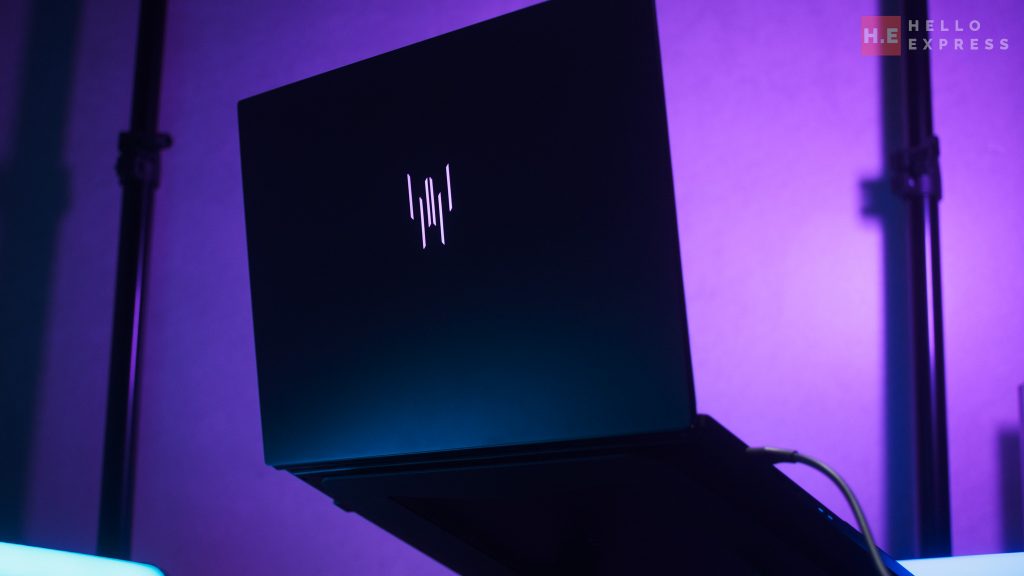
The Predator Triton 14 AI is not just another gaming laptop. It is a statement piece from Acer, it supposed bridging the gap between high-octane gaming and professional content creation. We took this hybrid machine for a spin to see if it lives up to the hype.


Predator Triton 14 AI Exterior
Design and Build Quality
The Predator Triton 14 AI immediately impresses with its premium construction.
The entire chassis, including the base, bottom, and top cover, is CNC-machined aluminum. This ensures the device feels incredibly durable and rigid in the hand.
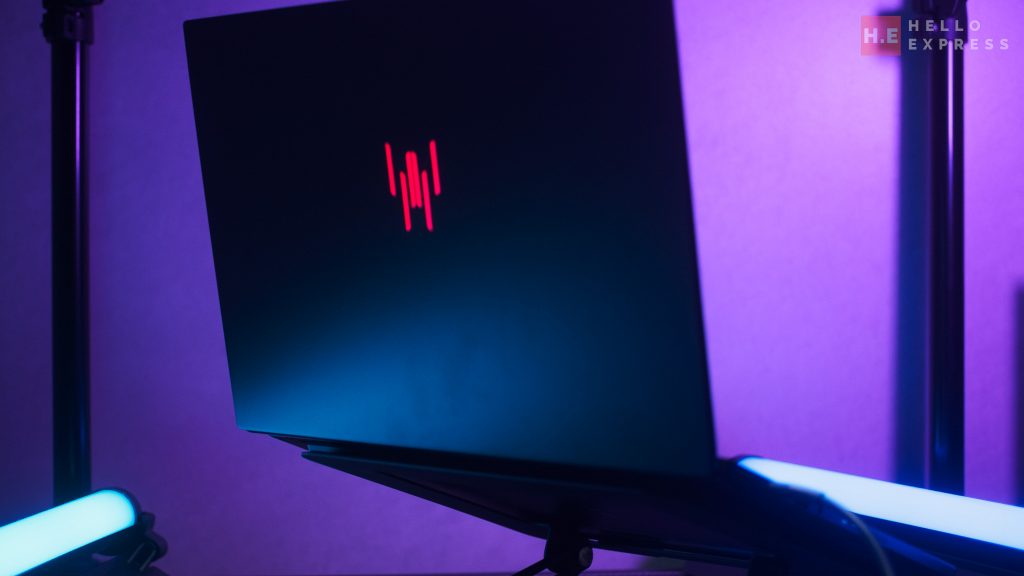
Despite its sturdy metal build, it remains portable. It measures 321.79 mm in width and 221 mm in depth.
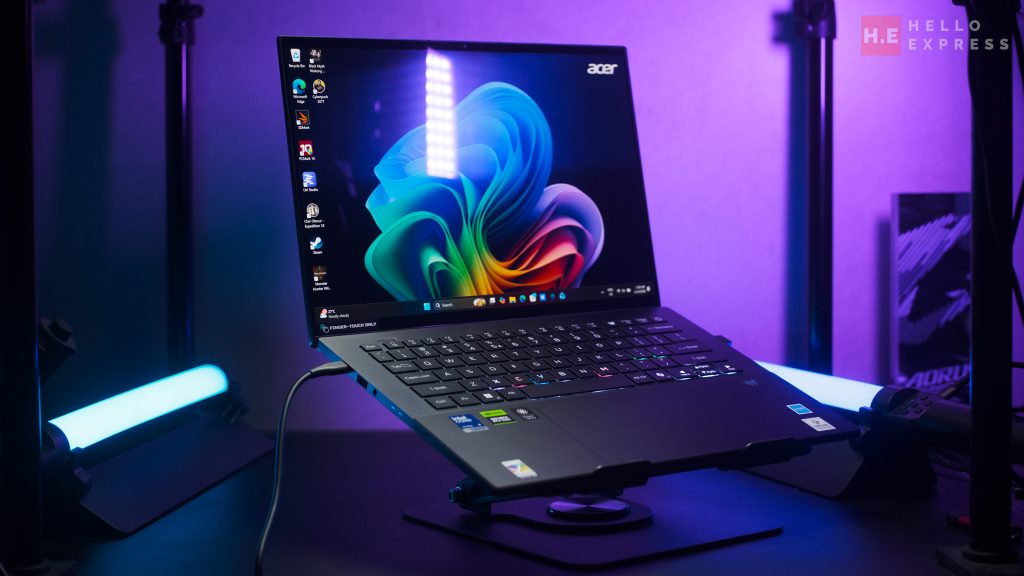
The height tapers from a slim 11.05 mm to 17.31 mm. It weighs approximately 1.6 kg, making it easy to slip into a backpack.
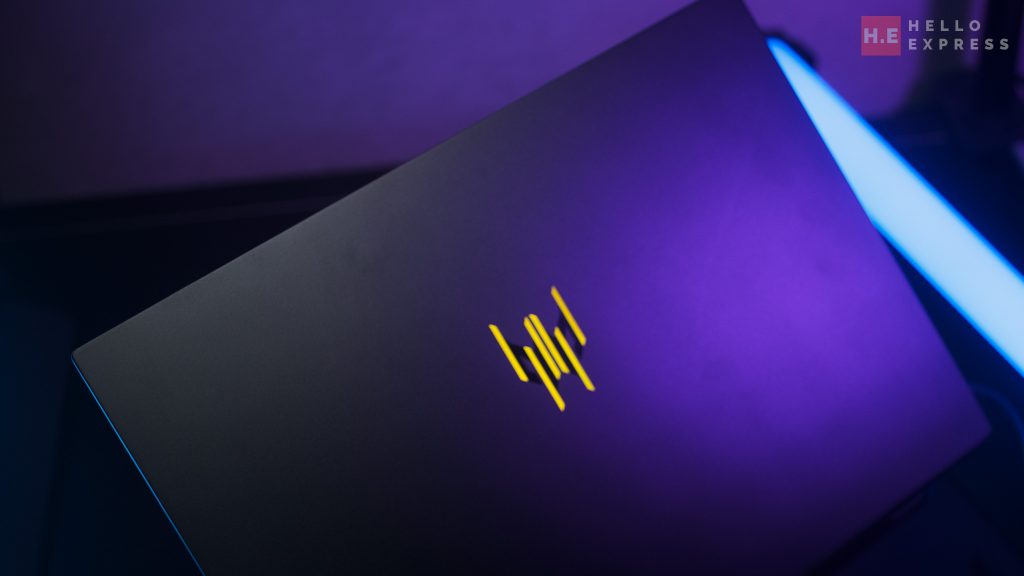
The laptop comes in a striking Black color. It features iridescent accents that shift beautifully under different lighting conditions.
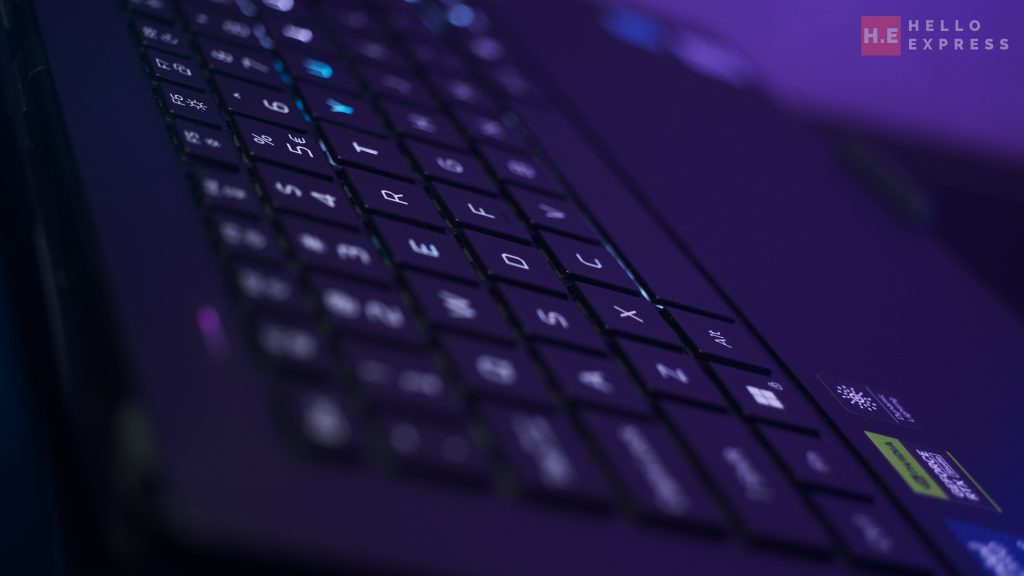
Acer has also applied an anti-fingerprint (AF) coating to the top cover, keeping it smudge-free.
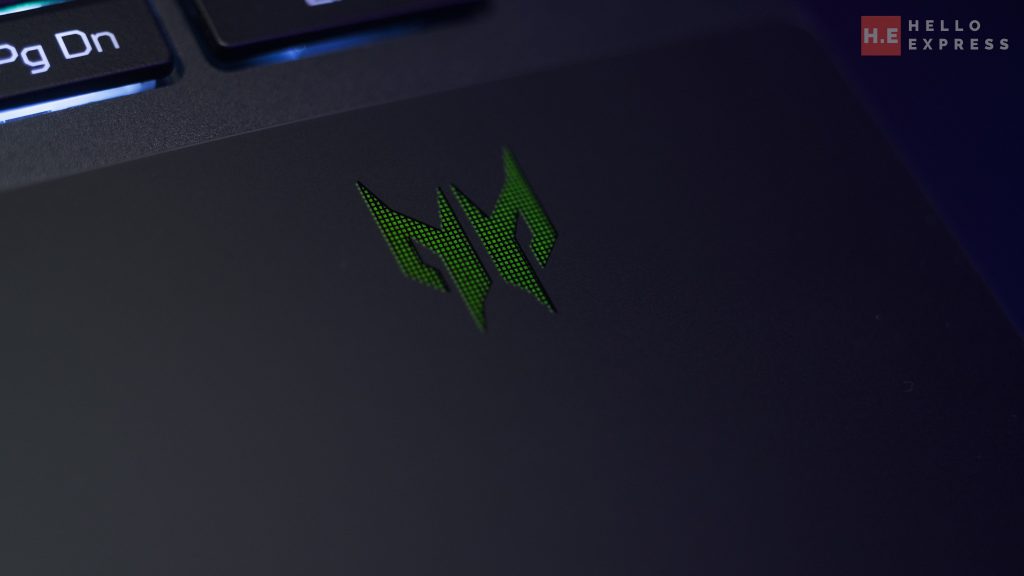
For personalization, the per-key Mini LED RGB lighting allows for a fully customizable aesthetic.
Display: A Visual Feast
The display is arguably the star of the show. The Predator Triton 14 AI sports a 14.5-inch OLED panel. It offers a sharp WQXGA+ resolution of 2880 x 1800 with a 16:10 aspect ratio.
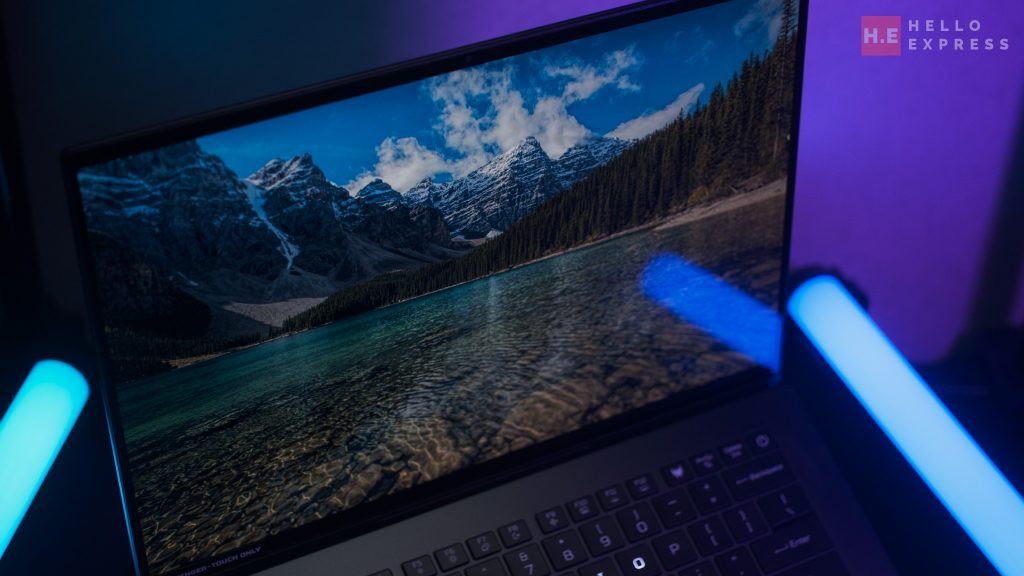
Visuals are buttery smooth thanks to the 120Hz refresh rate and a rapid 1ms response time. This ensures fluid motion whether you are gaming or scrubbing through a video timeline.
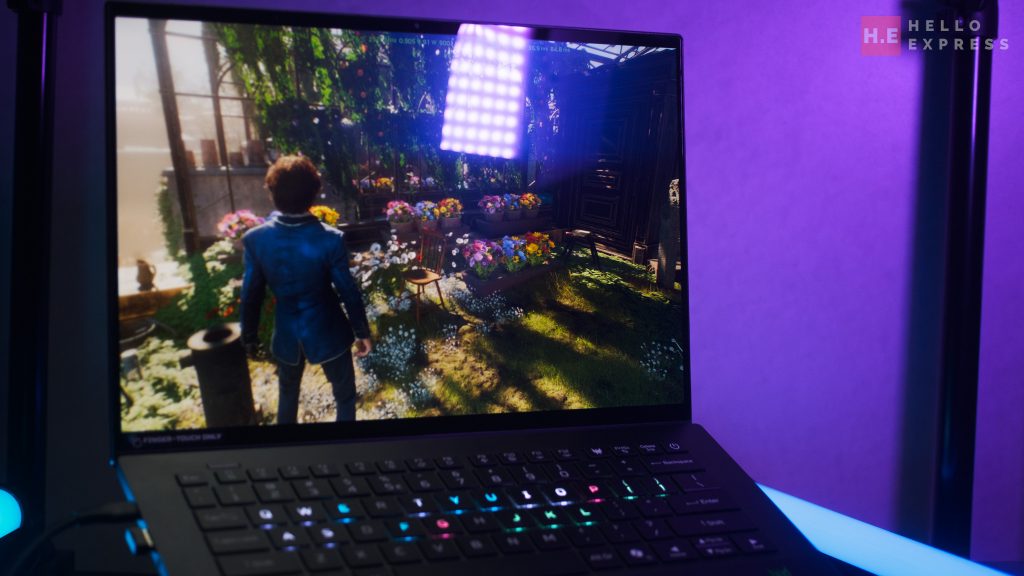
Crucially, this screen is Calman Verified. Being Calman Verified is a big deal because it guarantees industry-standard color correction.
It means the display has been rigorously tested to ensure what you see on screen is exactly what the source file intends. For professionals, this eliminates the guesswork in color grading.
Acer claims a 100% DCI-P3 color gamut and a brightness of 340 nits. It also features Acer CineCrystal technology and multi-touch support for intuitive control.
Display Color Performance
We tested the screen with DisplayCal to verify these claims. The results were impressive. We measured 100% sRGB, 98.6% DCI-P3, and 98% Adobe RGB coverage. Here is what that means for you:

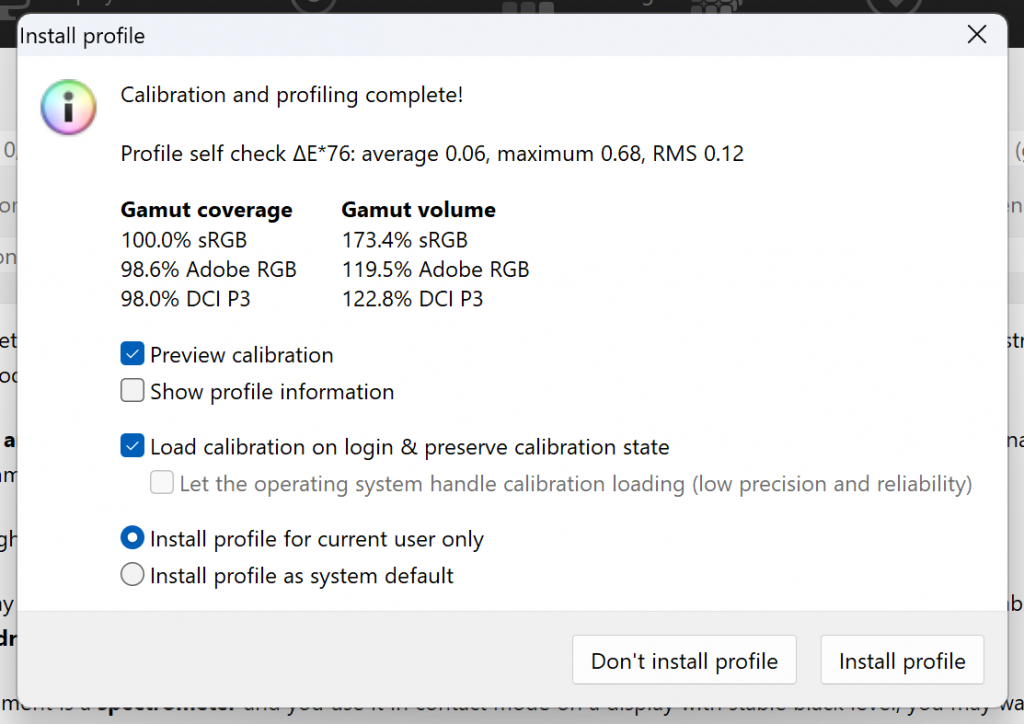
For the Home User: Content consumption is a joy. Movies and streaming shows look incredibly vivid. The 100% sRGB coverage ensures that web content appears exactly as intended, with punchy and saturated colors.
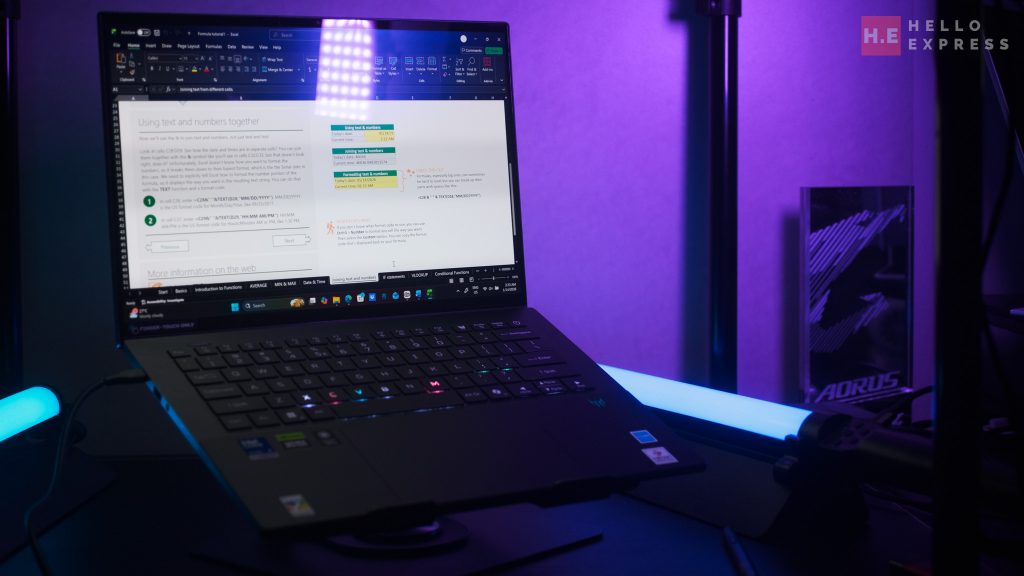
For the Professional Admin: While this level of color fidelity might be overkill for spreadsheets, the high resolution and contrast of OLED make text incredibly sharp. It reduces eye strain during long hours of document work.
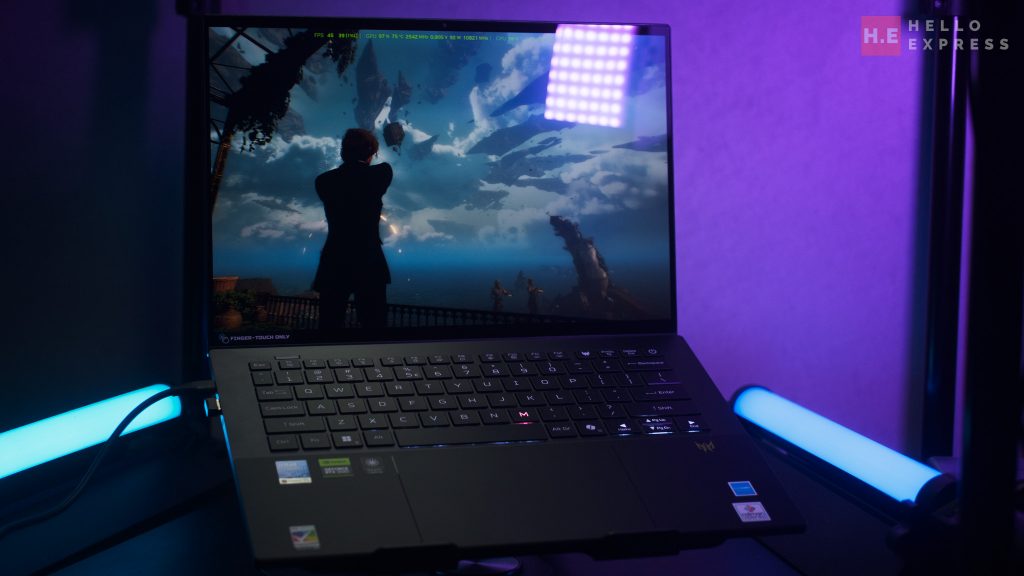
For the Gamer: The 98.6% DCI-P3 coverage is fantastic. Modern games often use this wider color space to create atmospheric lighting and vibrant environments. You get deep blacks and neon highlights that truly pop, enhancing immersion.
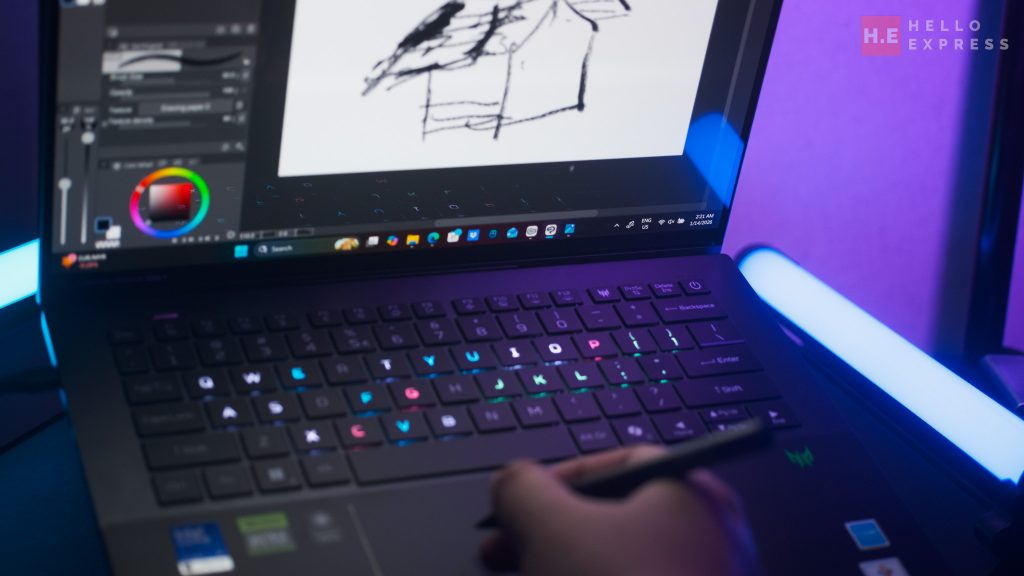
For the Content Creator: This is where the laptop shines. The 98% Adobe RGB coverage is critical for print designers and photographers. It allows you to see the cyan and green hues that standard screens miss. You can edit photos and videos with confidence, knowing your color accuracy is on point.
Audio
The audio setup on the Predator Triton 14 AI is robust. It utilizes a six-speaker system powered by DTS:X Ultra Audio and Acer TrueHarmony. This tech delivers lower distortion and a significantly wider frequency range.
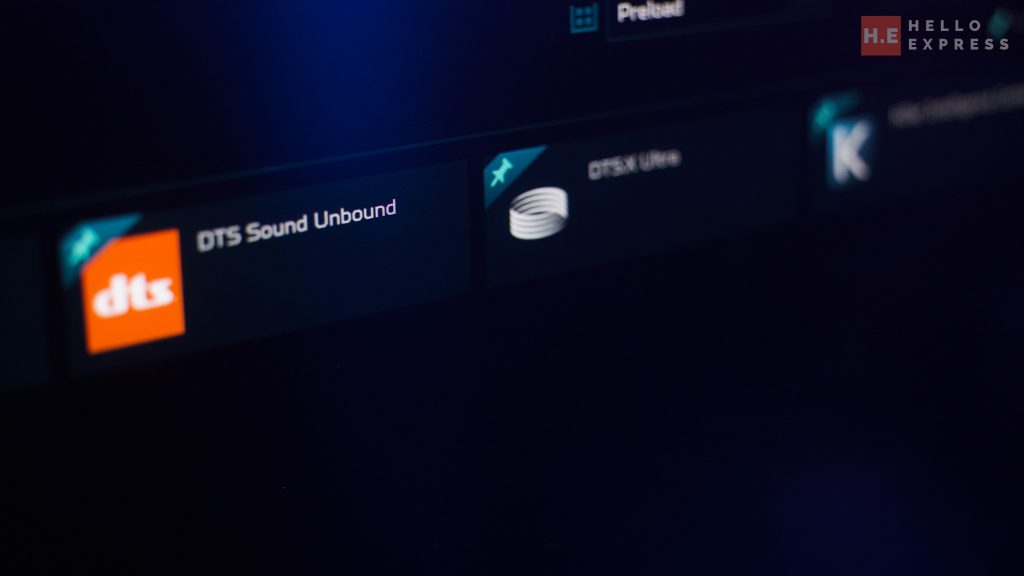
Acer uses a patented tube design to eliminate sound muddiness. The 2-way speaker setup cleverly separates bass and treble. This results in richer, more layered sound projection.
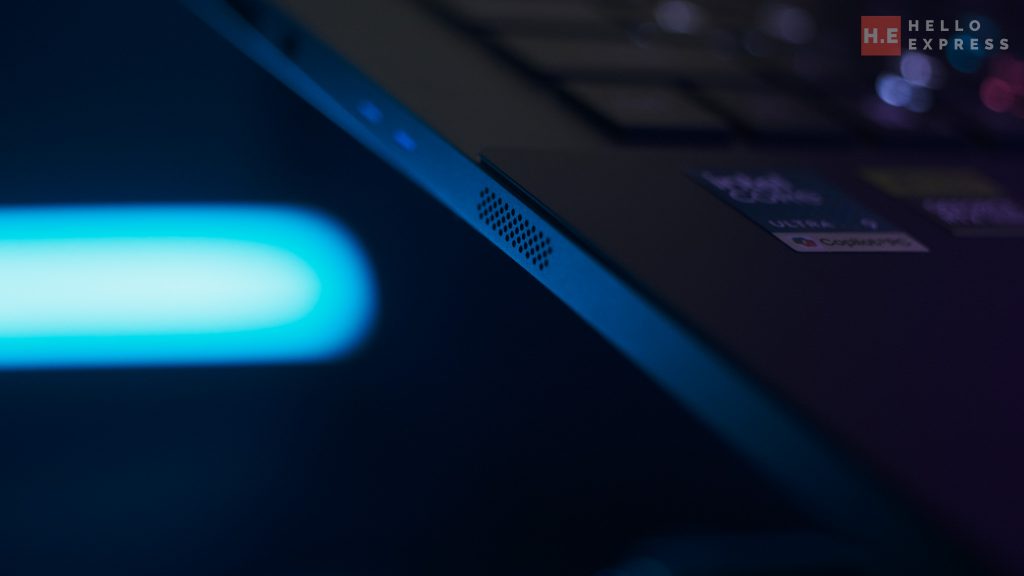
A highlight feature is the active-forced vibration cancellation. This reduces system resonance, keeping the audio clean even at high volumes. For calls, the 3-mic array with AI noise reduction ensures your voice is crystal clear.
Keyboard and Touchpad
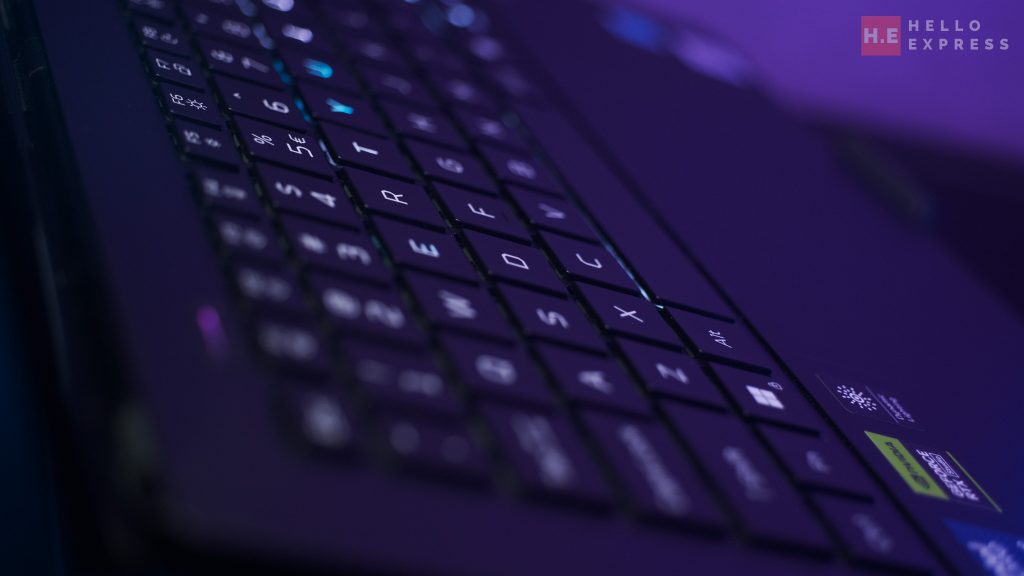
The keyboard is designed for both flair and function. It features per-key RGB backlighting via Mini LEDs. You also get a dedicated Predator Sense Key for instant system control.
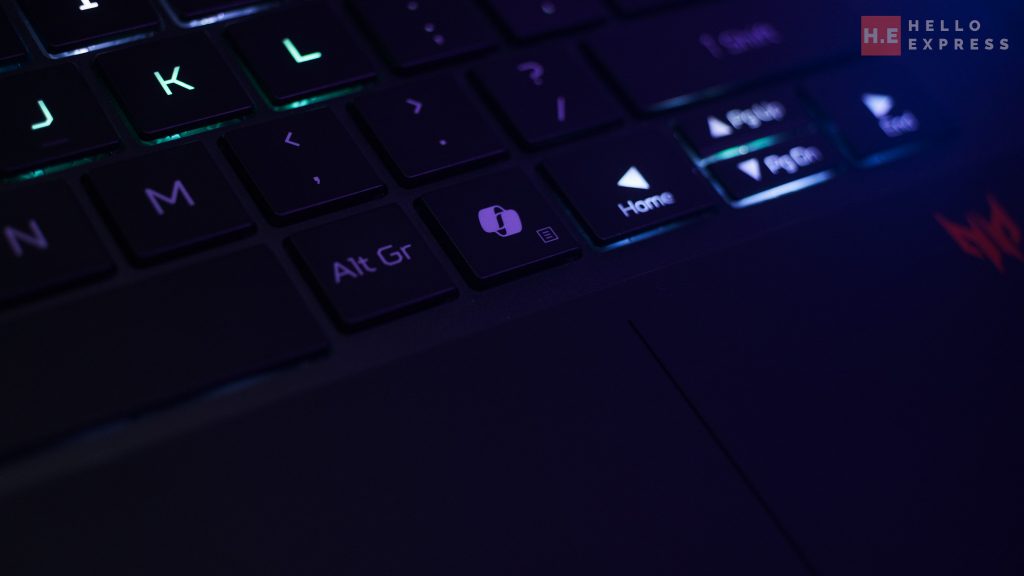
Modern conveniences are present, including a dedicated Copilot Key, and clear indicators for Caps Lock and Microphone Mute.
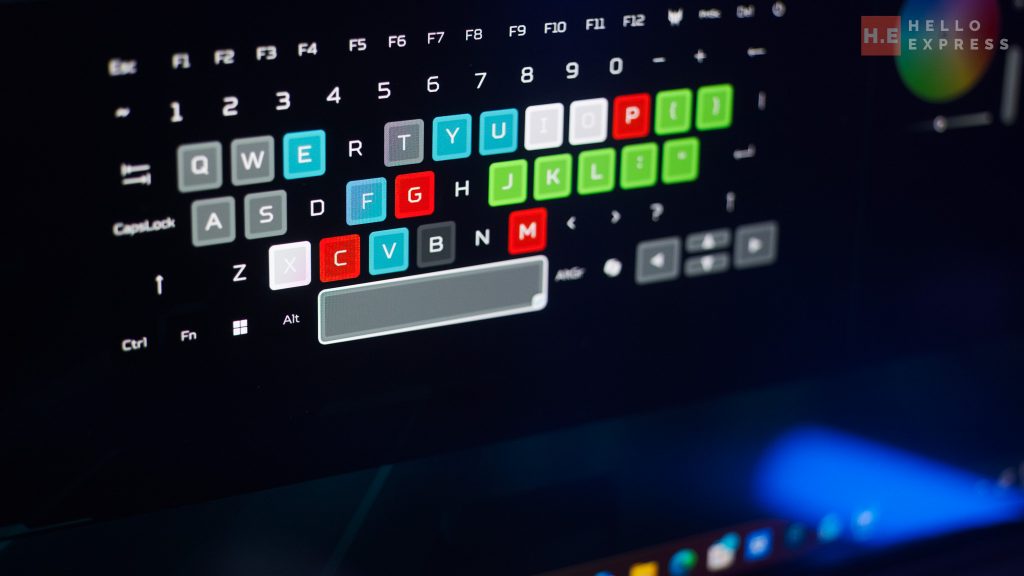
The per-key RGB is a huge productivity booster. You can customize the lighting to mimic industrial keyboard layouts. For instance, I set the keys to match the color scheme of DaVinci Resolve and Blackmagic video editing software. This visual cue helps speed up workflows significantly.
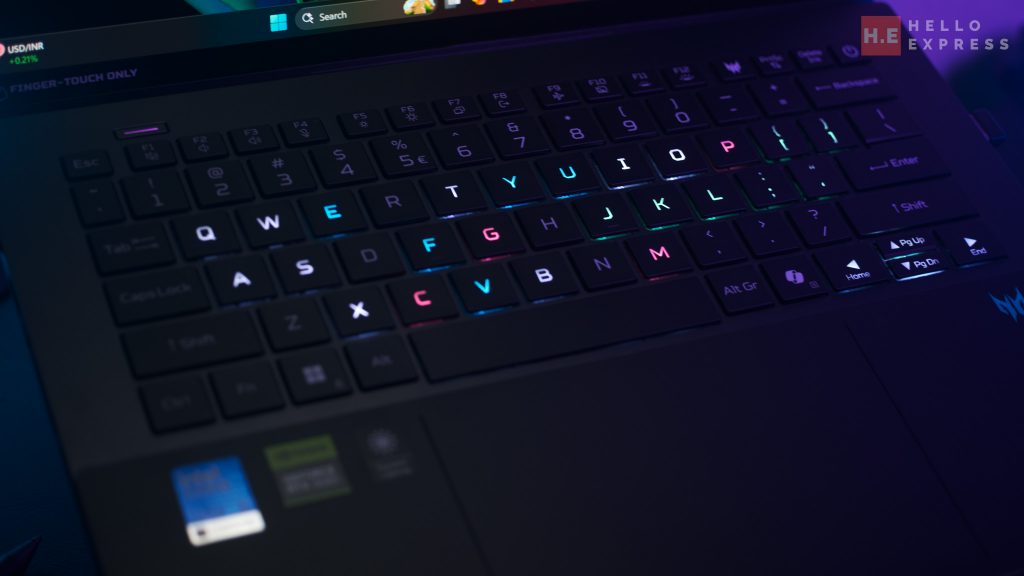
The touchpad is equally impressive. It is the first I have used that supports a stylus. This feature massively boosts productivity. You don’t need to carry a separate drawing tablet. We tested it with Canva and Clip Studio Paint, and it worked flawlessly. It is a game-changer for editing on the go, saving you both money and bag space.
Connectivity and I/O
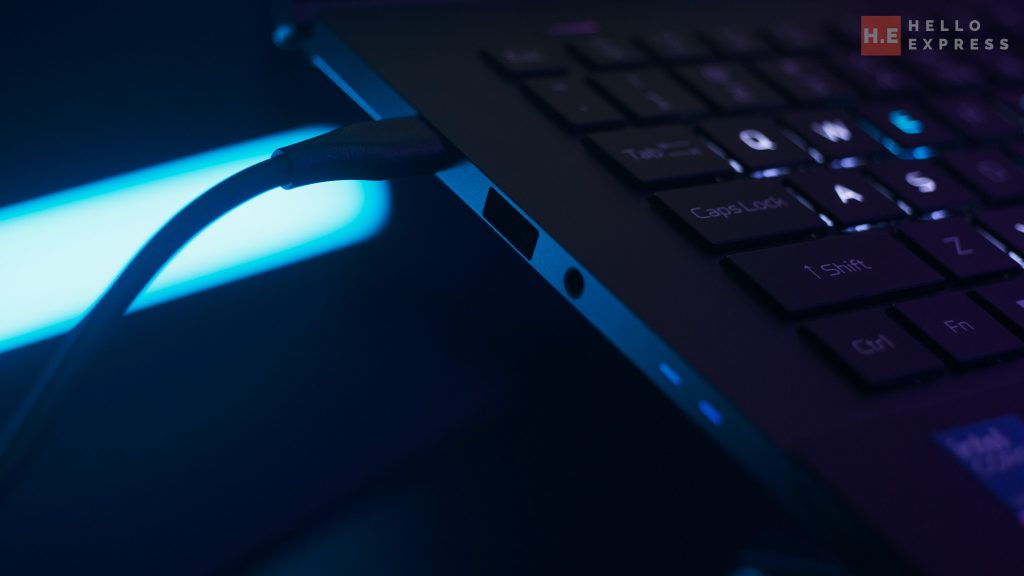
Connectivity is excellent. You get two USB Type-C ports (USB 3.2 Gen 2) supporting DisplayPort and 140W charging. There are also two USB 3.2 Gen 2 Type-A ports and an HDMI 2.1 port.
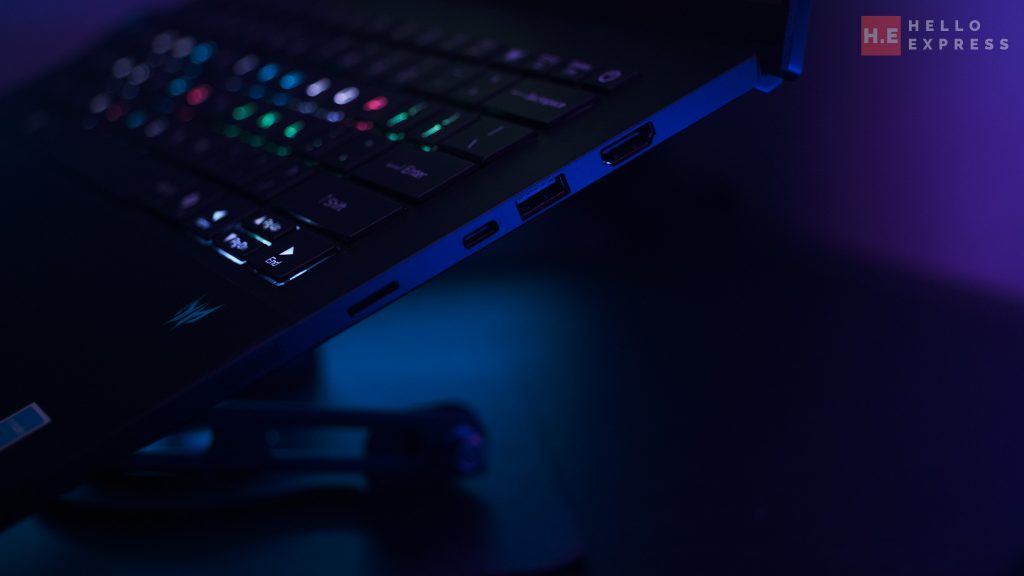
Creators will appreciate the MicroSD card reader. Thunderbolt 4 and Wi-Fi 7 are also included, ensuring the fastest possible data transfers and low-latency wireless gaming.
Predator Triton 14 AI Internal
CPU
Under the hood, the Predator Triton 14 AI is powered by the Intel Core Ultra 9 processor 288V. This chip is a beast. It operates at a 3.30 GHz base frequency and boosts up to 5.1 GHz.
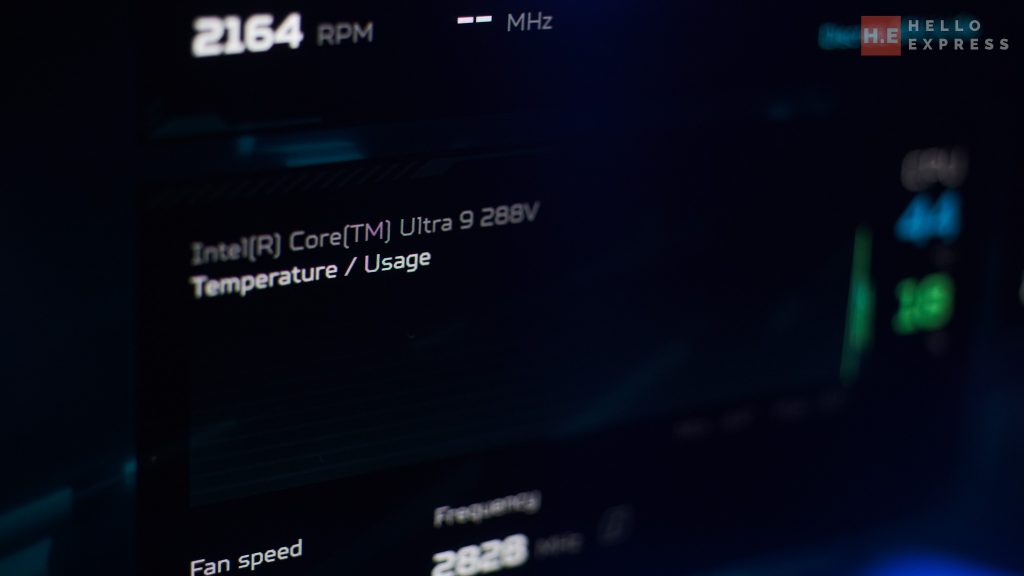
It uses a hybrid architecture with eight cores in total: four performance cores and four low-power efficient cores. It is also ready for the AI era, supported by an Intel AI Boost NPU capable of 48 TOPS. This ensures the laptop handles background tasks and AI workloads with ease.
GPU
Graphics are handled by the NVIDIA GeForce RTX 5070 Laptop GPU. It comes with 8GB of dedicated GDDR7 VRAM.
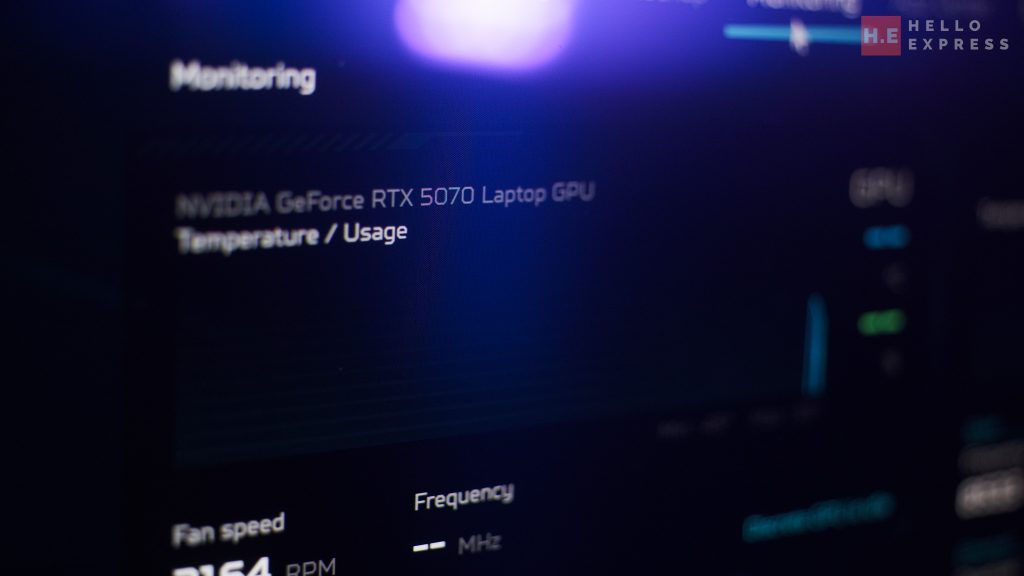
Built on the Blackwell architecture, it supports 4608 CUDA Cores and delivers a staggering 798 AI TOPS. The power subsystem is rated between 50W and 100W, capable of hitting 110W with Dynamic Boost.
Clock speeds max out at 2347 MHz. It also supports the latest DLSS 4 and Reflex 2 technologies, which are essential for high-framerate gaming.
RAM
The system comes with 32 GB of LPDDR5X memory. Uniquely, this is integrated directly onto the processor package rather than in slots. It runs at a blistering 8533 MHz.
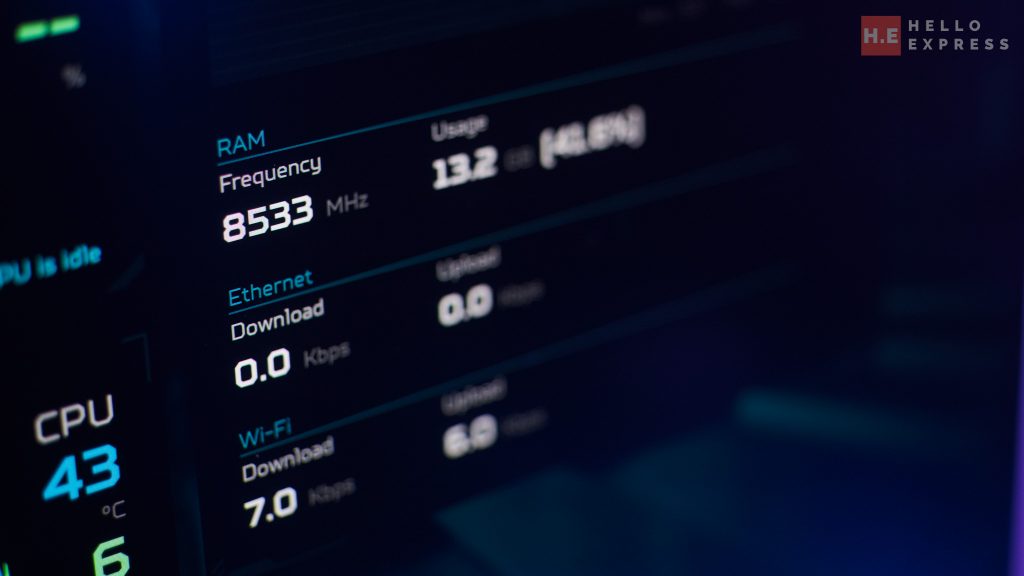
While you cannot upgrade it, you likely won’t need to. 32 GB is sufficient to do almost everything, from heavy multitasking to complex video editing. However, we do recognize for those that seek to use local Ai or chat board, 32 GB is the merely just enough.
Benchmark
Synthetic Benchmarks

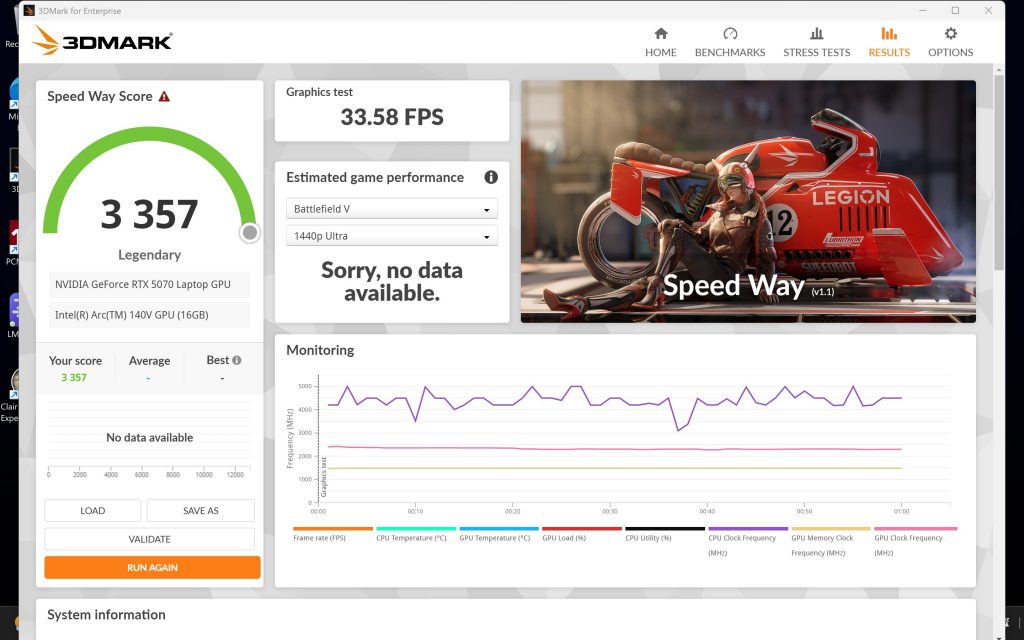
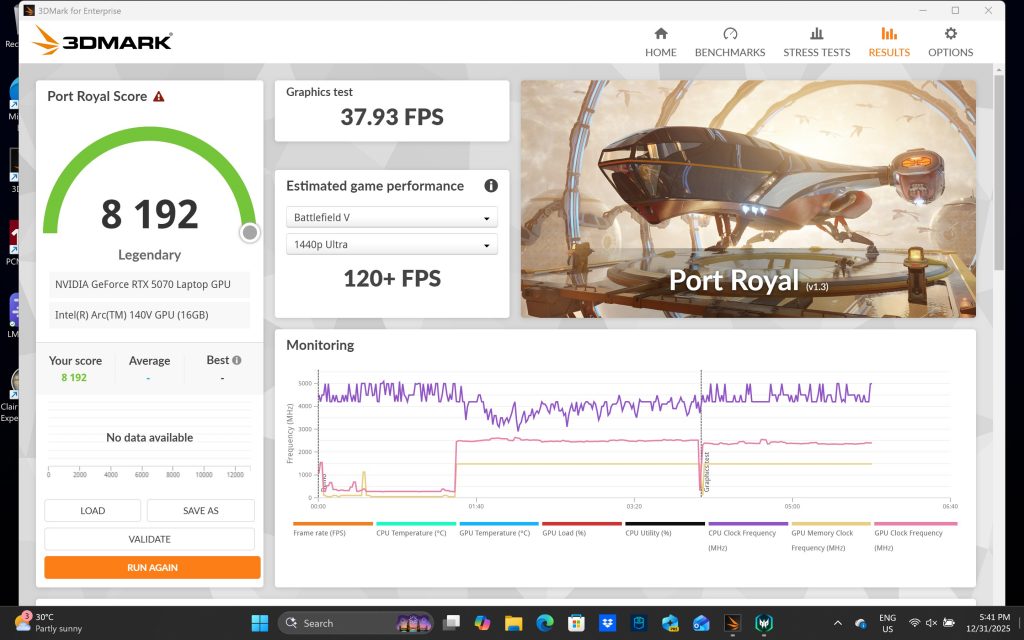
We ran the Predator Triton 14 AI through 3DMark to gauge its raw power. It scored 3357 in Speed Way and 8192 in Port Royal.
Gaming Performance
Real-world gaming tells a nuanced story. We tested three demanding titles at 1440p (or similar) resolutions.
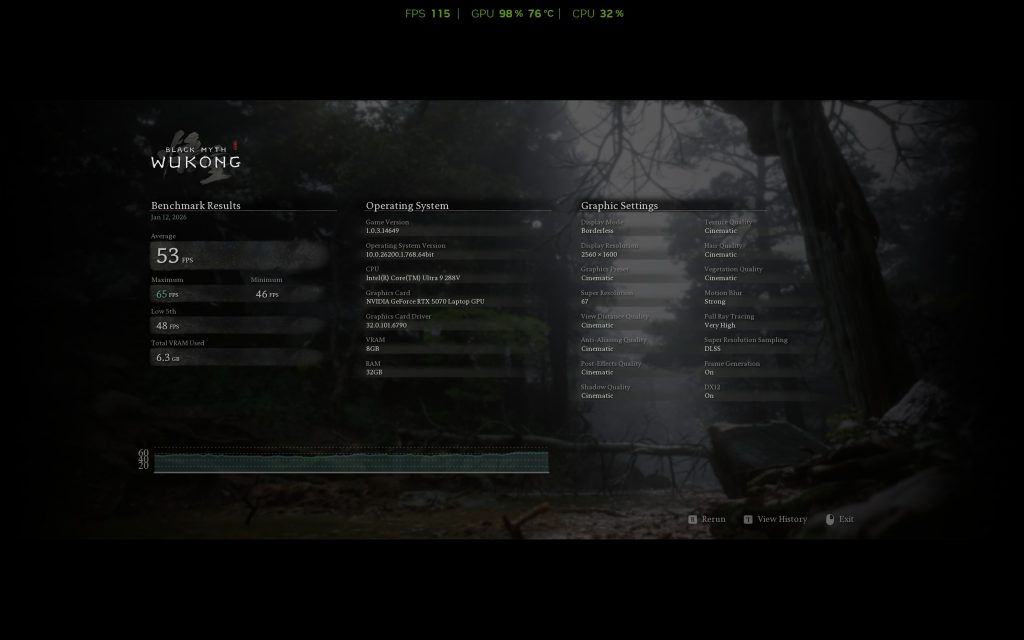
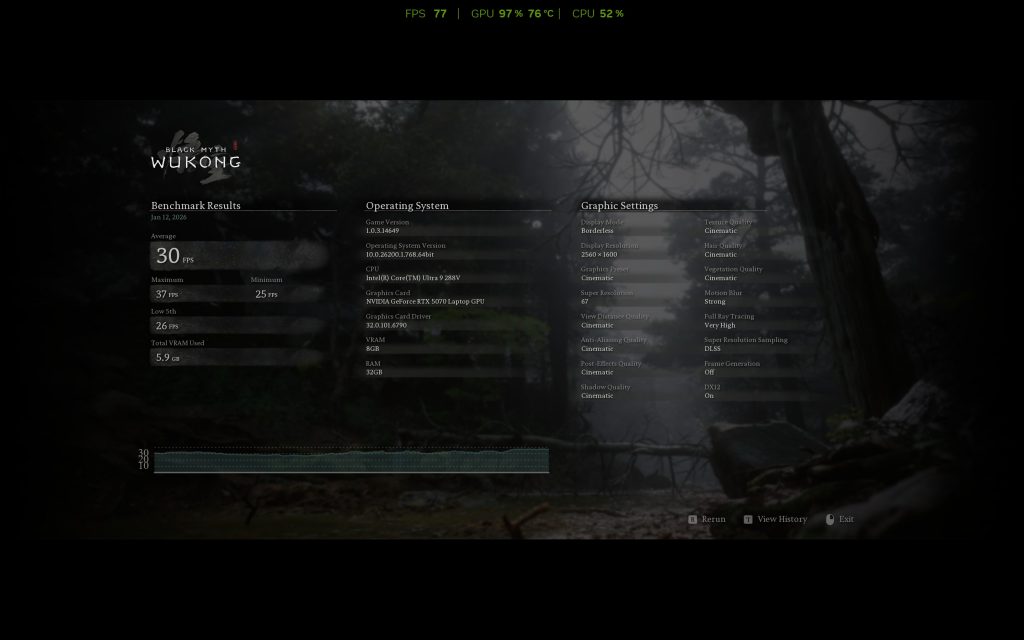
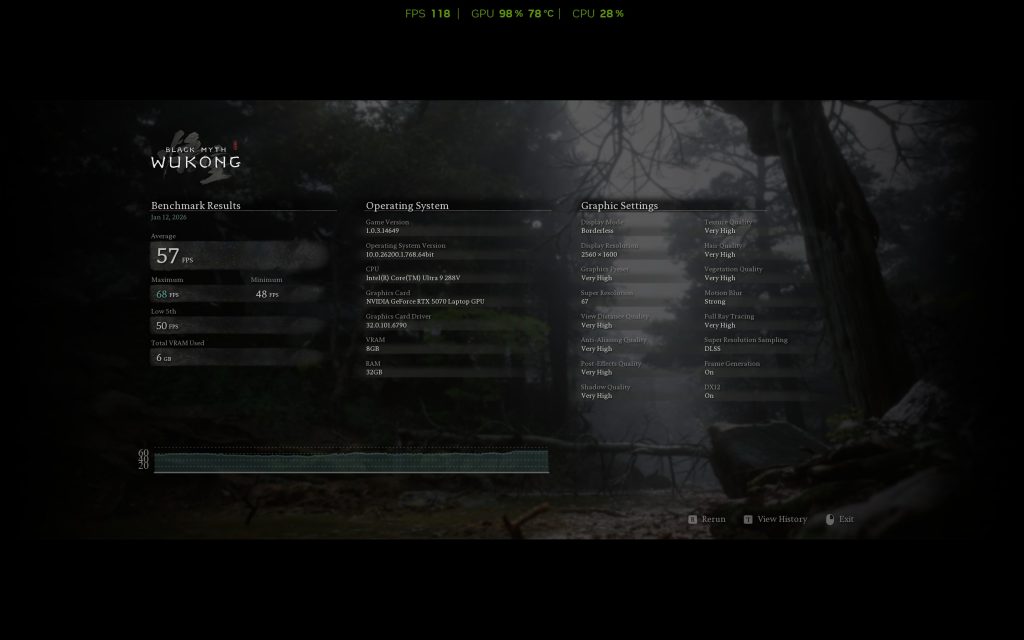
Black Myth: Wukong We ran this at 2560 x 1600 due to limitation on resolution. With Ray Tracing on “Very High” and Graphics preset at “Cinematic,” we only managed 30 fps natively. However, turning Frame Generation on boosted this to a playable 53 fps.
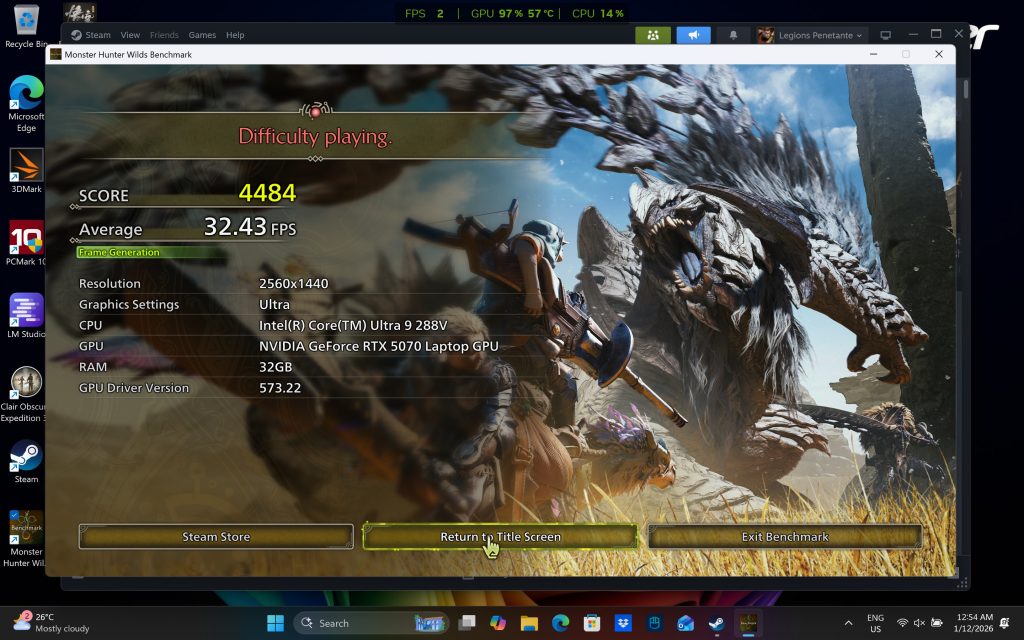
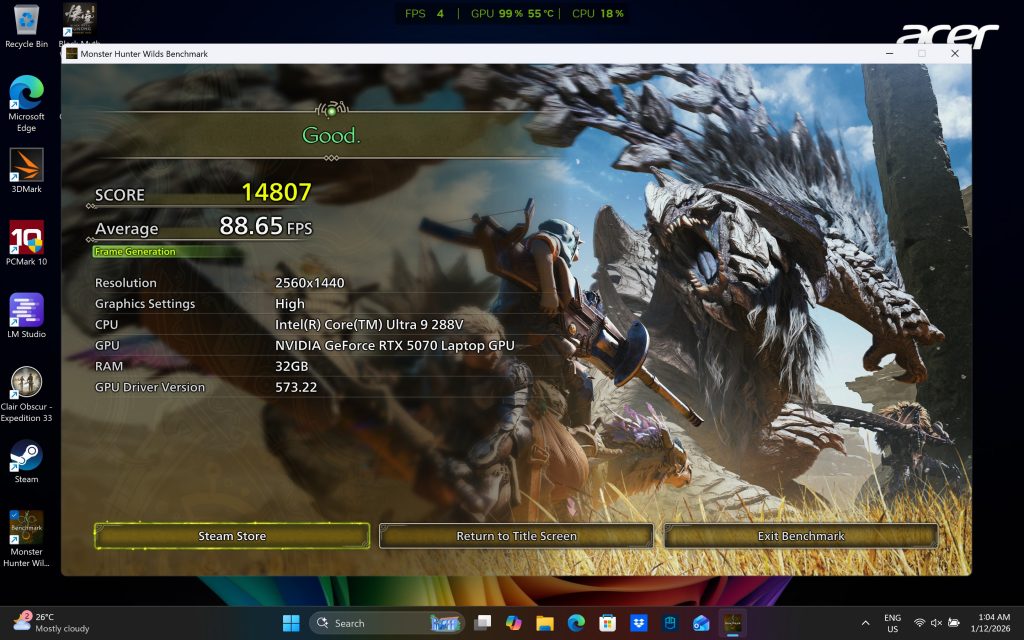
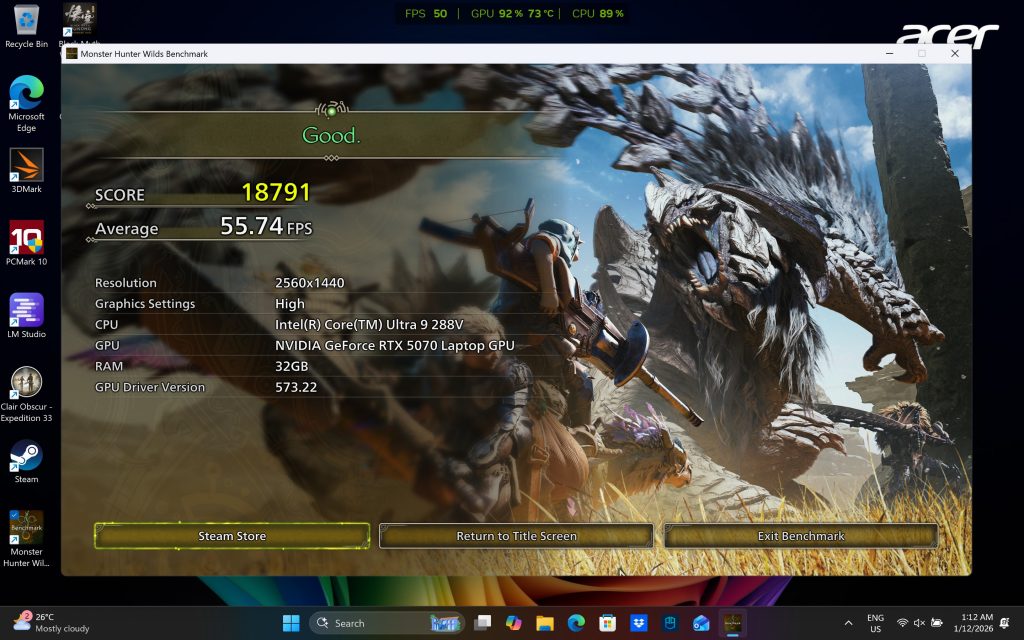
Monster Hunter Wilds At 1440p, with graphics preset at “Ultra”, frame gen on, and Ray Tracing on, the game averaged 32.43 fps. It felt sluggish. Dropping the preset to “High” was the sweet spot. We achieved a smooth 88.65 fps with Frame Generation, and a respectable 55.74 fps without it.
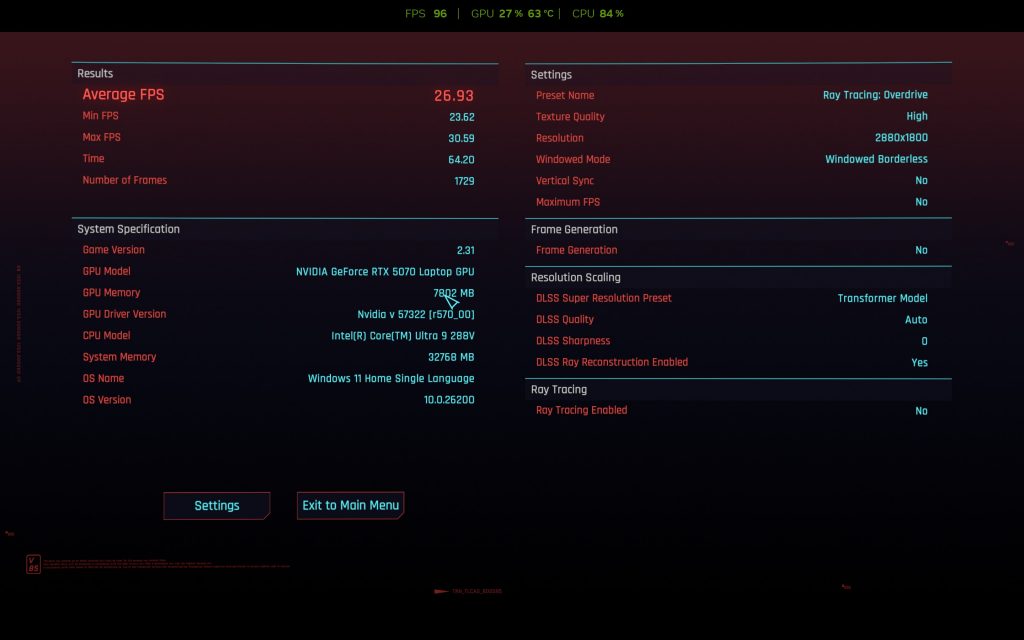
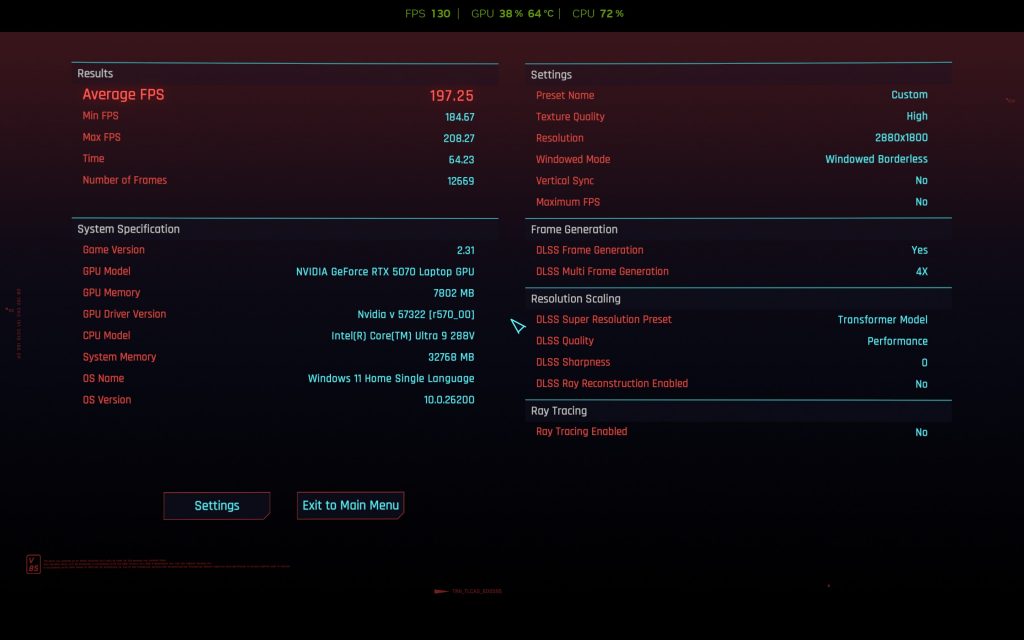
Cyberpunk 2077 We pushed the laptop hard with “Ray Tracing: Overdrive.” Even with Frame Gen x4, we averaged 48.55 fps. Without AI frames, it crawled at 30.14 fps. Dropping to “Ray Tracing: Ultra” with with Frame Gen x4 improved things dramatically, hitting 138.23 fps with Frame Gen.
The Predator Triton 14 AI is a capable 1440p gaming machine, but you must manage expectations. The 8GB VRAM is a limiting factor for “Cinematic” or “Overdrive” textures. You will need to rely on DLSS 4 and Frame Generation to get high frame rates in the most demanding titles. “High” settings are often better optimized for this machine than “Ultra.”
Cooling System
The Predator Triton 14 AI is engineered like a sports car. It uses 6th Gen AeroBlade 3D Fan technology. These fans have 100 ultra-thin metal blades that boost airflow by 20%.
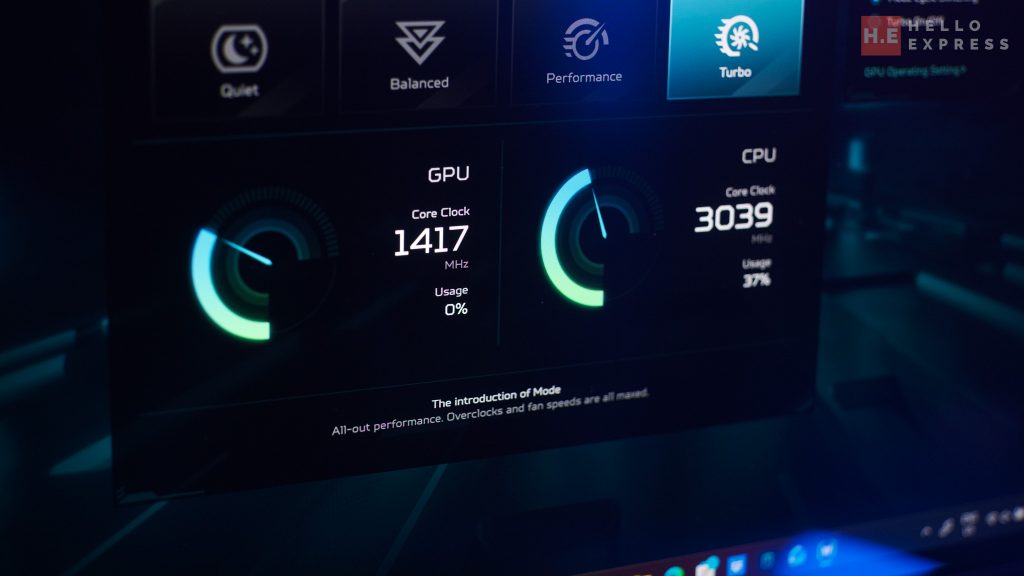
It is also the first to use Graphene TIM (Thermal Interface Material) and a vapor chamber. This setup improves thermal capacity by 14.5% over traditional grease.
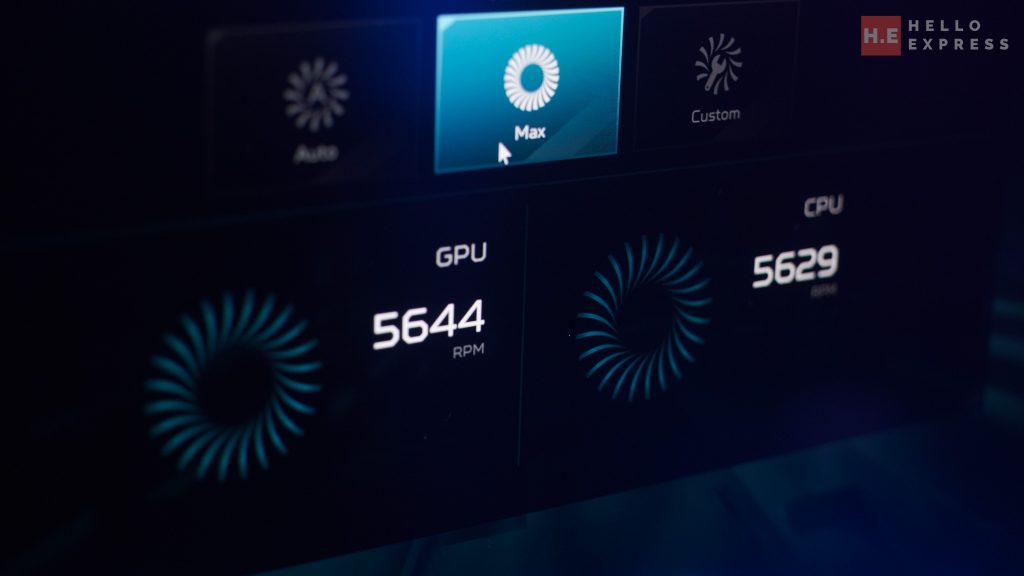
In practice, the fans max out at around 5700 RPM. Under full load, the noise is loud but tolerable. The cooling works: GPU temps hovered between 77°C and 99°C even during intense benchmarks, allowing the system to run efficiently.
Battery Life
The laptop houses a 76 Wh battery. Officially, it claims up to 12 hours of video playback.
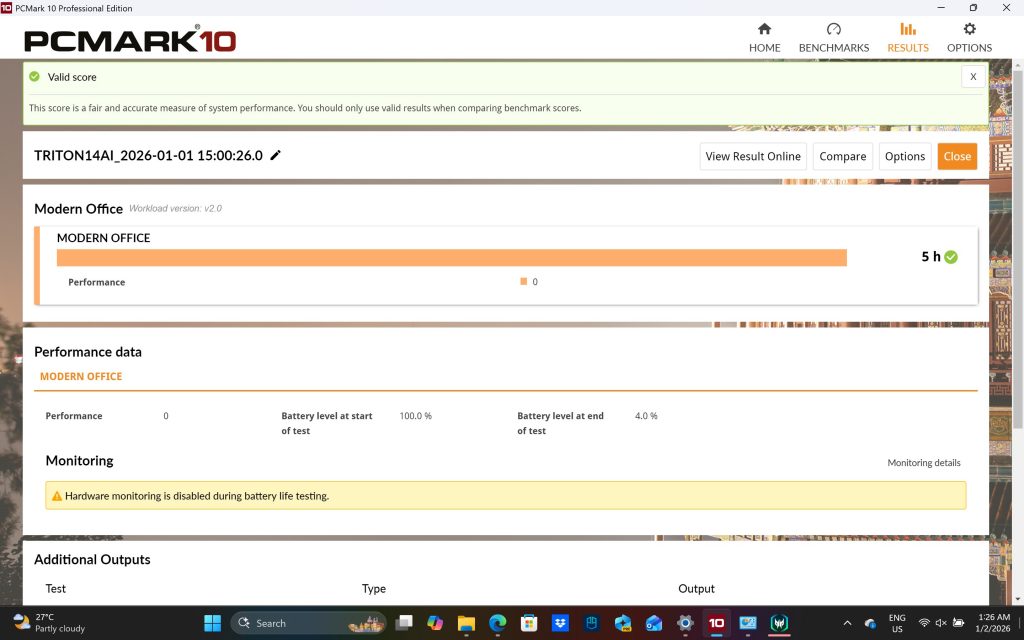
We tested it with PCMark 10 Modern Office at full brightness. We managed to get 5 hours of productivity usage. For a high-powered hybrid laptop, that is a solid result. It supports 140W charging via USB-C, making it easy to top up on the go.
Predator Triton 14 AI Software and AI Features
The PredatorSense suite is central to the experience. It lets you tweak fans, performance modes, and lighting easily.
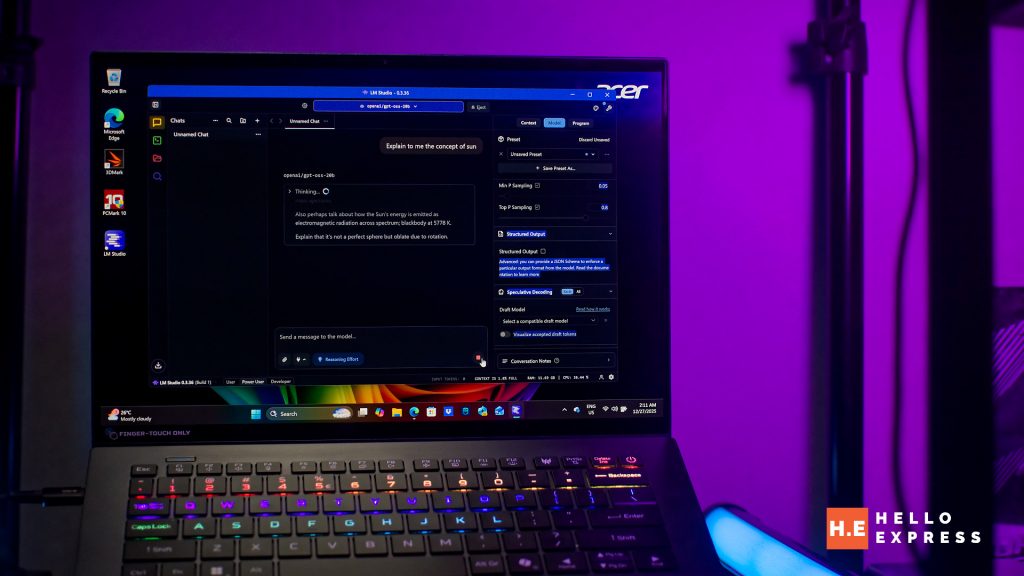
As a Copilot+ PC, it includes the “Experience Zone.” Features like Acer PurifiedView automatically frame your face during calls. Acer PurifiedVoice 2.0 uses AI to suppress background noise, making it great for remote work.
If you want to run Ai chatbot locally, check out our guide here:
Predator Triton 14 AI Conclusion
Priced at RM 12,999.00, the Predator Triton 14 AI is an investment. However, you are buying more than just a gaming laptop. You are getting a content creation machine, a high-end OLED monitor, and a drawing tablet all in one package.
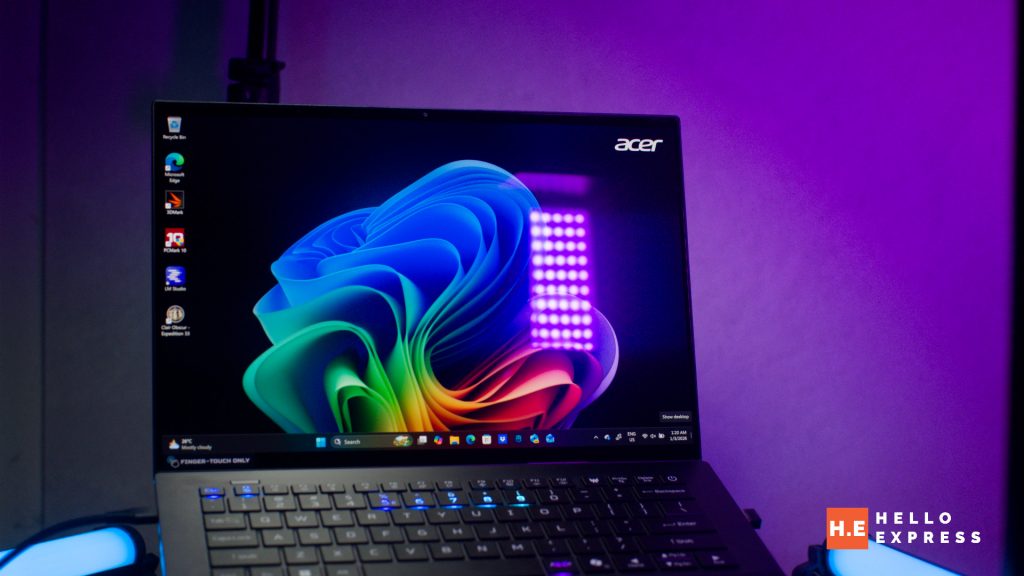
The Predator Triton 14 AI brings a lot to the table, starting with its stunning, color-accurate OLED display and excellent build quality that doesn’t compromise on portability. Productivity is significantly enhanced by the stylus-compatible touchpad, effectively replacing the need for a separate drawing tablet, while the standard 32GB of high-speed RAM ensures smooth operation.
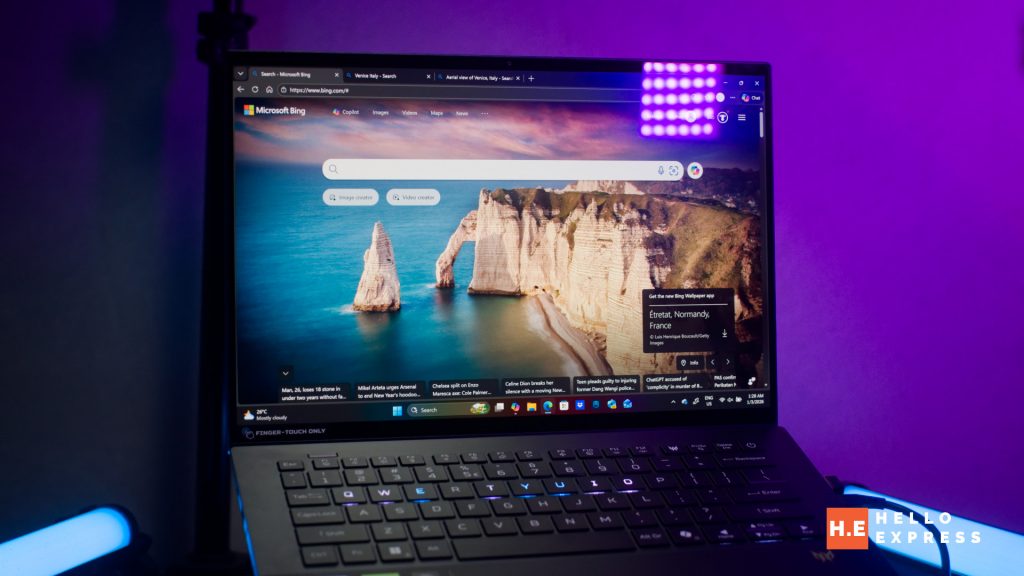
However, there are some drawbacks to consider. The 8GB of VRAM on the RTX 5070 may limit “Ultra” or “Cinematic” texture settings in future titles, and the fans can get quite loud under heavy loads. Additionally, while 32GB is generous, the lack of a RAM upgrade path might be a concern for some users long-term, especially those who seek to use local Ai hosting.


We highly recommend the Predator Triton 14 AI for users who seek a serious content creation laptop that can double as a powerful gaming rig. It streamlines your workflow and lightens your load, offering incredible versatility for the price. For that, we award it with our bronze award.
Help support us!
If you are interested in the Predator Triton 14 AI, we would really appreciate if you purchase them via the link below. The affiliate links won’t cost you any extra, but it will be a great help to keep our lights on here at HelloExpress.
Lazada: https://s.lazada.com.my/s.uNXuv